

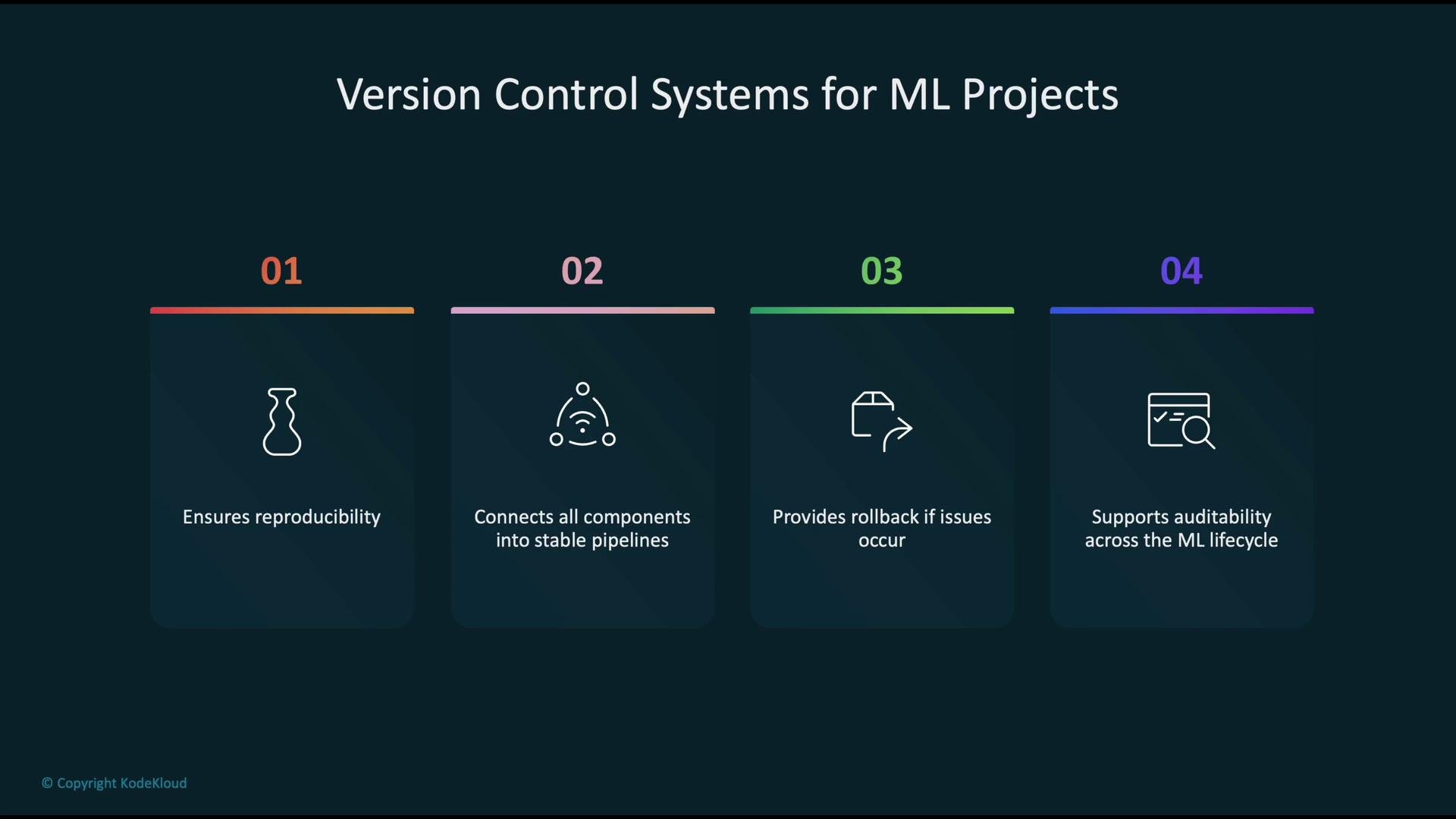
- Ensures reproducibility of experiments and model behavior.
- Connects code, data, and models into auditable pipelines with clear provenance.
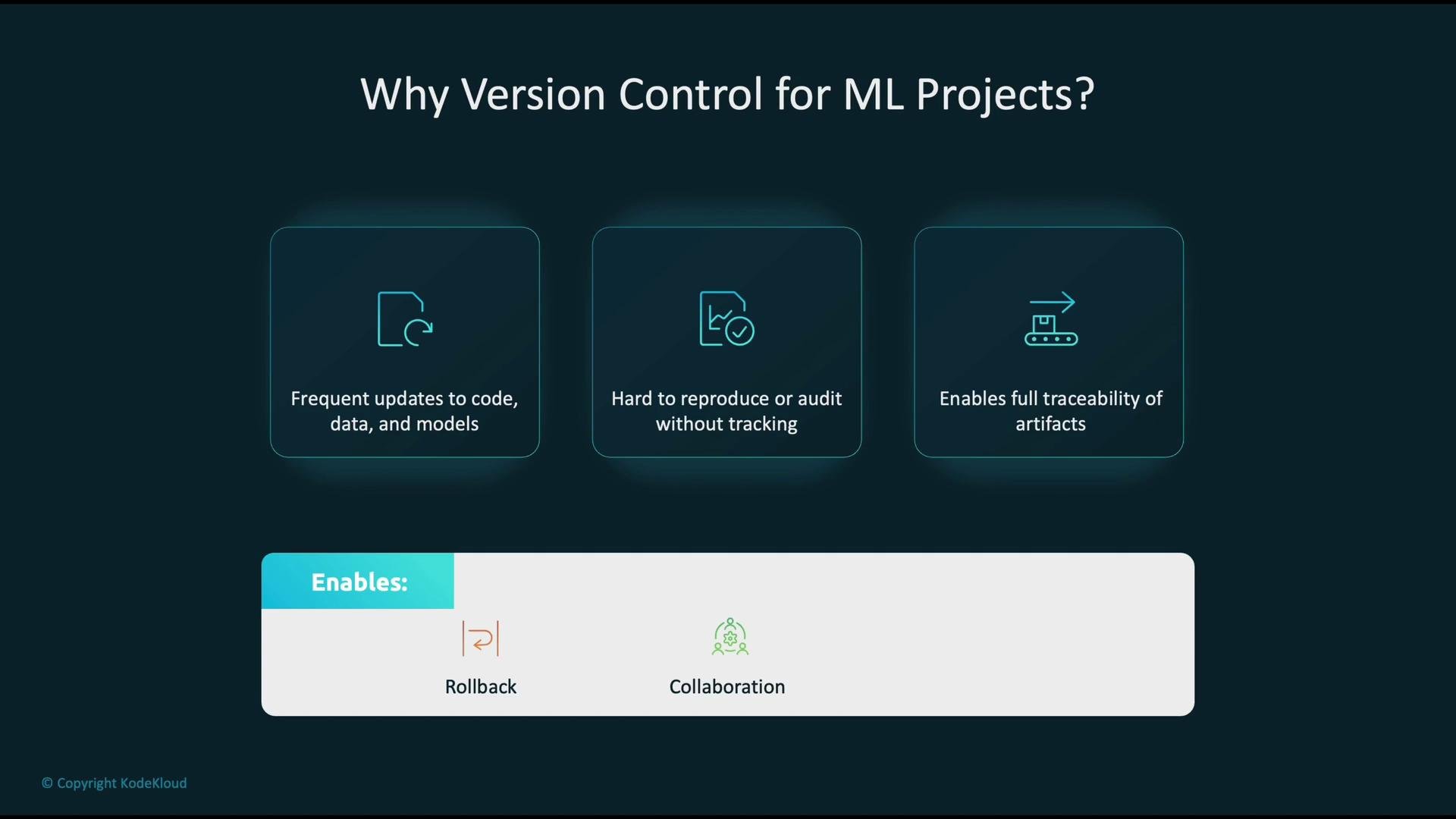
- Enables safe rollback to known-good states when issues arise.
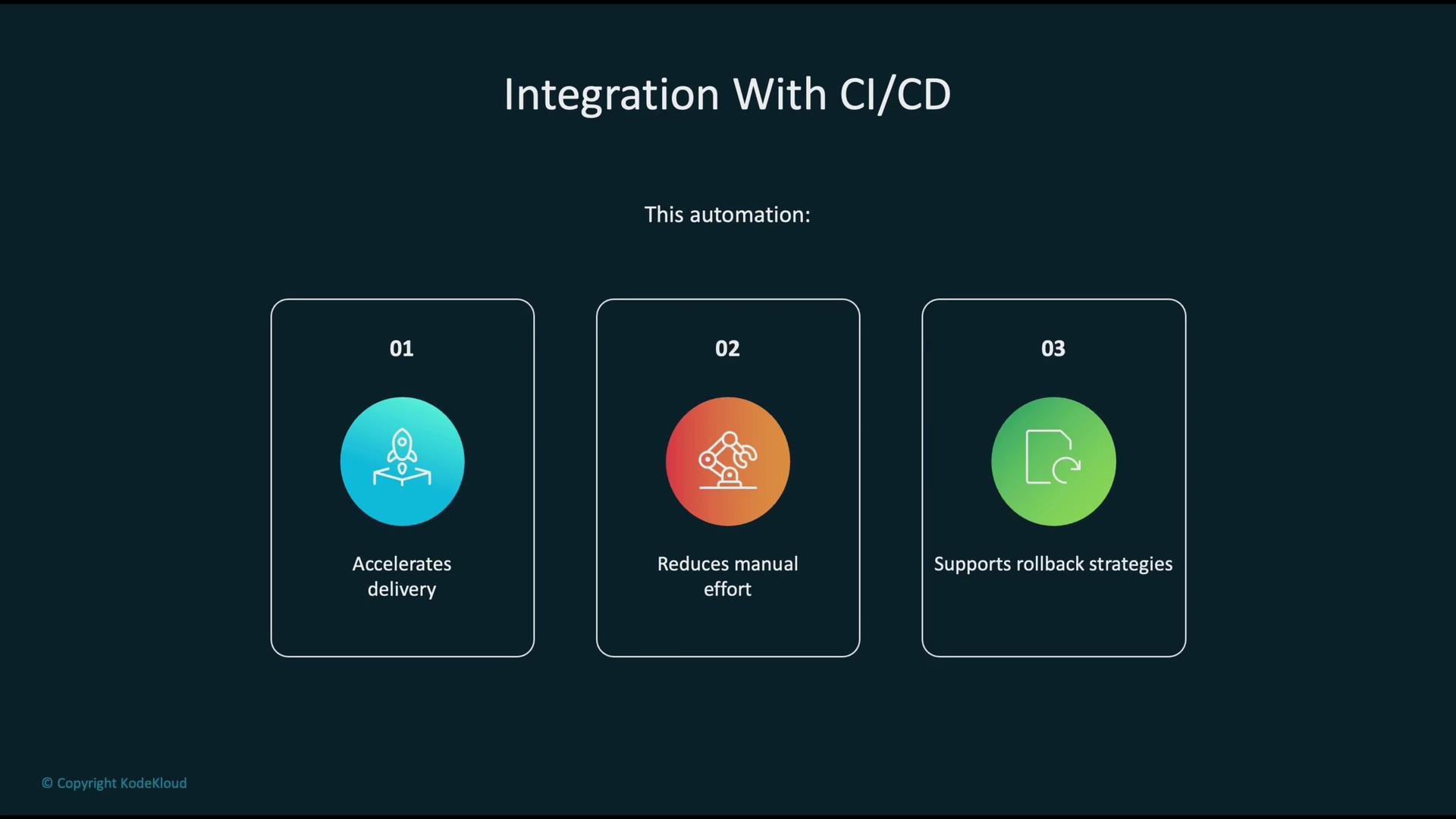
These artifacts should feed into automated CI/CD pipelines to build, test, validate, and promote models across environments.
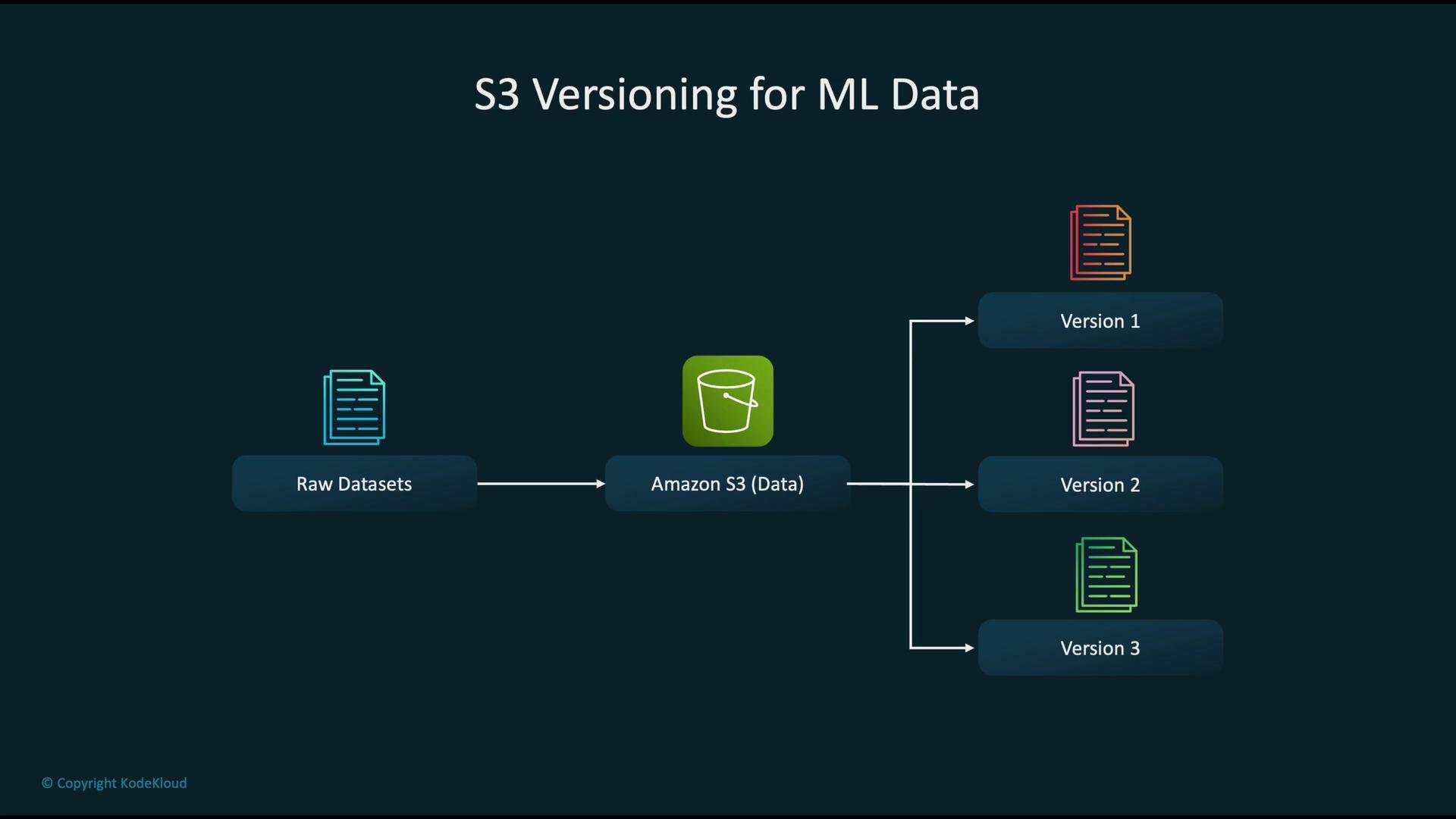
S3 versioning workflow for ML data
- Collect raw datasets and upload them as objects to an S3 bucket.
- Enable bucket versioning so each update creates a distinct object version.
- Reference specific object version IDs during training and evaluation to guarantee reproducibility.
- Train the model via your training pipeline; the pipeline produces an artifact (model object, metrics, hyperparameters).
- Register the trained model in the Model Registry to create a versioned entry that stores metadata and lineage (training dataset version, commit SHA, metrics).
- Use approval workflows to promote registered model versions through stages (for example,
Staging → Production). - Deploy approved versions to SageMaker endpoints or batch inference jobs.
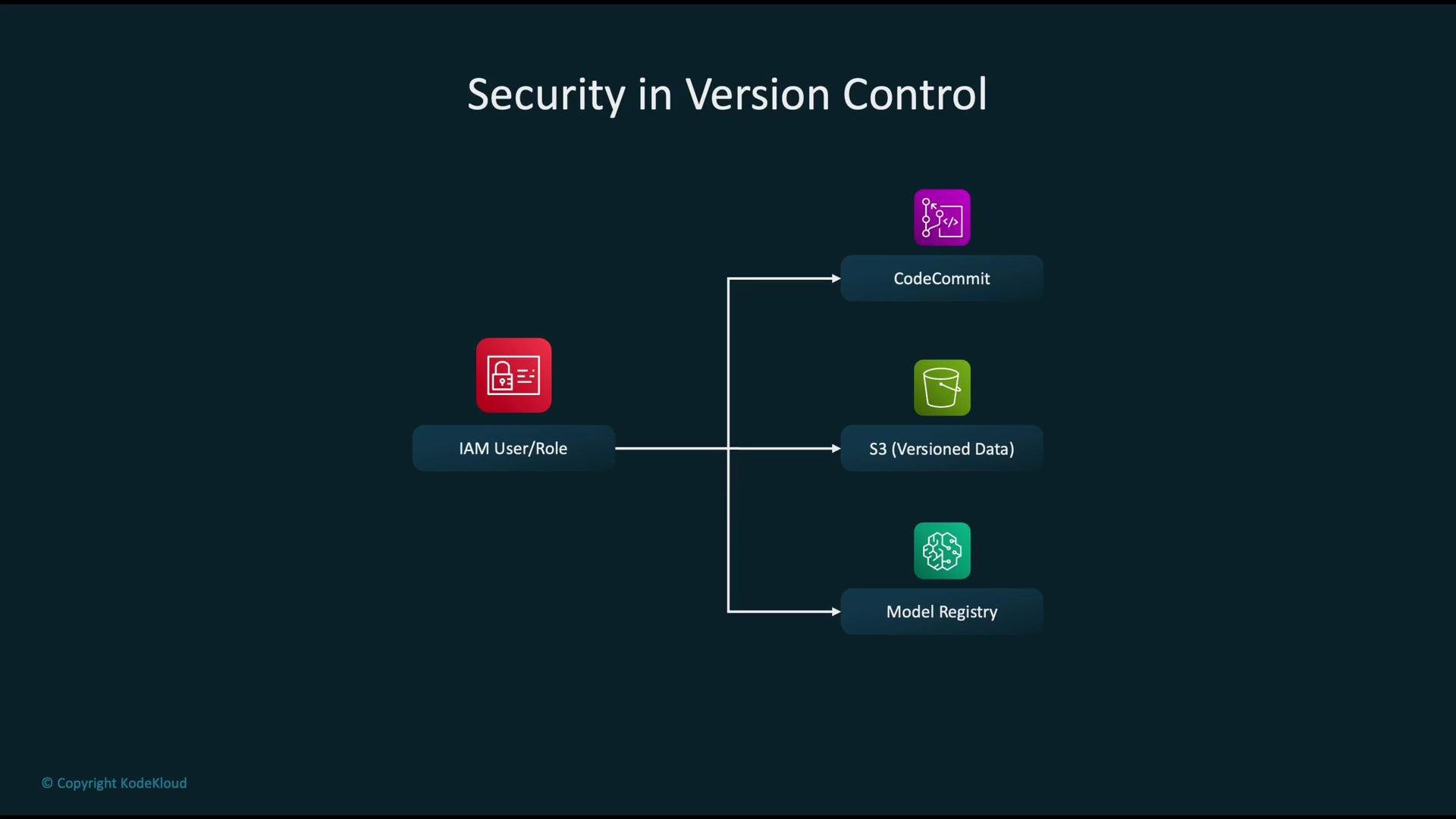
- Use IAM roles to grant minimal necessary permissions to pipelines and services.
- Create distinct roles for CodeCommit, S3 buckets (with versioning), and the SageMaker Model Registry.
- Audit and rotate credentials regularly and employ fine-grained policies so each component accesses only what it needs.
- Developer pushes code or pipeline changes to CodeCommit (or Git).
- CodePipeline detects the change and orchestrates the CI/CD stages.
- CodeBuild runs build and test steps: unit tests, data schema checks, model validation (metrics thresholds).
- On a successful build, a SageMaker pipeline trains and registers a model in the Model Registry.
- Registered models are promoted through approval stages and deployed to endpoints or batch jobs after approval.
- Maintain a primary S3 bucket with versioning enabled for all artifacts (raw data, processed data, model artifacts).
- Configure cross-region replication to a secondary S3 bucket for redundancy and regional recovery.
- In a disaster, recover dataset versions and model artifacts from the replicated bucket to restore training and deployment operations.
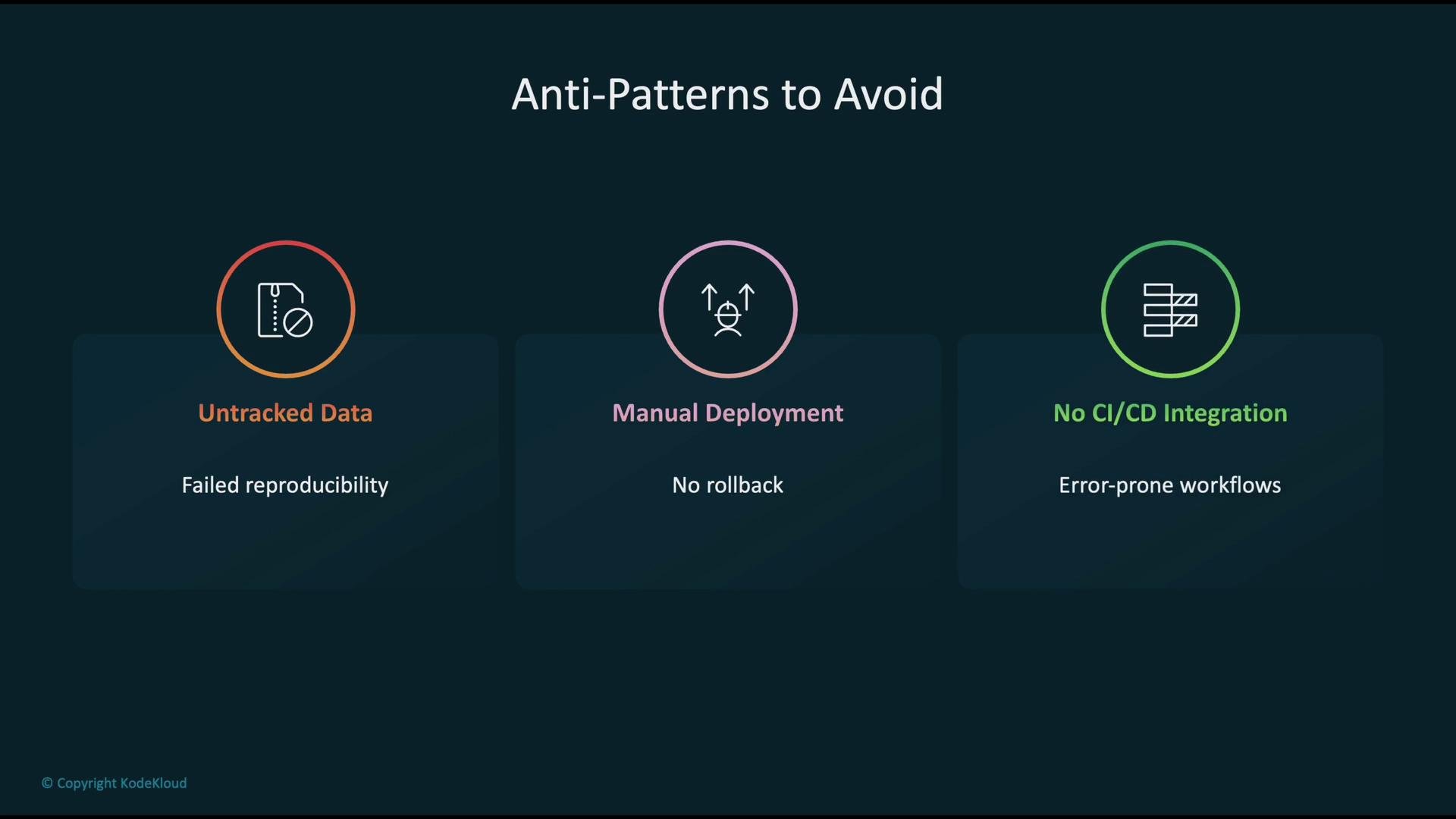
- Untracked data: Storing datasets without versioning or provenance prevents reproducibility.
- Manual deployments: Hand-deploying models increases risk and removes reliable rollback.
- No CI/CD integration: Lack of automation makes workflows inconsistent and error-prone.
Version-control everything required for reproducibility: source code, dataset object versions, and model artifacts with metadata. Automate training, validation, and deployment with CI/CD, and secure access using least-privilege IAM roles.
- Version control is essential for reliable ML workflows: track code, data, and models together.
- AWS-native options: CodeCommit for source control, S3 bucket versioning for dataset lineage, and SageMaker Model Registry for model lifecycle management.
- Combine versioned artifacts with automated CI/CD and strict IAM policies to achieve reproducible, auditable, and secure ML deployments.
- AWS CodeCommit documentation
- Amazon S3 Versioning
- SageMaker Model Registry
- CI/CD for ML on AWS — reference architectures and best practices