

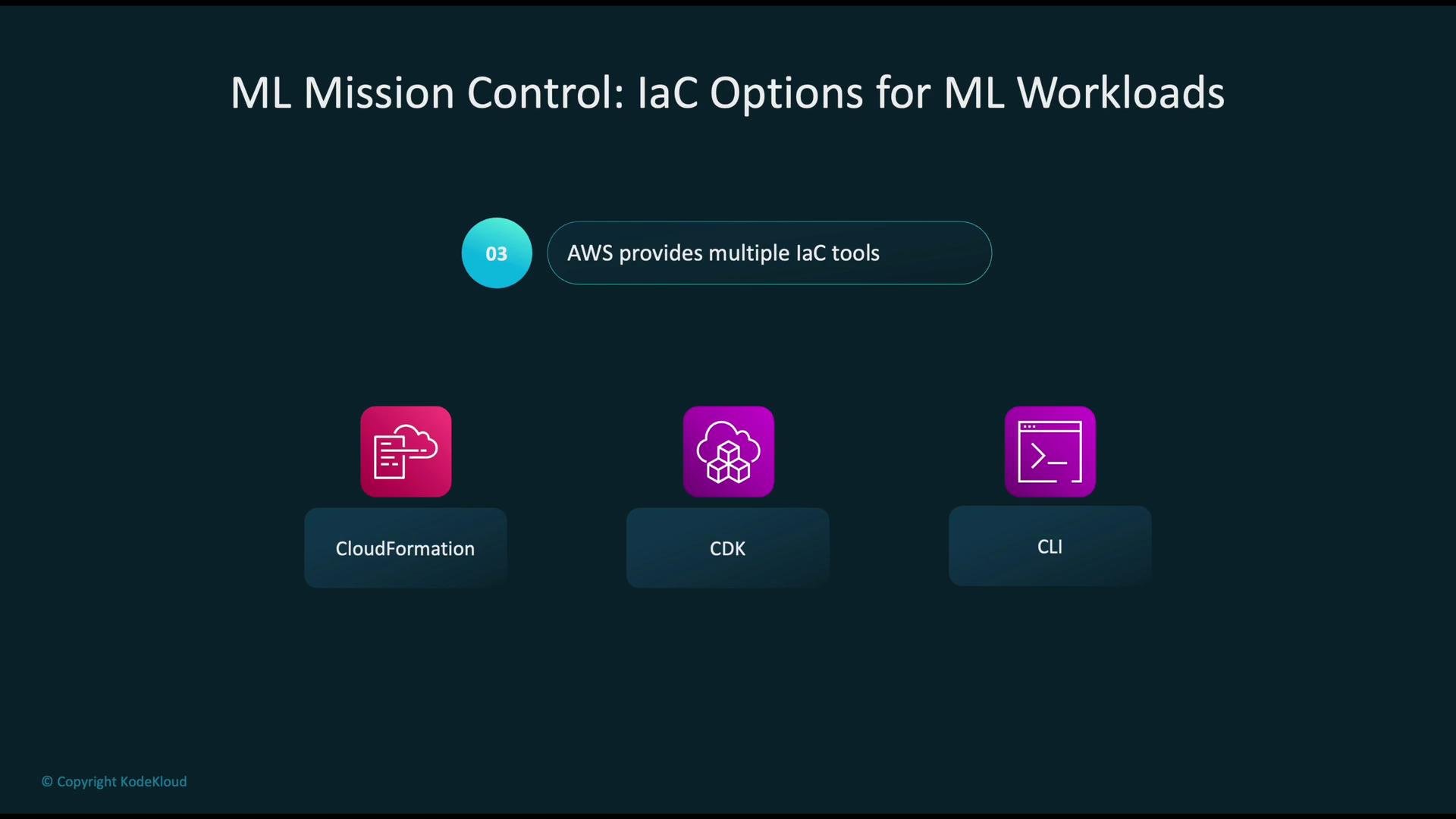
- AWS CloudFormation — declarative templates (YAML/JSON) to provision resources.
- AWS Cloud Development Kit (CDK) — code-first approach using languages like Python or TypeScript; synthesizes to CloudFormation.
- AWS Command Line Interface (CLI) — direct API-level control for scripts and ad-hoc automation.
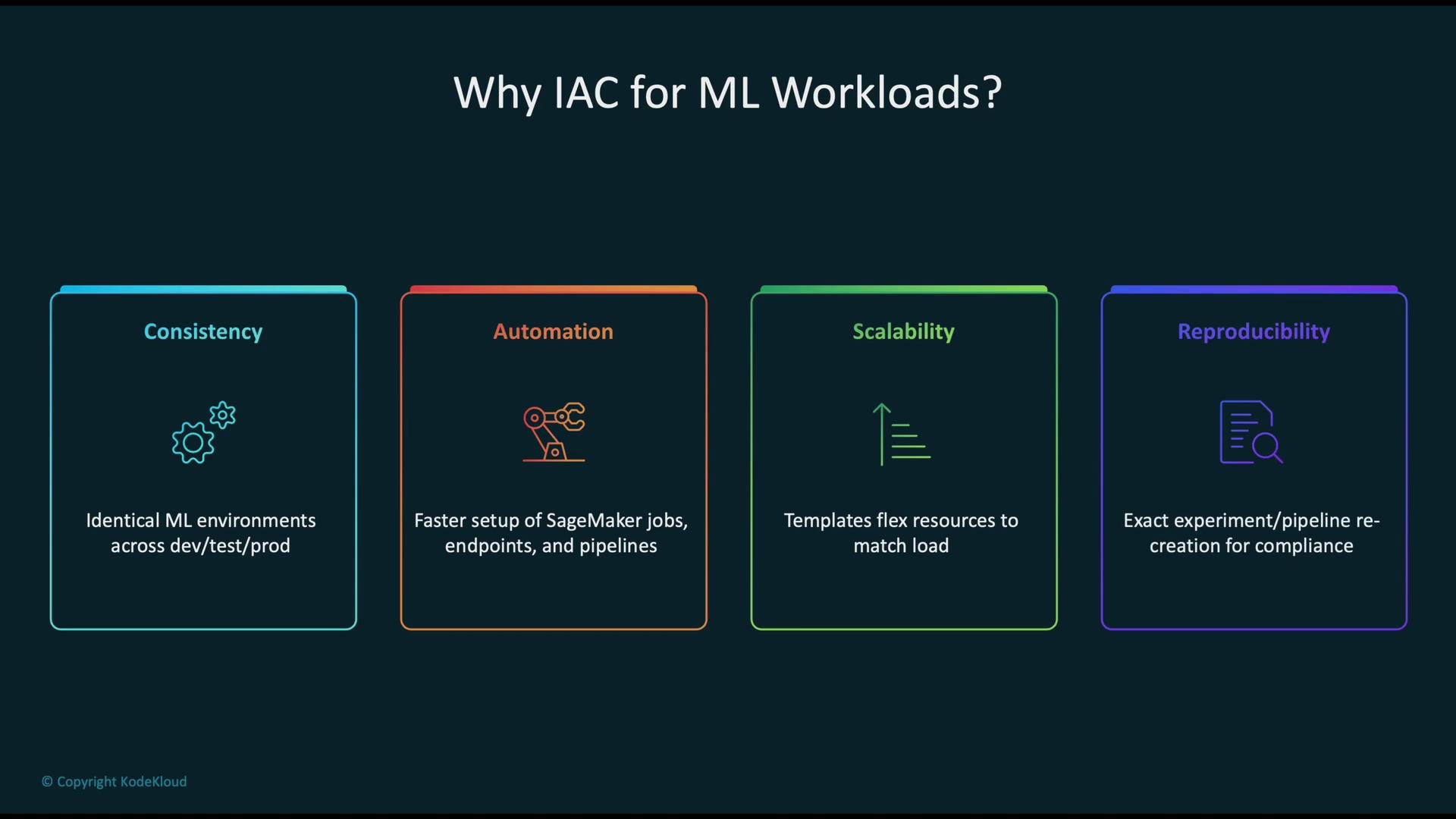
- Consistency: identical environments across development, staging, and production.
- Automation: orchestrated SageMaker jobs, pipelines, and endpoints.
- Scalability: templates/constructs that adapt to load and resource needs.
- Reproducibility: recreate experiments and pipelines for debugging and compliance.
Below we review each option in more detail and show how it fits typical ML workflows on AWS.
AWS CloudFormation
AWS CloudFormation uses declarative templates (YAML/JSON) to define and provision AWS resources. It’s a good fit when you need repeatable, auditable ML infrastructure such as SageMaker endpoints, training pipelines, and accompanying networking and IAM. Typical workflow:- Store CloudFormation templates in a deployment repository.
- Build a CI/CD pipeline (e.g., CodeCommit, CodeBuild, CodePipeline) to automate stack deployments.
- CloudFormation reads templates and provisions resources (S3 buckets for artifacts, IAM roles, VPCs/security groups, SageMaker model and endpoint configuration, etc.).
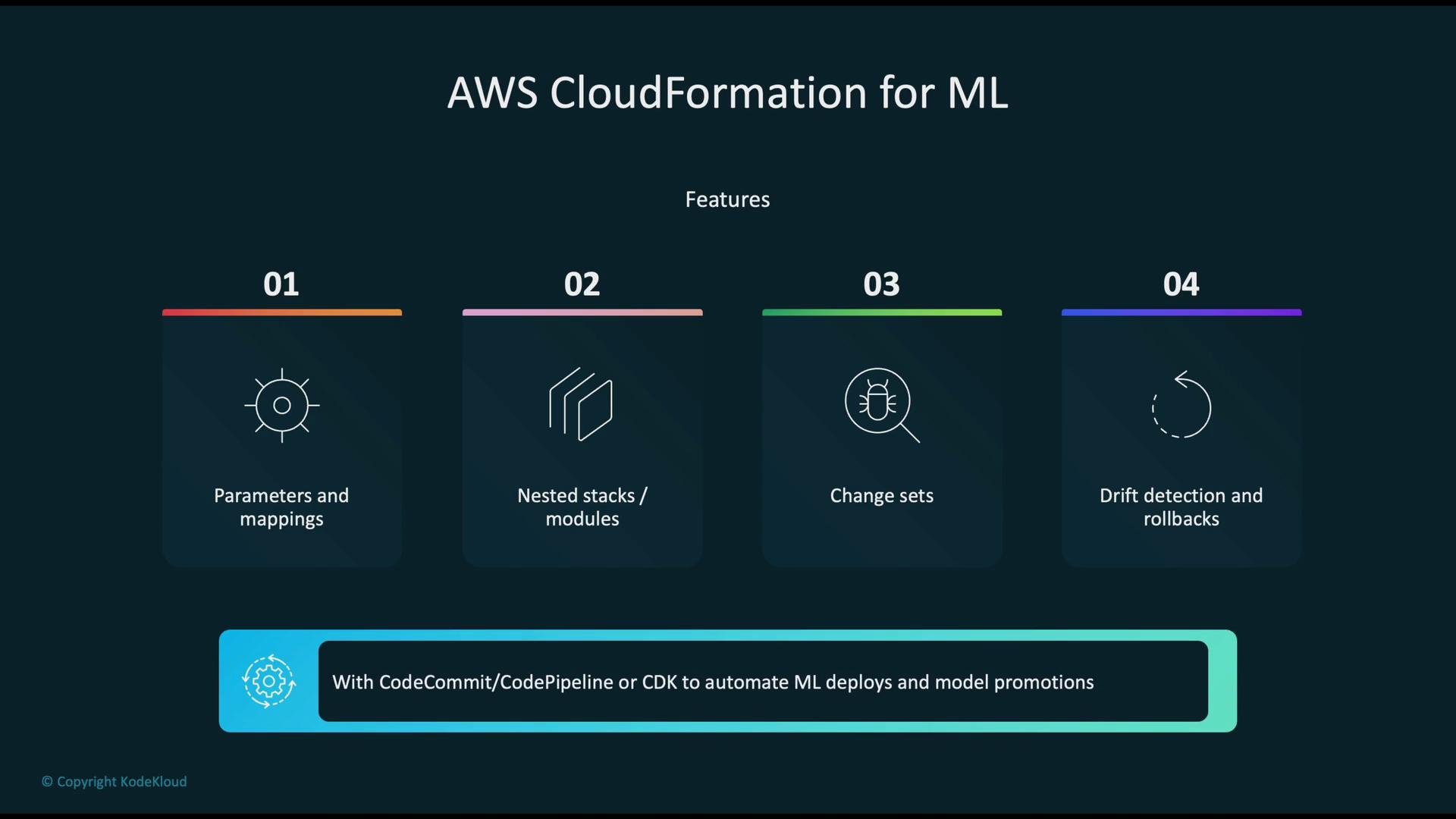
- Parameters and mappings for reusable, environment-specific templates.
- Nested stacks or modular templates to decompose complex architectures.
- ChangeSets to preview and approve resource changes.
- Drift detection to find manual configuration changes outside IaC.
- Automated rollbacks for failed deployments.
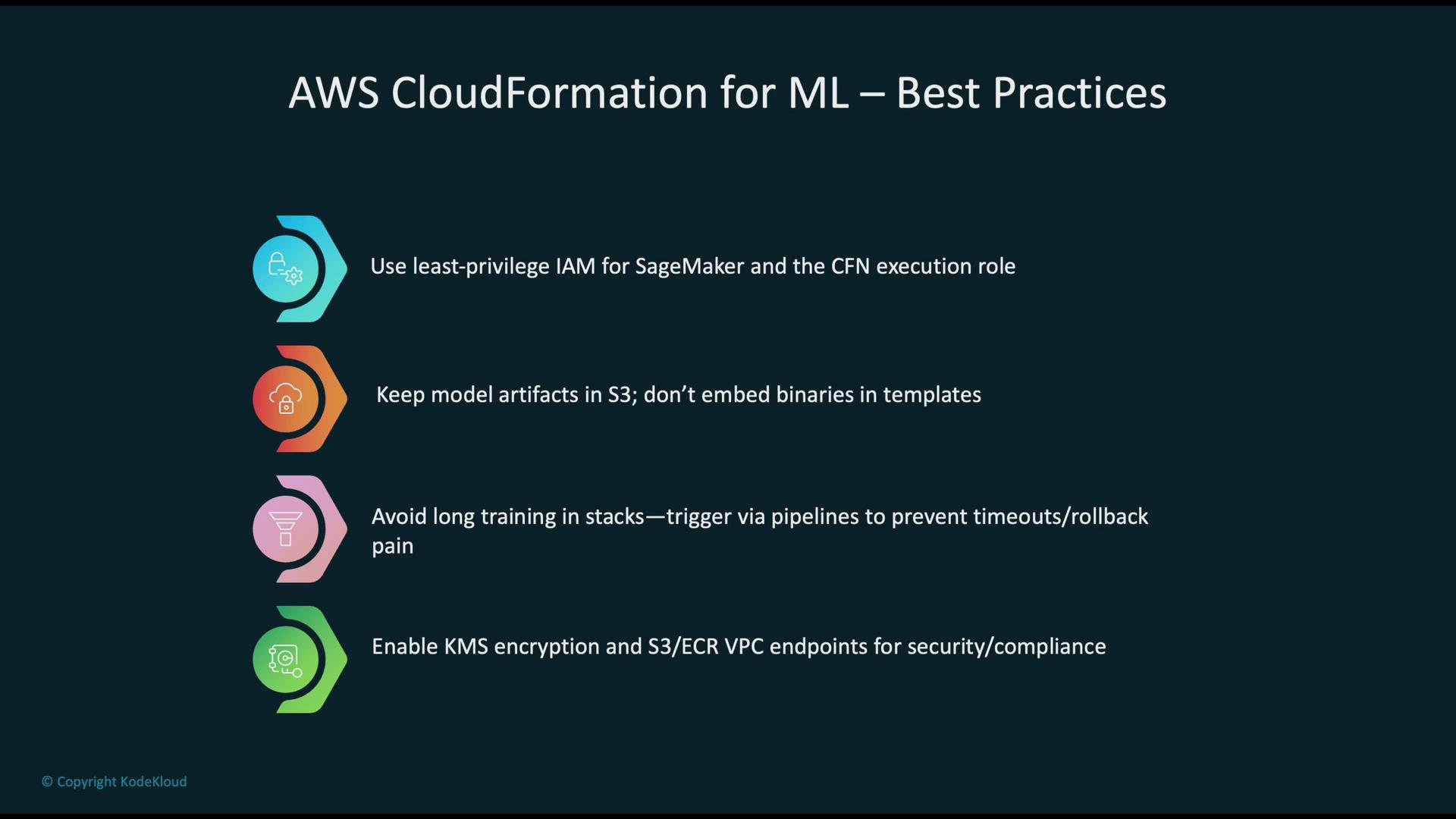
- Enforce least-privilege IAM policies for SageMaker and execution roles.
- Store model artifacts and large binaries in Amazon S3 instead of embedding them in templates.
- Avoid launching long-running training jobs directly within stack deployments—trigger training from CI/CD pipelines to avoid stack timeouts and complicated rollbacks.
- Use KMS encryption for sensitive data and VPC endpoints for private access to S3 and ECR.
AWS CDK
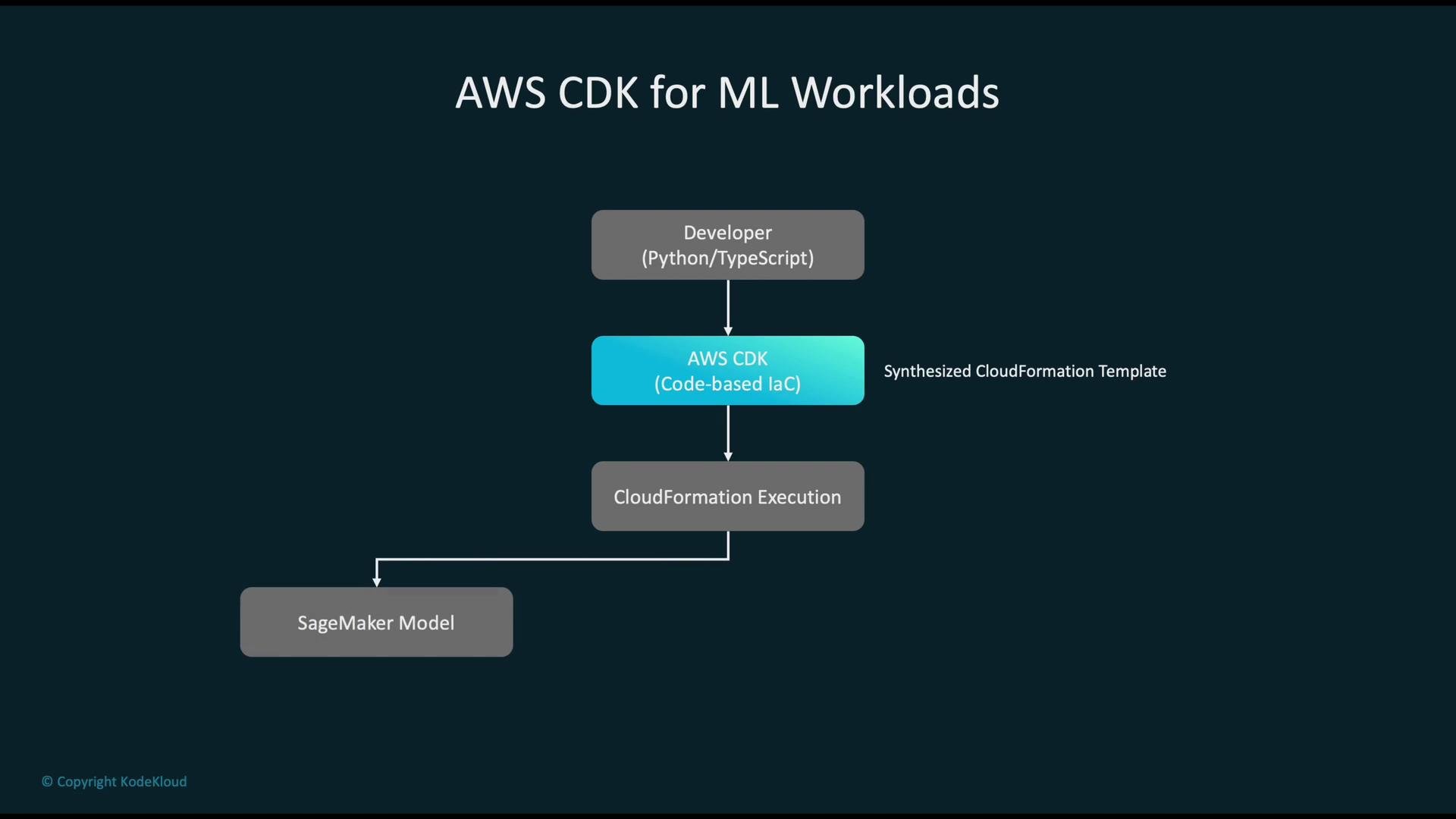
AWS CDK provides a code-first developer experience: you define infrastructure using languages like Python or TypeScript, then the CDK synthesizes your code into CloudFormation templates and deploys them. Typical flow:- Write CDK constructs in your chosen language.
- Synthesize to CloudFormation with
cdk synth. - Deploy with
cdk deploywhich applies the generated CloudFormation templates to create SageMaker models, endpoints, VPCs, and other resources.
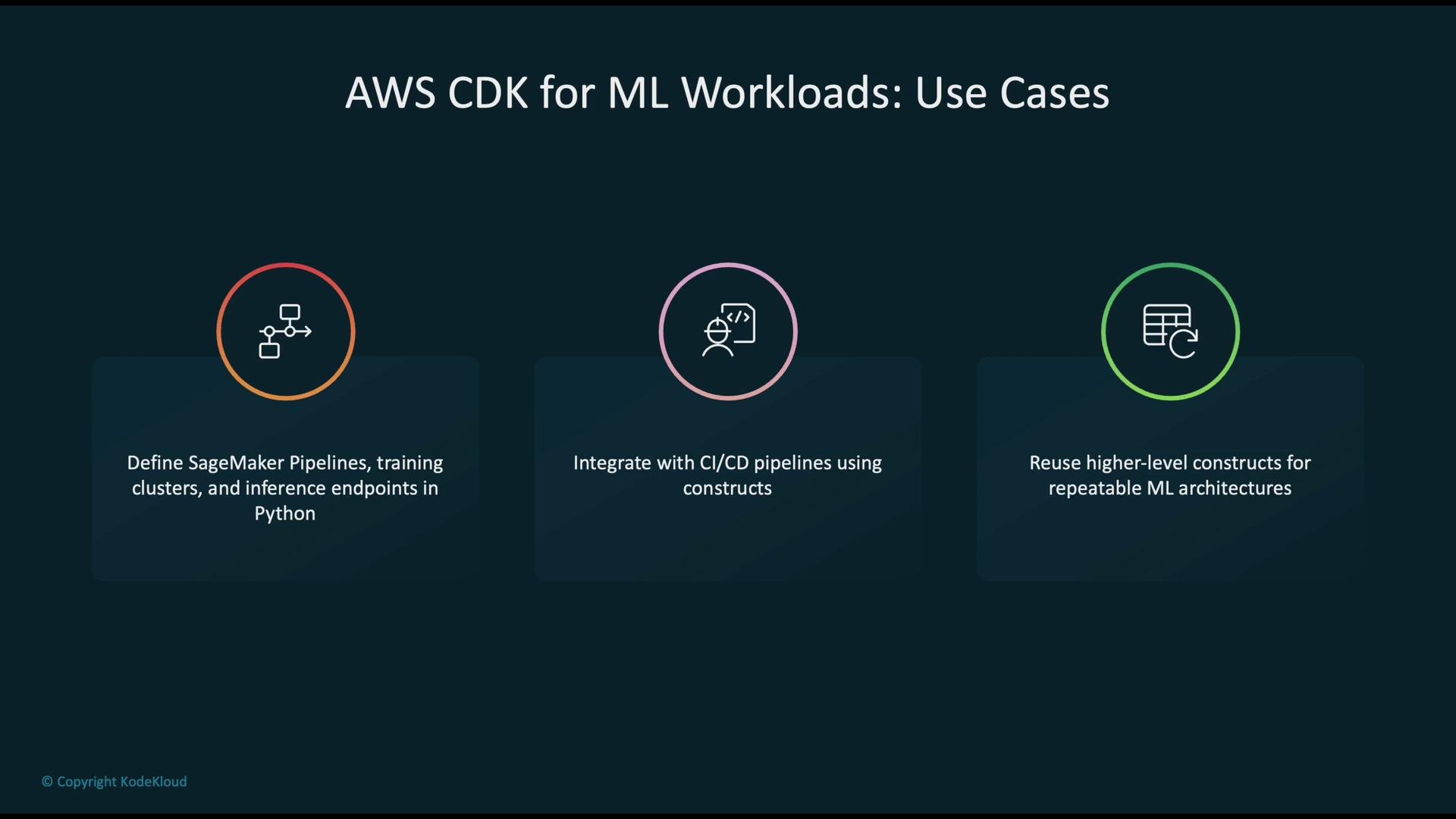
- Define SageMaker Pipelines, training jobs, and inference endpoints directly in Python/TypeScript.
- Integrate infrastructure definitions into CI/CD pipelines for fully automated deployments.
- Create reusable, higher-level constructs to standardize architecture and reduce duplication across teams.
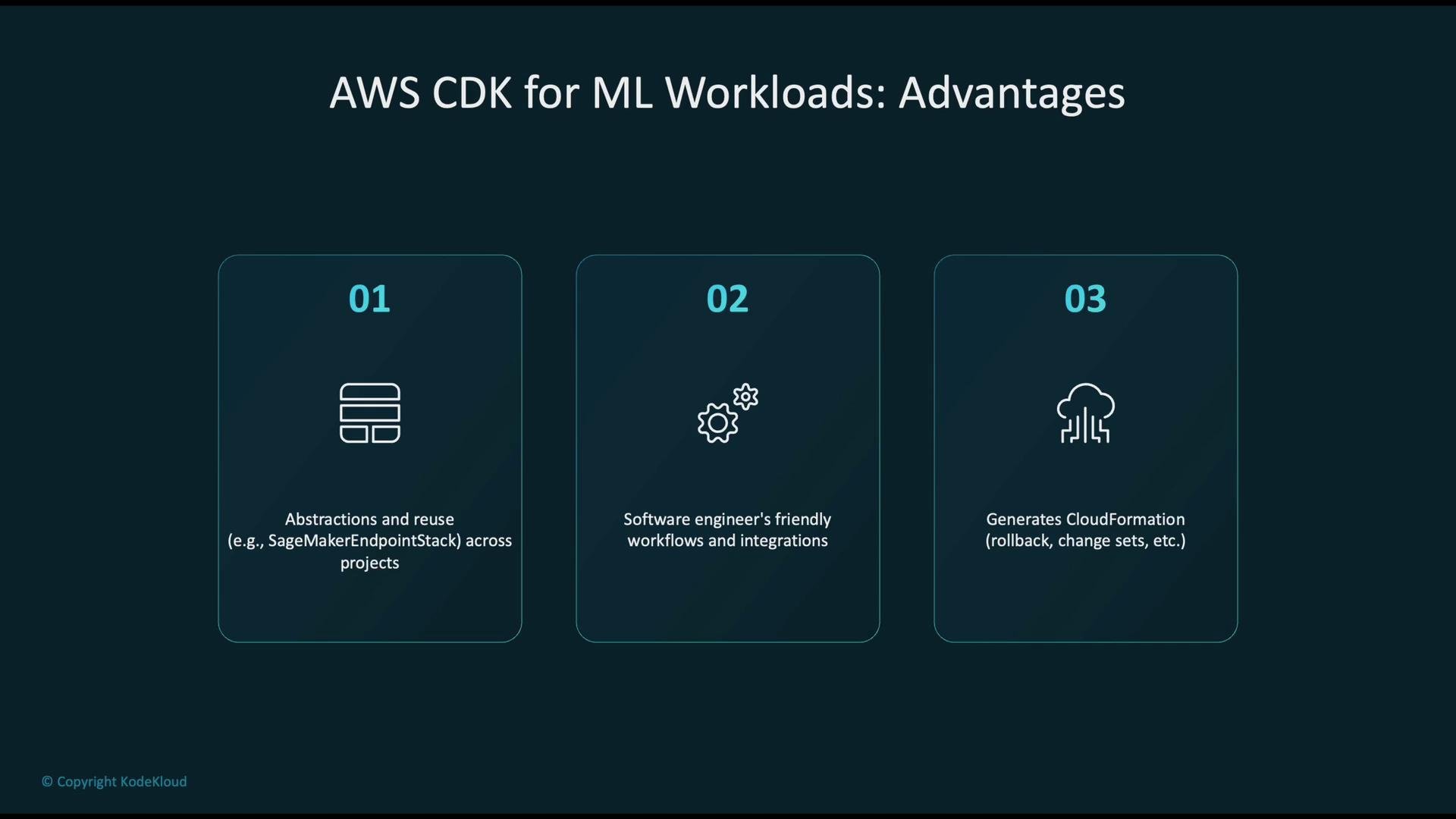
- Abstraction and reuse: encapsulate patterns (for example, a standard inference endpoint) into reusable constructs.
- Developer-friendly workflows: leverage standard languages, unit tests, and IDE tooling.
- Produces CloudFormation templates under the hood, so you retain CloudFormation features such as change sets and rollbacks.
- Treat CDK code like application code: use version control, code reviews, and unit tests.
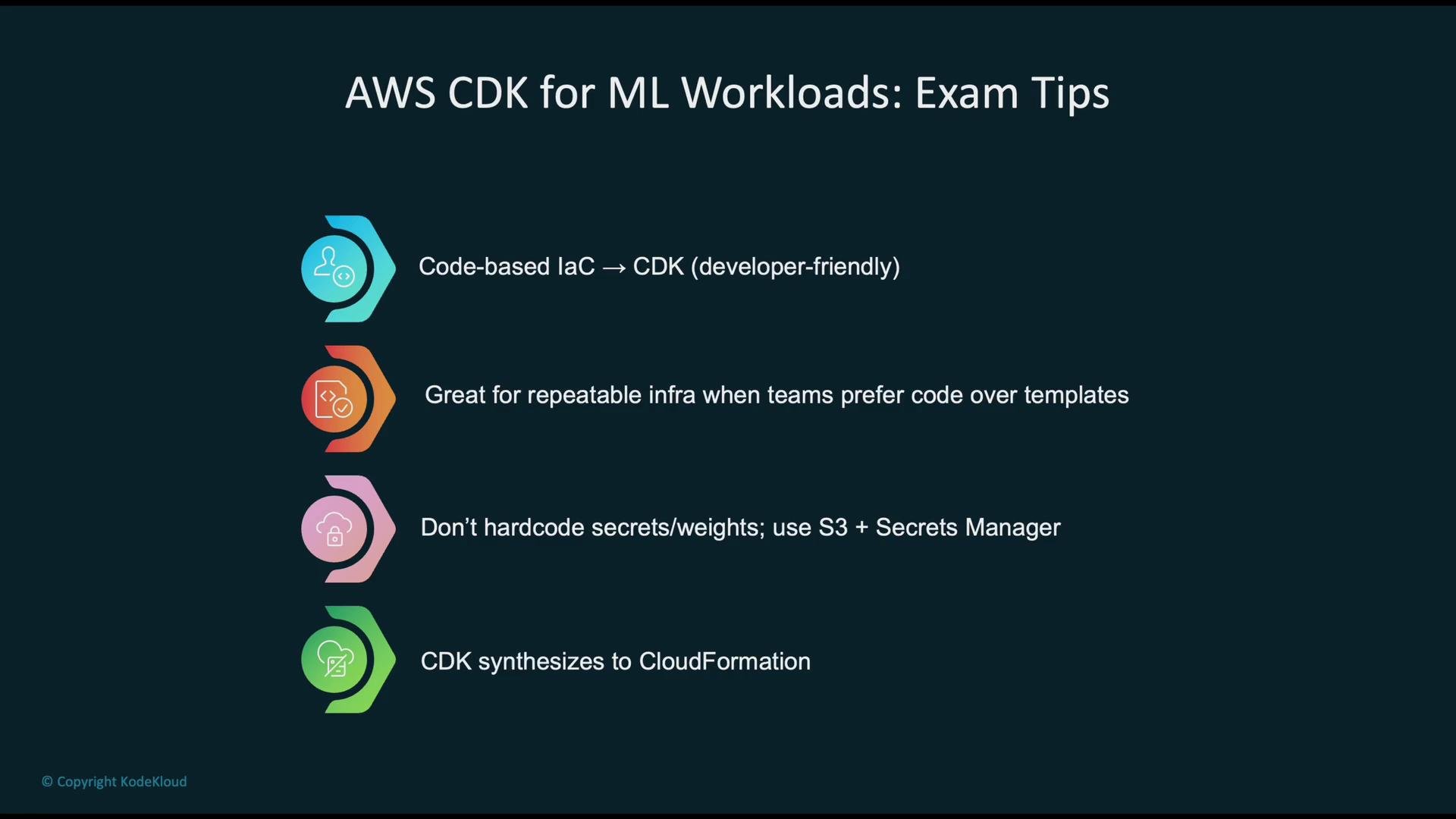
- Never hard-code secrets or large model weights in CDK code; reference S3, AWS Secrets Manager, or SSM Parameter Store instead.
- Remember CDK synthesizes to CloudFormation—understand both layers when troubleshooting deployments.
AWS CLI
The AWS CLI maps directly to AWS APIs and is ideal for rapid prototyping, ad-hoc tasks, and simple automation scripts. Unlike CDK or CloudFormation, the CLI has no intermediate template layer.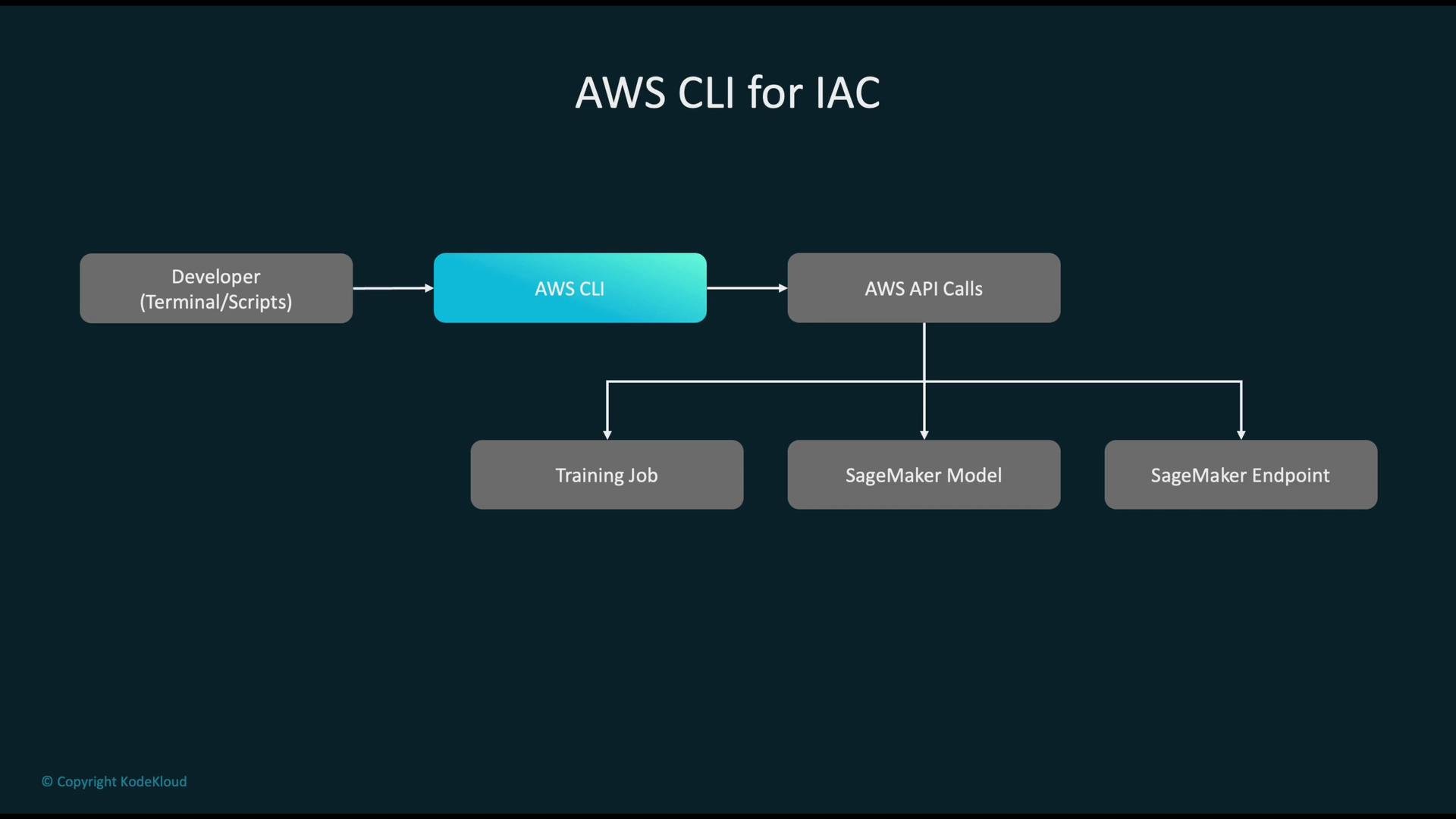
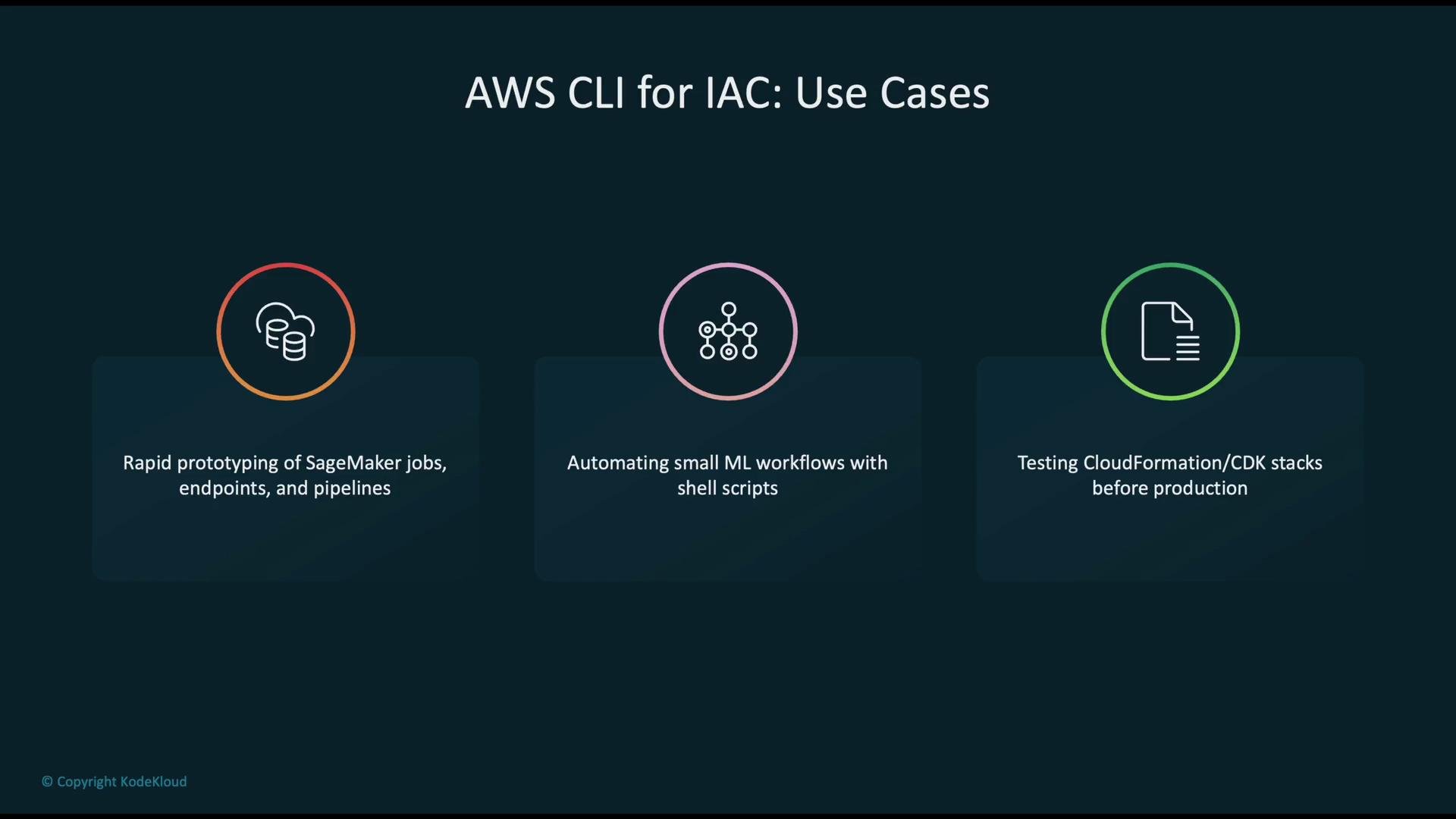
- Quickly prototype SageMaker training jobs and endpoints.
- Automate small ML workflows with shell or Python scripts.
- Validate CloudFormation/CDK resources by calling APIs directly before formalizing into templates or constructs.
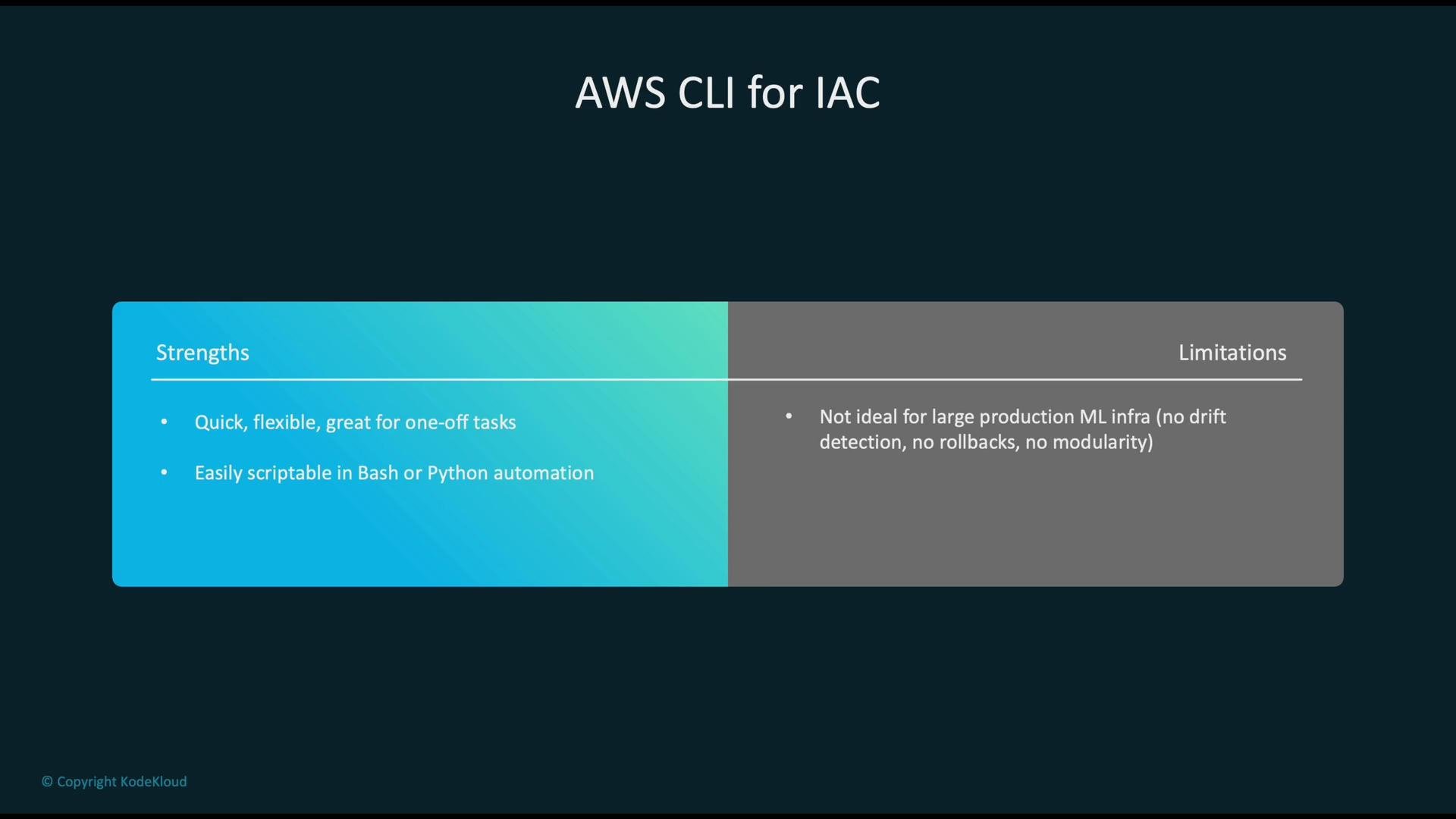
- Strengths: fast, flexible, and scriptable—great for one-off tasks and experiments.
- Limitations: lacks drift detection, modularity, and automated rollbacks—so it’s less suitable for large, production-grade infrastructure compared to CloudFormation/CDK.
Security, Cost, and Operations
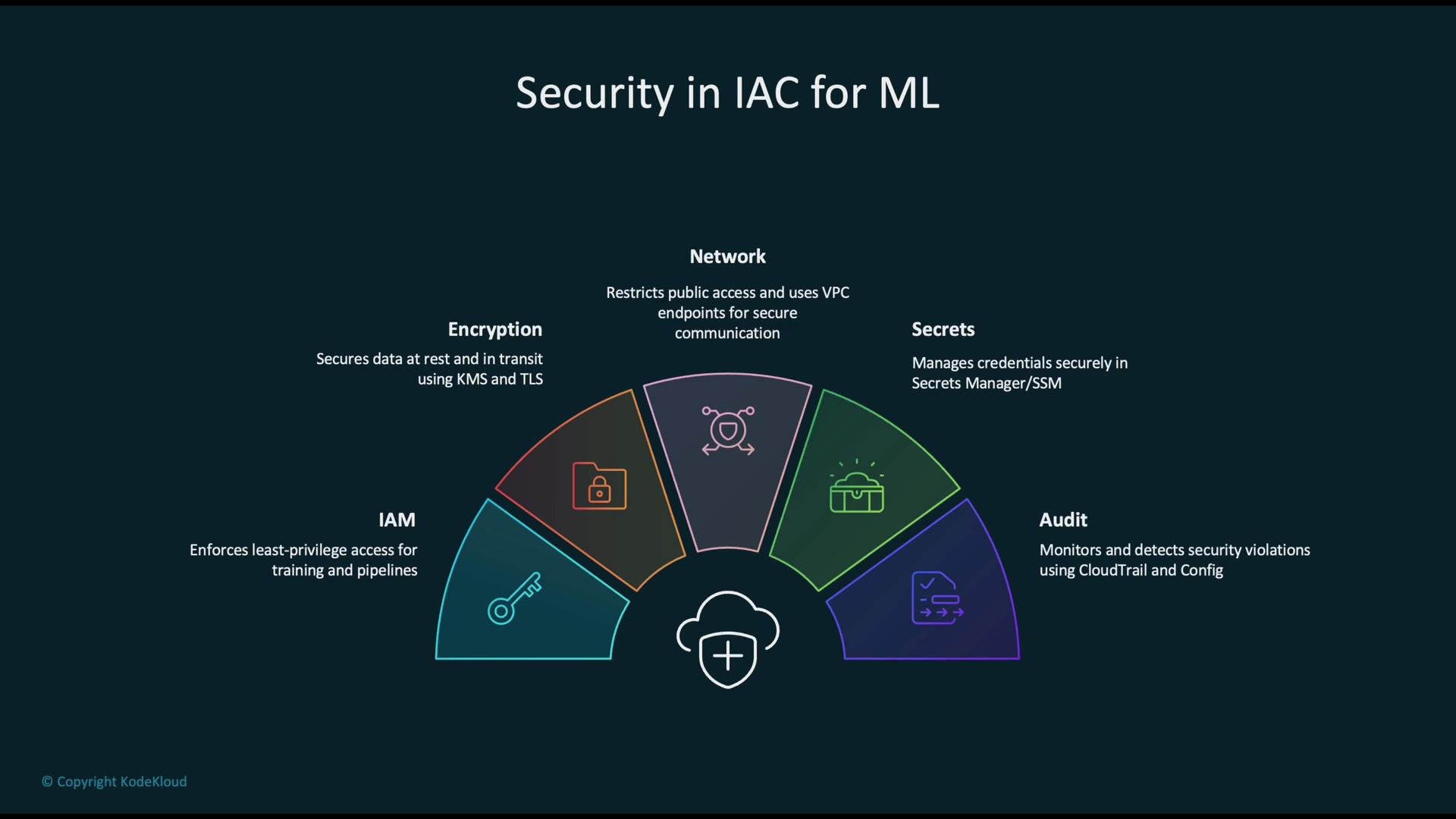
Security: apply multiple layers of protection when defining infrastructure as code:- IAM: enforce least privilege for training jobs, pipelines, and deployment roles.
- Encryption: enable KMS encryption for data at rest and TLS for data in transit.
- Network: restrict public access and use VPC endpoints for S3, ECR, and other services.
- Secrets: use AWS Secrets Manager or SSM Parameter Store—never hard-code credentials.
- Audit: enable CloudTrail and AWS Config to detect and alert on unexpected changes.
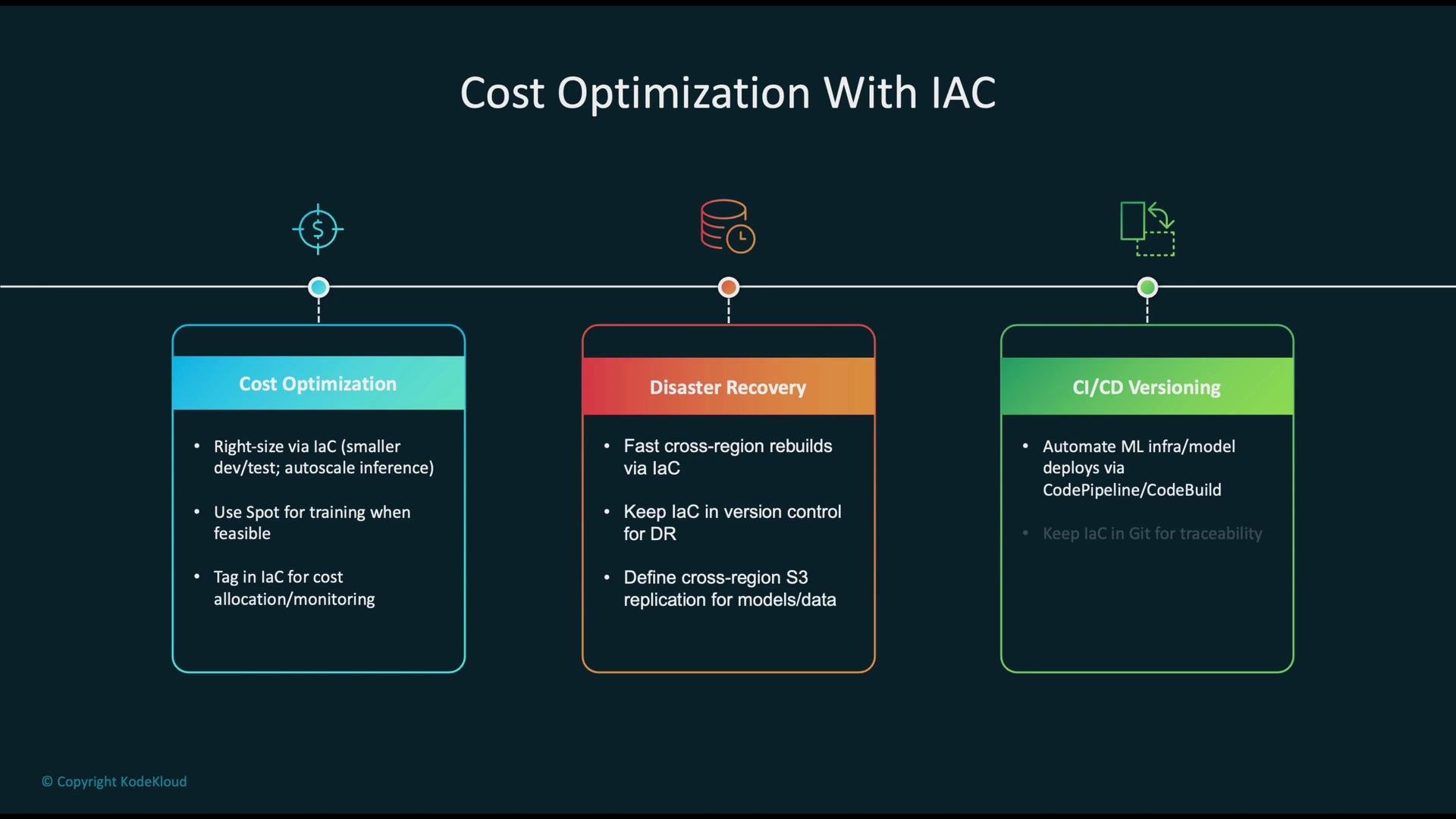
- Right-size compute for each environment and use Spot Instances for training where appropriate.
- Enforce resource tagging in IaC to enable cost allocation and reporting.
- Disaster recovery: IaC enables automated rebuilds in another region—version control your recovery playbooks and data replication policies.
- CI/CD integration: automate infrastructure deployments and model promotions with pipelines; leverage ChangeSets for safe updates and rollbacks.
When building production ML pipelines, combine IaC with CI/CD and observability: treat infrastructure code as part of the application lifecycle, run automated tests, and monitor deployments to detect drift or regressions early.
Common Anti-Patterns to Avoid
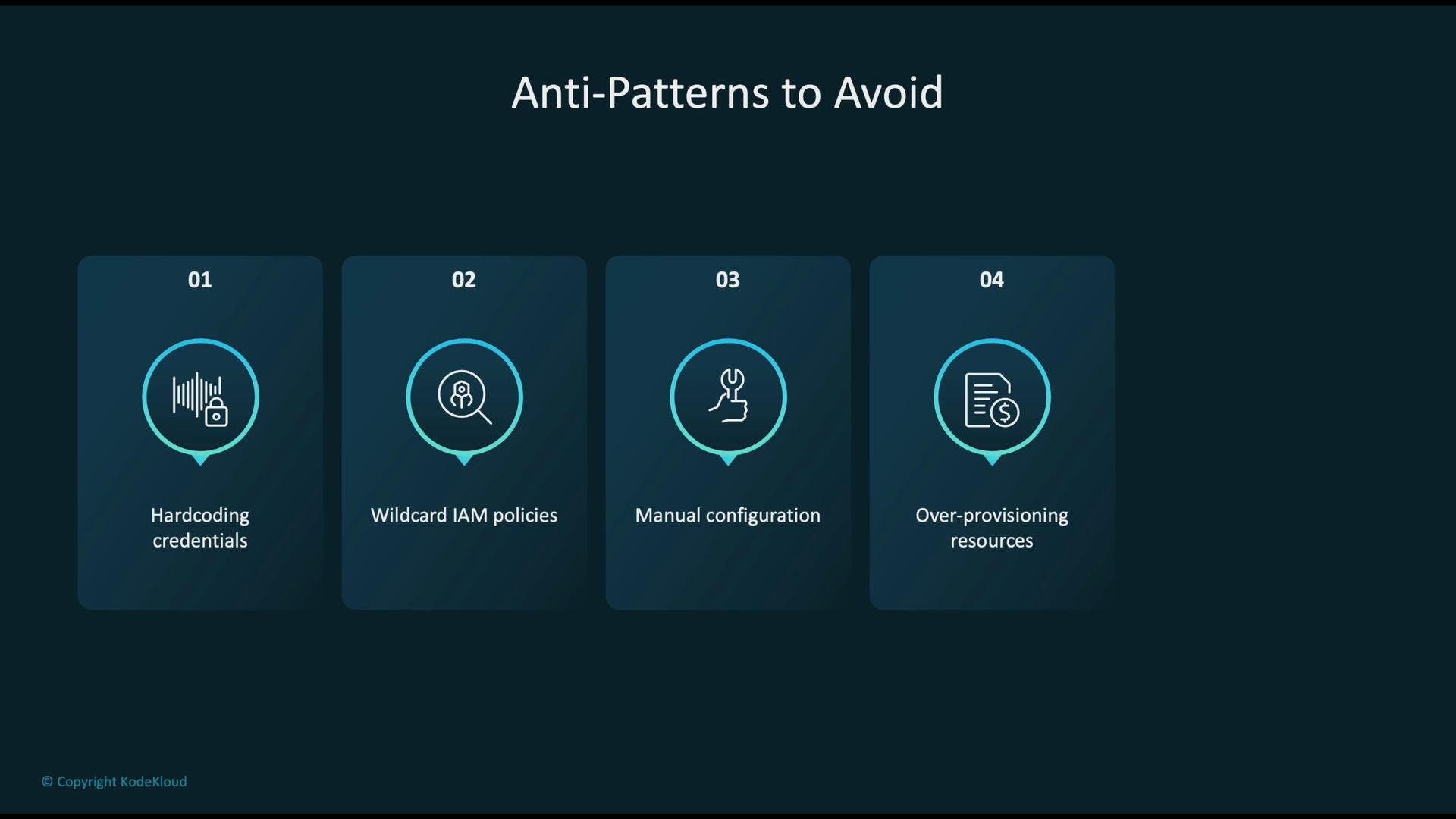
Avoid these pitfalls when applying IaC to ML workloads:- Hard-coding credentials or model artifacts directly into code or templates.
- Using wildcard IAM policies (for example,
*) instead of least-privilege policies. - Making manual, one-off configuration changes that cause drift from declared state.
- Over-provisioning resources that inflate costs.
- Ignoring ChangeSets and rollbacks—these help ensure safe production updates.
Never embed secrets or model weights in IaC artifacts. Use managed secret stores and S3 references. Hard-coding sensitive data is the most common cause of costly security incidents.
Key Takeaways
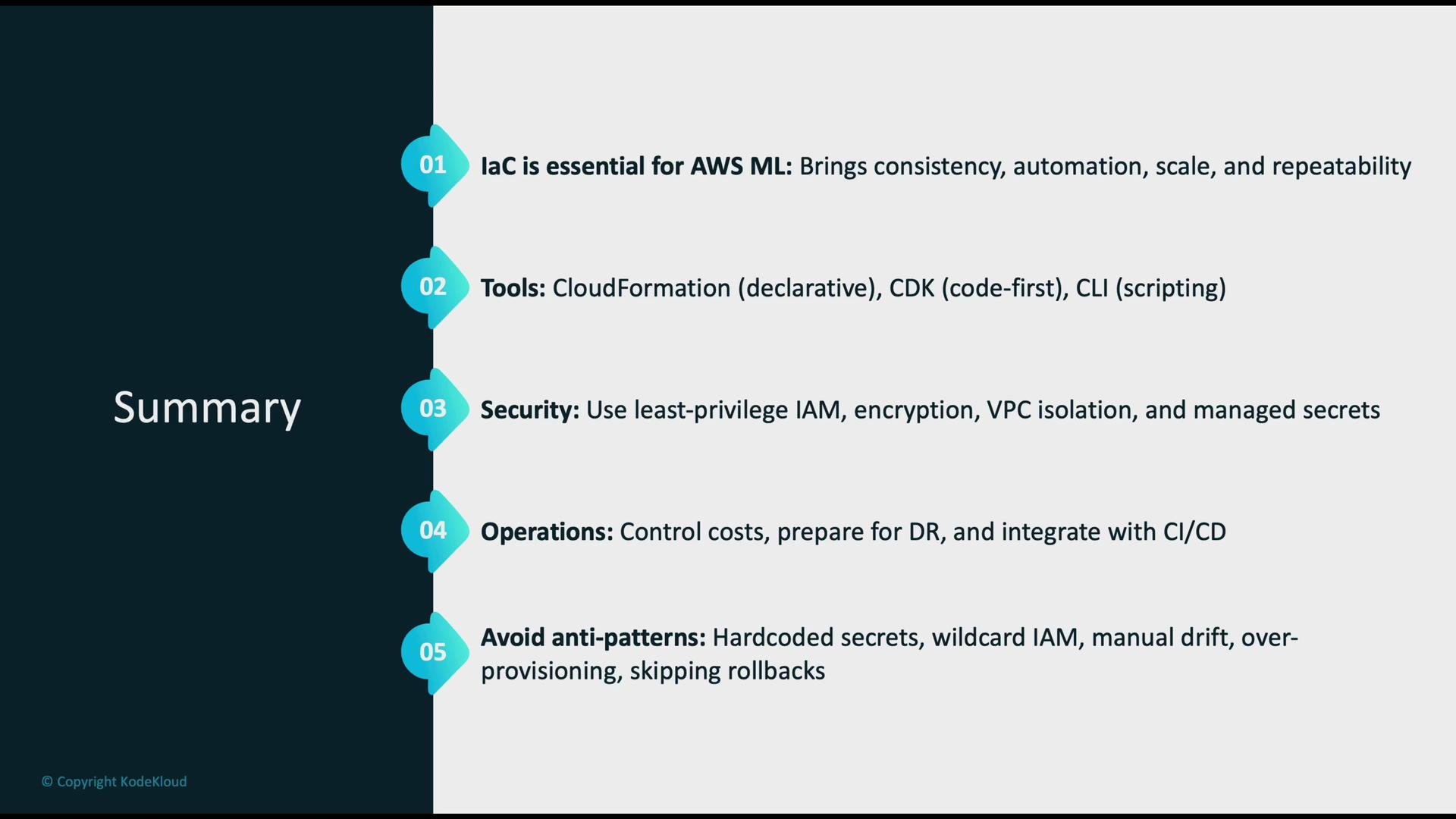
- IaC is essential for consistent, automated, and scalable ML deployments on AWS.
- Choose the right tool for the job: CloudFormation for declarative stacks, CDK for a code-first developer experience, and AWS CLI for quick prototypes and ad-hoc automation.
- Security practices: enforce least-privilege IAM, enable encryption, isolate resources in VPCs, and use managed secret stores.
- Operational best practices: right-size and tag resources to control cost; plan for disaster recovery; integrate IaC into CI/CD pipelines for traceability and safe rollbacks.
- Avoid anti-patterns like hard-coding secrets, wildcard permissions, and manual configuration drift.
Links and References
- AWS CloudFormation documentation
- AWS CDK documentation
- AWS CLI documentation
- Amazon SageMaker overview
- Amazon S3 best practices