

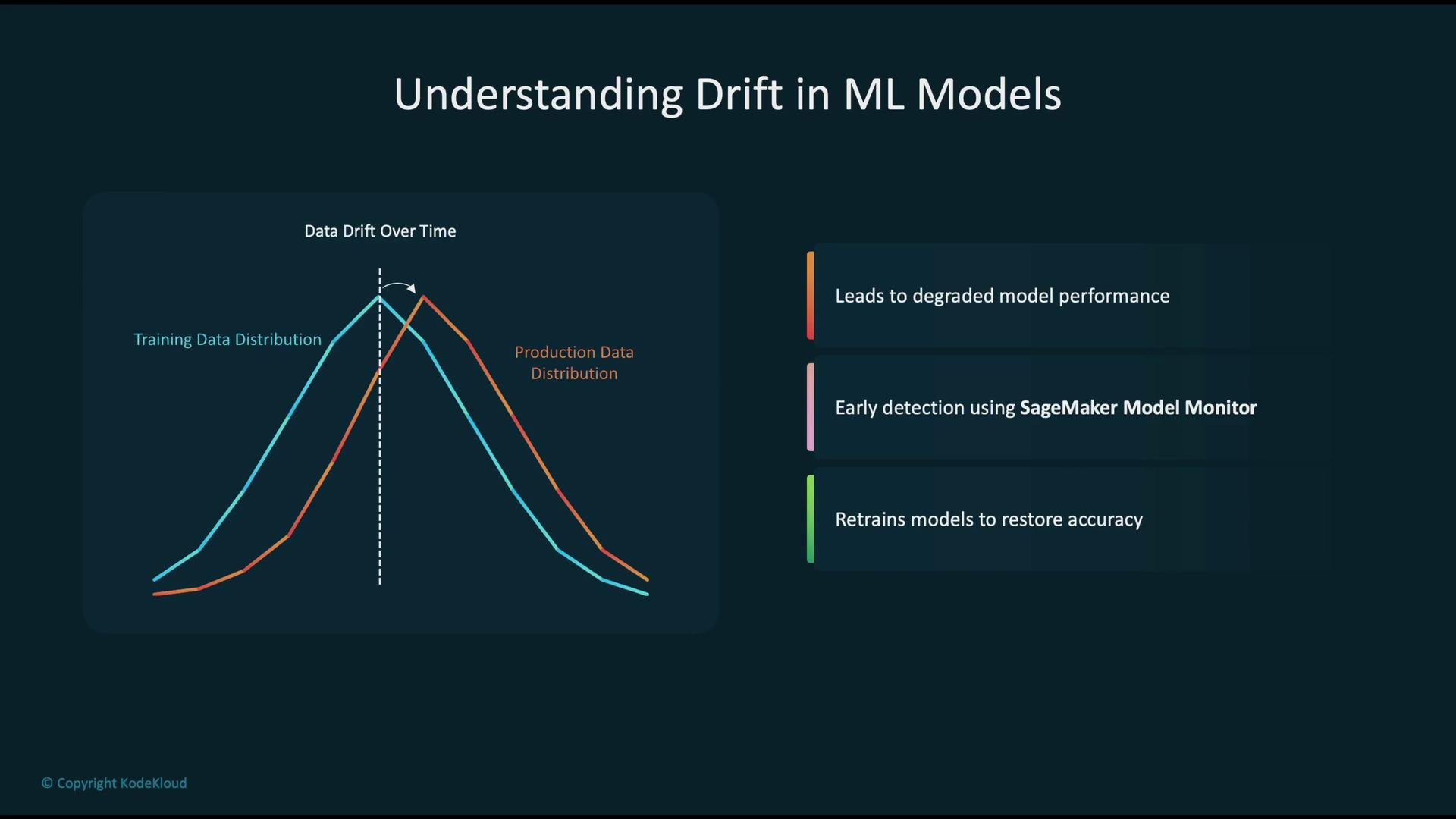
- A model is trained on the original distribution (blue curve).
- Production input distribution can shift over time (red curve).
- If the model is not updated, its accuracy typically falls because the learned mapping no longer matches live inputs.
- Early detection and timely retraining with fresh data are the usual remedies.
Both types of drift affect:
- Model accuracy
- System reliability
- Business and downstream metrics
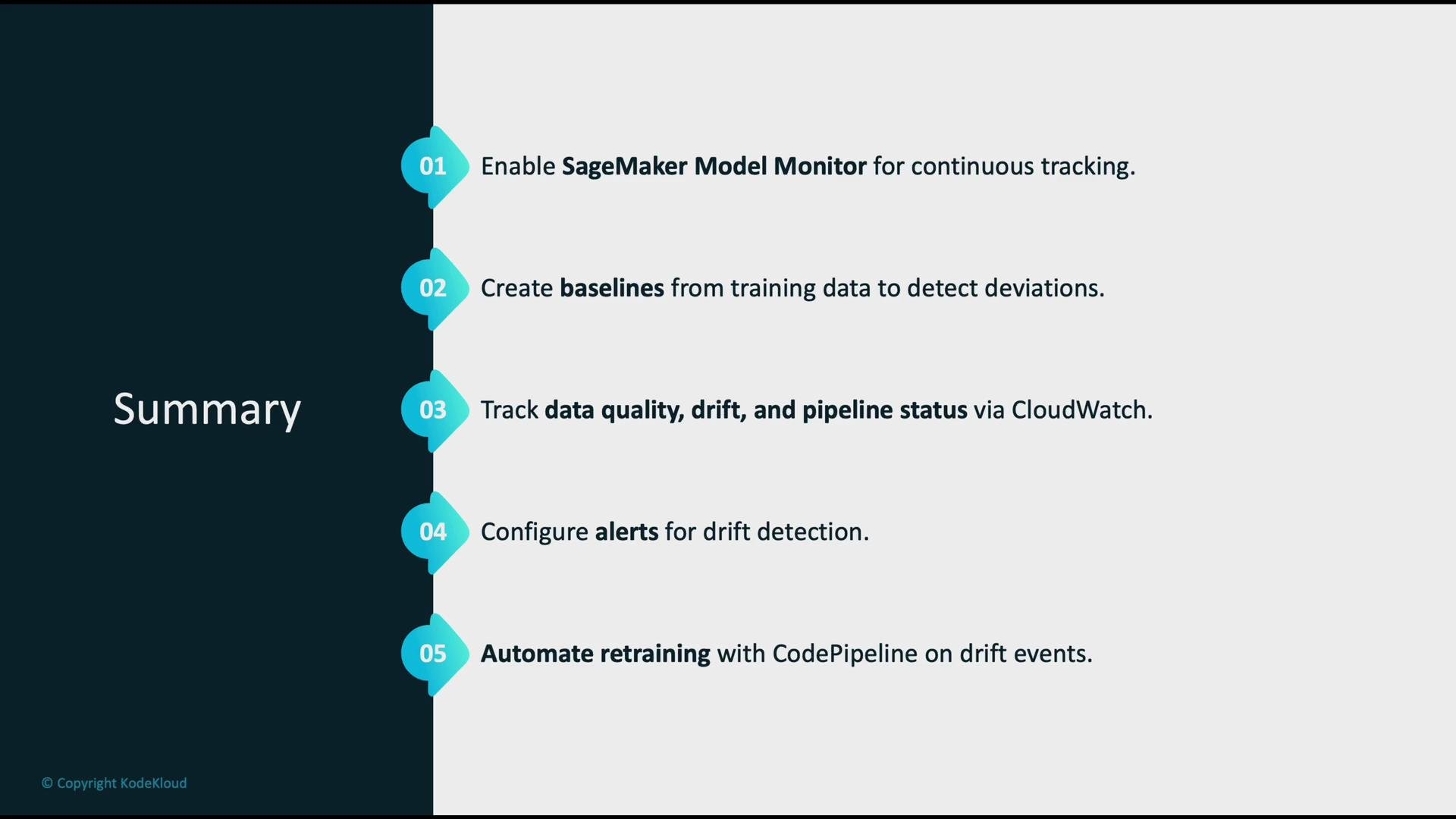
- Use Amazon SageMaker Model Monitor to continuously profile inference requests, prediction payloads, and ground-truth when available.
- Send metrics and logs to Amazon CloudWatch for visualization, trend analysis, and alerting.
- For bias and explainability, add SageMaker Clarify and model explainability tools such as SHAP into the monitoring pipeline.
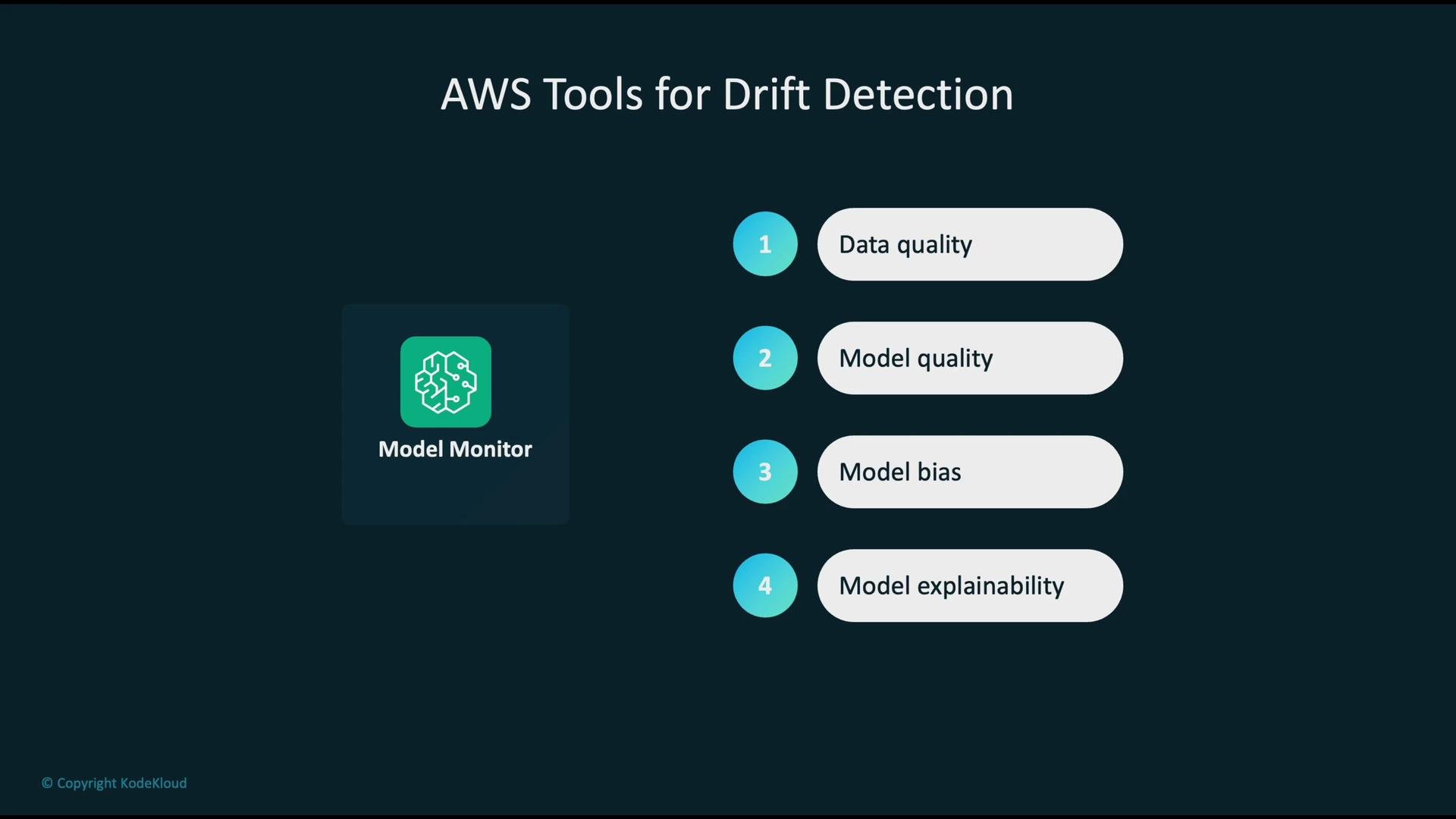
- SageMaker Model Monitor analyzes live inference payloads and computes drift-related metrics (feature distributions, missing values, prediction distributions, etc.).
- Model Monitor publishes metrics and alerts to Amazon CloudWatch for aggregation, dashboards, and alarm rules.
- CloudWatch alarms can trigger downstream actions (for example, notifications, automation, or CI/CD workflows) when thresholds are breached.
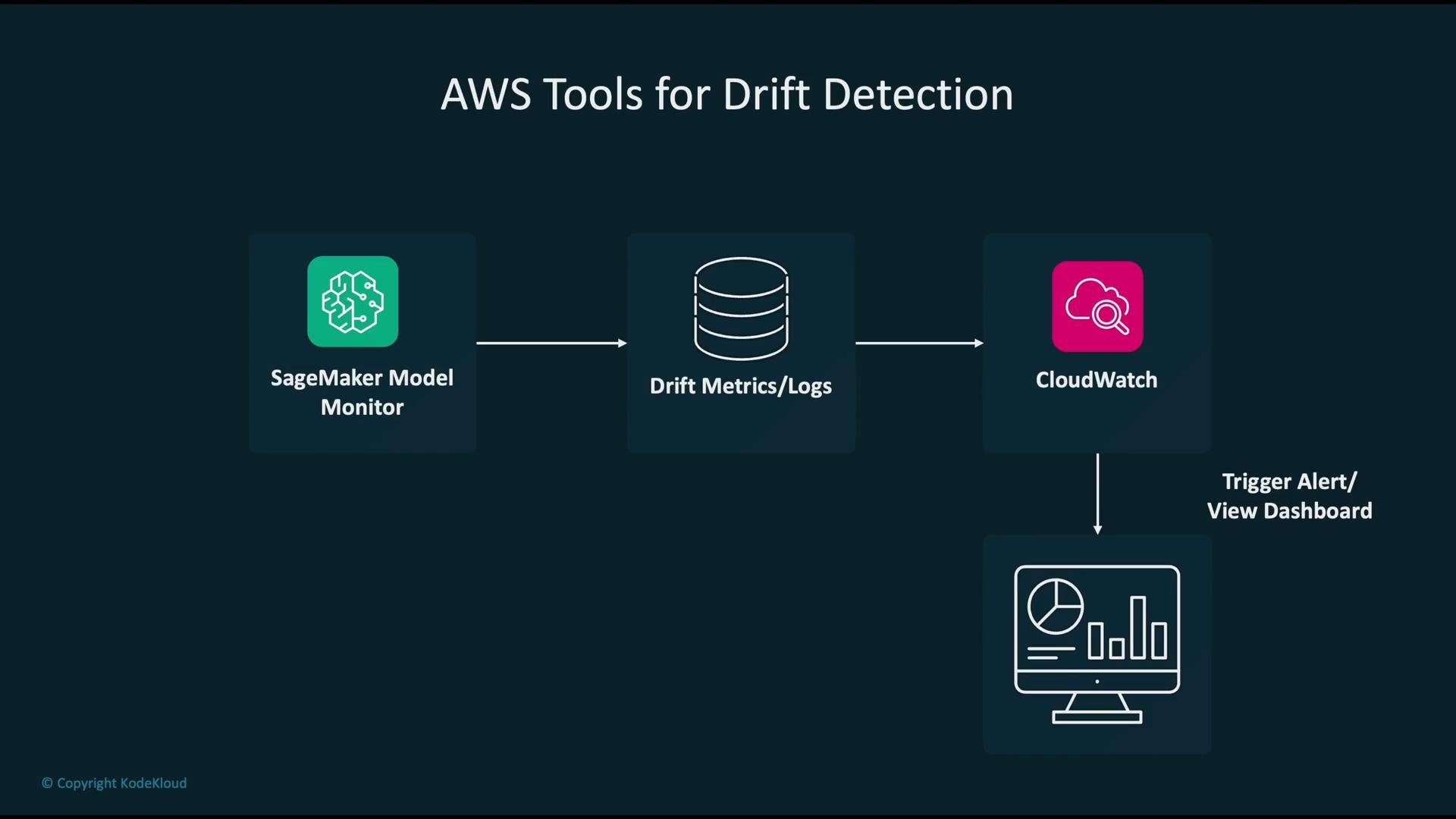
- Create a baseline from trusted training or validation data to establish expected feature distributions and metric thresholds.
- Configure Model Monitor to use the baseline and select the features and metrics to track.
- Continuously capture incoming inference payloads (and ground-truth when available) and compare live statistics to the baseline.
- When thresholds are violated, report detections and publish metrics to CloudWatch for visualization and alerting.
- Continuously measure performance-related metrics (prediction distributions, calibration, error rates whenever ground truth is available).
- When those metrics deviate beyond configured thresholds, raise an alarm.
- Visualize the alarmed metrics on CloudWatch dashboards to enable rapid triage and root-cause analysis.
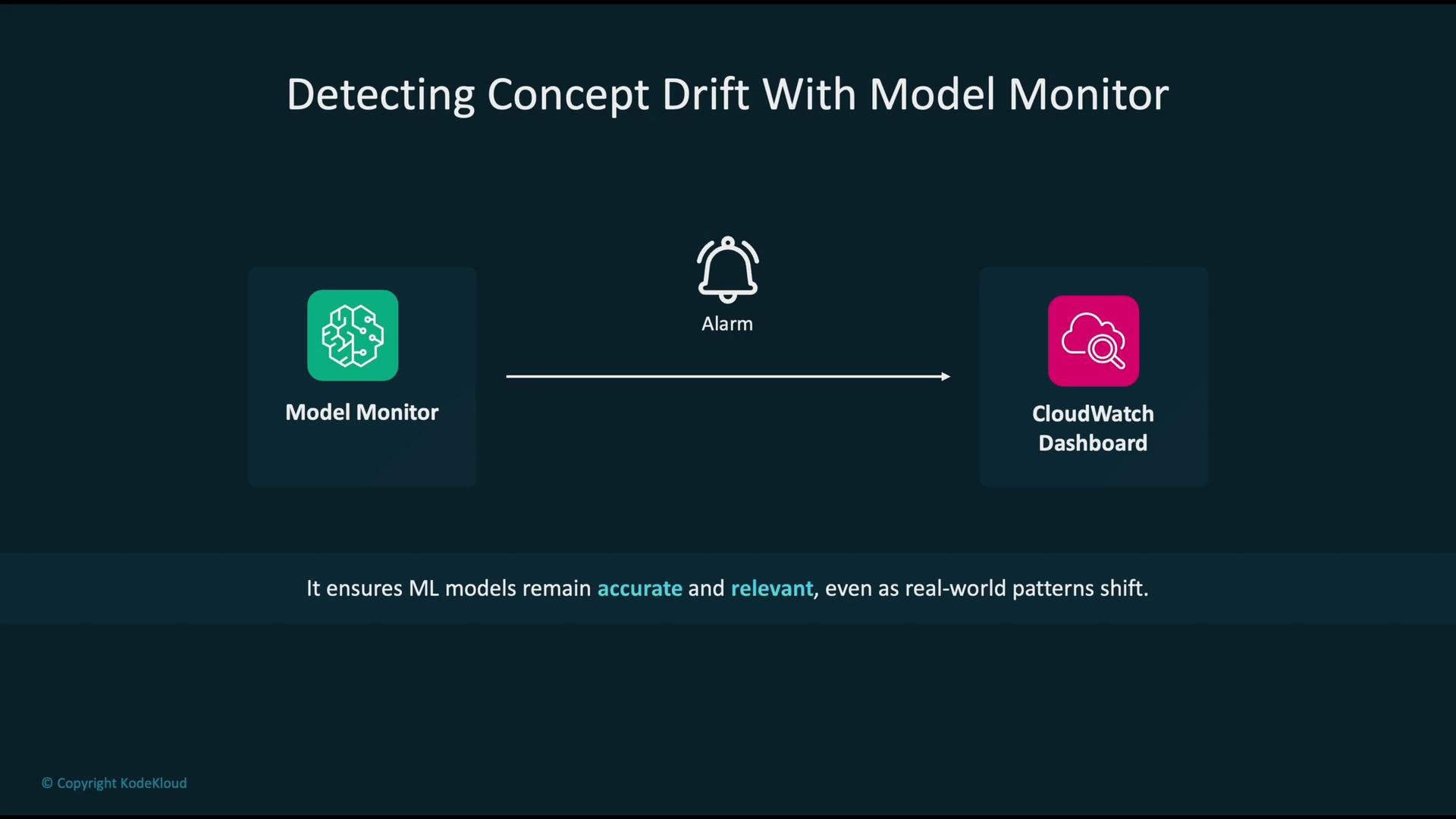
- Configure CloudWatch alarms (based on Model Monitor metrics) to start automated workflows.
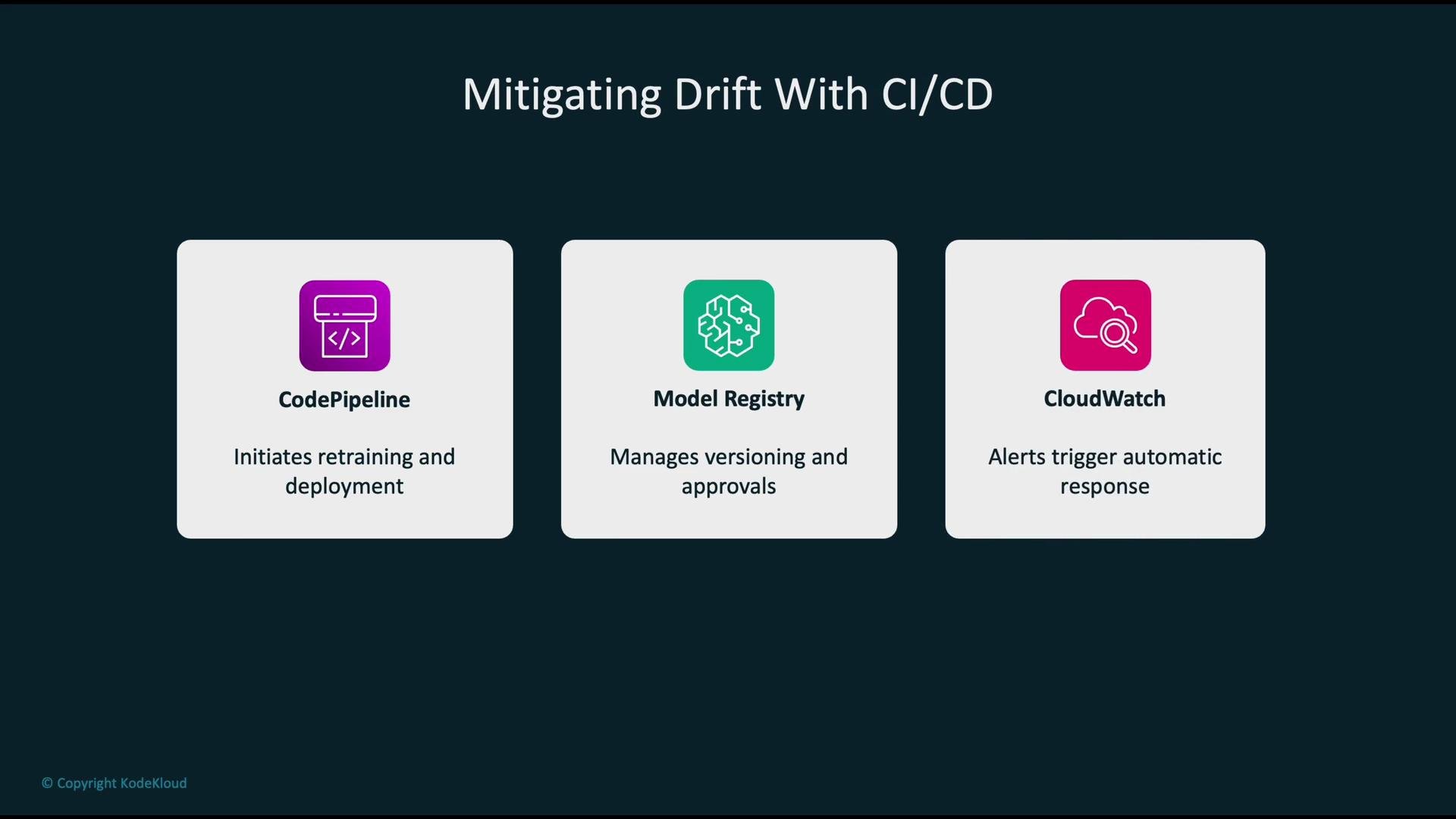
- Use CloudWatch Events/EventBridge to kick off an AWS CodePipeline to retrain and validate a new model with fresh data.
- After validation, register the new version in the SageMaker Model Registry and deploy it (optionally with manual approval gates).
- This creates a continuous improvement loop that reduces manual intervention and shortens recovery time from drift.
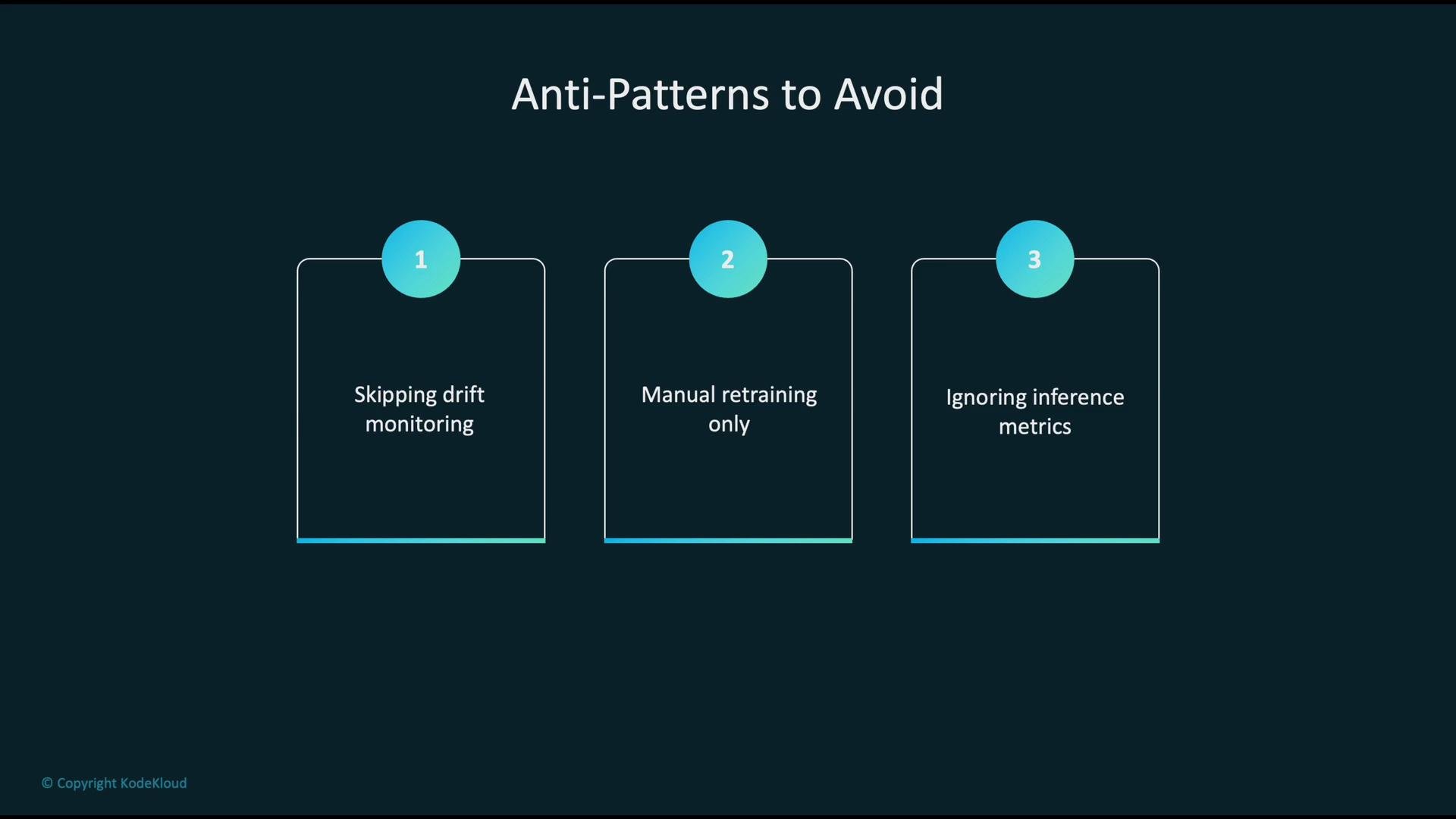
- Do not skip drift monitoring — silent degradation is common and costly.
- Avoid relying only on manual retraining — it does not scale and increases time-to-recovery.
- Do not ignore inference telemetry and operational metrics — they reveal production behavior and failure modes.
- Amazon SageMaker Model Monitor — https://docs.aws.amazon.com/sagemaker/latest/dg/model-monitor.html
- Amazon CloudWatch — https://aws.amazon.com/cloudwatch/
- SageMaker Clarify — https://docs.aws.amazon.com/sagemaker/latest/dg/clarify.html
- SageMaker Model Registry — https://docs.aws.amazon.com/sagemaker/latest/dg/model-registry.html
- SHAP (model explainability) — https://shap.readthedocs.io/en/latest/
Automate monitoring, alerting, and retraining where possible. Metric-driven automation minimizes downtime, reduces human error, and helps keep models aligned with evolving real-world data.