

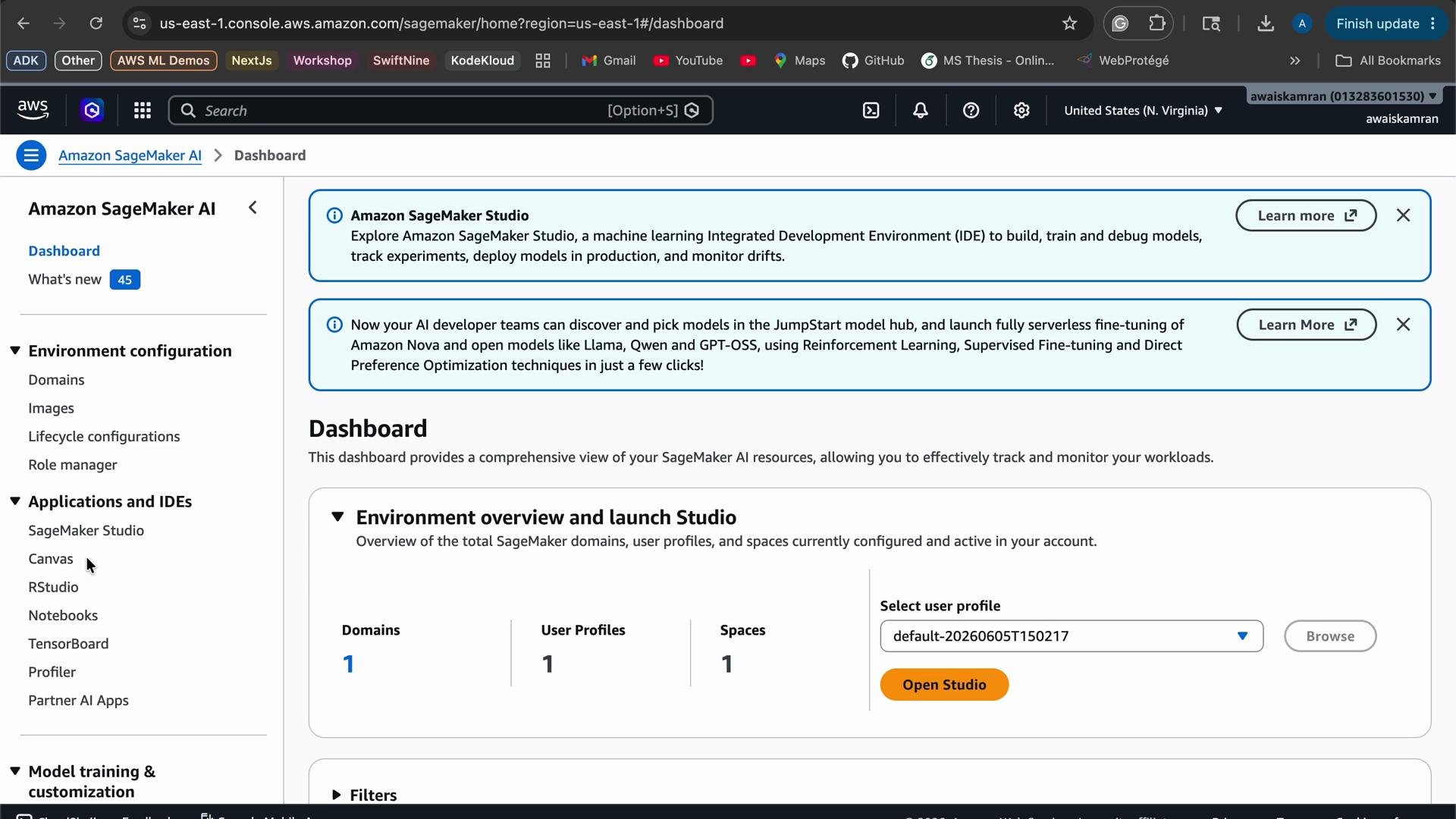
Running SageMaker Studio (and Canvas) can incur charges while active. Sign out or shut down running resources when not in use to avoid unexpected costs.
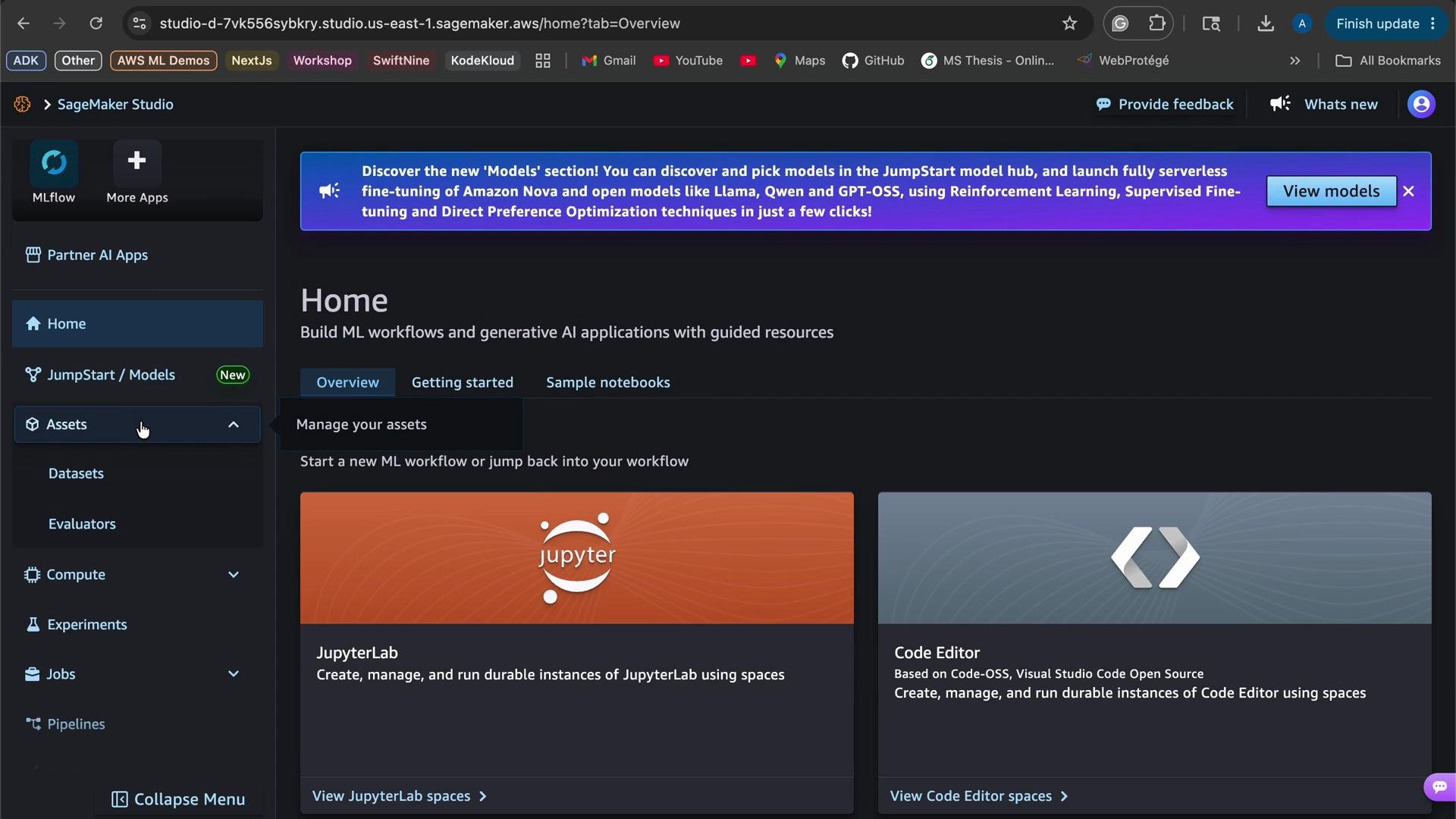
- Ensure consistency: Use the same engineered features for training (offline) and serving (online).
- Reduce duplication: Avoid recomputing features across ad-hoc jobs, Lambdas, or scripts.
- Low-latency access: Provide fast, single-key lookups for online inference.
- Versioning and governance: Maintain feature lineage, metadata, and access controls across teams.
Feature group (overview)
In SageMaker Feature Store you define a feature group. A feature group includes feature definitions, record identifiers, storage configuration, encryption, and throughput options.
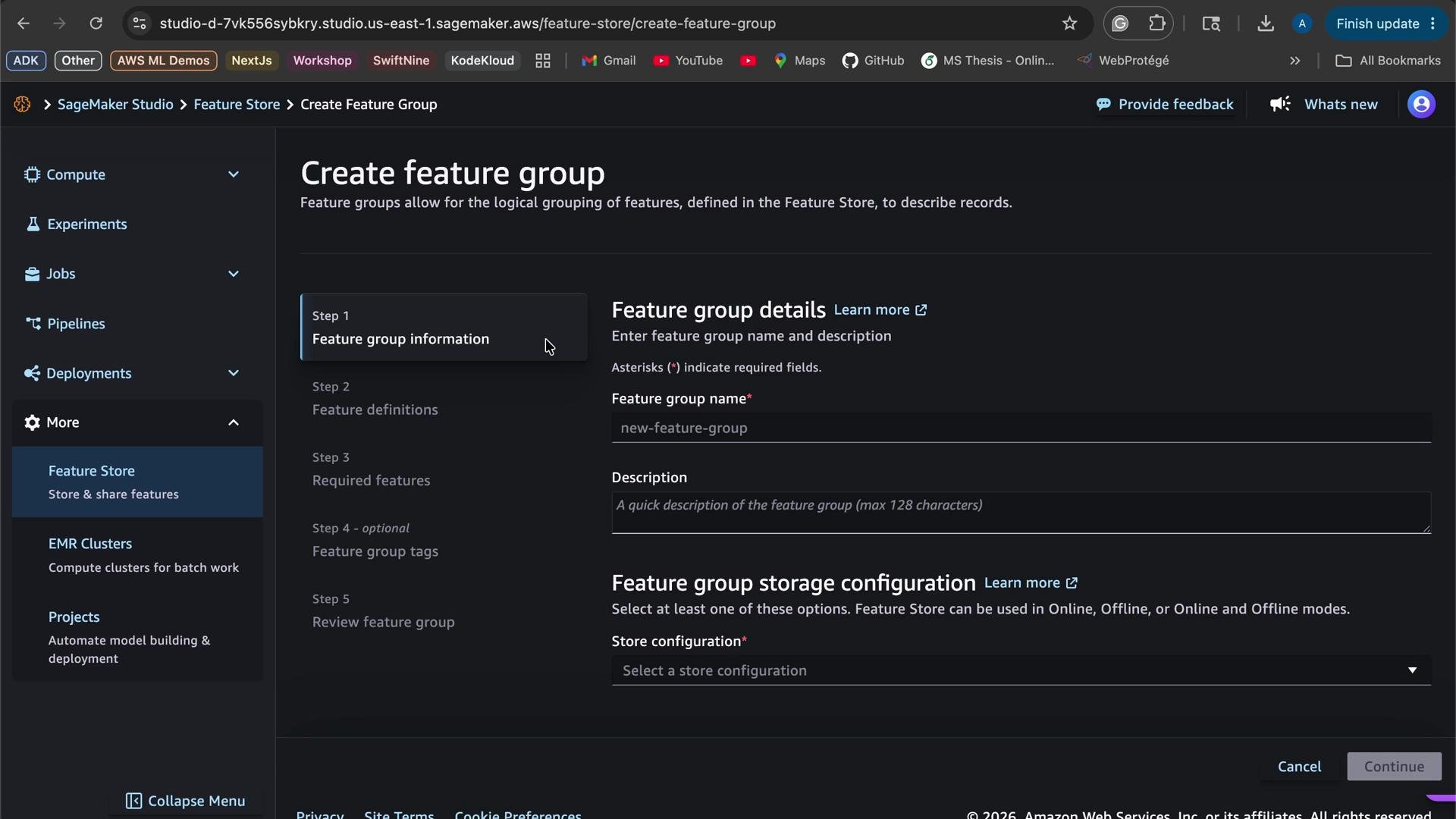
- Choose a feature group name and provide a description.
- Select store configuration:
- Online store: low-latency lookups (optional if you only need offline storage).
- Offline store: S3-based store used for batch training and analytics.
- Define feature schema (feature names and data types).
- Specify identifiers:
- Record identifier (primary key, e.g.,
PassengerId). - Event time feature (for time-travel and point-in-time joins).
- Record identifier (primary key, e.g.,
- Provide IAM role permissions that allow SageMaker to write to the offline store and access KMS keys.
- Configure encryption (KMS), throughput (standard / on-demand), and optional tags.
- Review and create the feature group.
Example: Titanic feature group
The Titanic dataset is a common example for demonstrating feature definitions. When defining features in a feature group, specify each feature’s data type. SageMaker Feature Store supports types such as Integral, Fractional, and String.
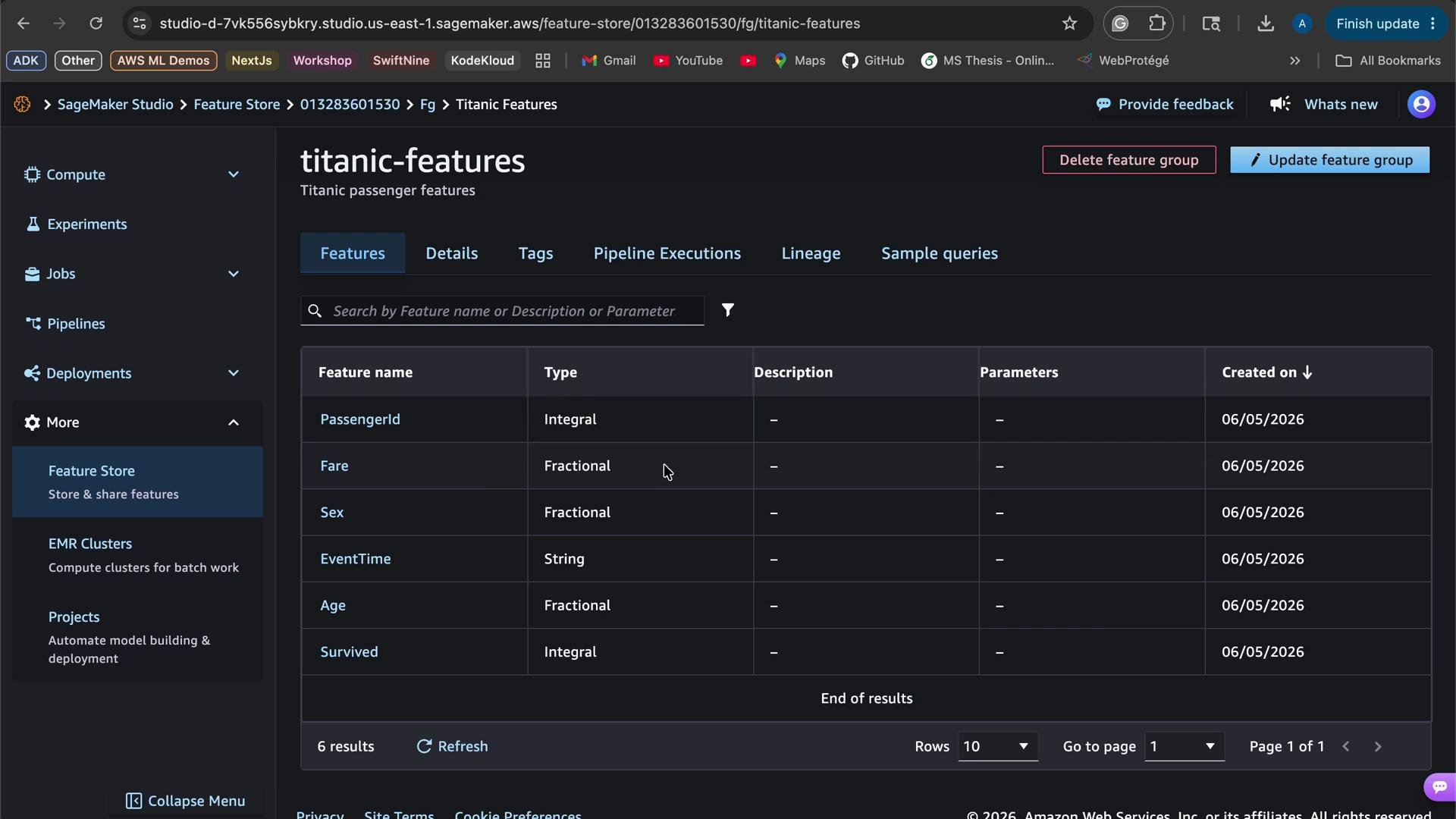
Example Python snippet — feature definitions
Record event times consistently (preferably in ISO 8601 format). Consistent timestamps ensure time-travel queries and offline joins return the expected historical state.
- Populate the feature group with ingested records (real-time or batch ingest).
- Use the offline store S3 dataset for batch training and backtesting.
- Use the online store for low-latency inference lookups.
- Implement IAM-based access control, monitoring, and alerts for feature group usage and costs.
- Review AWS documentation for advanced topics such as feature transformations, point-in-time joins, and cross-account access: