

Why use Spot Instances?
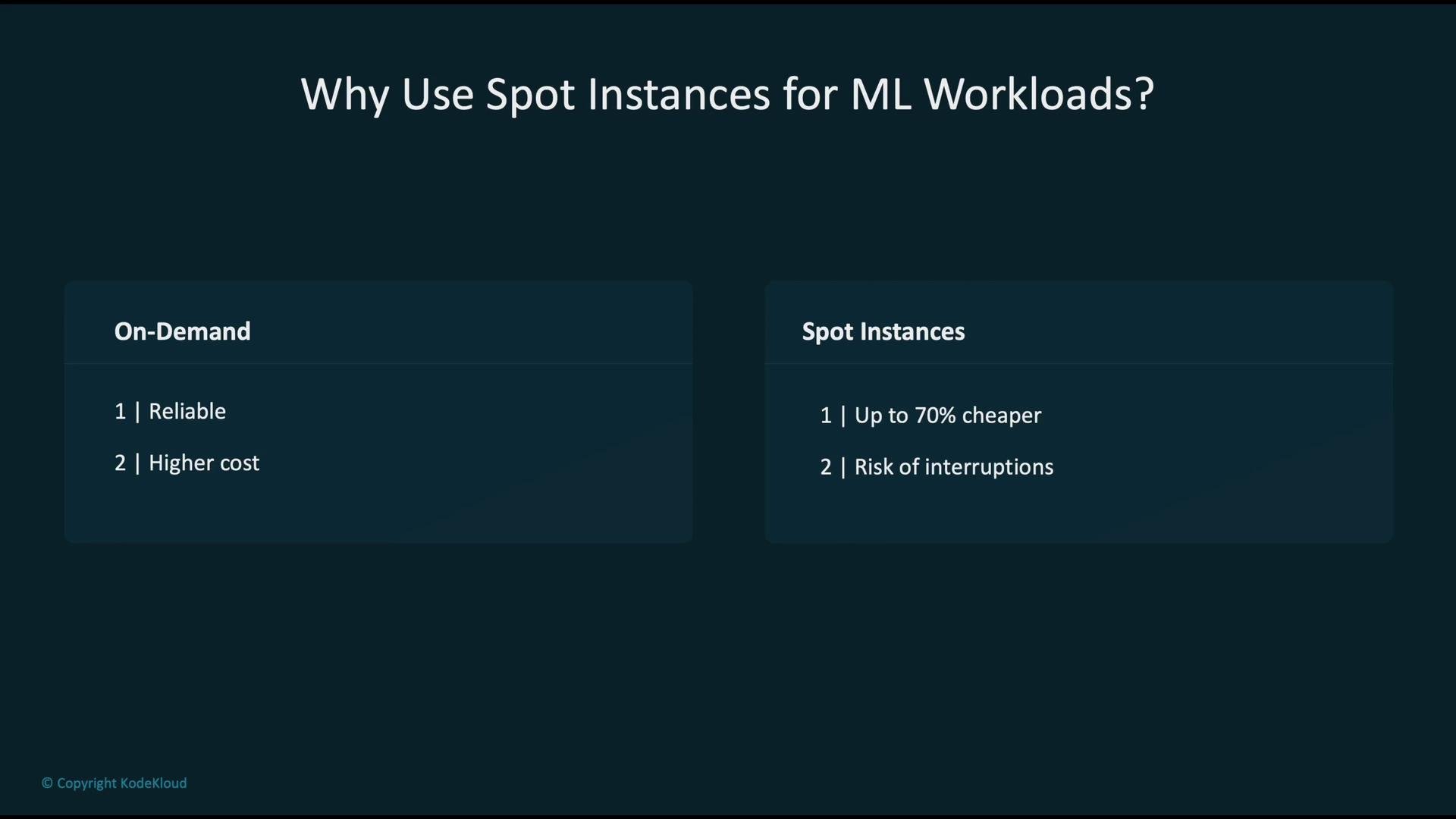
When running ML training or batch compute, you generally choose between:- On-Demand instances — stable and reliable but more expensive.
- Spot Instances — much lower cost but interruptible when AWS reclaims capacity.
AWS tools and patterns for Spot optimization
Use a combination of managed services and monitoring tools to get the most from Spot Instances. The primary options include: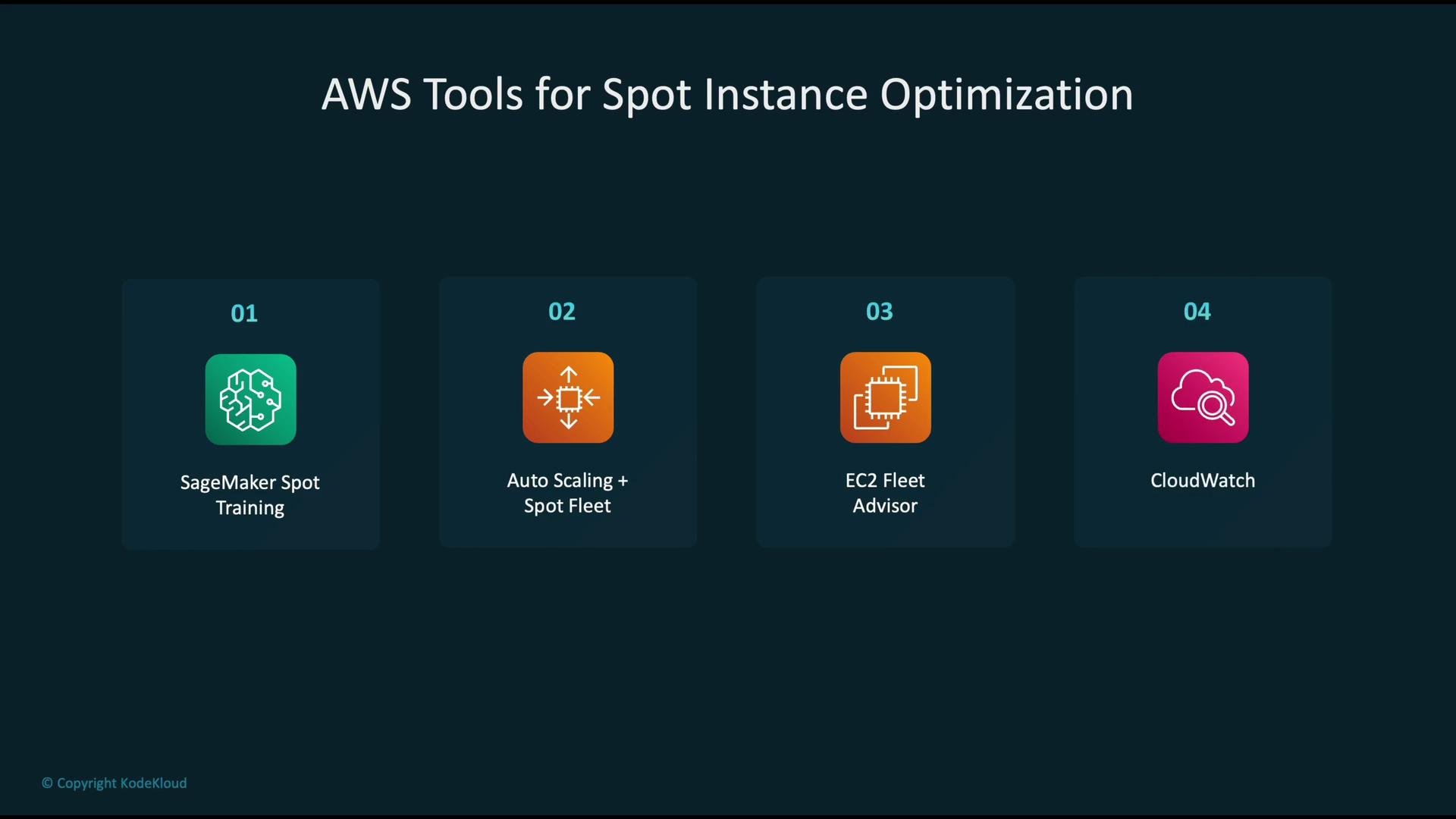
Typical SageMaker Spot training flow
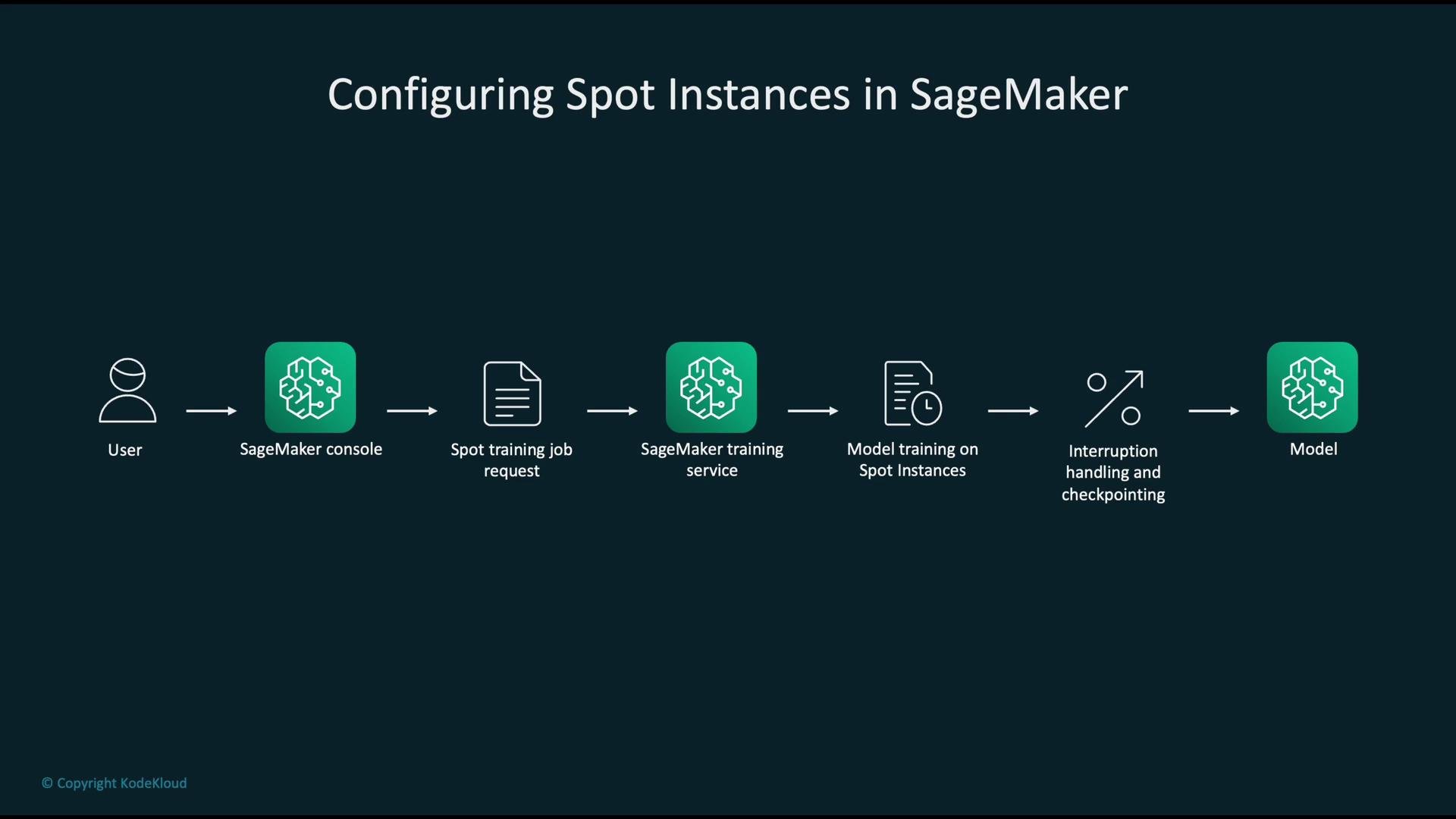
A typical managed SageMaker Spot training workflow:- User submits a training job via the SageMaker console or API.
- SageMaker provisions Spot Instances and runs the job.
- The job periodically uploads checkpoints to S3.
- If Spot Instances are reclaimed, SageMaker resumes the job from the last checkpoint when capacity is available again.
Always enable checkpointing and point
S3Uri to a durable S3 location. This allows training jobs to resume from the last saved state after a Spot interruption.Interruption handling and automation
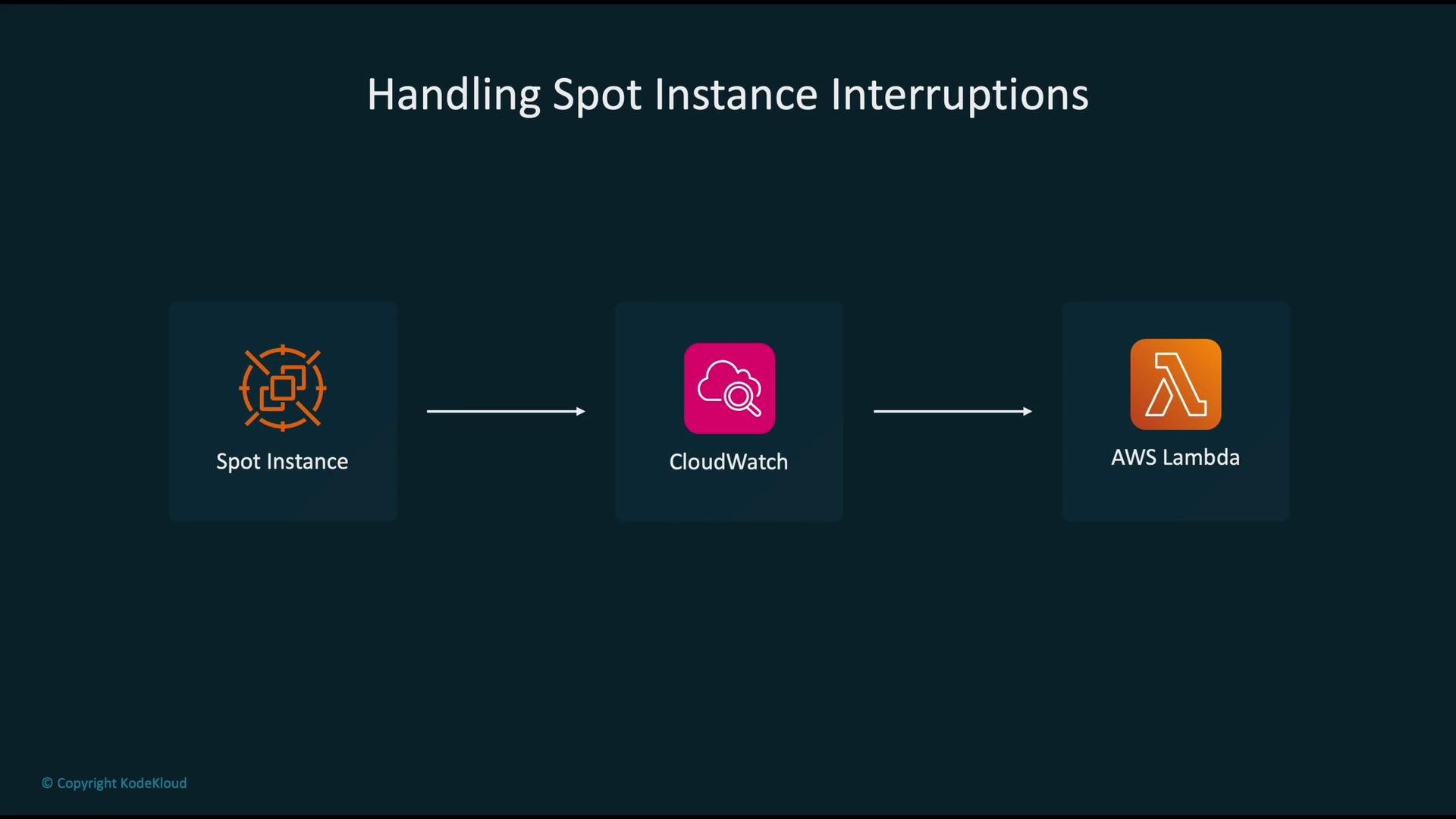
Spot Instances emit an interruption notice shortly before termination (EC2 typically provides a ~2-minute notice via the instance metadata endpoint). SageMaker’s managed environment exposes interruption handling for training jobs, and you can build automations around interruption events:- EventBridge (CloudWatch Events) receives the interruption event or interruption metrics.
- EventBridge / CloudWatch triggers a Lambda function or Step Function.
- The automation performs final flushes to storage, notifies stakeholders, or triggers a resubmission.
Monitoring costs and setting alarms
Collect Spot-related metrics and configure CloudWatch alarms for cost and health signals. Example CloudWatch billing alarm configuration: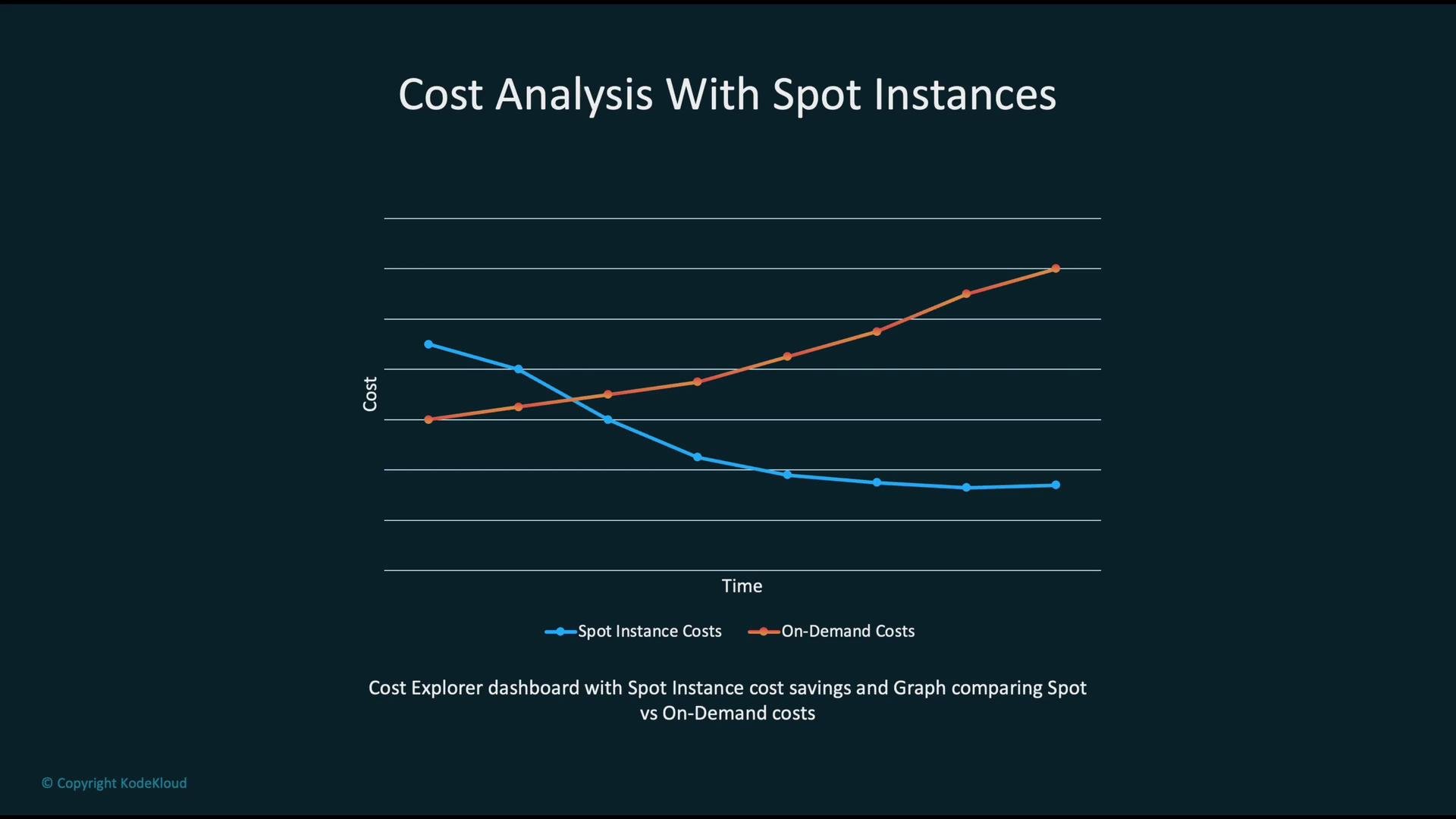
UnblendedCost for January 2023.
Other use-cases for Spot Instances
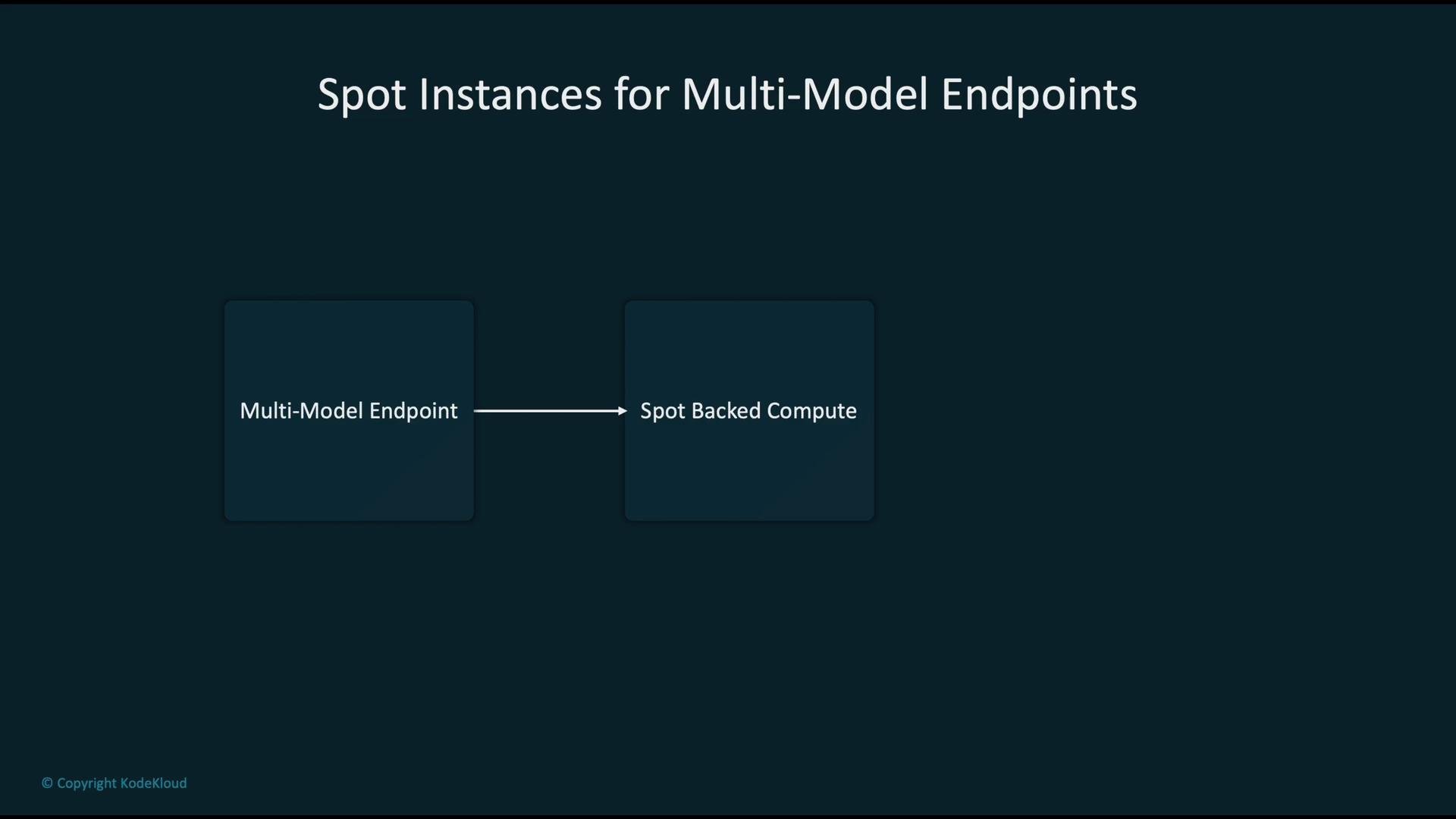
Spot Instances are not limited to training. Common use-cases include:- Multi-model endpoints (for non-latency-critical inference)
- Batch inference jobs
- Model compilation and offline transformations
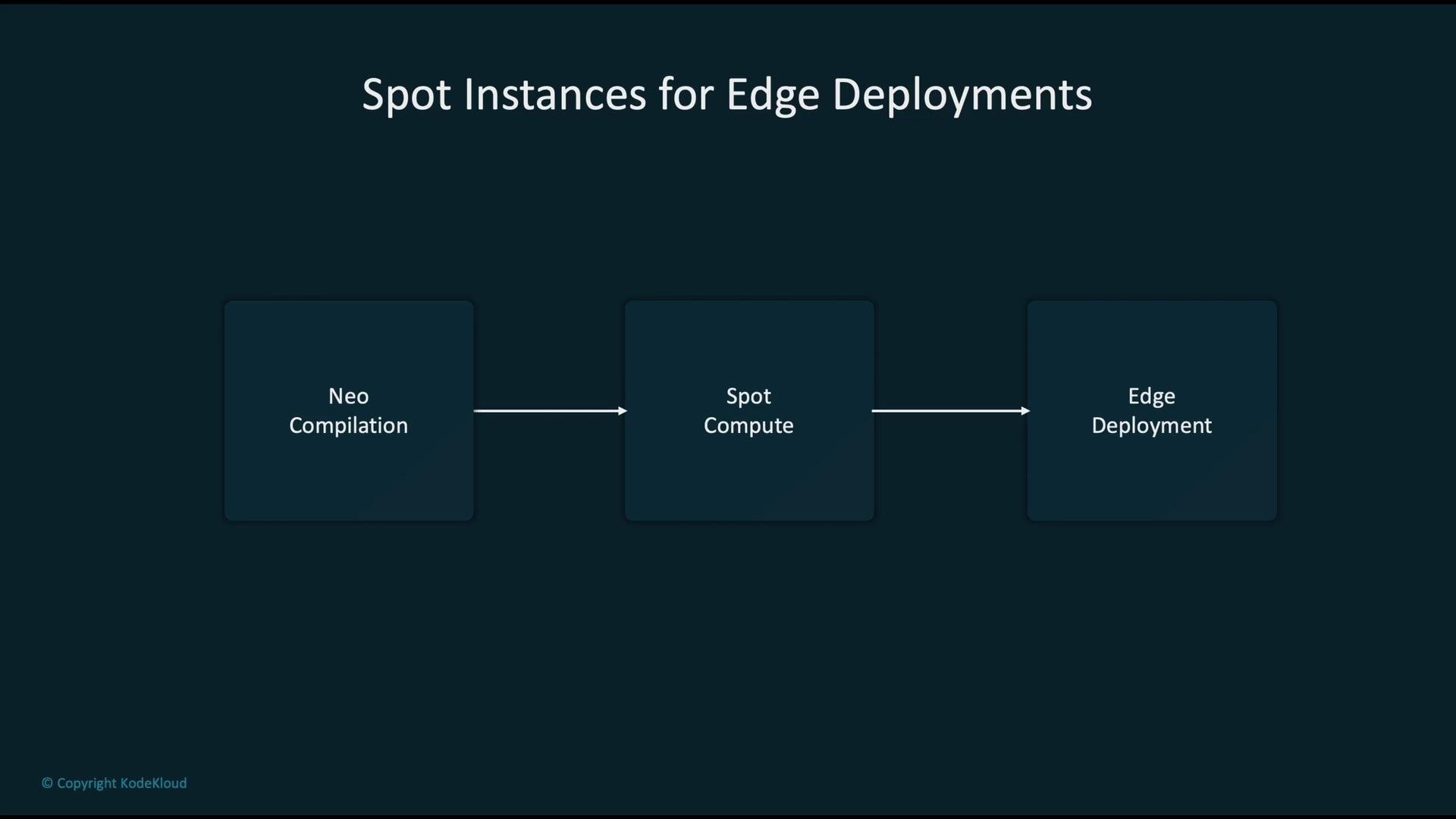
- Edge pipeline compilation (e.g., SageMaker Neo)
Security and compliance
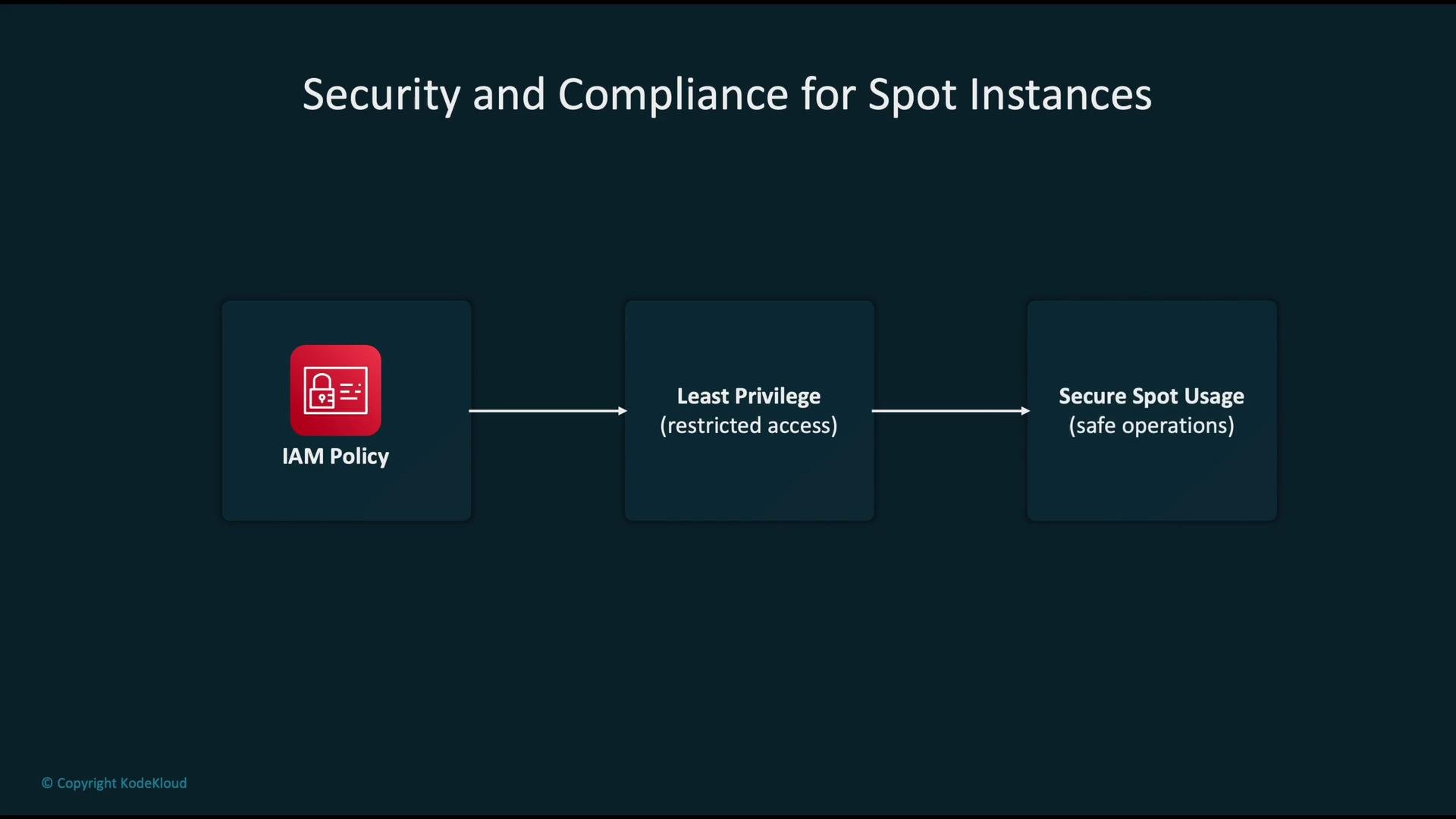
Treat Spot resources the same way you treat On-Demand resources from an IAM and compliance perspective:- Apply least-privilege IAM policies to restrict who can create and manage Spot jobs.
- Audit S3 locations used for checkpoints and ensure proper encryption and retention policies.
- Monitor activity and logging with CloudTrail and CloudWatch Logs.
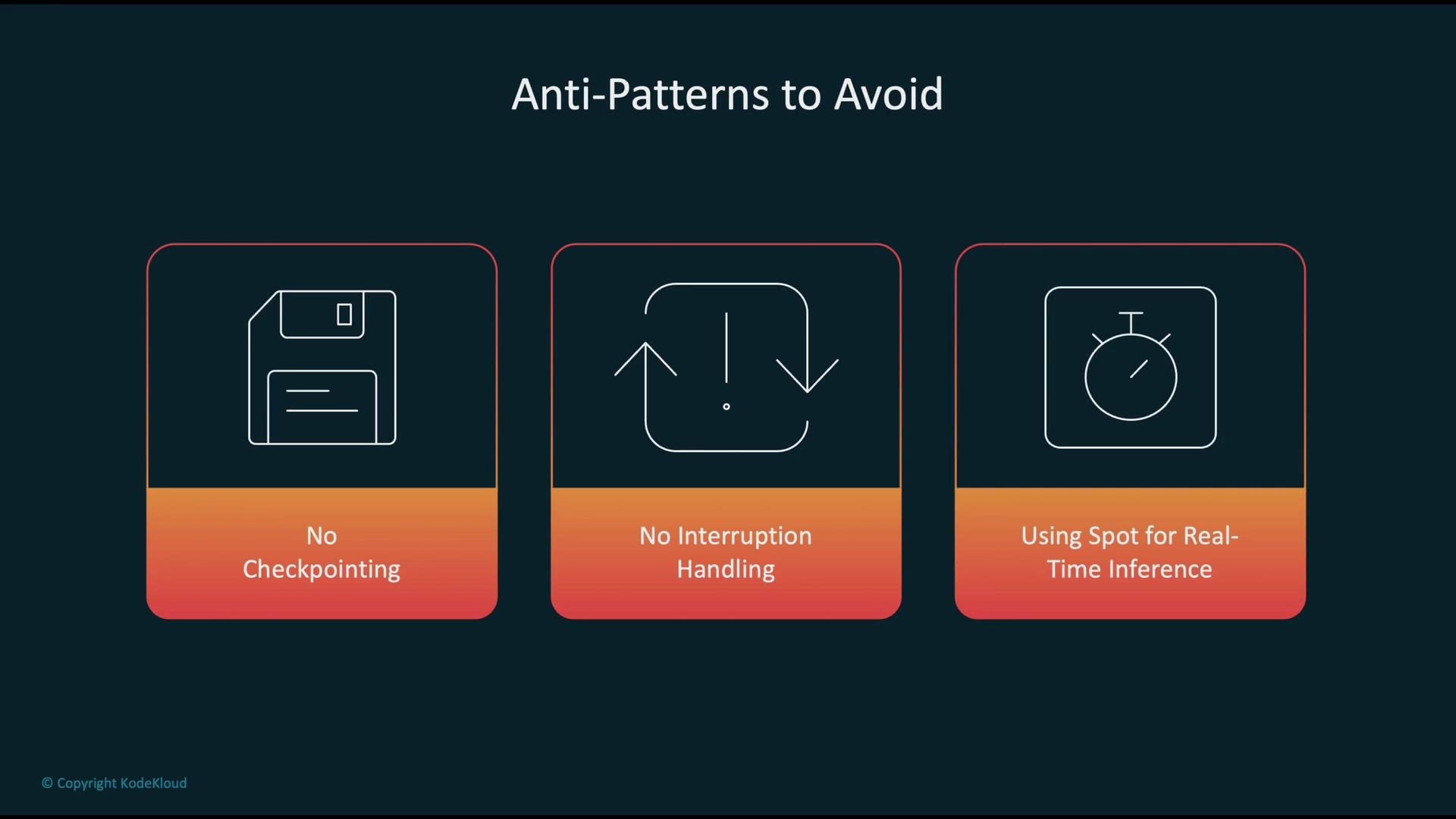
Avoid using Spot Instances for latency-sensitive, real-time inference or critical workloads that cannot tolerate interruptions. For such cases, prefer On-Demand or Reserved Instances to guarantee availability.
Common anti-patterns to avoid
Summary — Best practices
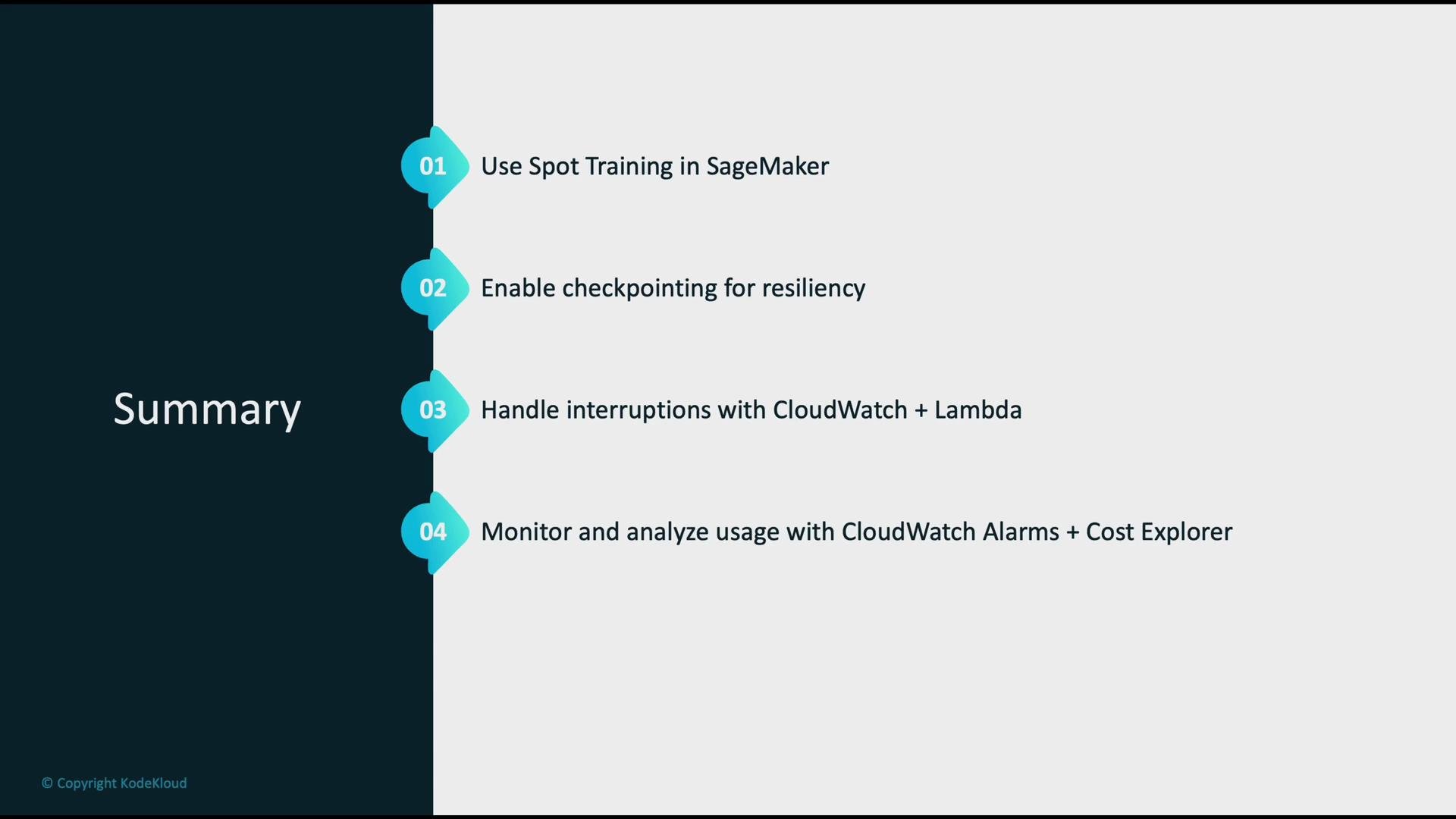
- Use SageMaker Spot Training to reduce training costs where interruptions are tolerable.
- Always enable checkpointing to durable S3 locations so jobs can resume.
- Automate interruption responses using CloudWatch Events / EventBridge and Lambda, or use SageMaker’s built-in resume behavior.
- Monitor instance health and billing metrics with CloudWatch Alarms and analyze financial trends with Cost Explorer.
- Enforce least-privilege IAM policies and secure checkpoint S3 locations.
Links and references
- Amazon EC2 (Spot Instances) documentation
- Amazon SageMaker Spot Training overview
- AWS CloudWatch & EventBridge
- AWS Lambda
- AWS Cost Explorer API (Boto3)
- SageMaker Neo compilation