

This lesson explains how VPCs, security groups, VPC endpoints, IAM roles/policies, and AWS Config combine to create defense-in-depth for ML resources such as SageMaker, S3, and EC2.
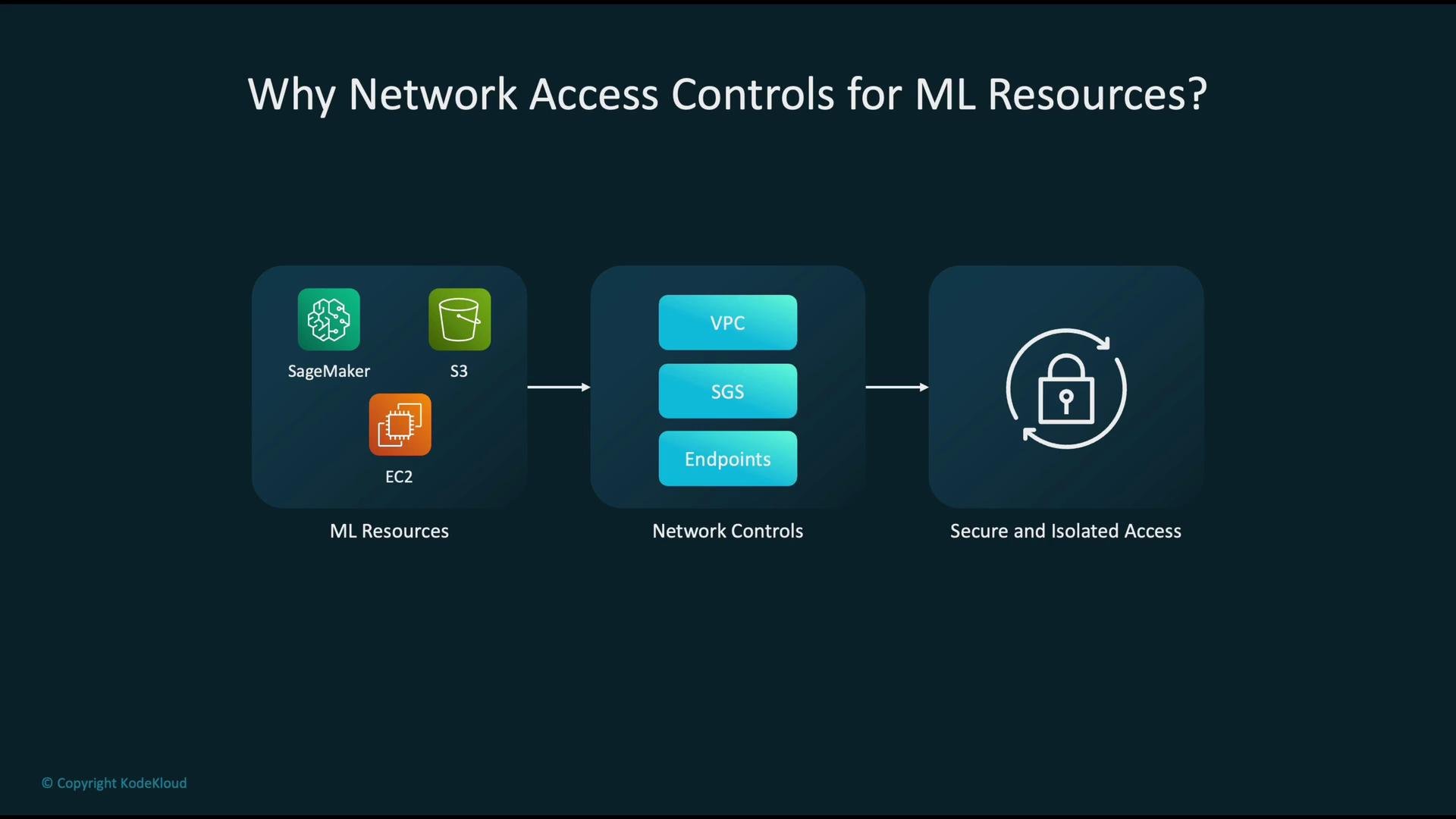
Why network access controls matter
Start with the core ML services:- SageMaker — training and hosting managed by AWS.
- S3 — storage for datasets, model artifacts, and checkpoints.
- EC2 — custom compute for training, preprocessing, or serving.
Core AWS network primitives for ML
Use the following AWS building blocks to secure ML workloads. They work together to isolate traffic, enforce least privilege, and keep data on the AWS network.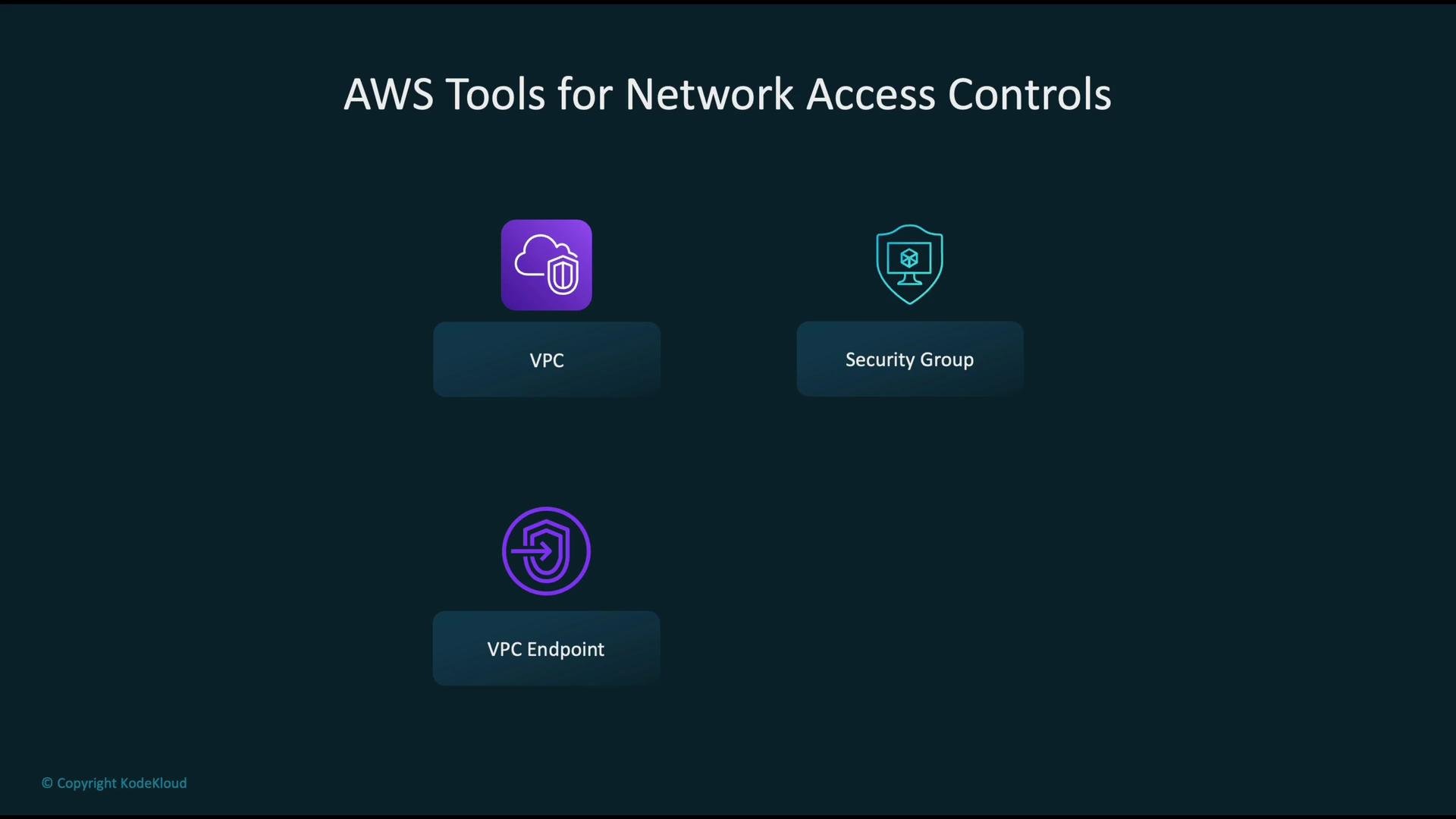
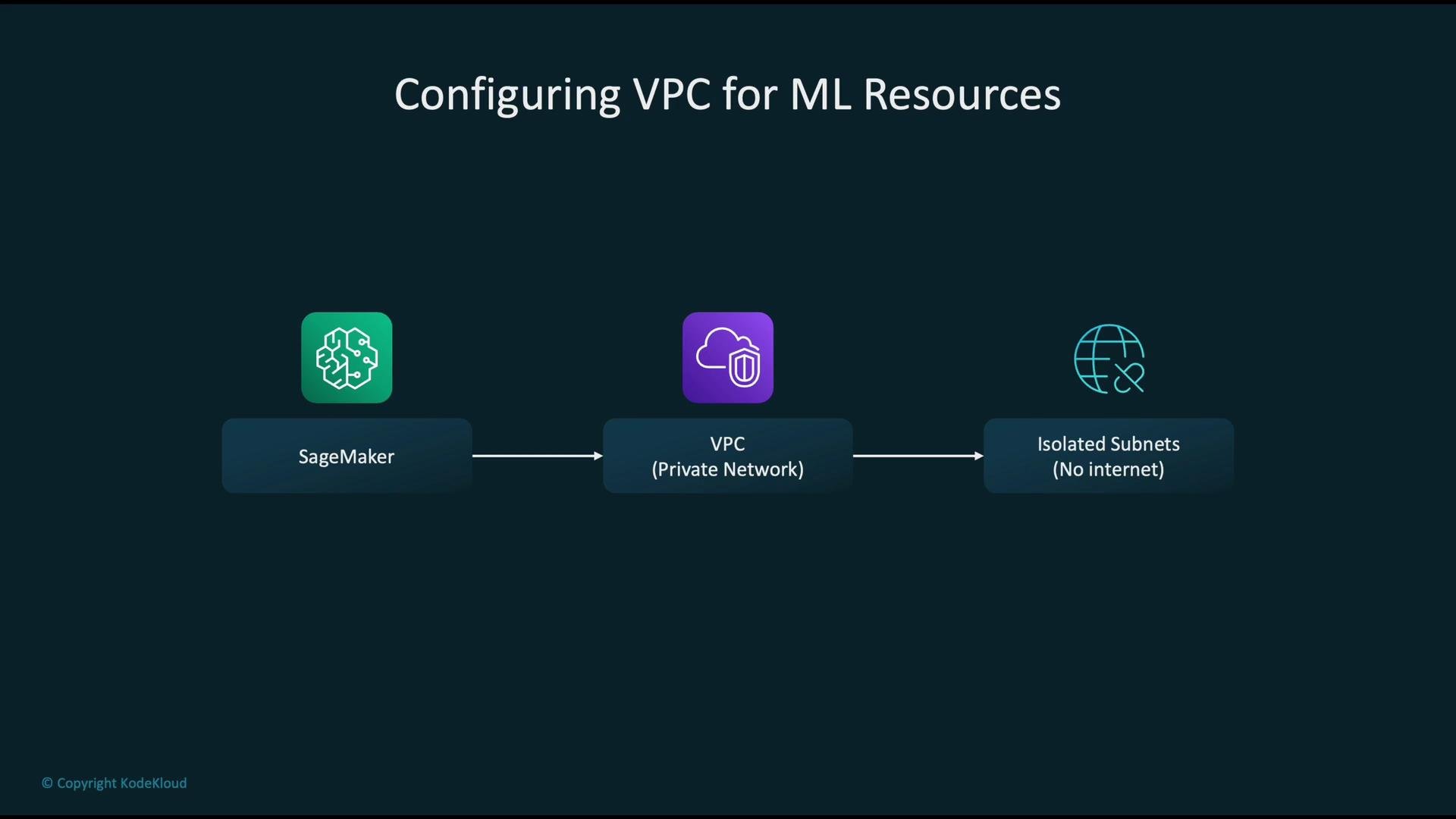
Design pattern: place ML resources inside a VPC
Best practice: run SageMaker training/hosting, EC2 instances, and any custom endpoints inside a VPC with private subnets that do not route directly to an Internet Gateway. This approach keeps both management and data-plane traffic within your controlled network boundaries and reduces exposure to the public internet.- Use private subnets for compute and model hosting.
- Use NAT/egress proxies only when necessary and lock them down.
- Centralize shared services (artifact stores, logging, model registries) in controlled VPCs or via VPC peering/Transit Gateway.
Security groups: allow only the minimum
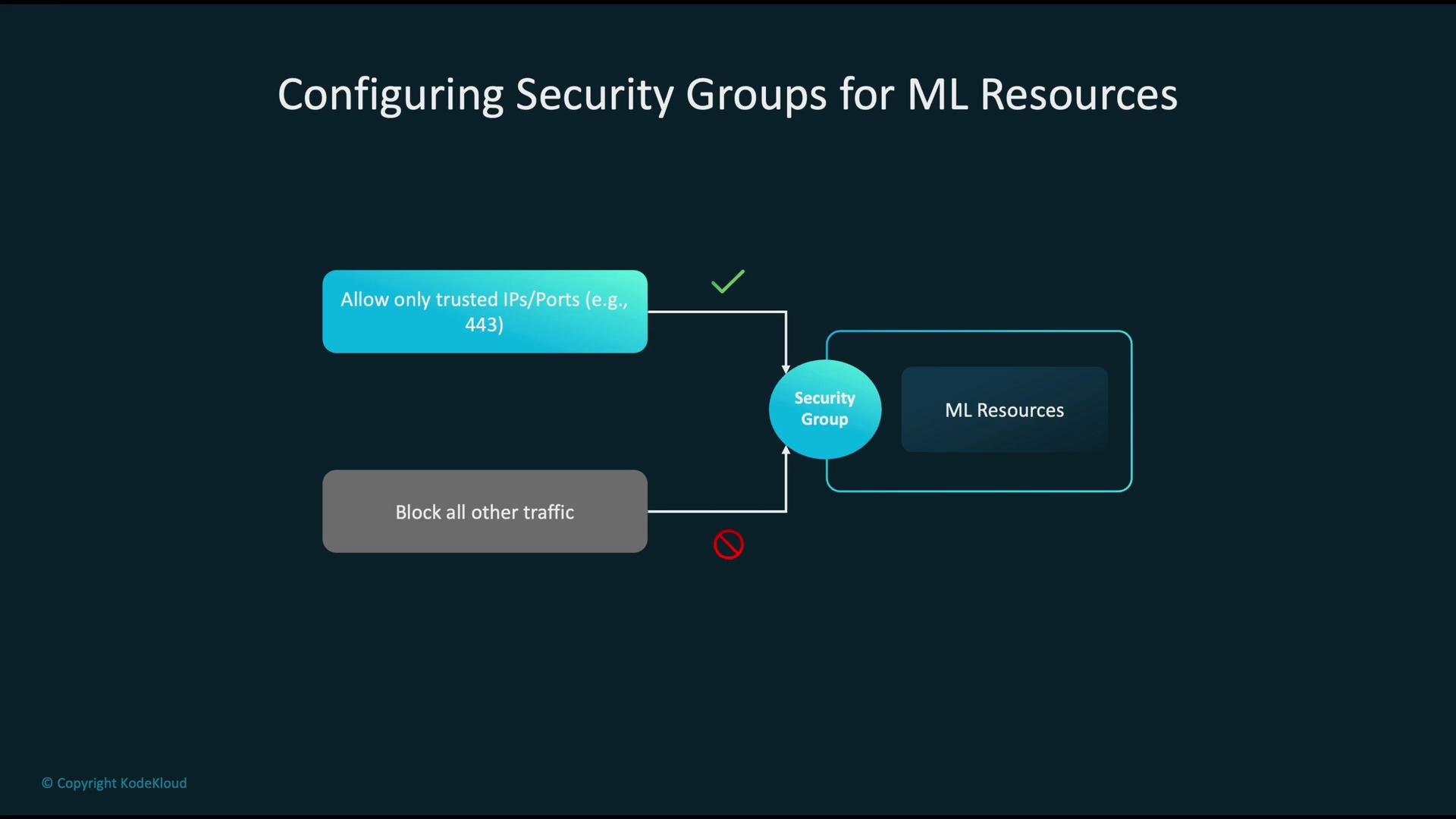
Security groups are your first line of defense for instance-level traffic:- Permit inbound traffic only from trusted IP ranges or other security groups (use security group IDs for cross-instance communication).
- Limit access to required ports (e.g., 443 for HTTPS).
- Avoid 0.0.0.0/0 or overly broad CIDR blocks on sensitive ports.
VPC endpoints: keep traffic on the AWS network
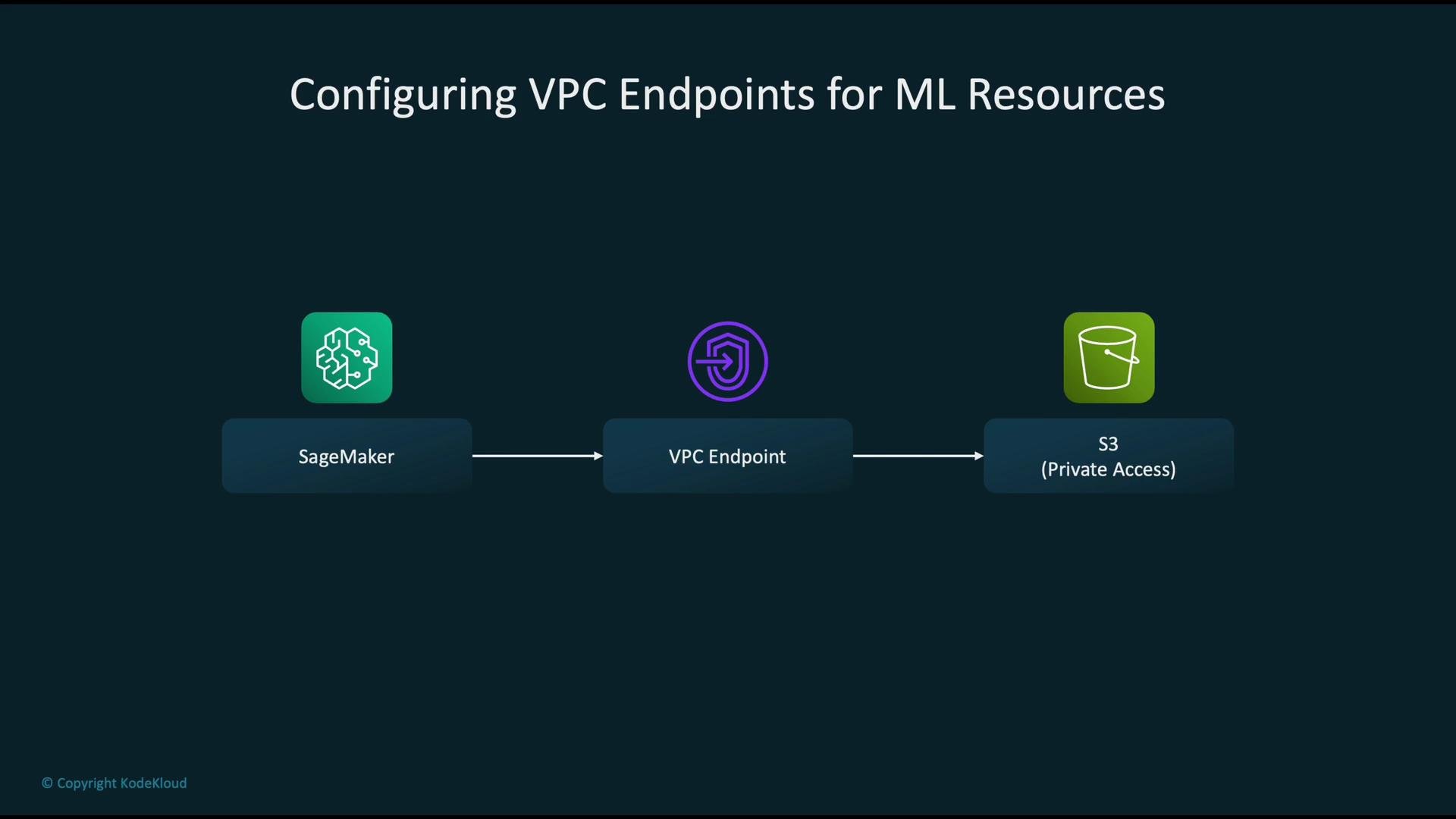
Routing service traffic over the public internet increases exposure. Use VPC endpoints to keep communication internal to AWS:- Gateway endpoints — for S3 and DynamoDB. Add a route in your route table so resources in private subnets reach S3 without leaving the AWS network.
- Interface endpoints (AWS PrivateLink) — create private ENIs to access many AWS service APIs and supported partner services.
Integrating IAM with network controls
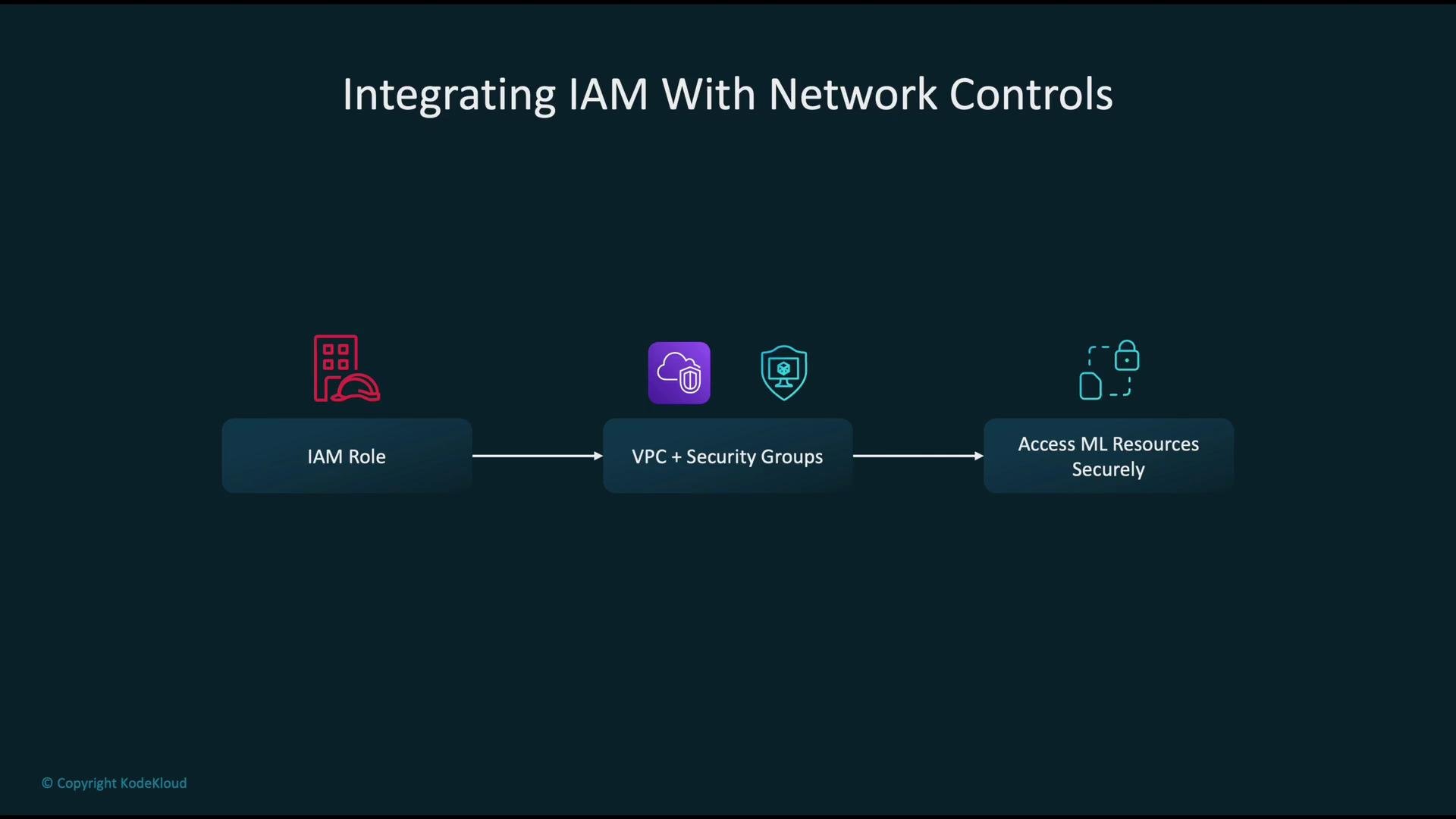
Network controls and IAM should be used together for defense-in-depth:- Create IAM roles with least privilege for SageMaker training jobs, inference, and any EC2 instances.
- Use resource-based policies (S3 bucket policies, VPC endpoint policies) to restrict which principals and networks can access artifacts.
- Combine IAM restrictions with VPC placement and security group rules so compromised credentials alone are not sufficient to exfiltrate sensitive data.
Monitoring, compliance, and drift detection
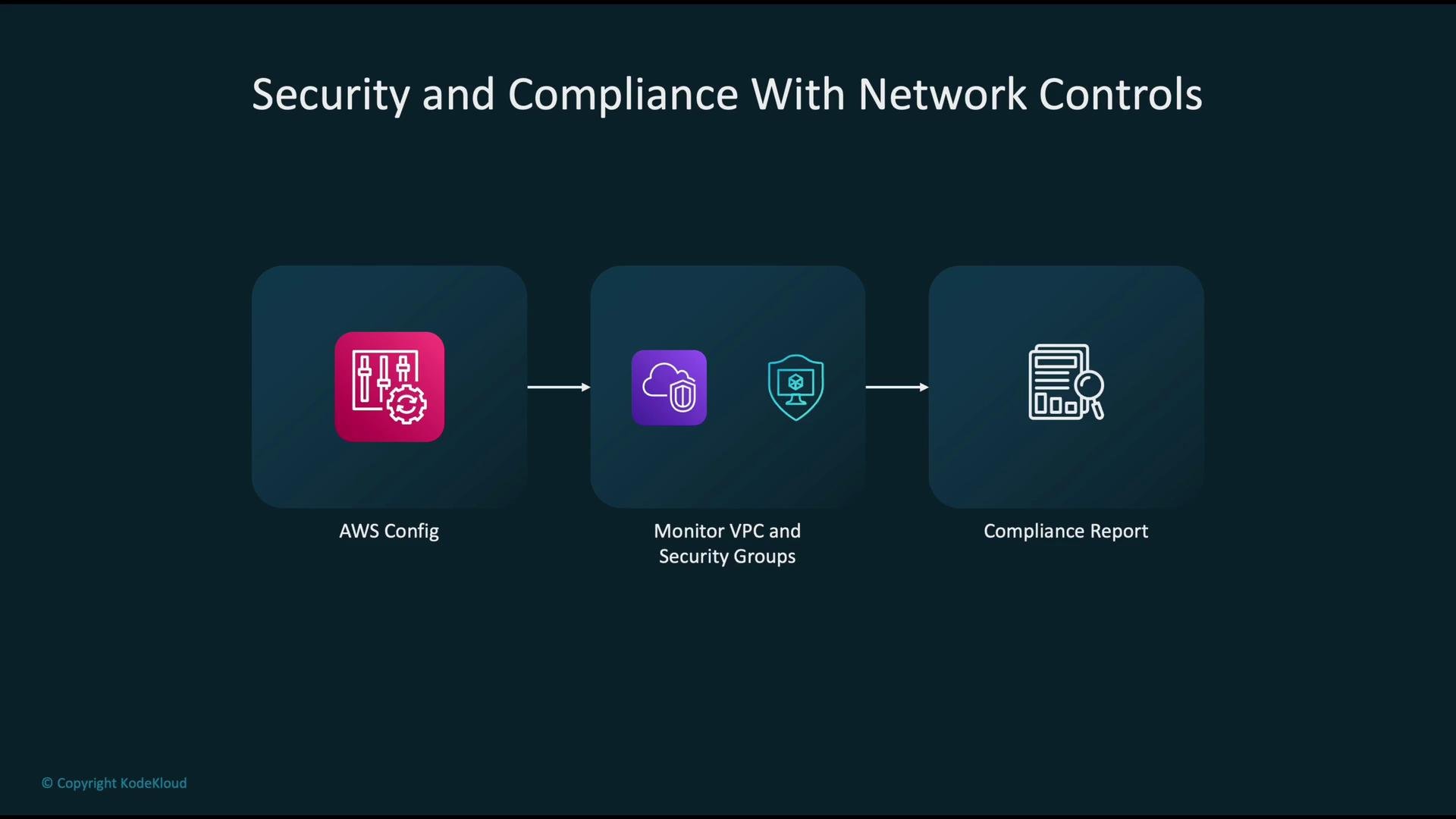
Continuously validate and audit network configurations:- Use AWS Config to codify desired states for VPCs, subnets, security groups, and endpoints.
- Monitor changes and get automated compliance reports and alerts for drift from the baseline.
- Integrate AWS Config with AWS CloudWatch Events, Lambda, or Systems Manager Automation for automated remediation.
Anti-patterns to avoid: wide-open security groups (0.0.0.0/0 on sensitive ports), sending ML traffic over the public internet instead of using VPC endpoints, and assigning overly broad IAM admin permissions where scoped roles would suffice.
Anti-patterns (concise)
- Allowing 0.0.0.0/0 on sensitive ports.
- Not using VPC endpoints for S3/model traffic.
- Granting broad administrative IAM permissions to service roles.
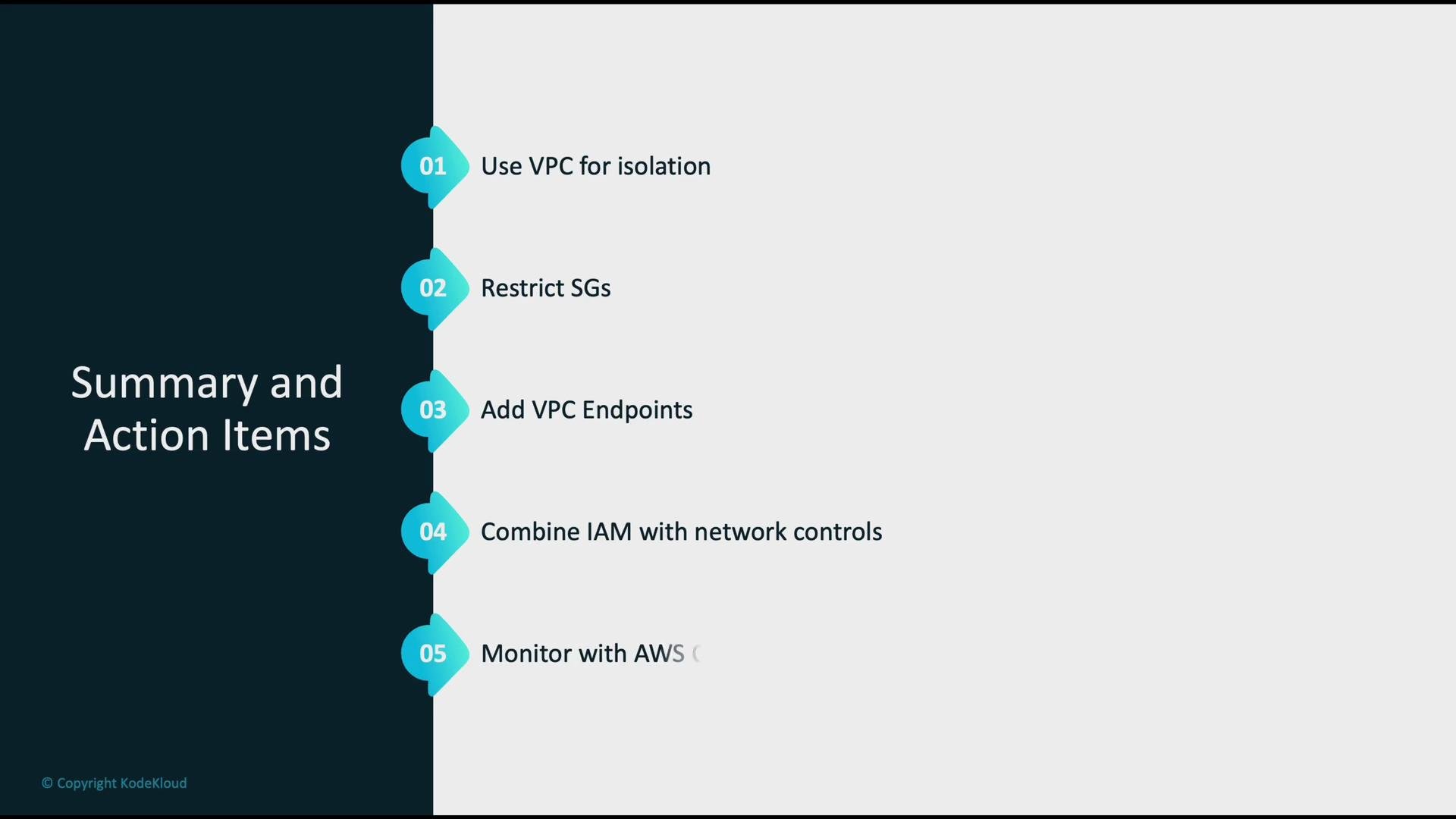
Summary: key action items
- Use VPCs and private subnets to isolate ML workloads from the public internet.
- Apply least-privilege security groups—allow only required sources and ports.
- Add VPC endpoints (gateway or interface) so traffic to AWS services stays private.
- Combine scoped IAM policies and roles with network controls for defense-in-depth.
- Continuously monitor configurations with AWS Config and remediate drift.
Links and references
- AWS VPC overview
- Amazon SageMaker
- Amazon S3
- EC2
- VPC endpoints
- Security groups
- Network ACLs
- AWS IAM
- AWS Config
- AWS Shield