

- Enforce least privilege for every pipeline component and service account.
- Encrypt data both at rest and in transit.
- Keep build and deployment traffic off the public internet using private connectivity.
- Maintain immutable audit trails and continuous compliance checks.
- Protect real-time endpoints from volumetric and application-layer attacks.
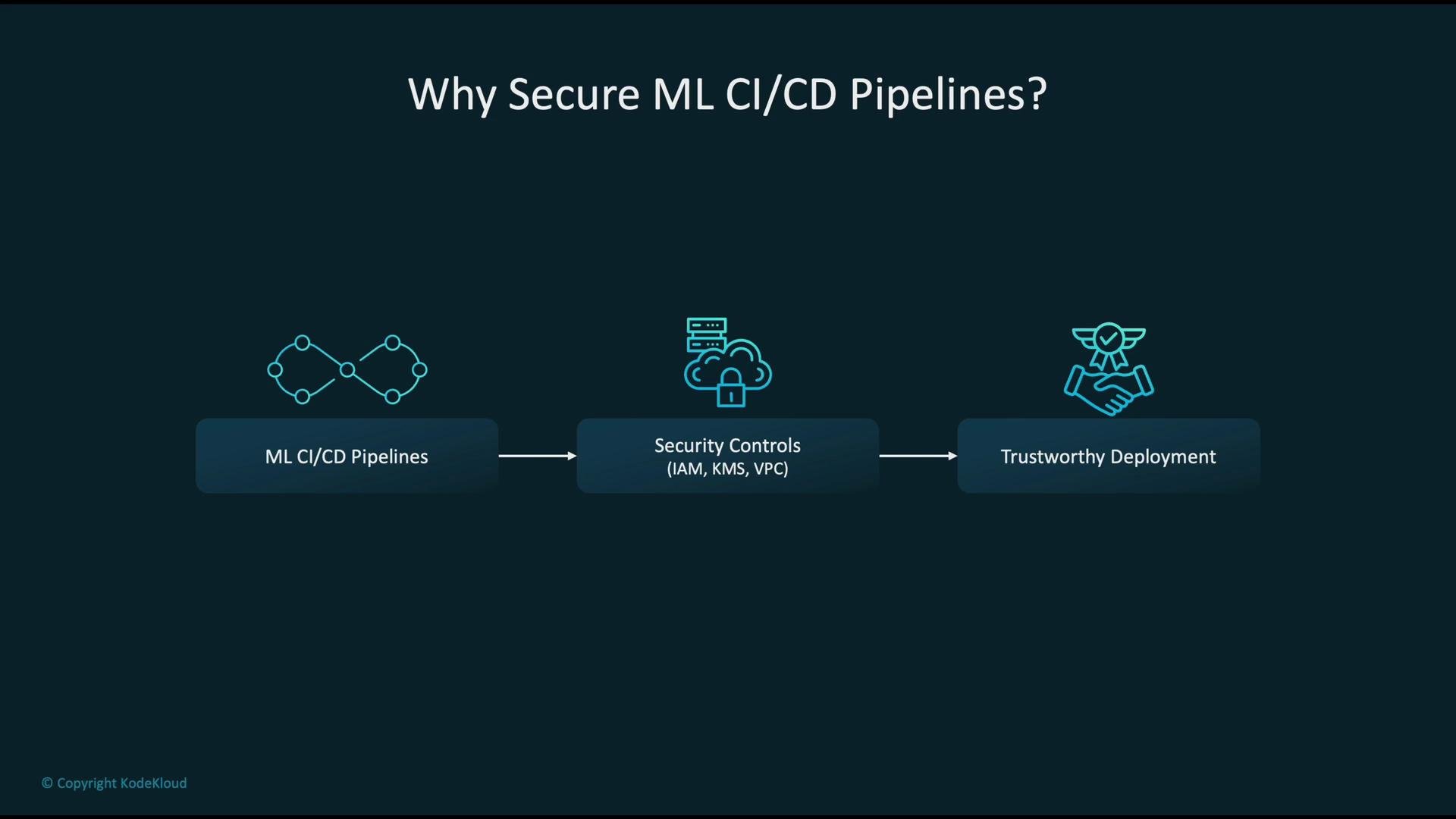
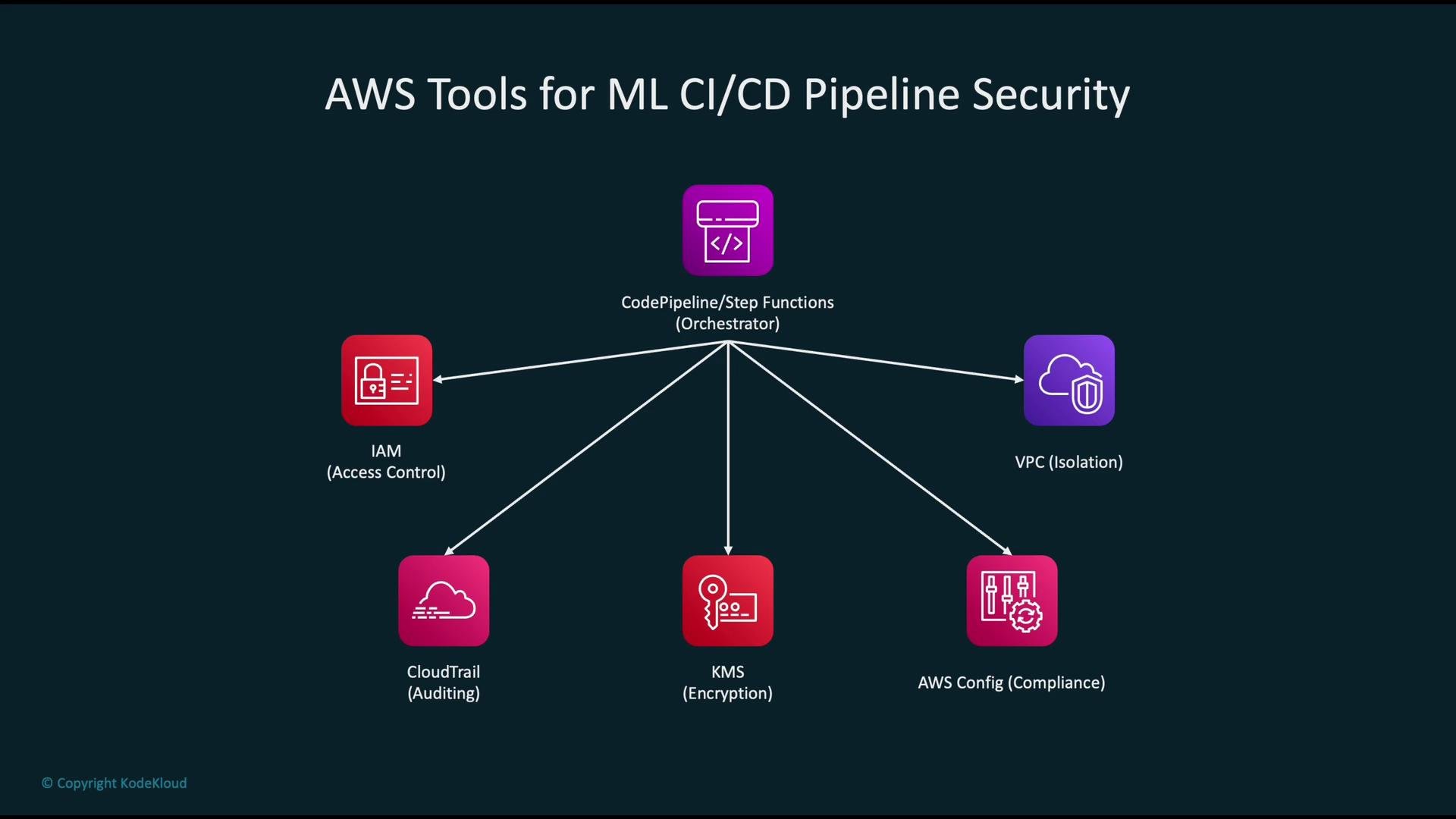
- Create a dedicated pipeline execution role (CodePipeline role or Step Functions execution role).
- Define fine-grained roles for pipeline stages (build, test, deploy) and for SageMaker tasks (training, processing, endpoint creation).
- Scope permissions to specific ARNs and actions: avoid
*whenever possible. - Use role chaining or
sts:AssumeRoleso pipeline orchestration can assume short-lived credentials for downstream services. - Add conditions in policies (e.g.,
aws:SourceIp,aws:SourceVpc, or encryption context checks) where applicable.
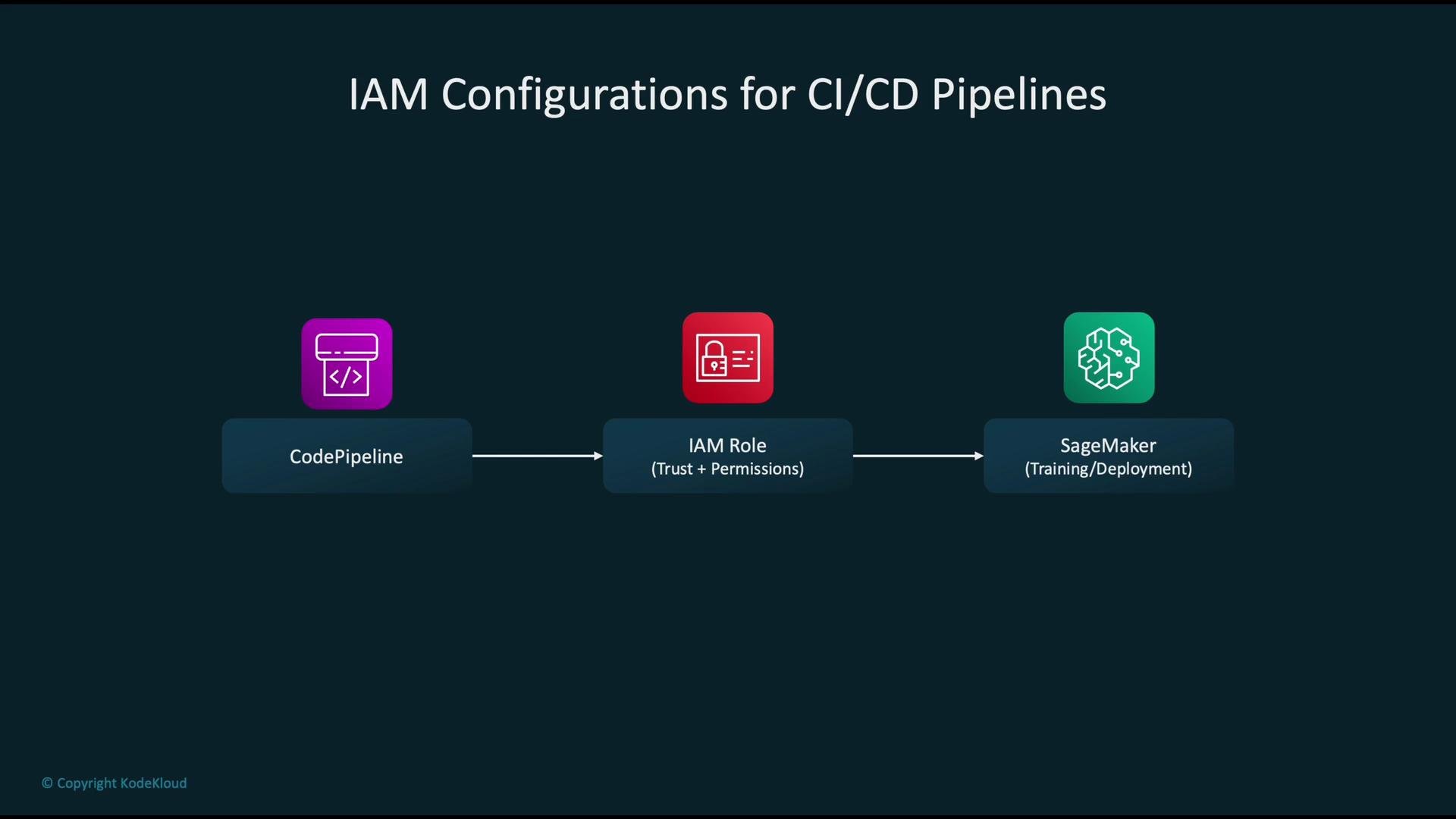
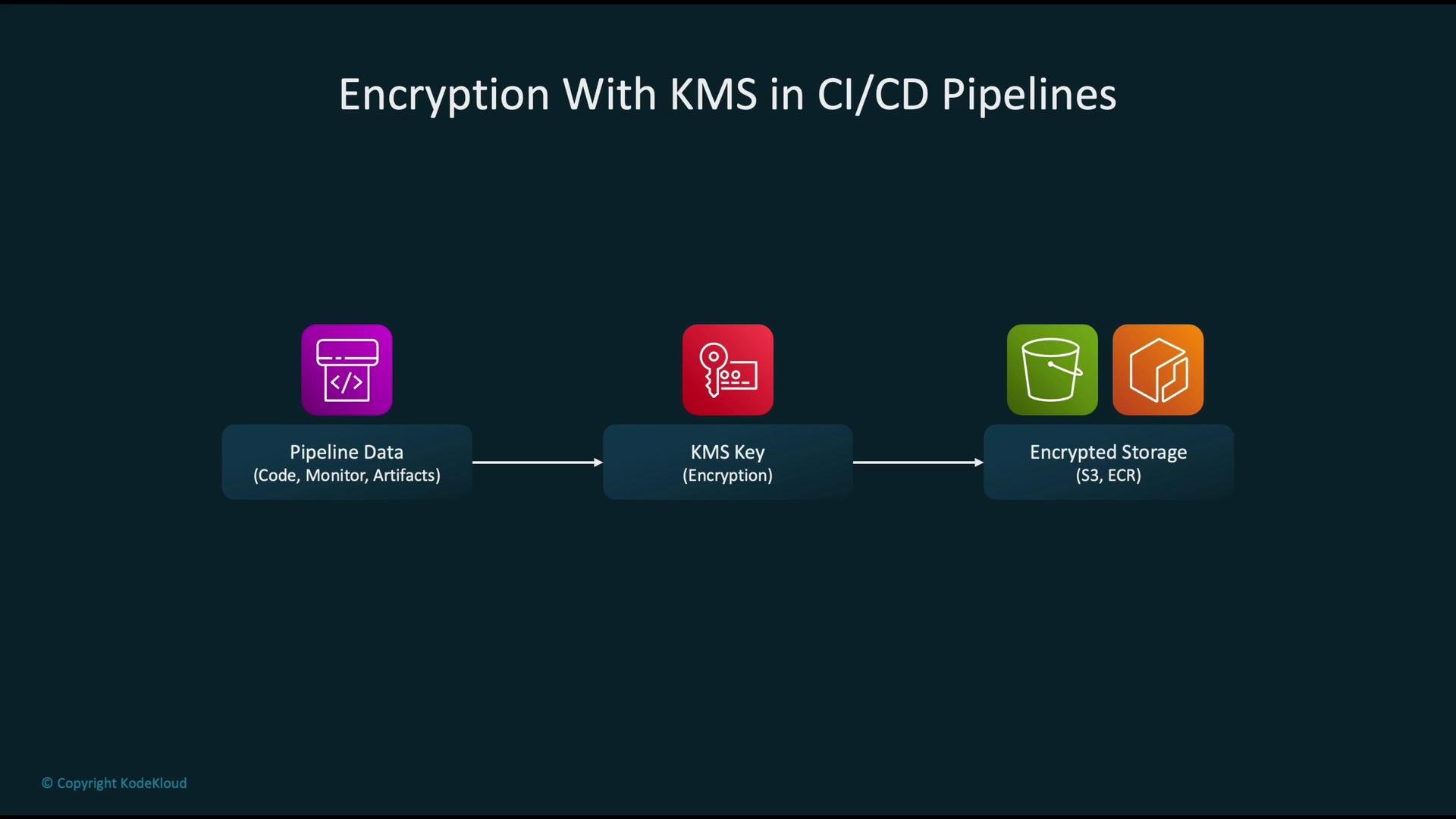
- Use customer-managed KMS keys (CMKs) for S3 buckets, ECR repositories, EBS volumes, and SageMaker artifacts so you control key rotation and access.
- Limit use and management of keys via IAM policies and KMS key policies, and consider policy conditions like
aws:SourceVpcorkms:EncryptionContext. - Enable automatic rotation for symmetric CMKs and maintain a key lifecycle policy.
- Apply encryption-at-rest and enforce TLS for all in-transit communications.
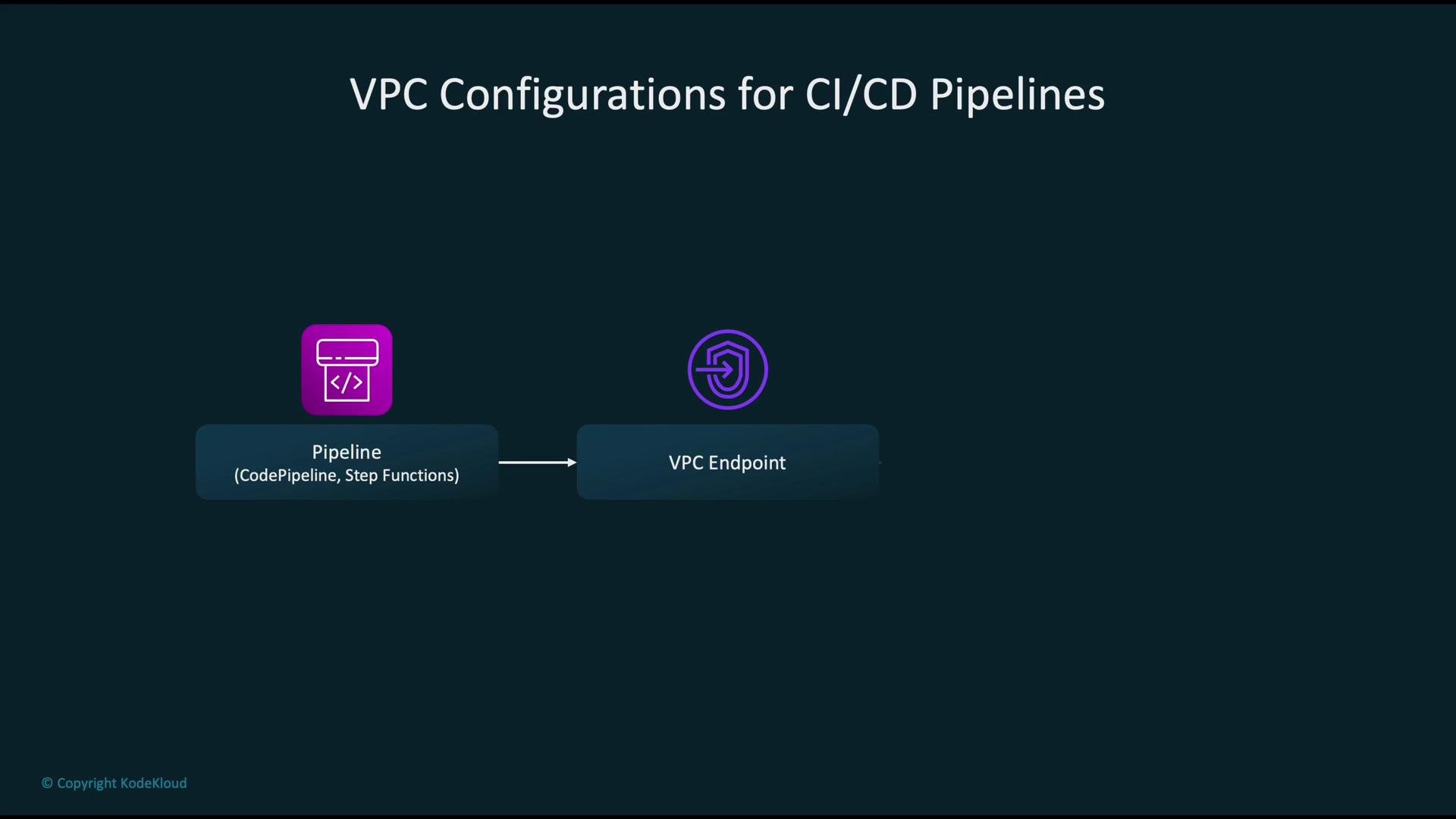
- Run sensitive tasks in private subnets inside a VPC. Use VPC endpoints (Gateway or Interface) to access S3, ECR, Secrets Manager, and other AWS services without public internet egress.
- If internet access is required (for downloads, container registries, etc.), route through NAT Gateways or tightly controlled proxy instances; avoid assigning public IPs to worker nodes.
- Apply least-privilege security group rules and minimal, audited network ACLs.
- Consider using PrivateLink for secure integrations with partner services or cross-account endpoints.
- Enable CloudTrail across all regions and deliver logs to a centralized, encrypted S3 bucket with restricted access.
- Integrate CloudTrail events with CloudWatch Events / EventBridge to trigger alerts on suspicious or risky actions (e.g., public policy changes, KMS key policy updates, creation of public endpoints).
- Use Amazon Athena or a SIEM to query and analyze CloudTrail logs over time.
- Add GuardDuty for threat detection and Amazon Detective for investigation workflows.
- Pipeline triggers actions (training, model packaging, endpoint updates).
- CloudTrail records API calls across the account as events.
- Use Athena, CloudWatch, EventBridge, or a SIEM to analyze events and produce alerts/reports.
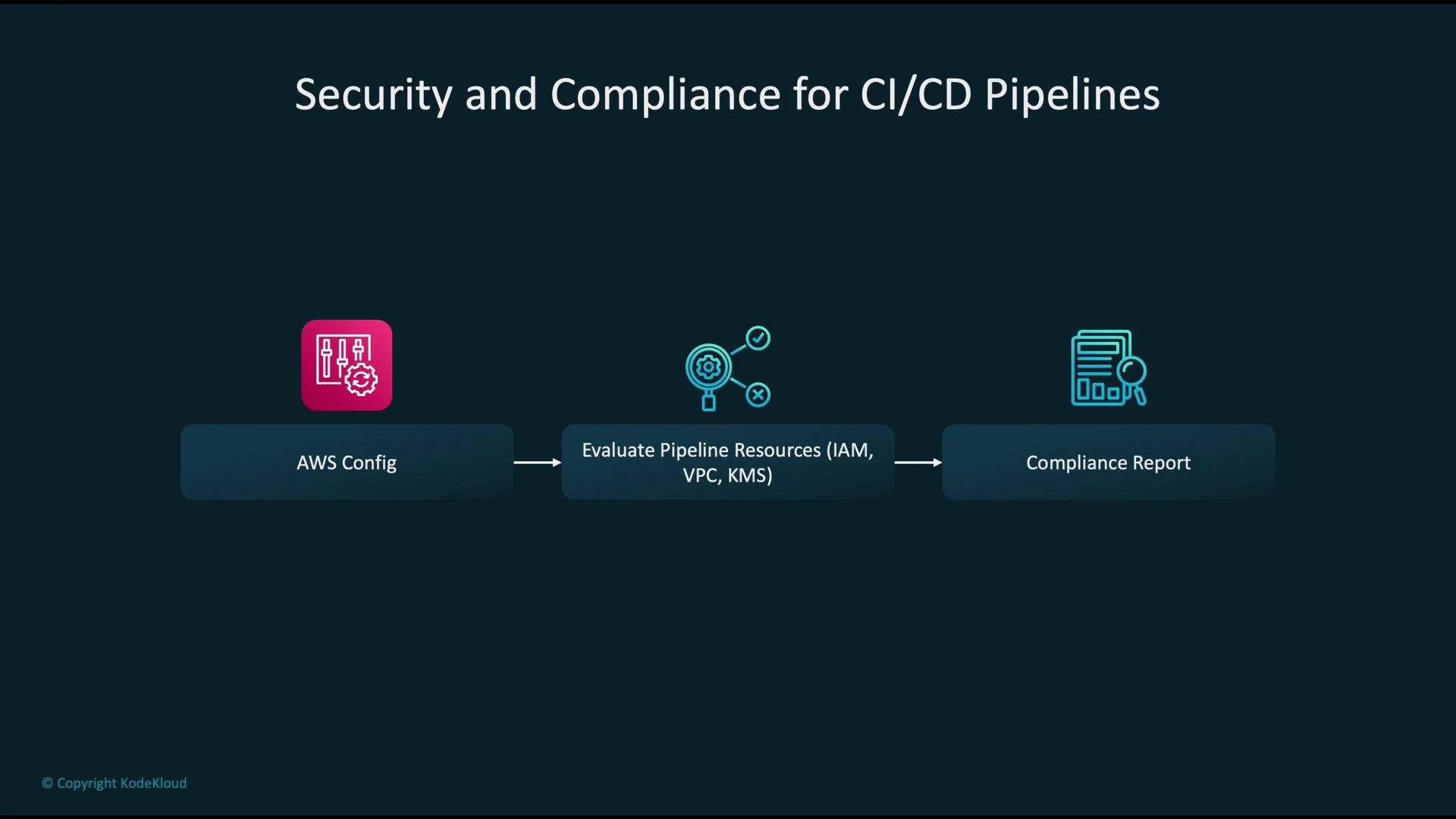
- Implement rules that reflect your baseline (e.g.,
s3-bucket-server-side-encryption-enabled,kms-key-rotation-enabled,sagemaker-endpoint-public-access). - Evaluate resources that matter to your pipeline: IAM roles/policies, KMS keys, VPC settings, S3/ECR configurations, SageMaker resources.
- Integrate Config remediation or pipeline gating so deployments are blocked or flagged when non-compliant resources are detected.
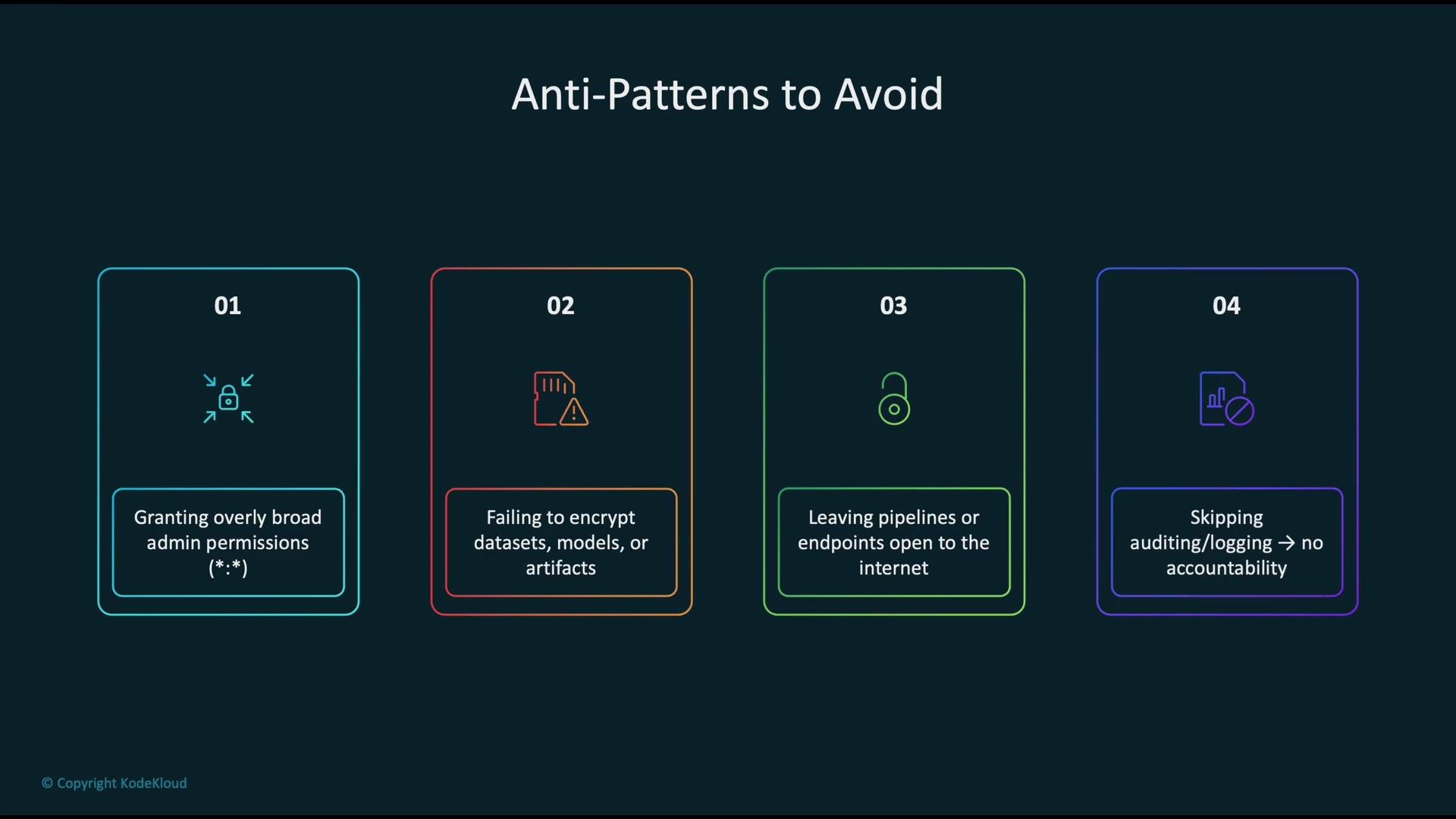
- Granting broad admin permissions instead of scoped, stage-specific roles.
- Leaving datasets, model artifacts, or logs unencrypted.
- Exposing pipeline components or endpoints to the public internet without authentication and network controls.
- Skipping logging, auditing, or automated compliance checks—visibility is critical for incident detection.
Always apply the principle of least privilege: give pipeline stages and SageMaker jobs only the permissions they require. Combine least privilege with KMS-backed encryption and VPC isolation to build a layered, defense-in-depth posture.
- Create dedicated pipeline execution roles and stage-specific IAM roles; scope permissions to needed actions and ARNs.
- Encrypt sensitive data and artifacts with KMS-managed keys and enforce encryption context / policy conditions where possible.
- Run pipeline workloads inside a VPC and use VPC endpoints to avoid public network exposure.
- Centralize CloudTrail logs, enable GuardDuty, and analyze events using Athena, CloudWatch, or a SIEM.
- Use AWS Config rules to continuously assess resource posture and gate deployments on compliance.
- Amazon SageMaker documentation
- AWS Identity and Access Management (IAM)
- AWS Key Management Service (KMS)
- Amazon VPC endpoints (Interface and Gateway)
- AWS CloudTrail user guide
- AWS Config developer guide
- Amazon GuardDuty