

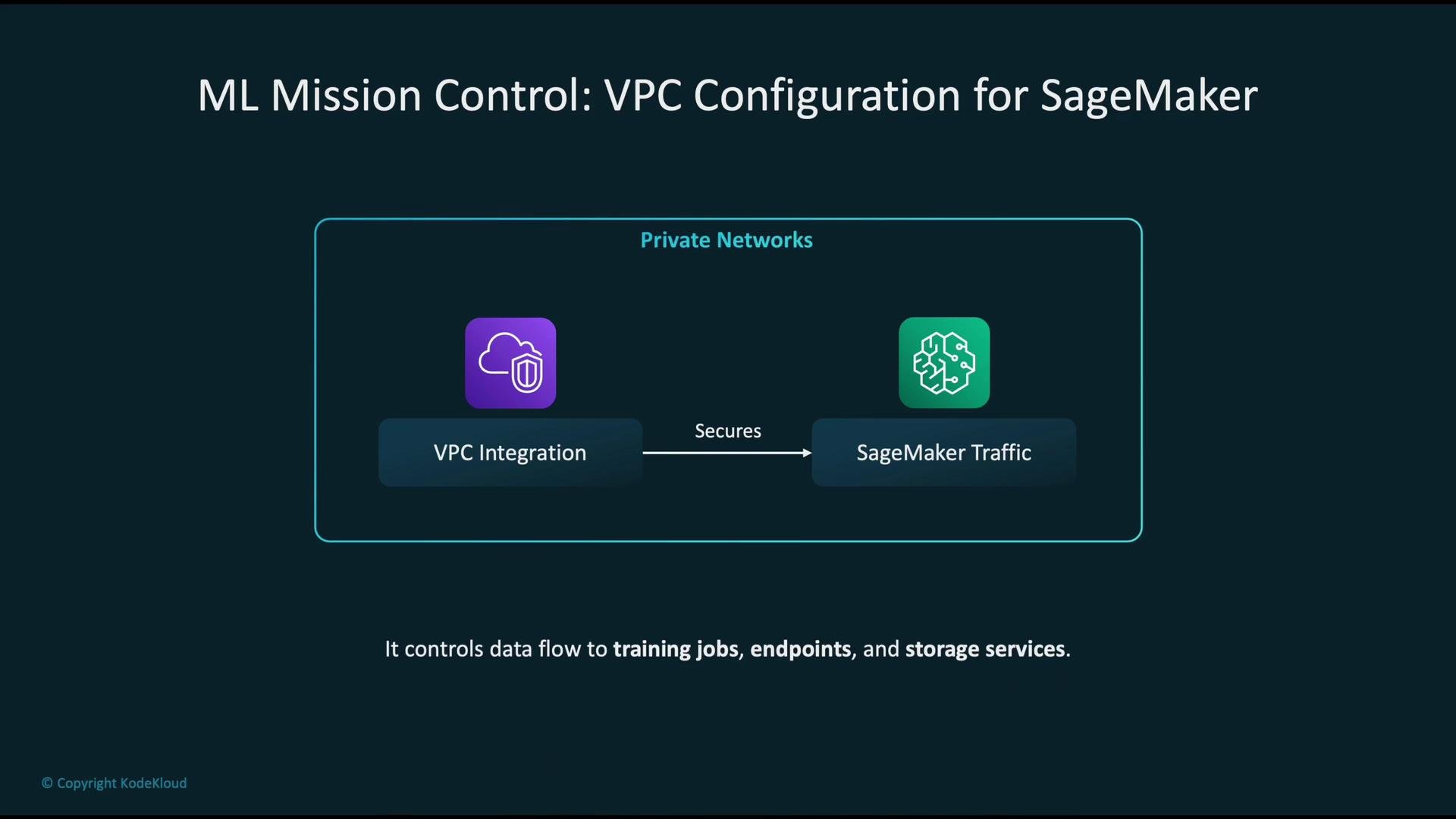
- Security: Keep model training and inference traffic off the public internet.
- Control: Enforce access using security groups, route tables, and VPC endpoints.
- Compliance: Satisfy organizational policies for private network traffic and encrypted storage.
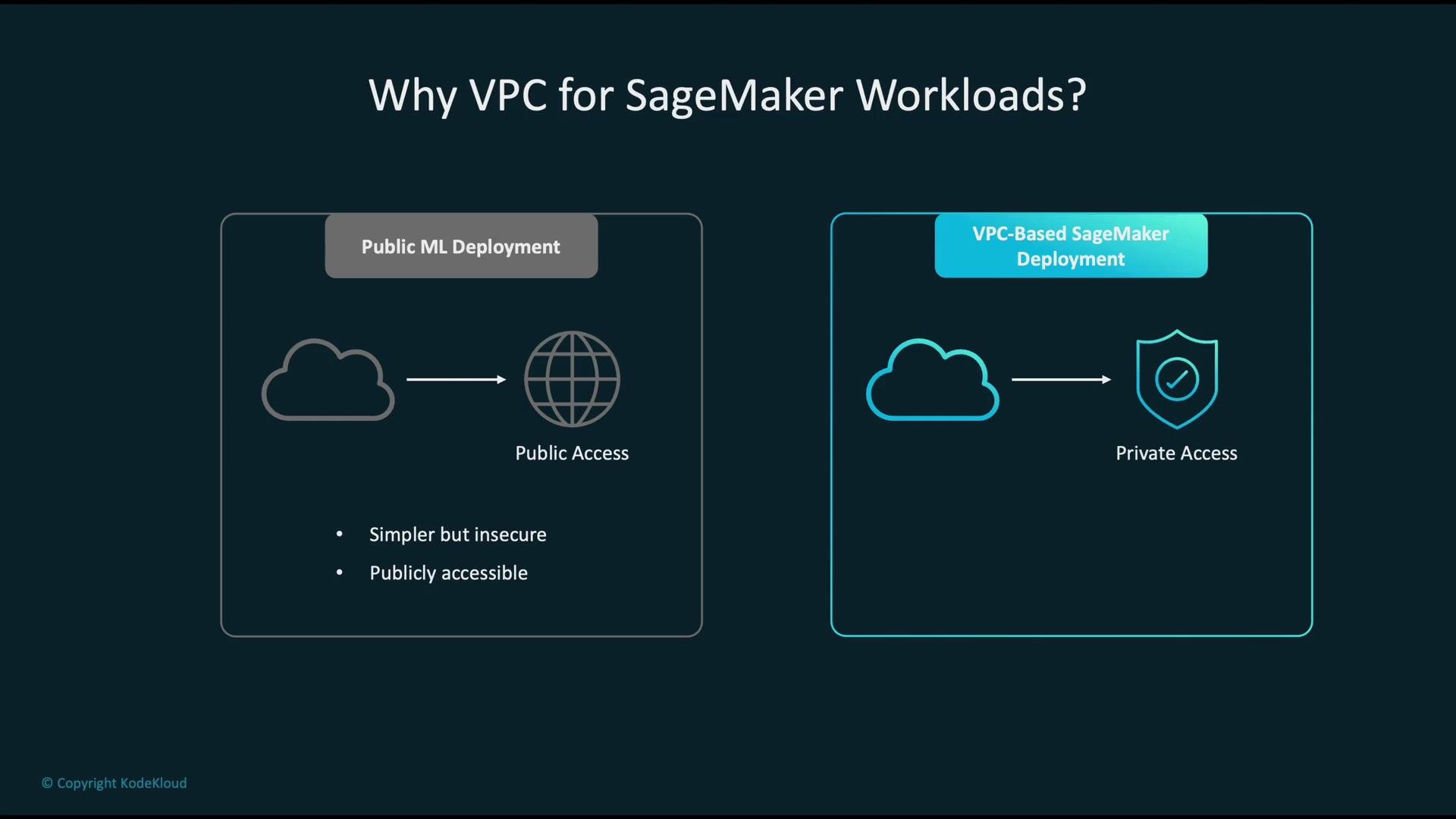
- Public ML deployment: resources have direct internet access. Simpler to set up but exposes endpoints and nodes to public networks.
- VPC-based deployment: SageMaker ENIs are placed in private subnets. Network access is controlled, and external service access can be routed over AWS private networking.
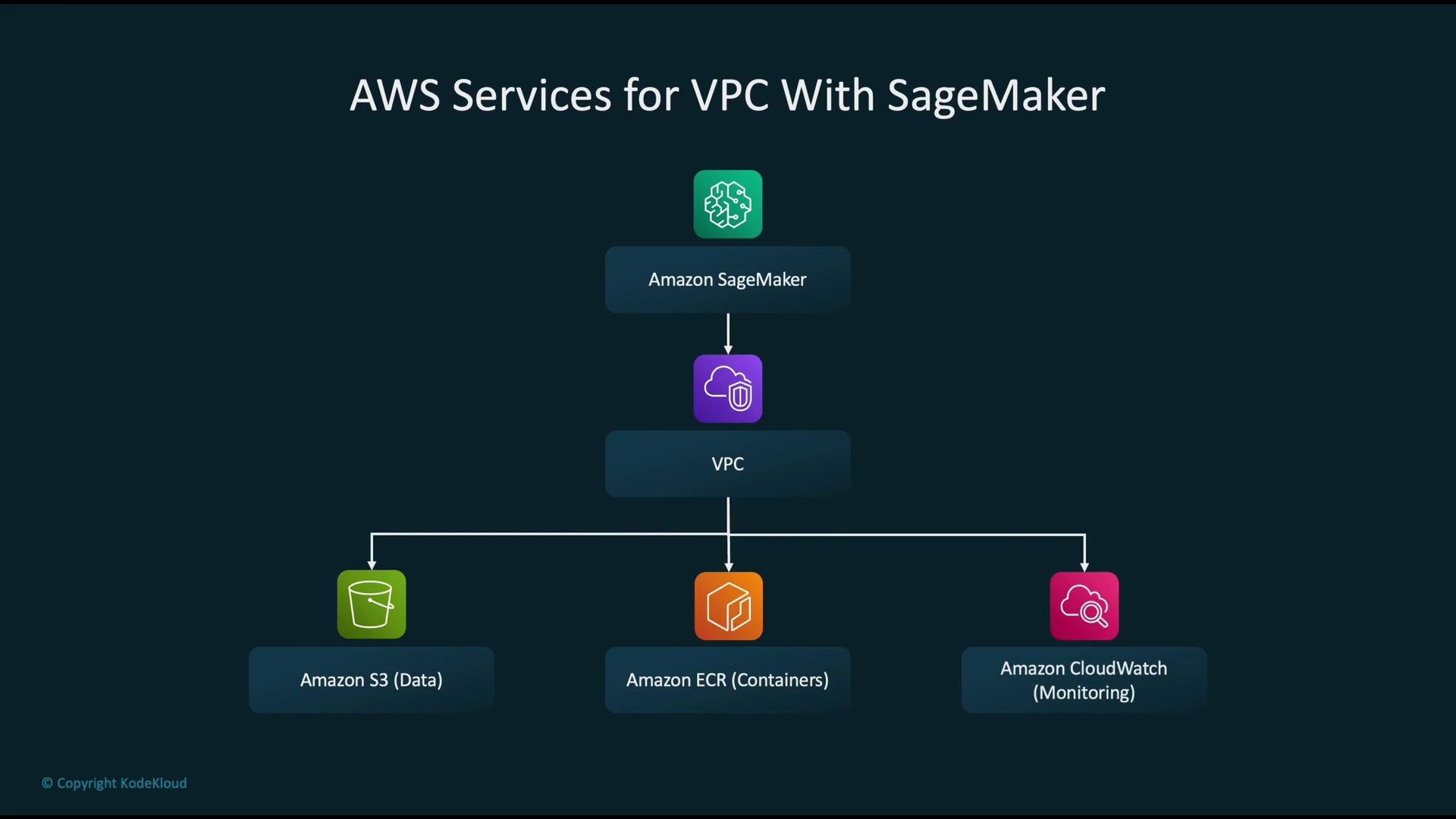
- When you supply a
VpcConfig, SageMaker creates Elastic Network Interfaces (ENIs) in your subnets for training jobs, hosted models/endpoints, and processing jobs. These ENIs are subject to your security group rules. - Typical service dependencies to consider:
- Amazon S3 — dataset and model artifact storage
- Amazon ECR — container images (
ecr.apiandecr.dkrendpoints) - Amazon CloudWatch — logs and monitoring metrics
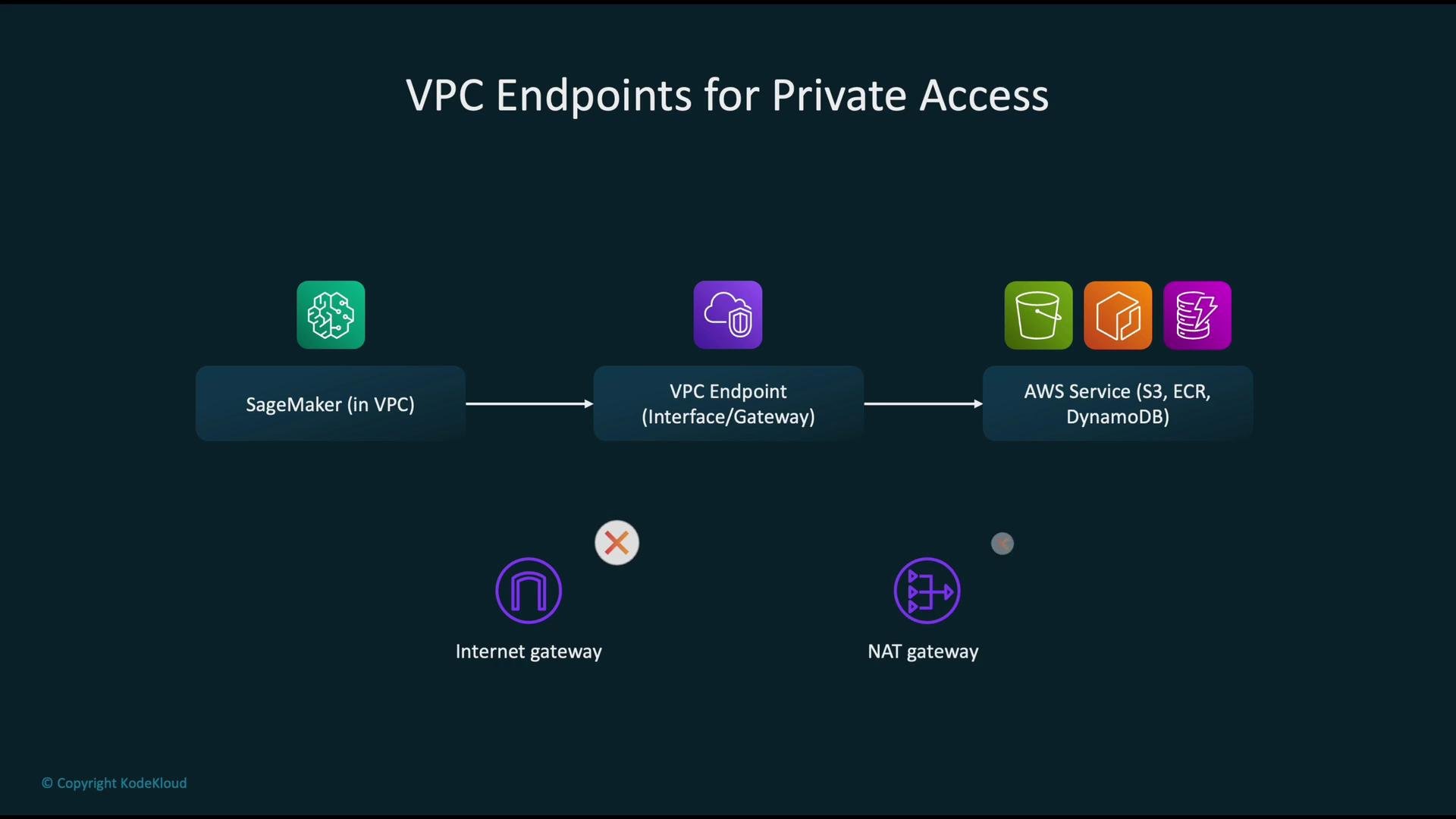
- To avoid public egress, route access to these services via VPC endpoints when possible.
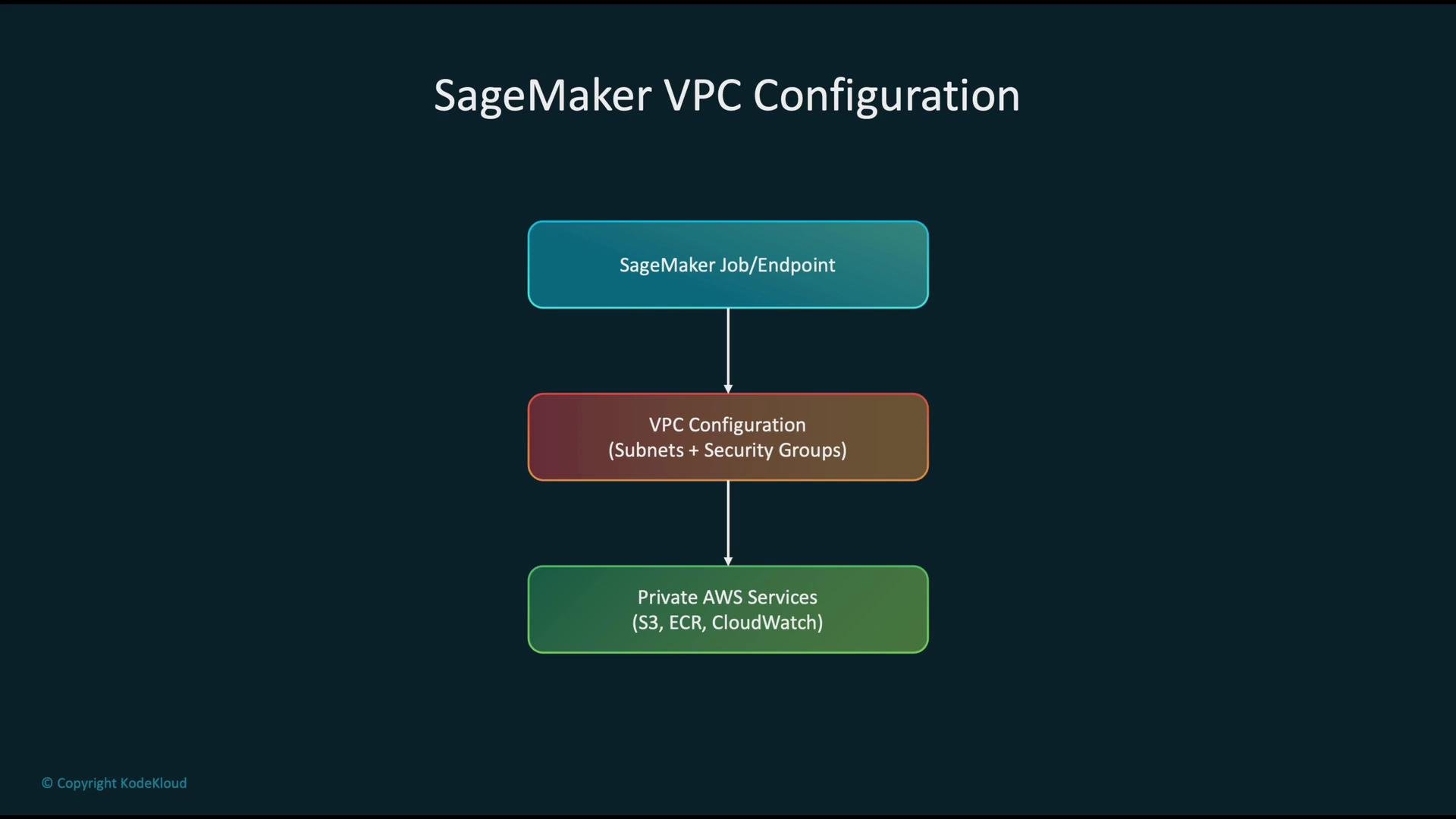
- Provide a VPC configuration (subnets and security group IDs) when creating SageMaker training jobs, models, or endpoints.
- SageMaker will attach ENIs to the specified subnets and enforce the inbound/outbound rules from the provided security groups.
- Example (boto3): create a SageMaker model and attach a
VpcConfig:
- Security groups: act as virtual firewalls for SageMaker ENIs. Apply least-privilege rules (allow only the necessary ports and destinations).
- Subnet placement: put SageMaker ENIs in private subnets (no direct route to an Internet Gateway) to avoid unintended public exposure.
- Multi-AZ: deploy across multiple Availability Zones for high availability and resilience.
- Use VPC endpoints to keep service traffic within the AWS network and reduce or eliminate NAT gateway egress:
- Gateway VPC Endpoint: S3, DynamoDB
- Interface VPC Endpoint (PrivateLink): ECR API, ECR DKR (image pulls), CloudWatch Logs, CloudWatch Metrics, STS, and other regional service APIs
- If containers or your code require access to public internet resources (third-party repos, public APIs), you’ll still need controlled internet egress (NAT gateway or IGW with strict routing/security).
- Execution roles: the IAM role assumed by SageMaker jobs/endpoints governs access to S3, ECR, KMS, CloudWatch, and other APIs. Apply least-privilege principles.
- KMS: use AWS KMS for encryption-at-rest:
- S3 objects: SSE-KMS
- EBS volumes (if applicable): encrypted using KMS keys
- ECR repository artifacts: encrypted at rest with KMS
- Ensure the SageMaker execution role has required KMS permissions (for example
kms:Decrypt) for any keys used by your artifacts.
- CloudWatch: metrics and logs for operational monitoring and alarms.
- CloudTrail: API call auditing and user actions.
- VPC Flow Logs: capture ENI-level traffic flows for forensics and network troubleshooting.
- Aggregate these sources into dashboards and automated alerts to detect anomalies and trigger incident response.
- Exposing SageMaker endpoints publicly or using overly permissive security groups.
- Omitting VPC endpoints for S3 and ECR, forcing traffic to go through NAT/IGW and the public AWS service endpoints.
- Single-AZ deployments without cross-AZ or cross-region redundancy for critical artifacts and endpoints.
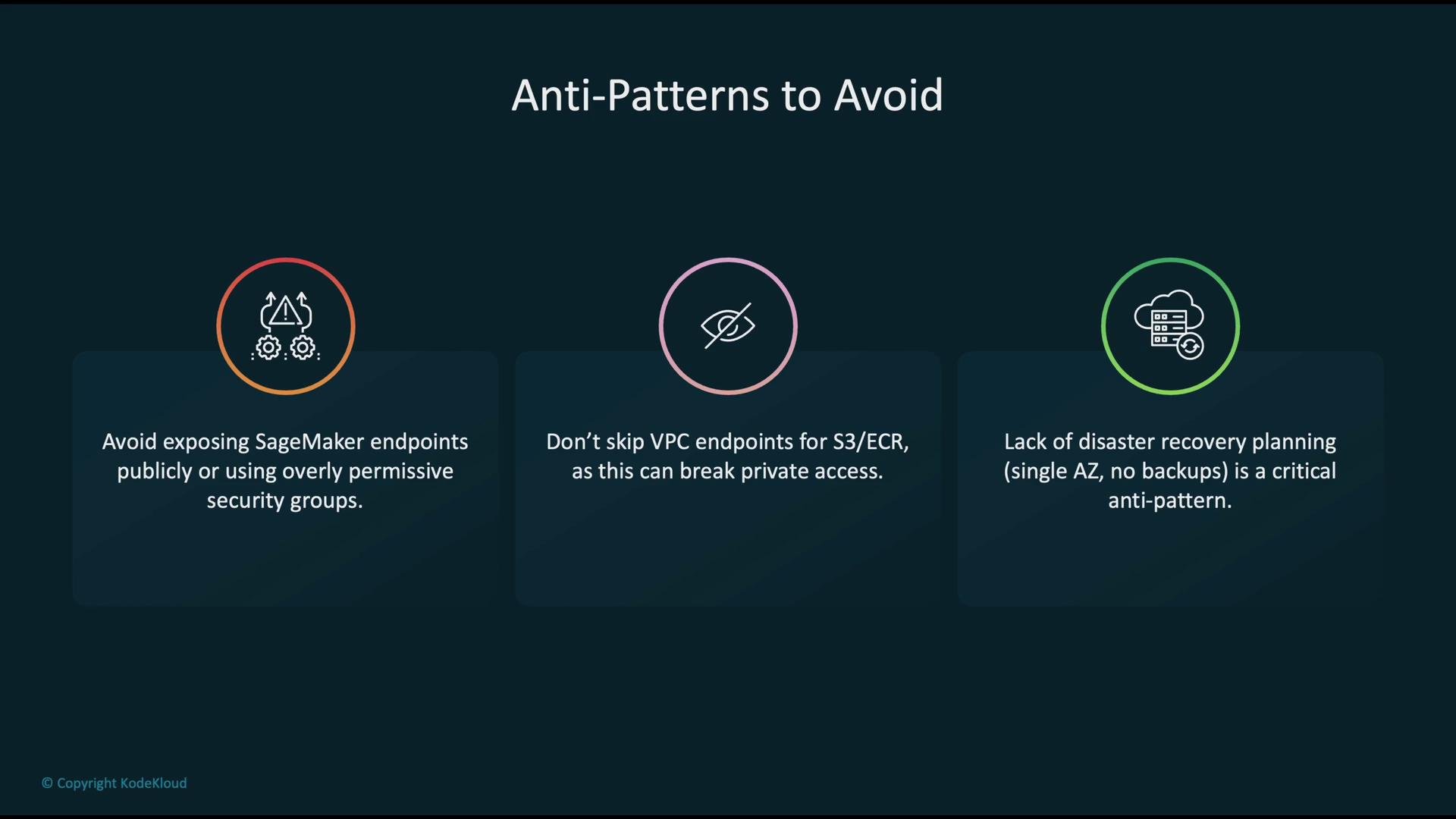
Avoid wide-open security groups and public endpoints. Always require least-privilege IAM roles and restrict network access to the minimum necessary.
- Place SageMaker training jobs, processing jobs, and endpoints in private subnets and protect ENIs with strict security groups.
- Use Gateway VPC endpoints for S3 and Interface VPC endpoints (PrivateLink) for ECR, CloudWatch, STS, and other APIs so service traffic stays on the AWS network.
- Apply least-privilege IAM roles and enable KMS encryption for data at rest.
- Monitor continuously with CloudWatch, CloudTrail, and VPC Flow Logs; consolidate logs and create alerting for anomalous patterns.
- Design for high availability: use multi-AZ subnets, cross-region backups for critical artifacts, and a tested disaster recovery plan.
When configuring VPC endpoints and security groups, test access from a minimal SageMaker job or endpoint to confirm that S3, ECR, and CloudWatch are reachable without internet egress before rolling out at scale.
- SageMaker VPC documentation: https://docs.aws.amazon.com/sagemaker/latest/dg/amazon-sagemaker-vpc.html
- VPC endpoints (AWS PrivateLink & gateway endpoints): https://docs.aws.amazon.com/vpc/latest/privatelink/what-is-privatelink.html
- AWS KMS documentation: https://docs.aws.amazon.com/kms/latest/developerguide/overview.html
- boto3 SageMaker client: https://boto3.amazonaws.com/v1/documentation/api/latest/reference/services/sagemaker.html