

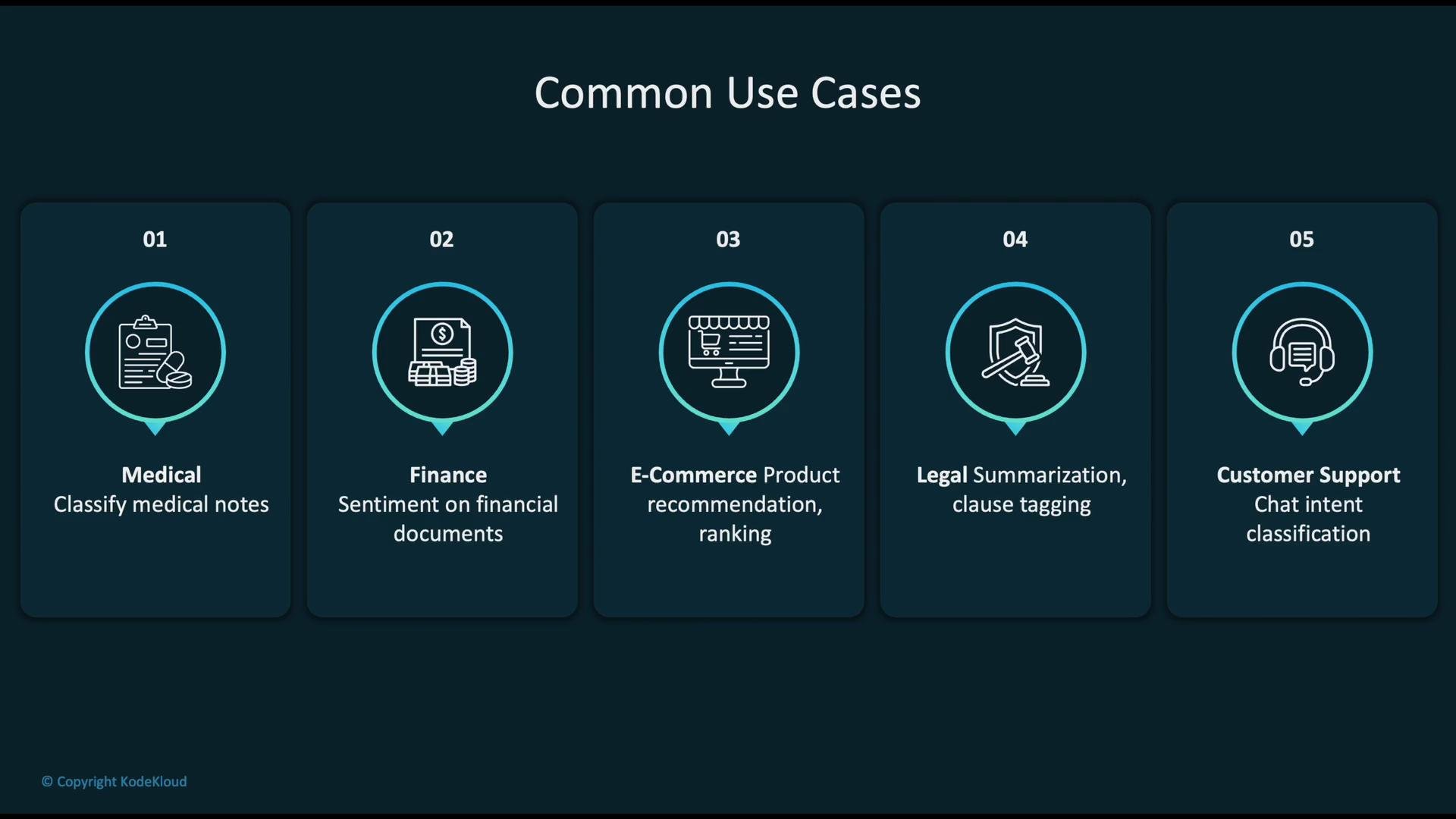
- You have a domain-specific dataset (medical notes, legal contracts, financial filings).
- The task requires domain-aware vocabulary, specialized patterns, or custom label spaces.
- You want faster convergence and better performance than training from scratch.
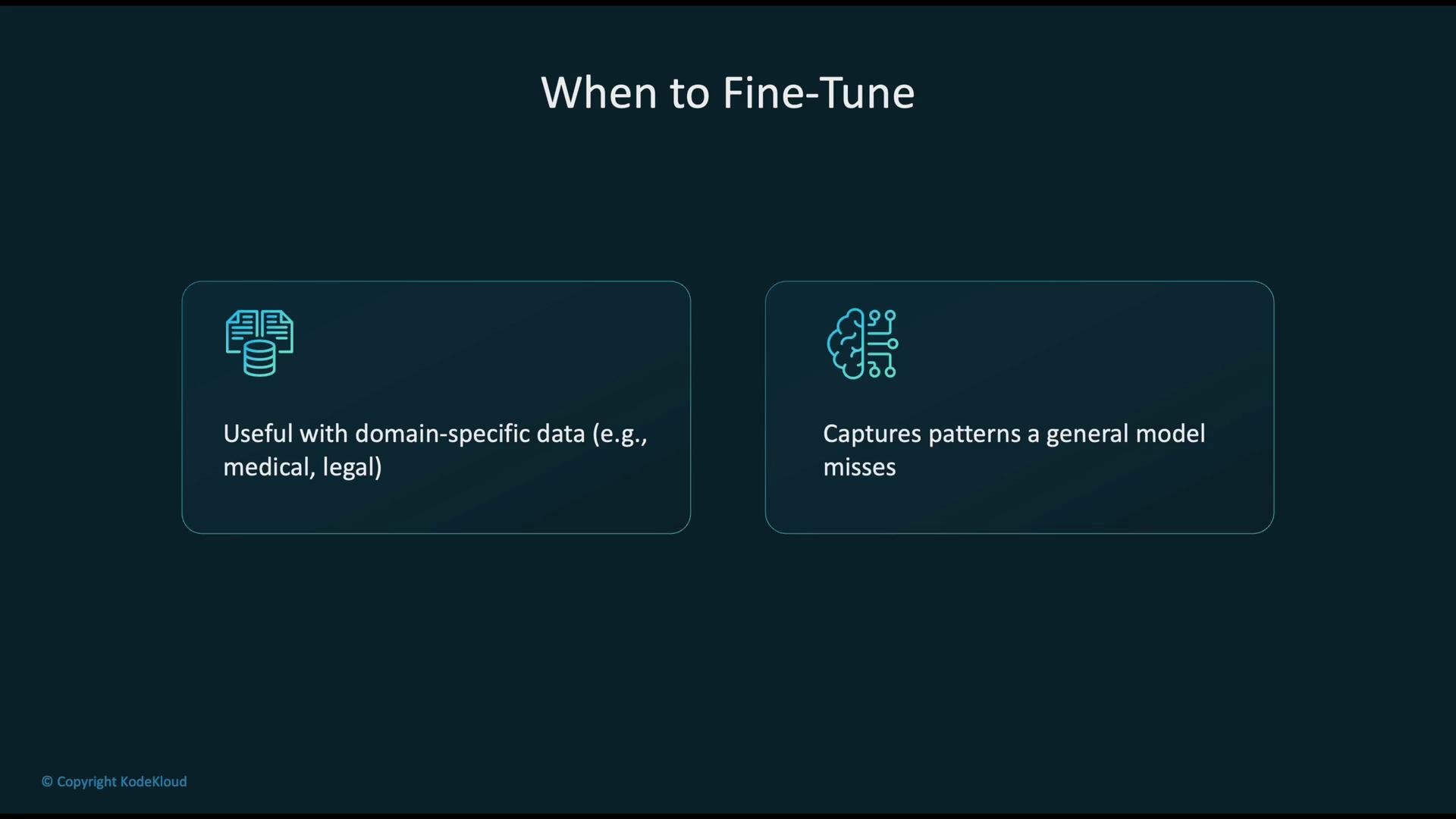
- Fine-tuning on clinical records to build a diagnostic assistant.
- Fine-tuning on contracts to create compliance and clause-tagging tools.
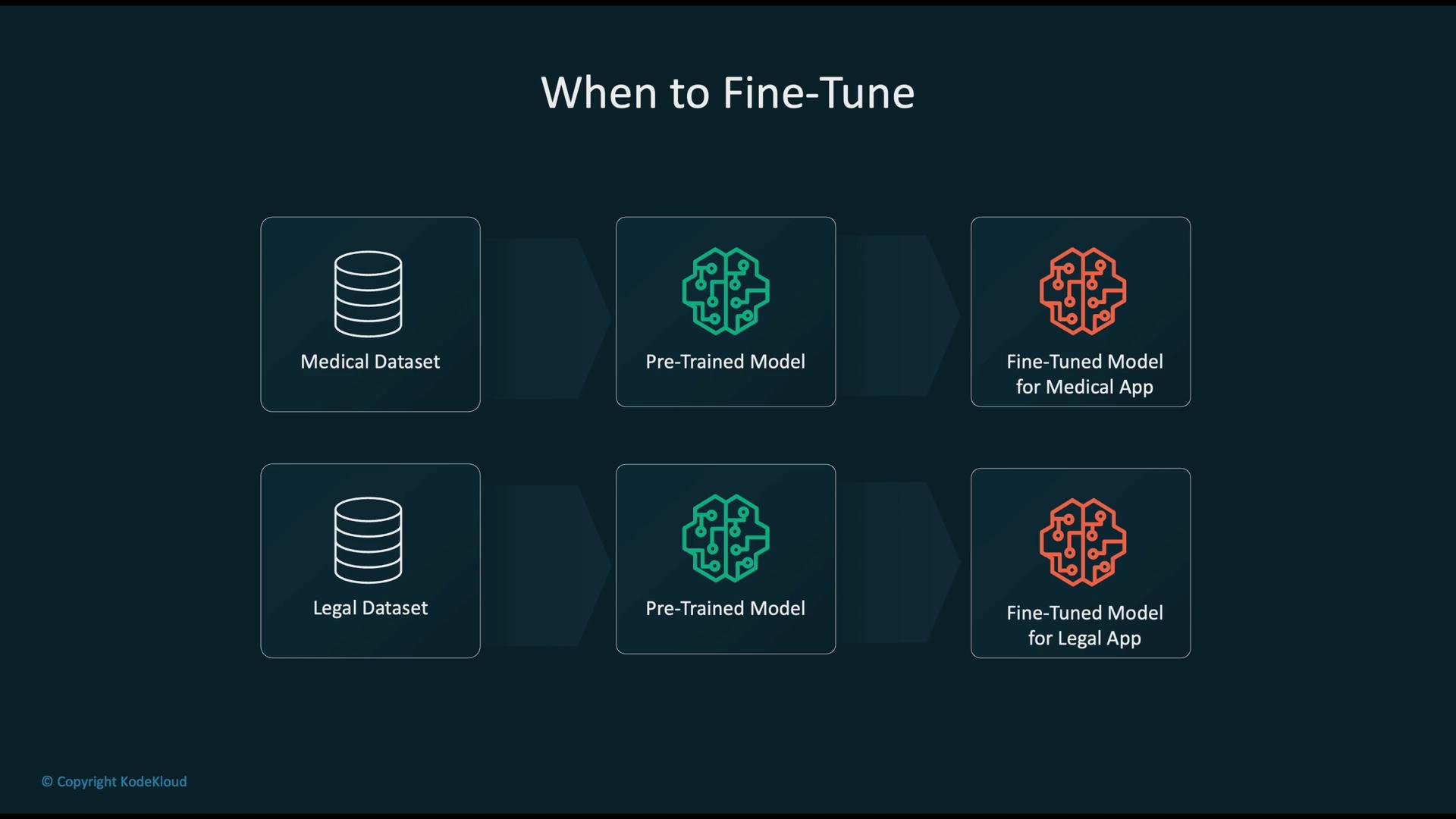
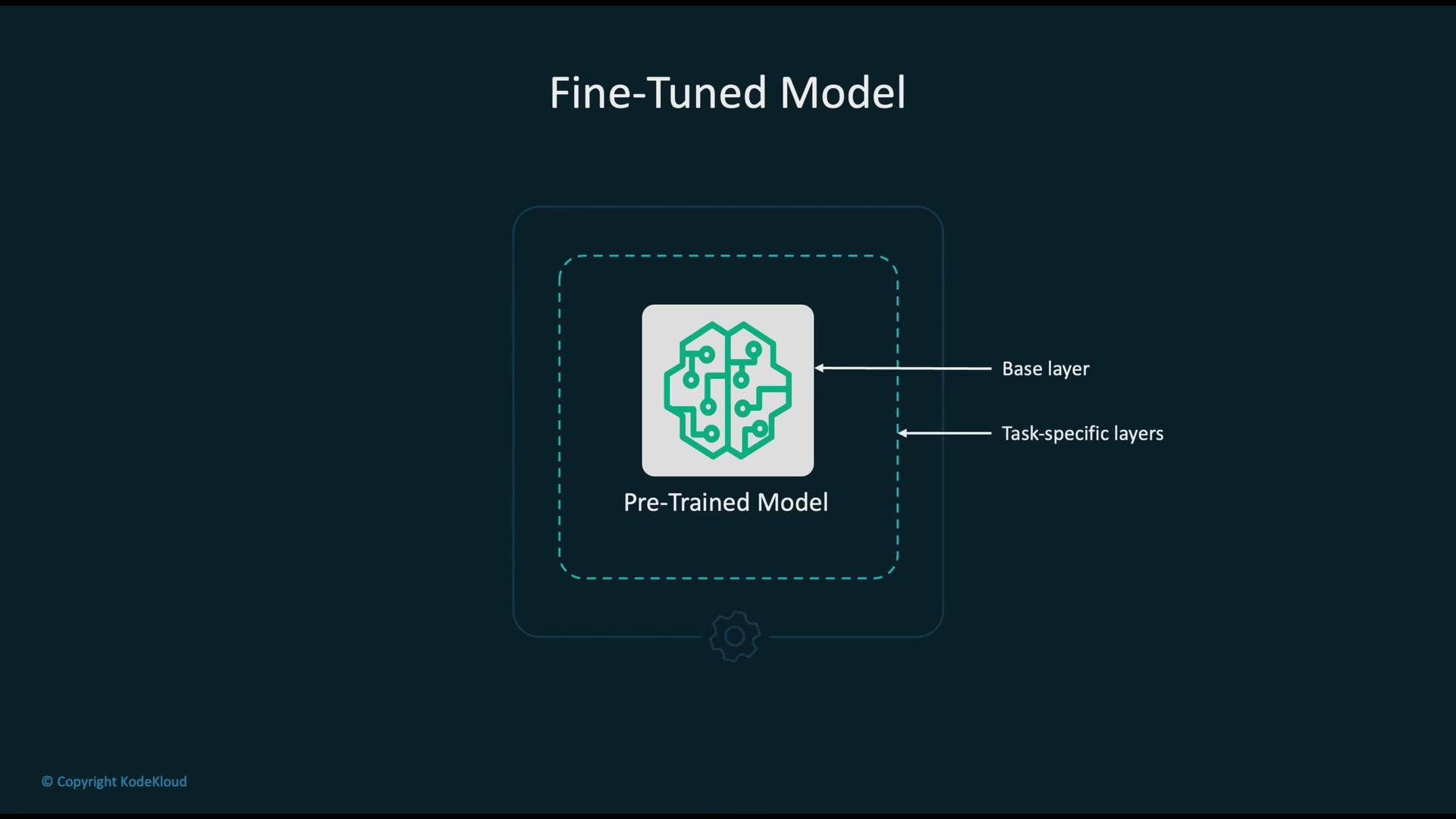
- Reuse a pre-trained base model that encodes broad knowledge.
- Freeze or partially freeze base layers to preserve general features, if appropriate.
- Replace the classifier head or add task-specific layers to adapt to your outputs.
- Retrain (fine-tune) the network on your labeled domain data—this requires less time and data than training from scratch and often leads to better task-specific performance.
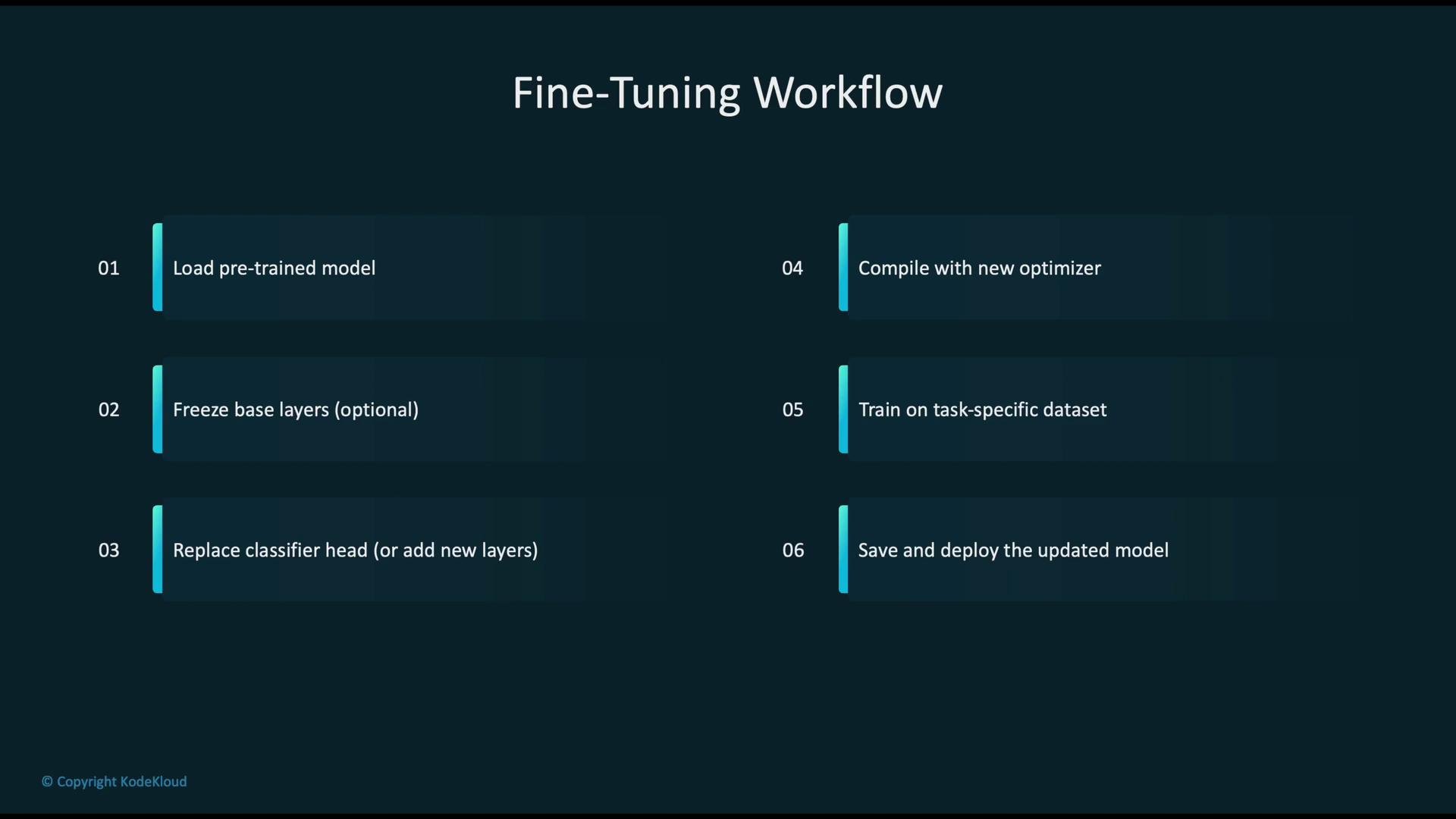
- Load a pre-trained model from a model hub or from S3.
- Optionally freeze base layers to retain core general knowledge.
- Replace the classifier head or add task-specific layers.
- Compile the model with a suitable optimizer and learning rate schedule.
- Train on your domain dataset until convergence, monitoring validation metrics.
- Save artifacts and deploy the updated model for inference.
Amazon SageMaker handles distributed training, autoscaling of instances, and artifact storage integration with S3.
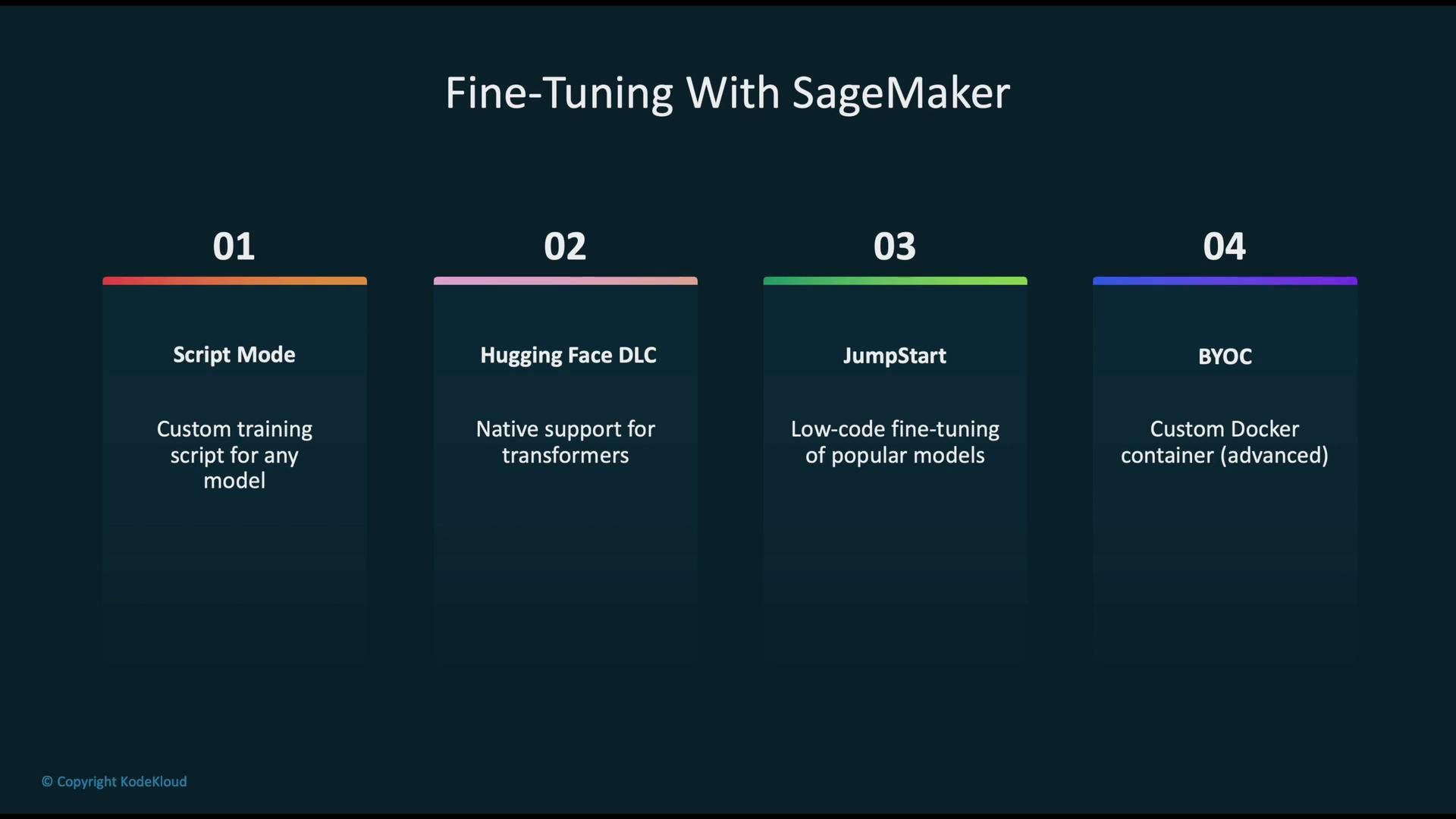
- Upload your dataset to S3.
- Specify a pre-trained base model or model artifact.
- Configure a training job (compute instance type, replicas, batch sizes, epochs, learning rate).
- Save output artifacts and model checkpoints back to S3 for deployment.
ml.p3.2xlarge (or larger) are recommended to reduce training time.
Example: SageMaker Studio fine-tuning recipesThe Studio UI exposes recipes for supervised fine-tuning (full and LoRA), Direct Preference Optimization (DPO) in full and LoRA variants, and reinforcement learning-based methods (reward optimization / RLHF).
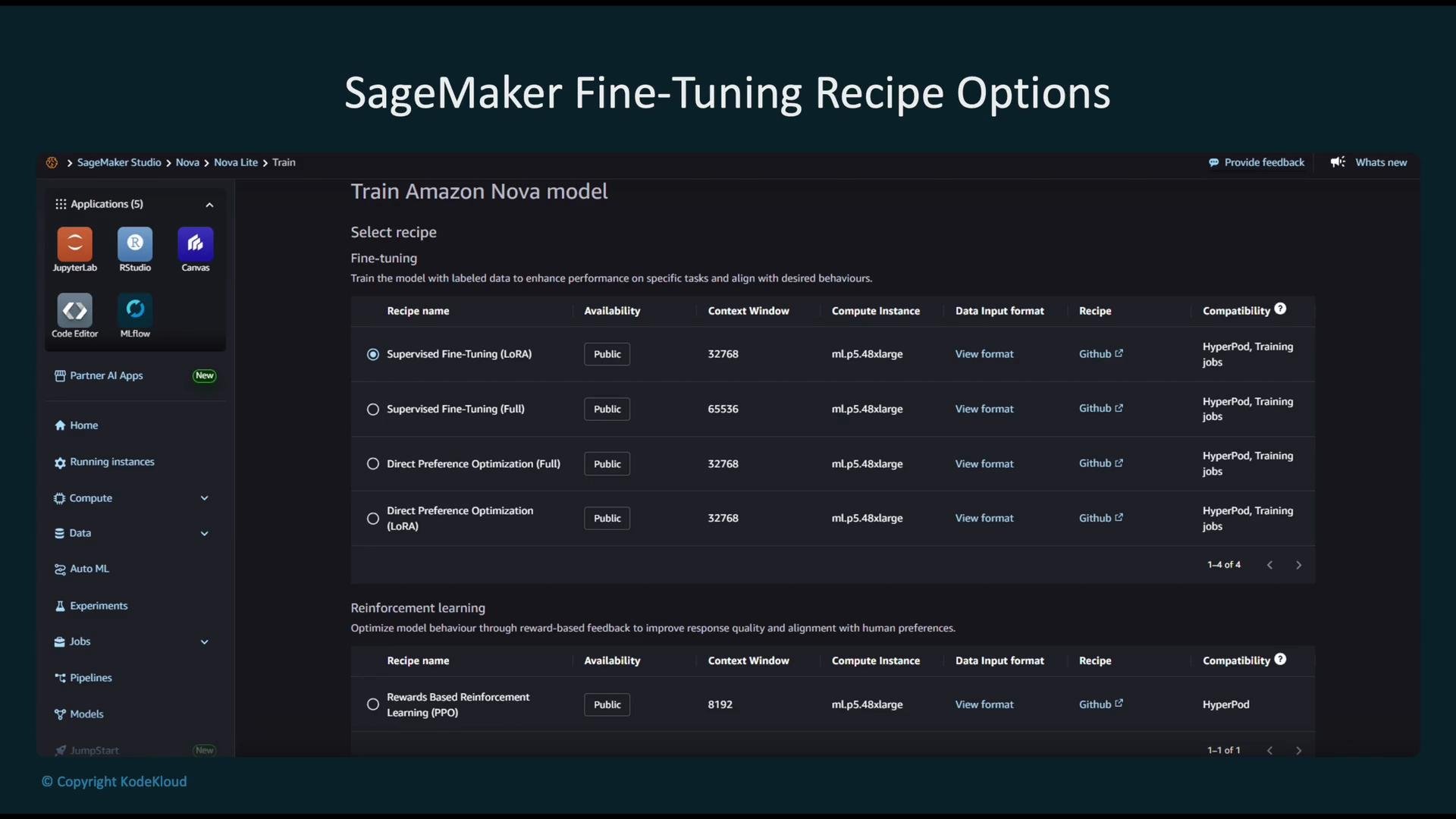
- LoRA (Low-Rank Adaptation): highly parameter-efficient—only a small set of adaptation parameters are learned; ideal for limited compute or many downstream tasks.
- Full-parameter supervised fine-tuning: updates all model weights; flexible but data- and compute-intensive.
- DPO (Direct Preference Optimization): aligns outputs to human preference datasets; available in full and LoRA modes.
- Reinforcement learning (e.g., RLHF): optimizes behavior via reward signals and iterative human feedback loops.
max_length(sequence length): token window for input sequences.global_batch_sizeand per-GPU batch size: impact throughput and gradient stability.max_epochs: how many passes over the dataset.- Dropout parameters (
hidden_dropout,attention_dropout,ffn_dropout): reduce overfitting risk.
- Choose LoRA for resource-constrained setups and when you need multiple task-specific adapters.
- Use full-parameter tuning when you have large, high-quality datasets and access to sufficient compute.
- Employ warm-up steps and a conservative initial learning rate to avoid unstable early updates.
- Monitor validation metrics and checkpoint frequently; save to S3 for reproducibility and deployment.
Choose the fine-tuning strategy based on available compute, dataset size, and the degree of domain shift. Use LoRA for efficiency, and full-parameter fine-tuning when you have sufficient data and resources.