In this lesson we cover the primary security and compliance controls you should apply when running Amazon SageMaker workloads. We focus on practical, foundational controls that integrate SageMaker with core AWS security services to protect ML data, control access, isolate network traffic, and support regulatory requirements.
This article highlights actionable controls and patterns for securing ML workloads on SageMaker, including identity and access management (IAM), encryption (KMS), network isolation (VPC & endpoints), auditing (CloudTrail), and secure deployment (multimodel & edge scenarios).
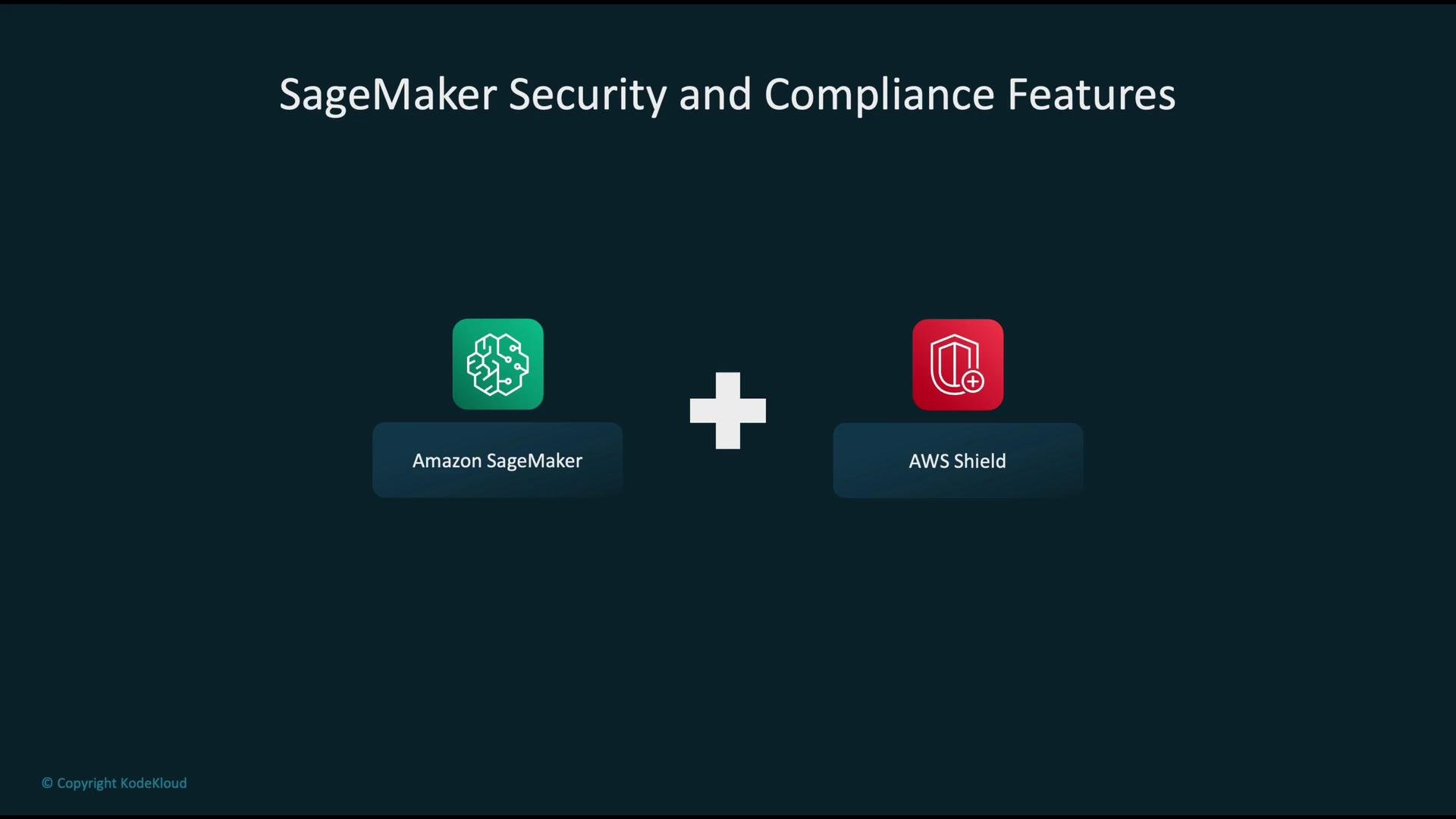
SageMaker operates within the broader AWS security ecosystem. Complement SageMaker controls with account-level protections such as AWS Shield for DDoS mitigation and centralized account governance.
The image illustrates "SageMaker Security and Compliance Features" by showing Amazon SageMaker and AWS Shield icons connected by a plus sign.
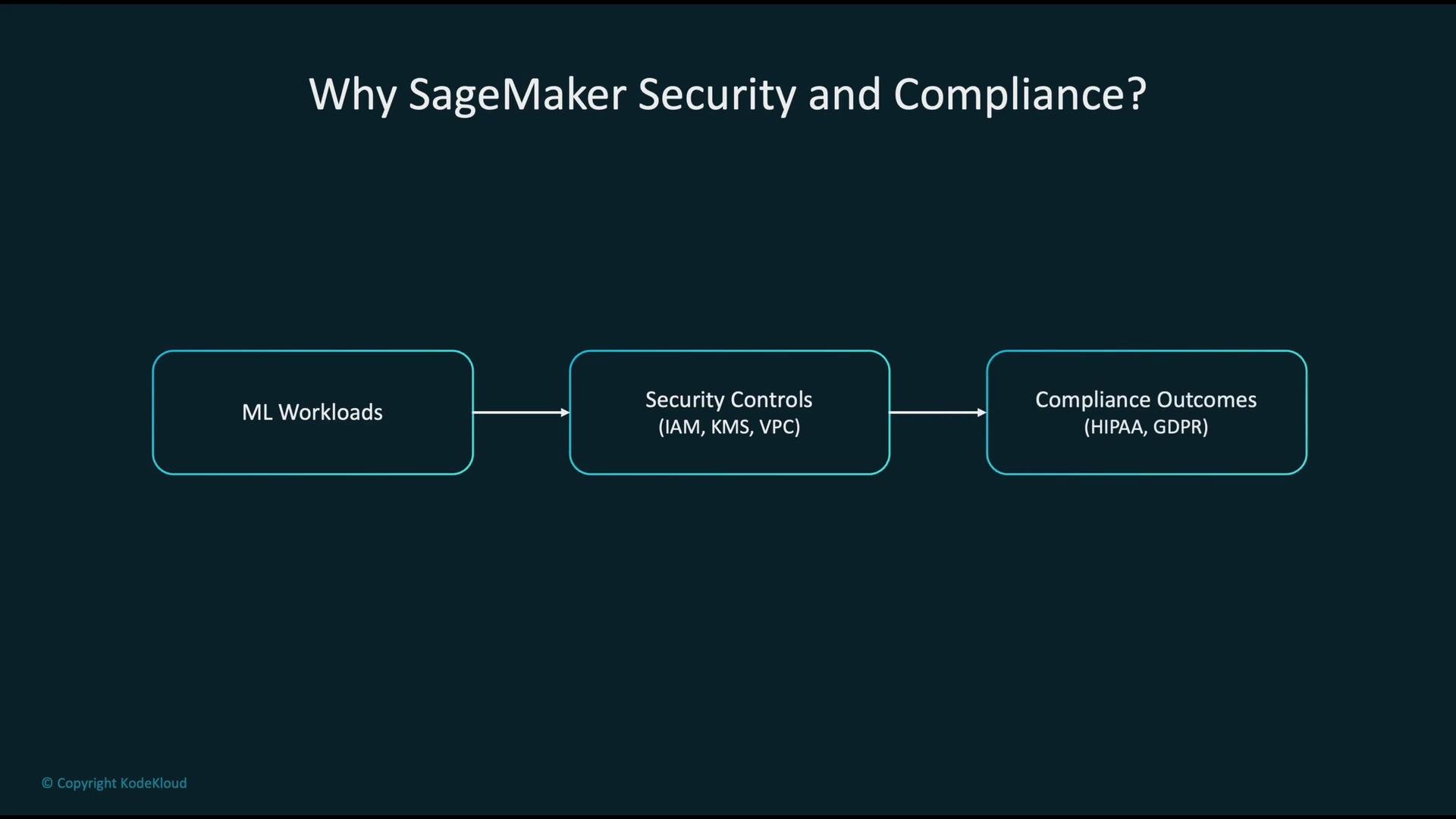
Why this matters ML systems process sensitive inputs (PII, PHI) and produce valuable models. Applying the correct controls preserves confidentiality, integrity, and availability, and helps meet regulations such as HIPAA and GDPR.
The image is a flowchart explaining the benefits of SageMaker Security and Compliance, showing the progression from ML Workloads to Security Controls and Compliance Outcomes.
Core AWS services to use with SageMaker IAM integration with SageMaker SageMaker requires permissions to access resources such as S3 buckets or ECR images. You grant these permissions by supplying an execution role to SageMaker resources (training jobs, processing jobs, endpoints, notebooks). SageMaker assumes that role to perform AWS API calls on your behalf, so keep the role scoped to least privilege.
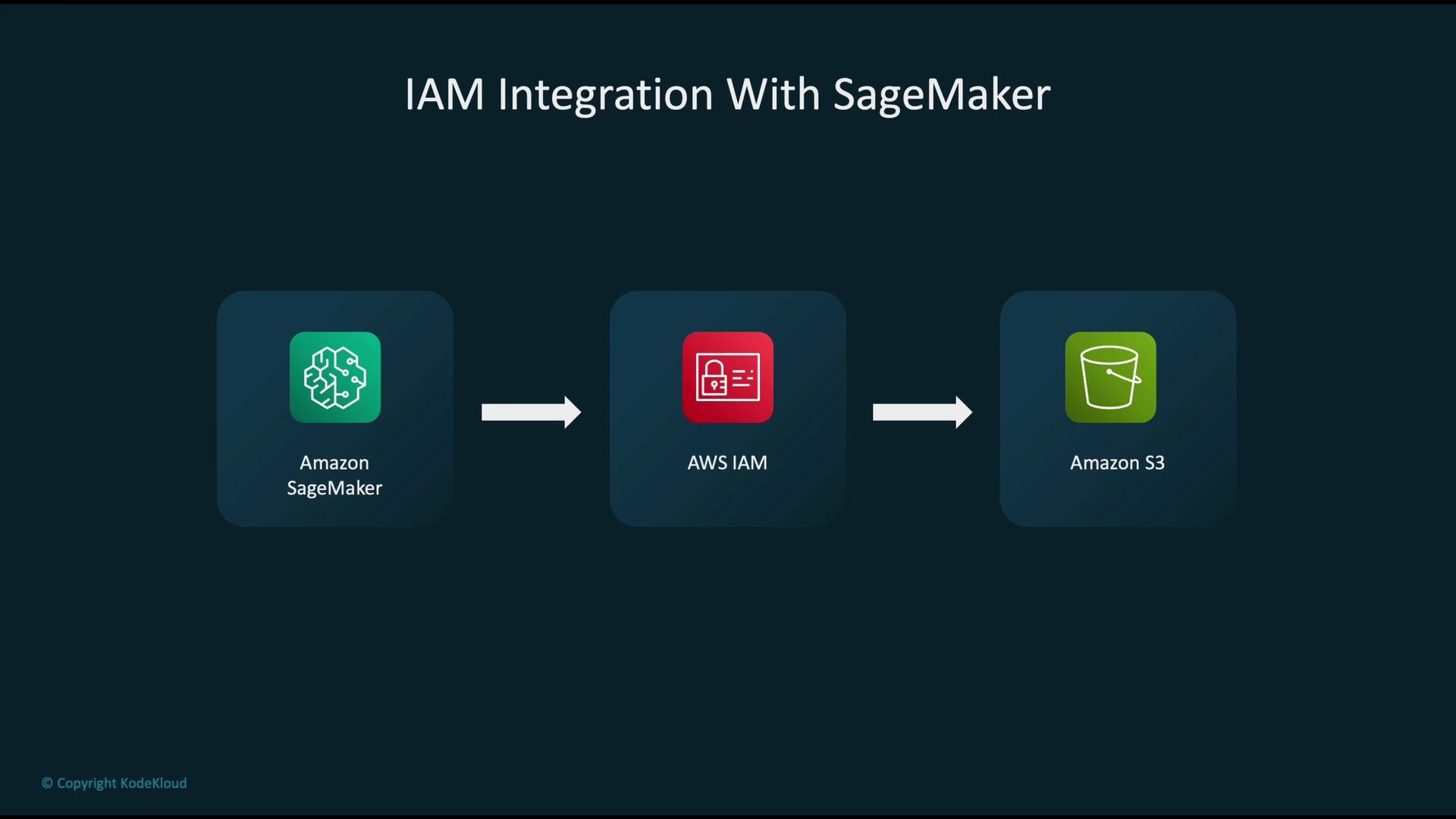
The image shows a flowchart illustrating IAM integration with SageMaker, detailing the process from Amazon SageMaker to AWS IAM, and then to Amazon S3.
Example: minimal IAM policy (allow GetObject from a specific S3 bucket and create a SageMaker training job)
Do not use "Resource": "*" in production. Scope permissions to specific ARNs (for example, the S3 bucket and prefix your training jobs use) and apply least-privilege principles. Consider separate roles per environment (dev/stage/prod).
Recommended scoped example (replace placeholders):
Encrypting ML data with AWS KMS Encrypt data at rest and enforce TLS in transit. Use AWS KMS to generate and manage encryption keys and configure services (S3, EBS, SageMaker) to use those KMS keys for server-side encryption. Example S3 bucket encryption (server-side KMS):
Best practices:
  • Use customer-managed CMKs for separation of duties and auditability.
  • Define KMS key policies to restrict who can use or manage keys.
  • Rotate keys where applicable and monitor KMS CloudTrail events.
Securing SageMaker within a VPC Place SageMaker resources in your VPC to prevent egress over the public internet. Use VPC Subnet configuration for notebooks, training jobs, and endpoints, and use VPC endpoints to access AWS services privately:
  • Use interface VPC endpoints (AWS PrivateLink) for service APIs (SageMaker control plane, ECR, Secrets Manager).
  • Use gateway VPC endpoints for S3 to route traffic privately to buckets.
  • Configure security groups and network ACLs to allow only necessary ENI traffic.
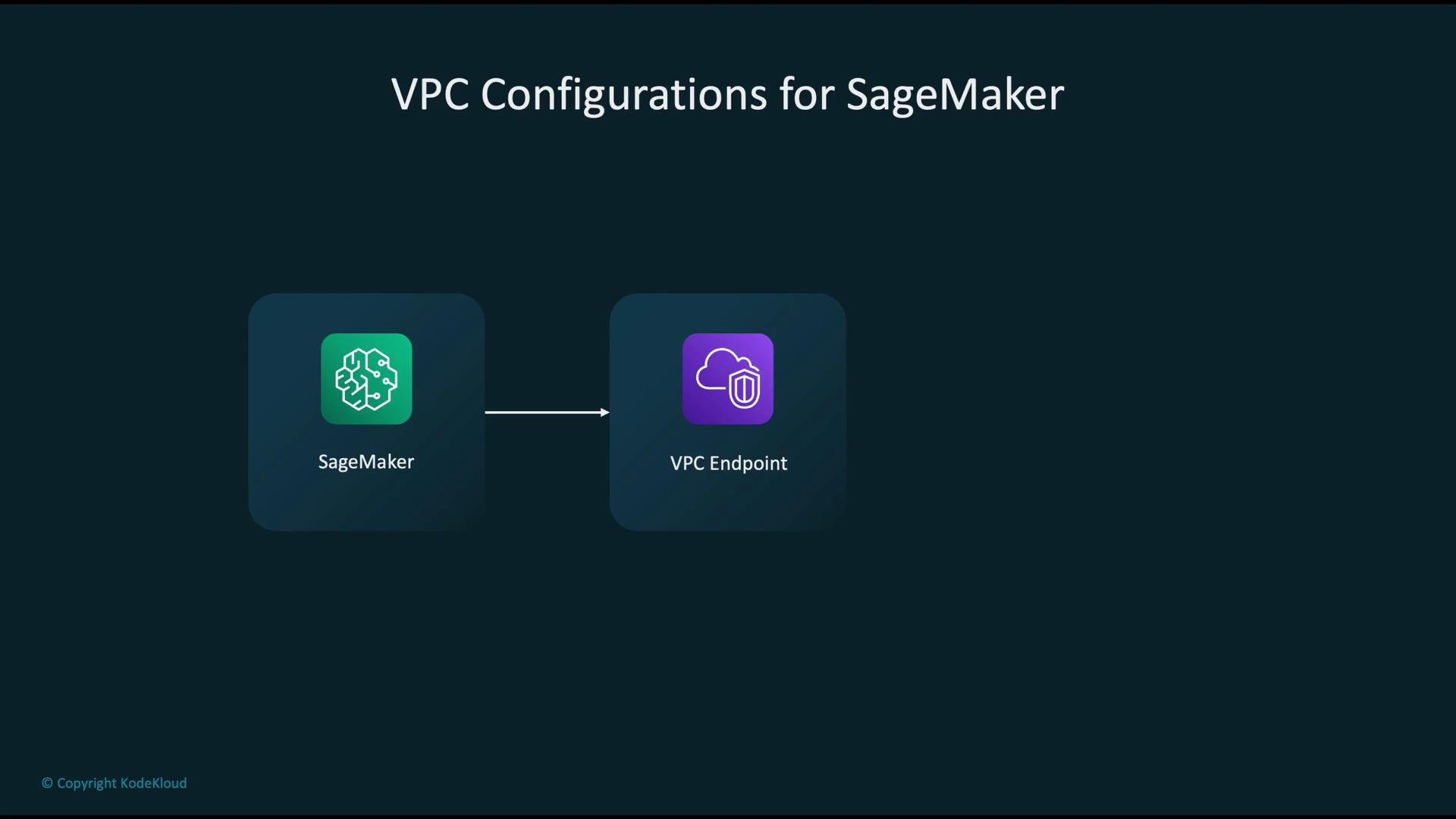
The image shows a diagram of VPC configurations for SageMaker, illustrating a connection between SageMaker and a VPC Endpoint.
Auditing with CloudTrail Enable CloudTrail for all regions and centralize logs in a logging/account. CloudTrail records SageMaker API calls (CreateTrainingJob, CreateEndpoint, etc.) so you can:
  • Query events with Athena for forensics and periodic review.
  • Create CloudWatch metrics and alerts for anomalous activity.
  • Retain logs per your compliance retention requirements.
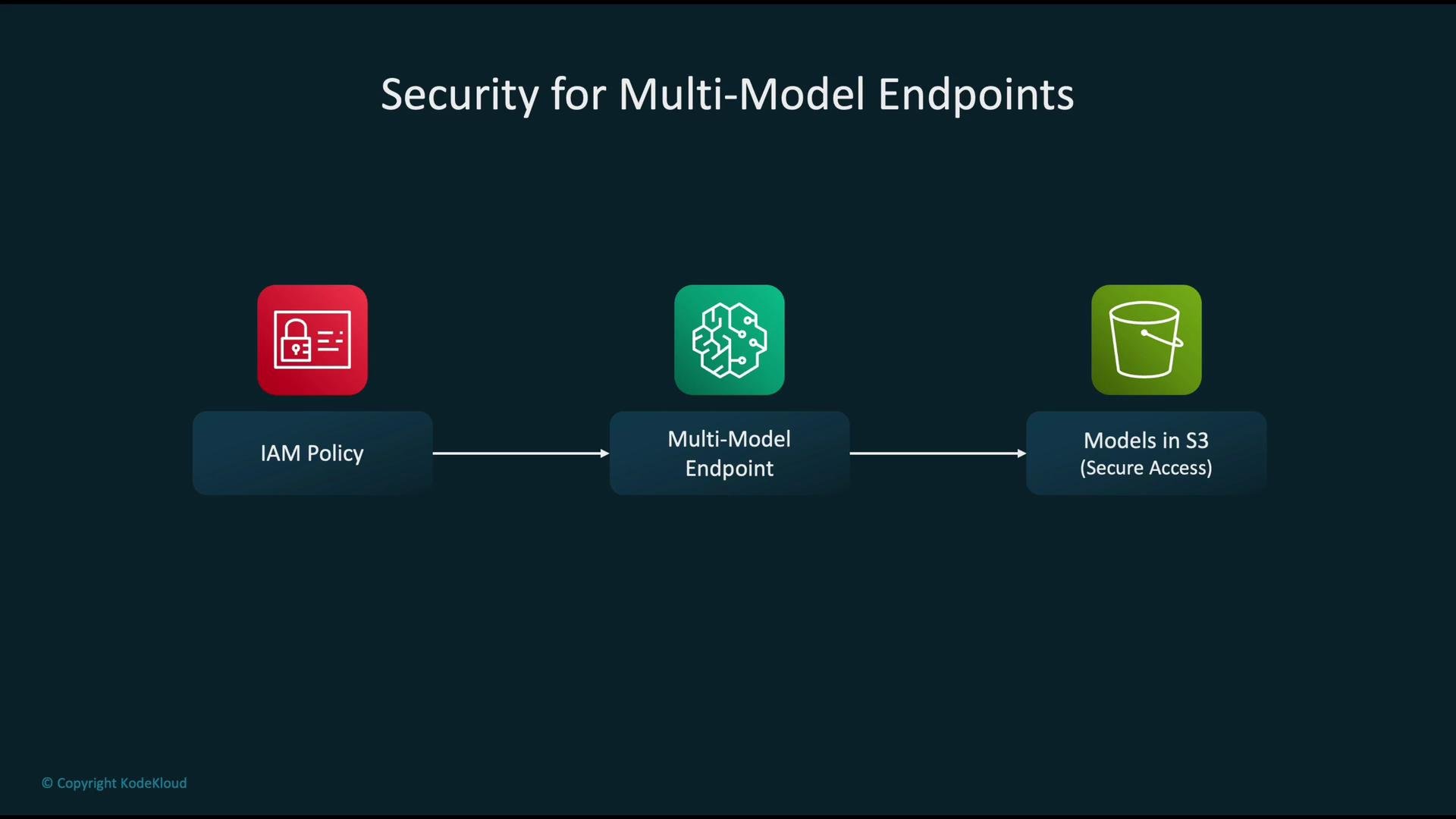
Securing multimodel endpoints Multimodel endpoints load models from S3 on-demand. Control access with IAM policies on the SageMaker execution role so the endpoint can only read specific S3 keys. Combine role restrictions with S3 bucket policies and server-side encryption (SSE-KMS) for defense in depth.
The image depicts a diagram of security for multi-model endpoints, showing an IAM policy and models in S3 connected to a multi-model endpoint.
Securing edge deployments When deploying compiled models to edge devices (for example, via SageMaker Neo), follow these controls:
  • Grant the device identity the minimal IAM permissions to download model artifacts and send telemetry.
  • Use TLS for all downloads and telemetry.
  • Prefer short-lived credentials or presigned URLs for model artifact access.
  • Rotate device credentials and use device identity lifecycle management.
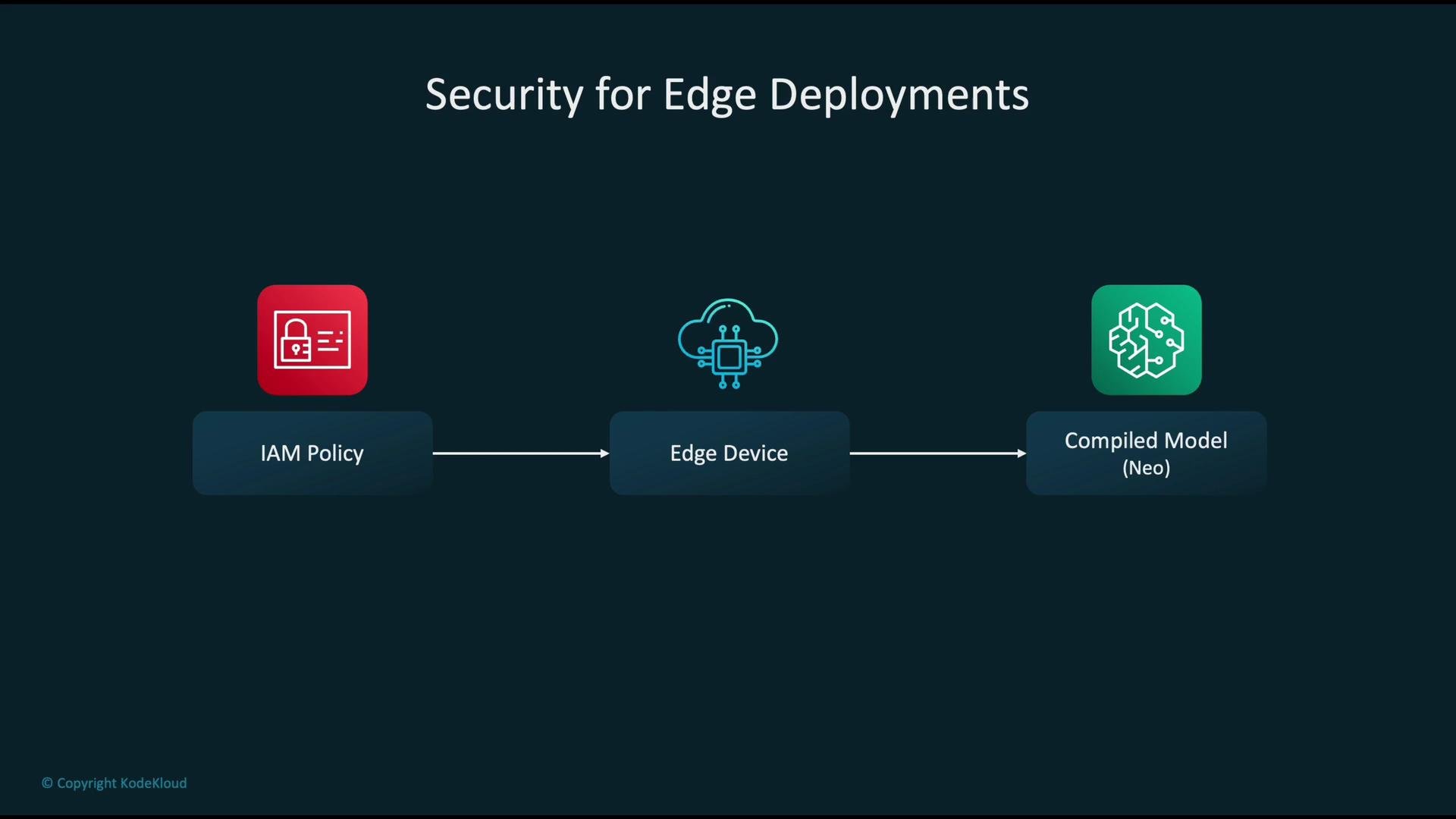
The image shows a flow diagram titled "Security for Edge Deployments," detailing a process involving IAM Policy, an Edge Device, and a Compiled Model (Neo).
Automating compliance checks with AWS Config Use AWS Config to continuously record resource configurations and evaluate them against defined rules. Config enables you to:
  • Detect drift from your security baseline.
  • Produce compliance reports for auditors.
  • Trigger automated remediation via Systems Manager Automation or Lambda.
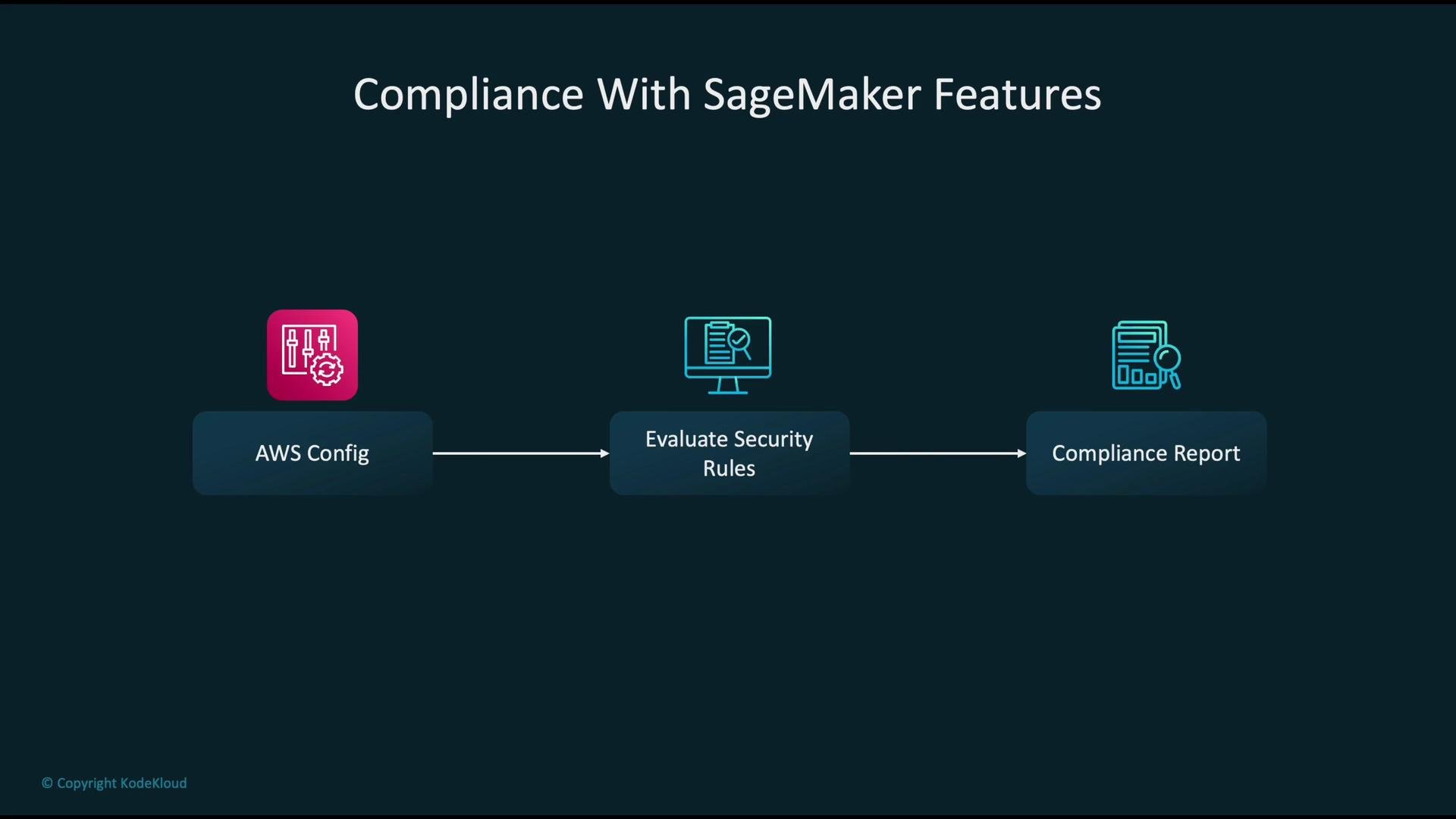
The image is a flowchart showing "Compliance With SageMaker Features," illustrating the process from "AWS Config" to "Evaluate Security Rules" and ending with a "Compliance Report."
Anti-patterns to avoid
  • Over-permissive IAM policies (e.g., "Resource": "*" or overly broad actions)
  • Leaving data unencrypted at rest or in transit
  • Exposing endpoints to the public internet without necessity
  • Not enabling CloudTrail or failing to retain audit logs for required periods
Key action items for securing SageMaker Adopting these practices establishes a strong security baseline for SageMaker-based ML workloads and helps meet common regulatory requirements. Links and references

Watch Video