

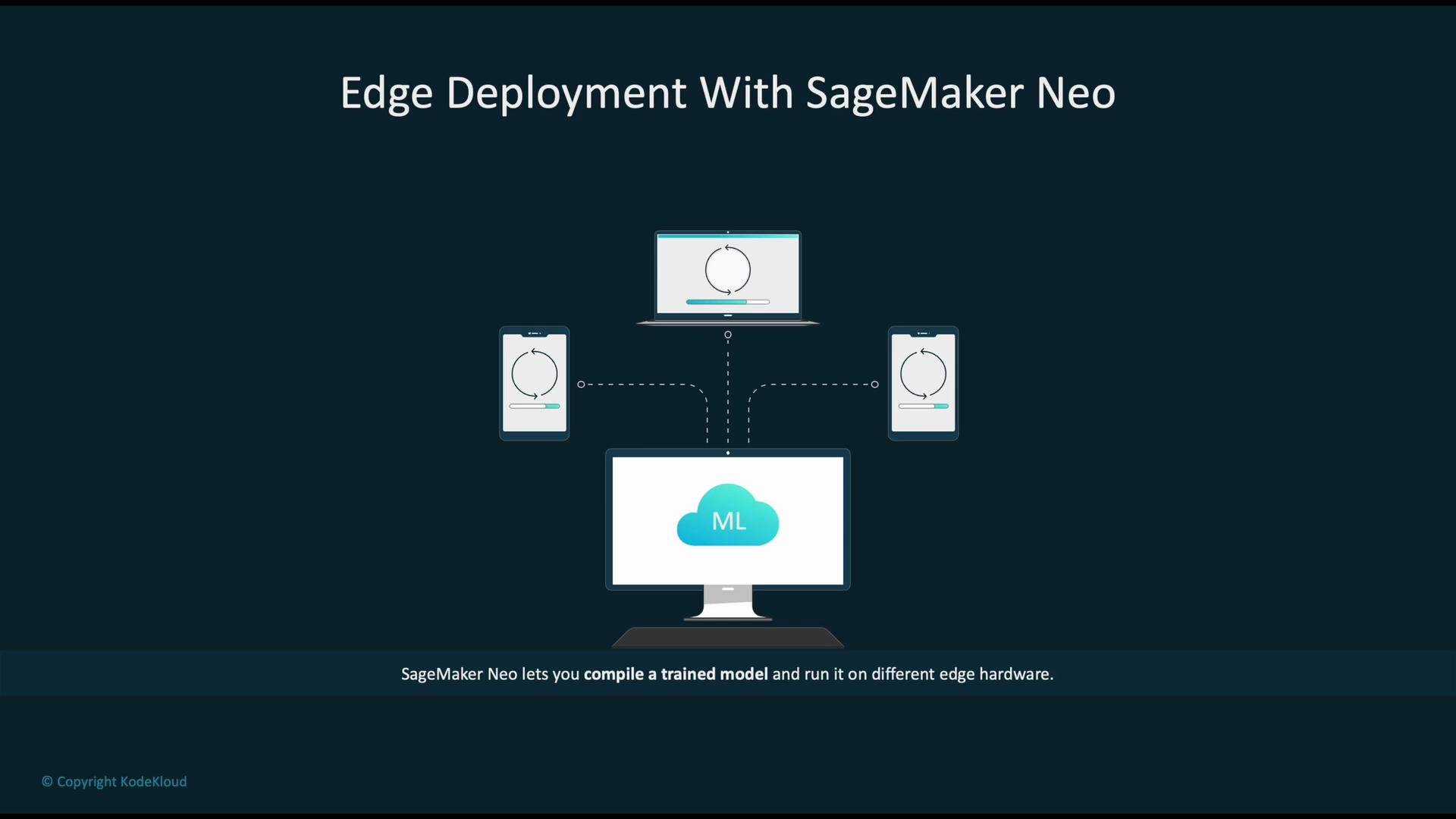
- Train the model in a resource-rich environment (e.g., Amazon SageMaker).
- Compile and optimize the trained model with SageMaker Neo for a target hardware platform.
- Package and deploy the optimized artifact to edge devices for inference.
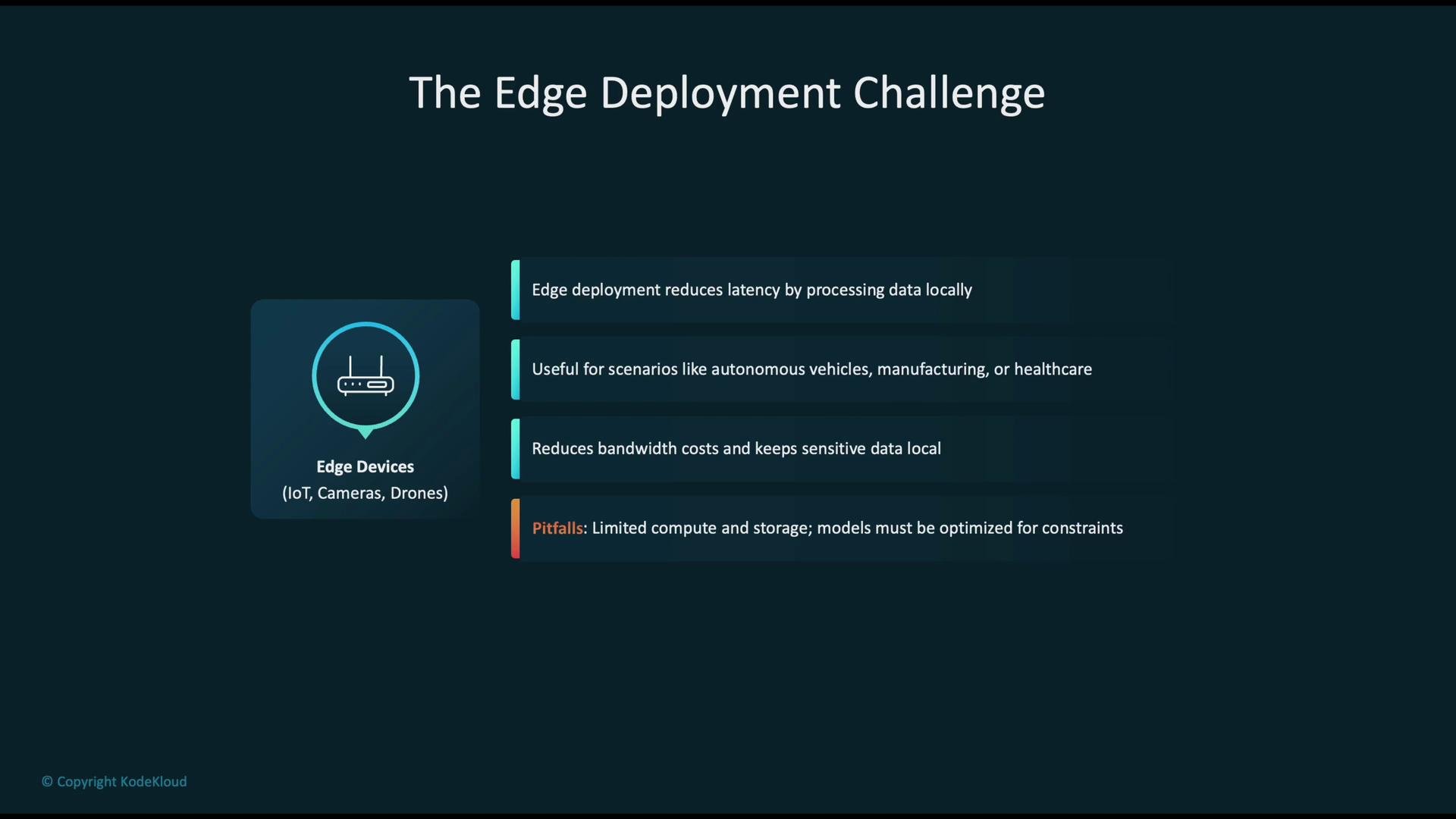
- Lower latency by running inference locally (critical for robotics, autonomous systems, manufacturing, and healthcare).
- Reduce bandwidth and cloud costs by avoiding frequent raw data uploads.
- Maintain privacy and compliance by keeping sensitive data on-premises.
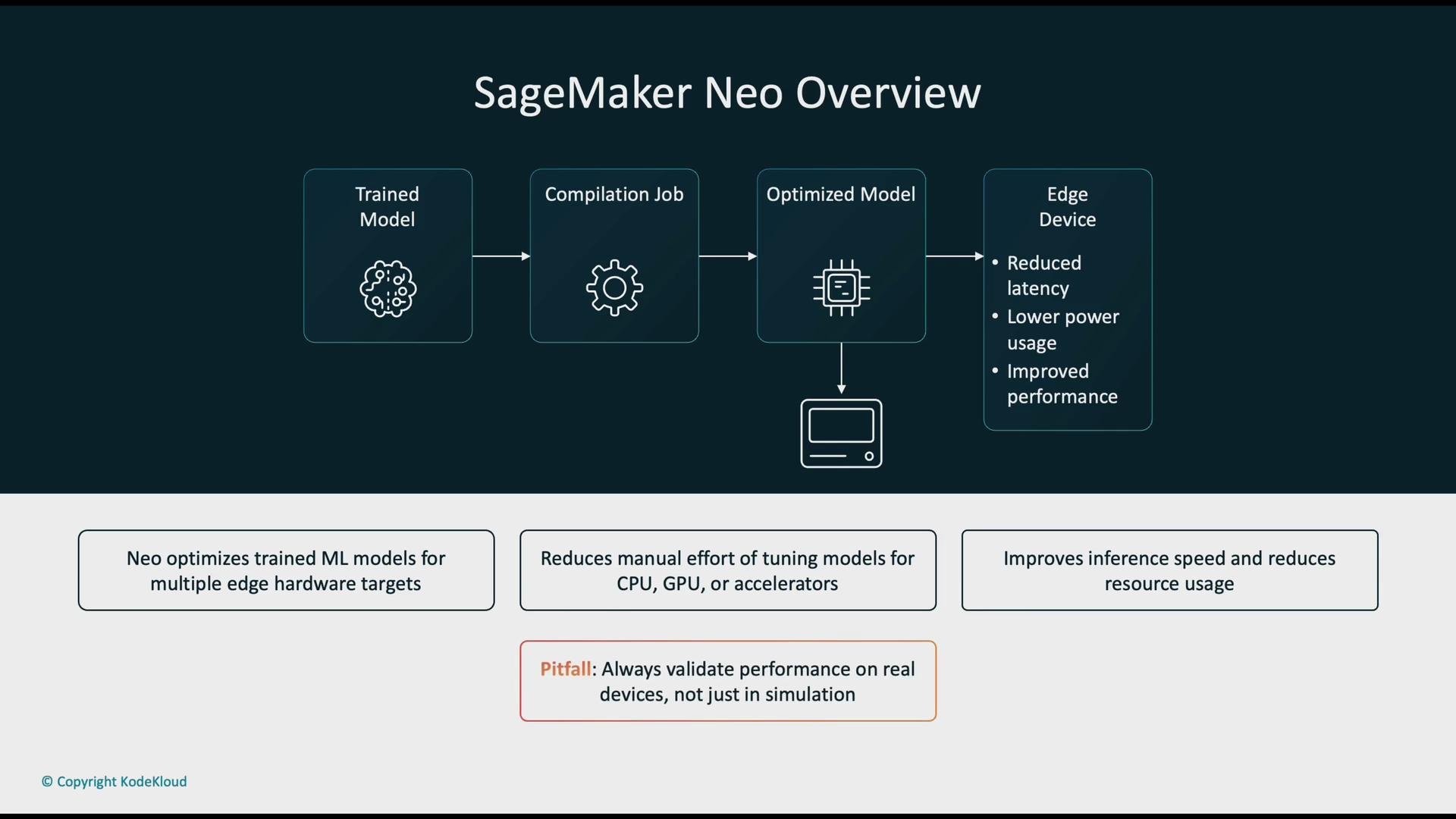
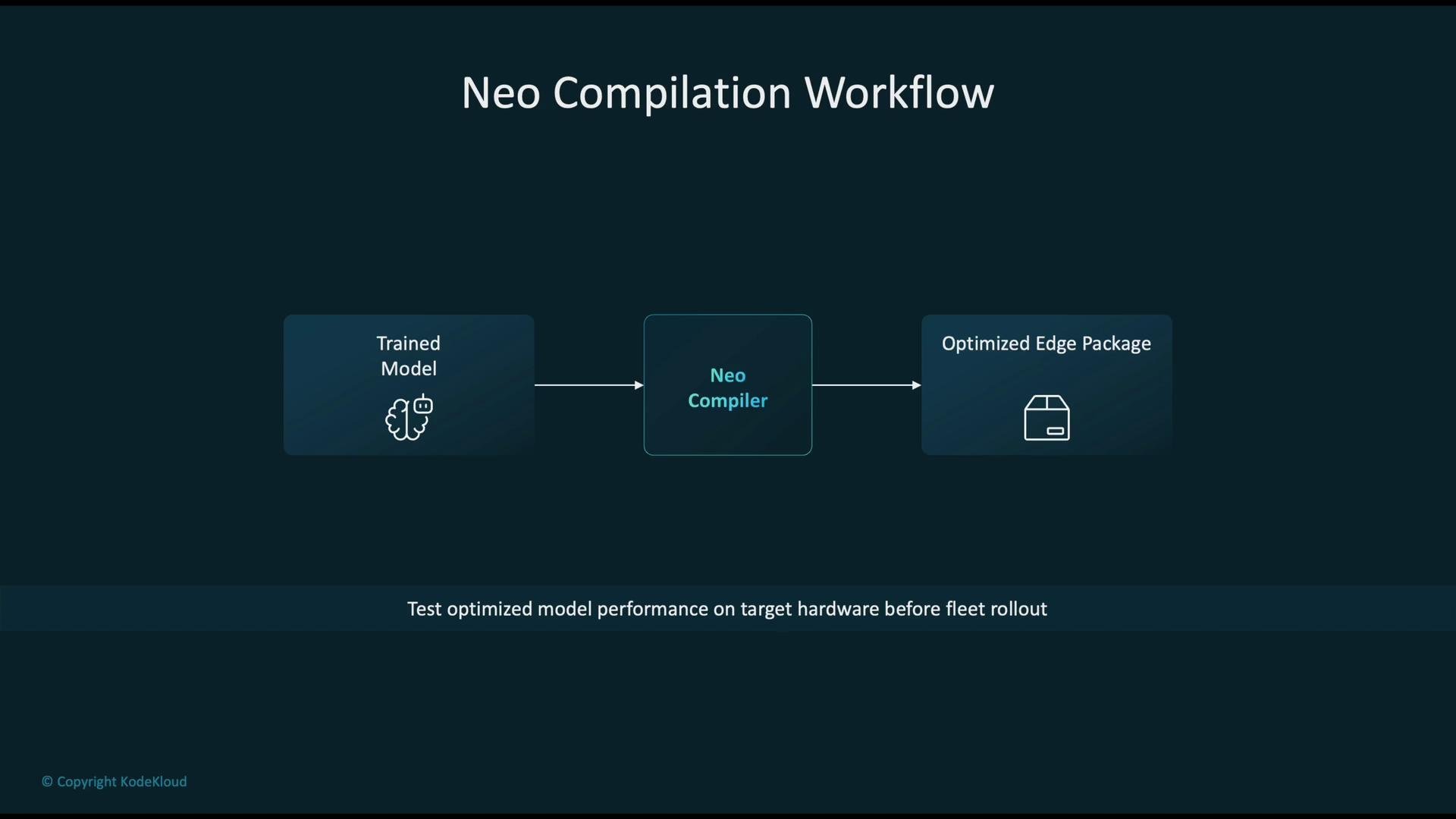
- Input: a trained model from SageMaker or another training environment.
- Process: Neo compiles and applies device-specific optimizations.
- Output: an optimized edge package ready for deployment.
Validate optimized models early on the target hardware. Emulators help during development, but hardware differences (FP units, drivers, runtime libraries) can affect both performance and numeric results.
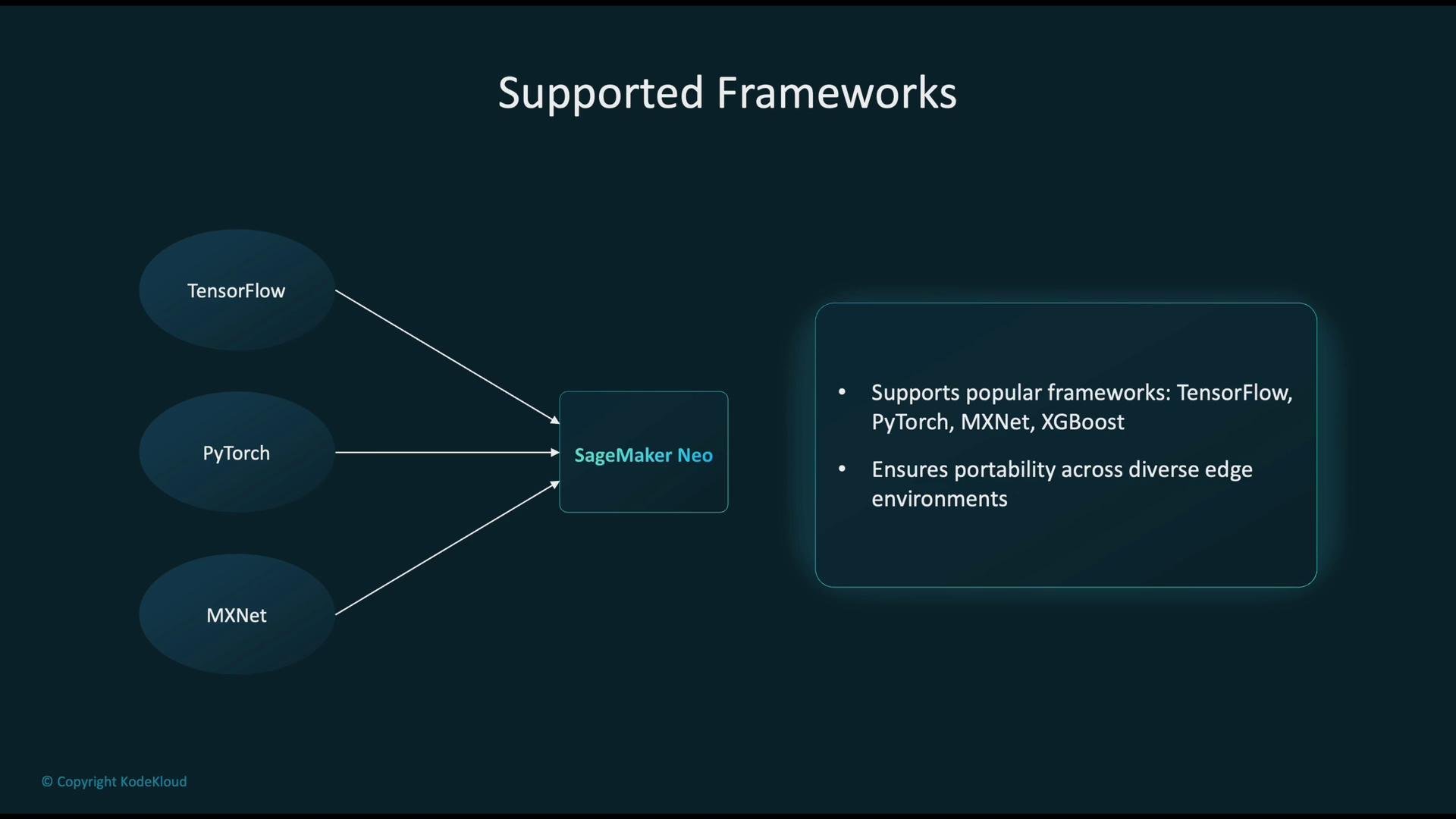
- Trained model → Neo compiler (select target hardware/platform) → Optimized edge package.
- Test the optimized package on the actual device (or a high-fidelity emulator) before fleet rollout.
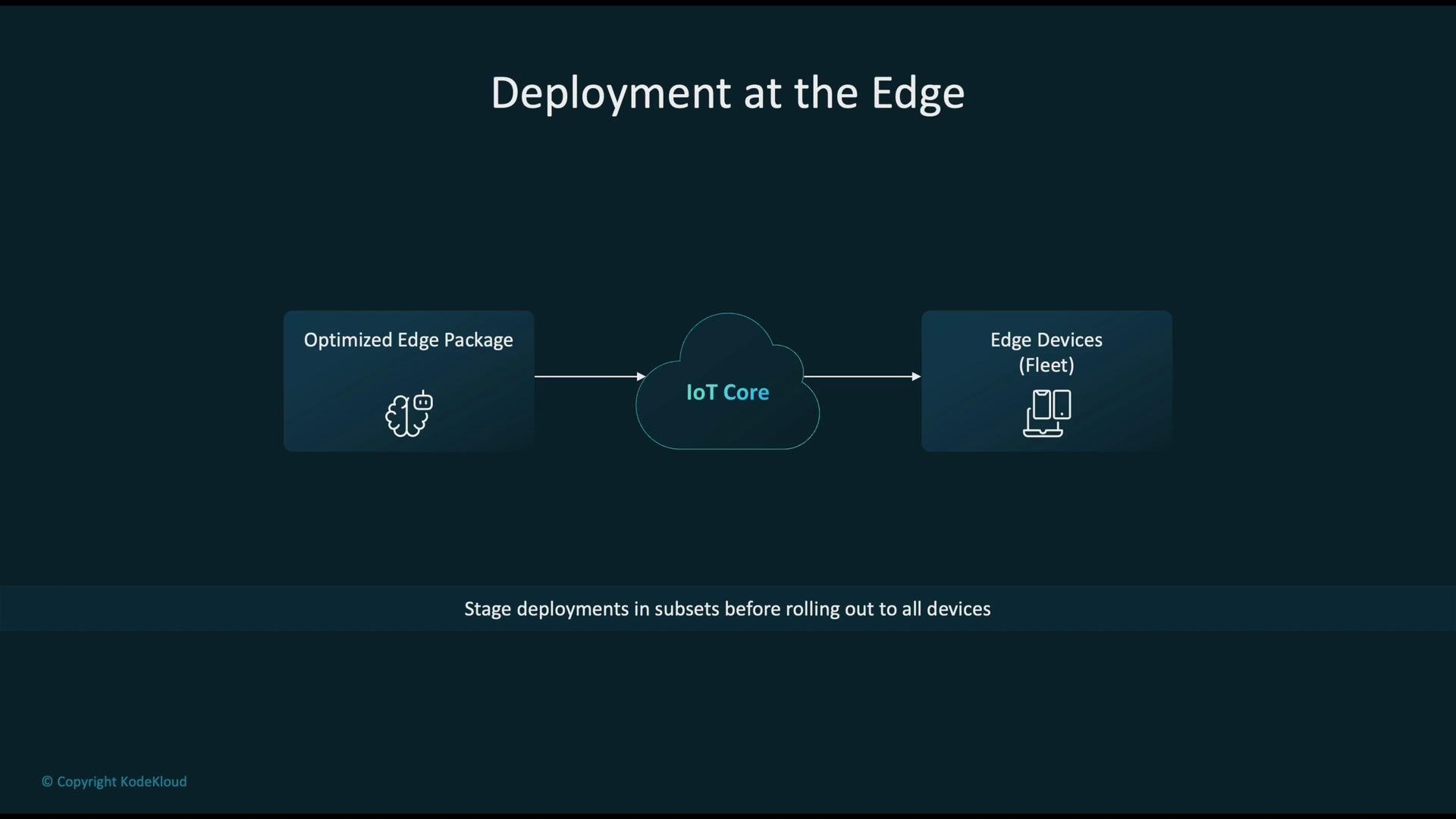
- Package the compiled model as an edge application or container.
- Distribute and orchestrate deployments from a central management plane (for example, AWS IoT Core).
- Use staged rollouts: deploy to a small subset of devices for validation, then progressively expand to the entire fleet.
- Identify the target architecture: CPU, GPU, NPU, or a custom accelerator.
- Provide the trained model (for example, a PyTorch model compiled to TorchScript).
- Neo applies device-specific code generation and optimizations to match the runtime environment.
- Quantization: reduce precision (e.g., FP32 → INT8) to shrink model size and accelerate inference.
- Pruning: remove low-impact weights or channels to reduce computation.
- Compression: weight encoding and reduced-precision formats to lower storage and I/O.
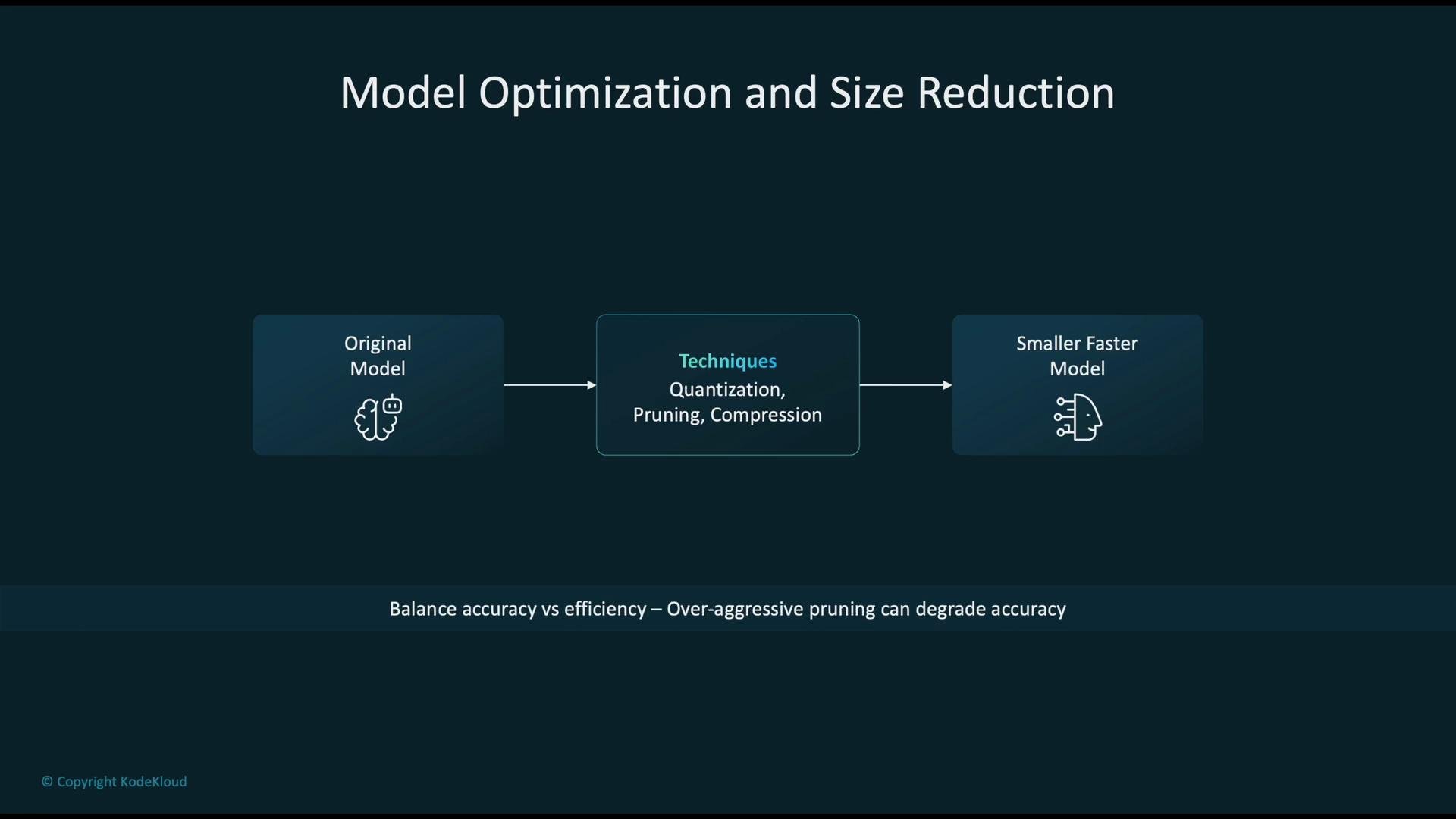
Over-aggressive pruning or quantization can reduce model accuracy. Measure accuracy and latency trade-offs using representative datasets and run those tests on the target device before large-scale deployment.
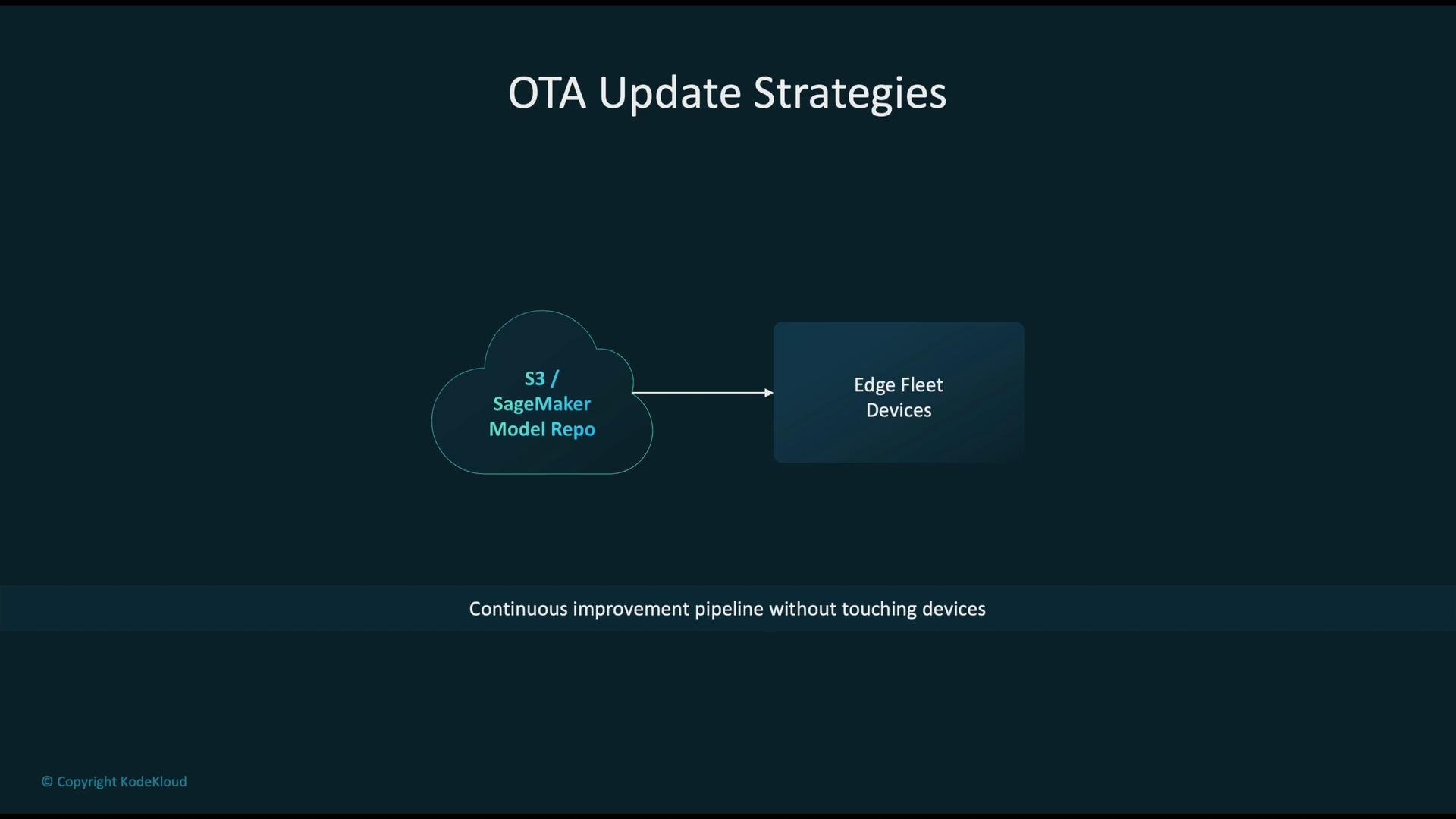
- Maintain a central model repository in the cloud (Amazon S3 or SageMaker Model Registry).
- Use OTA (over-the-air) updates to push new model versions to devices, enabling continuous improvement without physical device access.
- Implement versioning, rollout policies, and rollback strategies to reduce risk during updates.
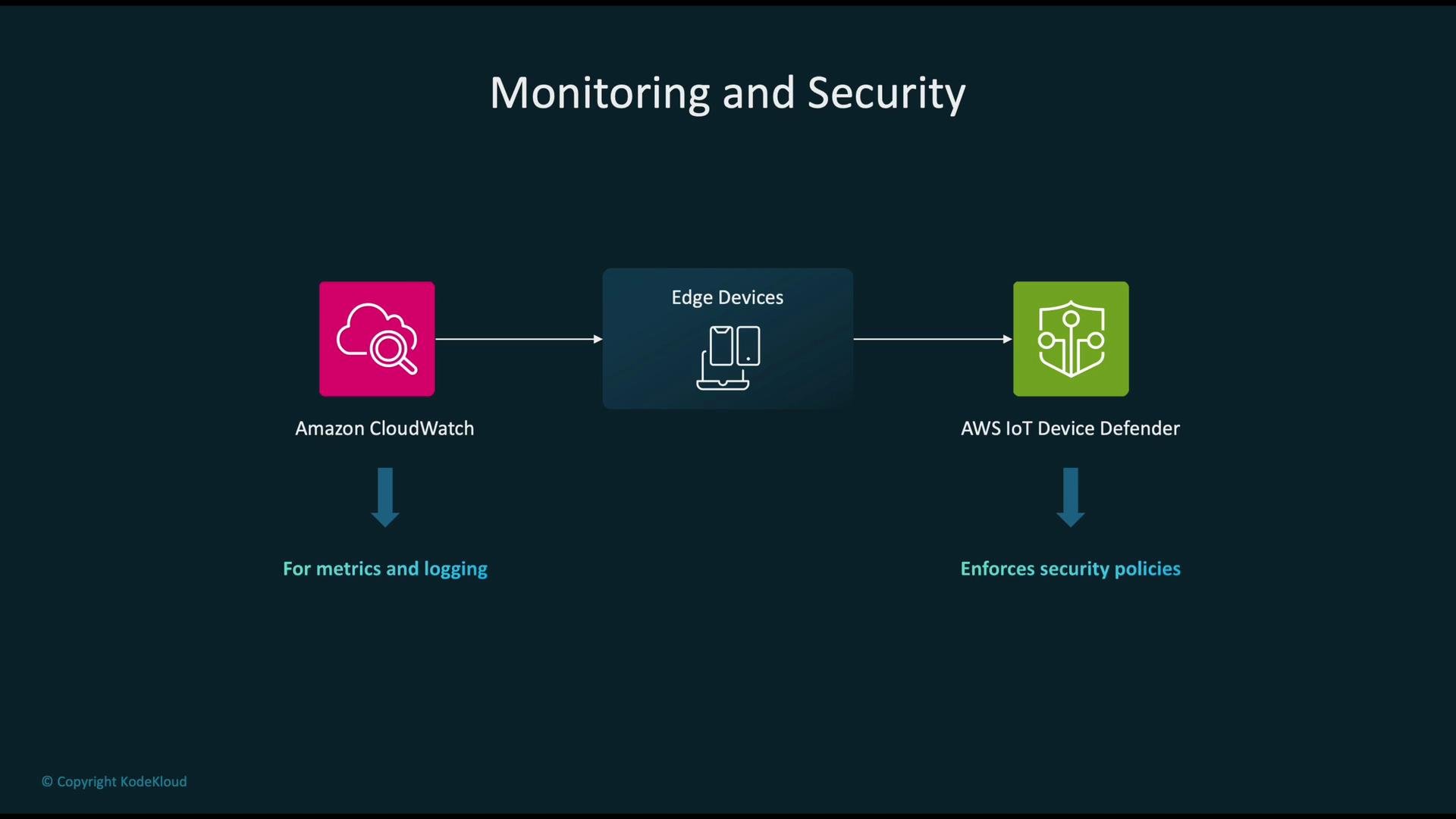
- Collect operational metrics and logs with Amazon CloudWatch (latency, error rates, invocation counts).
- Audit and enforce device security posture using AWS IoT Device Defender.
- Correlate telemetry (model metrics, device metrics, and security alerts) to detect model drift, anomalies, or hardware failures.
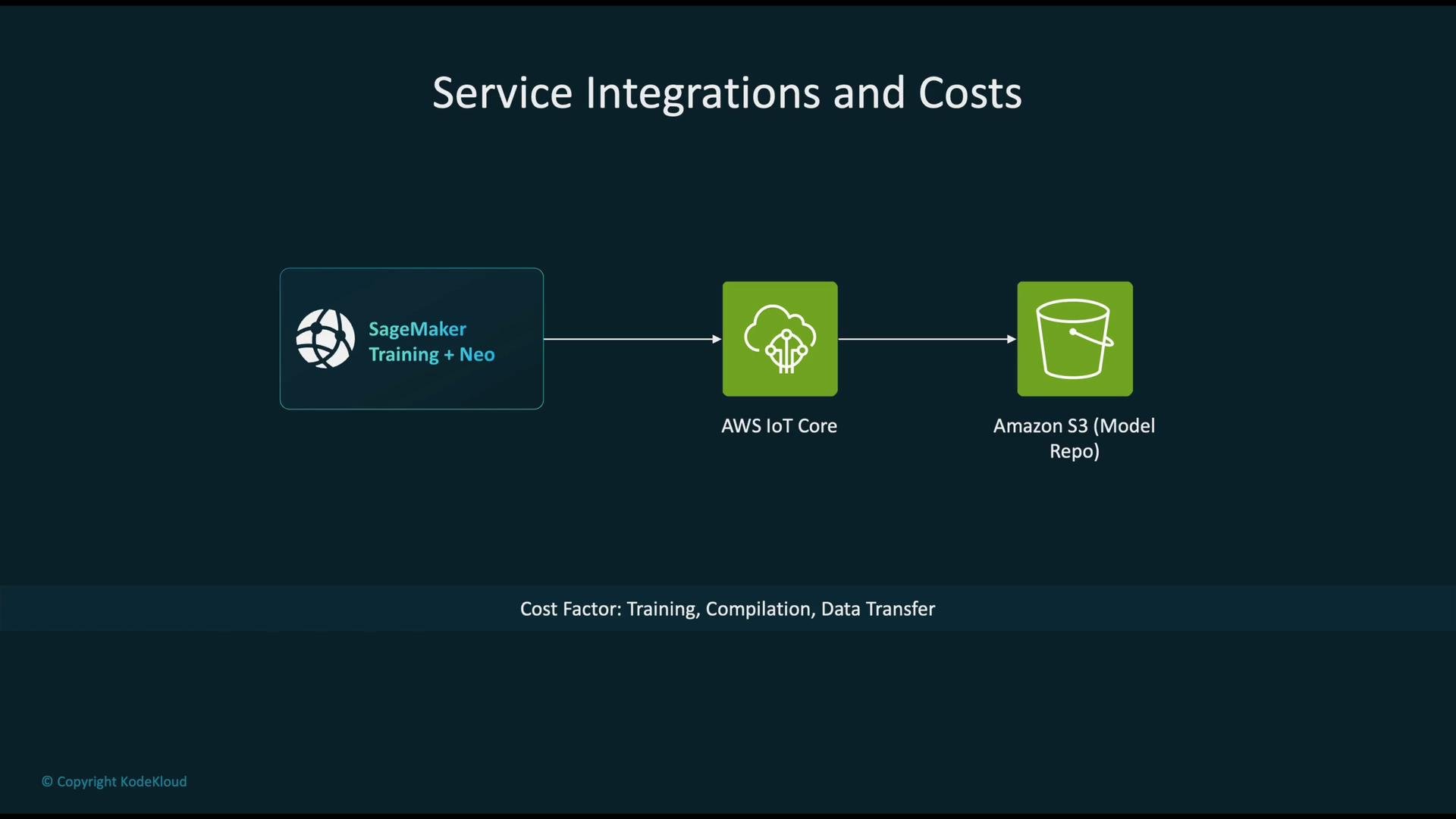
- Train and compile models using SageMaker Training and SageMaker Neo.
- Orchestrate distribution and device management with AWS IoT Core.
- Store artifacts and model versions in Amazon S3 or the SageMaker Model Registry.
- Automate the compile-test-deploy pipeline: integrate Neo compilation into CI/CD and run device validation tests automatically.
- Start with conservative optimization (mild quantization), then iterate: measure accuracy and latency on-device after each change.
- Use staged rollouts with canary deployments and automated rollback on anomaly detection.
- Maintain clear model and device metadata (versions, target hardware, dependencies) in your model registry.
- Train the model in Amazon SageMaker (or another training environment).
- Use SageMaker Neo to compile and optimize the model for your target hardware.
- Package and deploy the optimized model to edge devices via AWS IoT Core (use staged rollouts).
- Monitor device and model health using Amazon CloudWatch and secure the fleet with AWS IoT Device Defender.
- Push updates via OTA from an S3 or SageMaker model repository and iterate on performance and accuracy.
- SageMaker Neo documentation: https://docs.aws.amazon.com/sagemaker/latest/dg/neo.html
- AWS IoT Core: https://docs.aws.amazon.com/iot/latest/developerguide/what-is-iot.html
- Amazon CloudWatch: https://docs.aws.amazon.com/cloudwatch/
- AWS IoT Device Defender: https://docs.aws.amazon.com/iot/latest/developerguide/device-defender.html