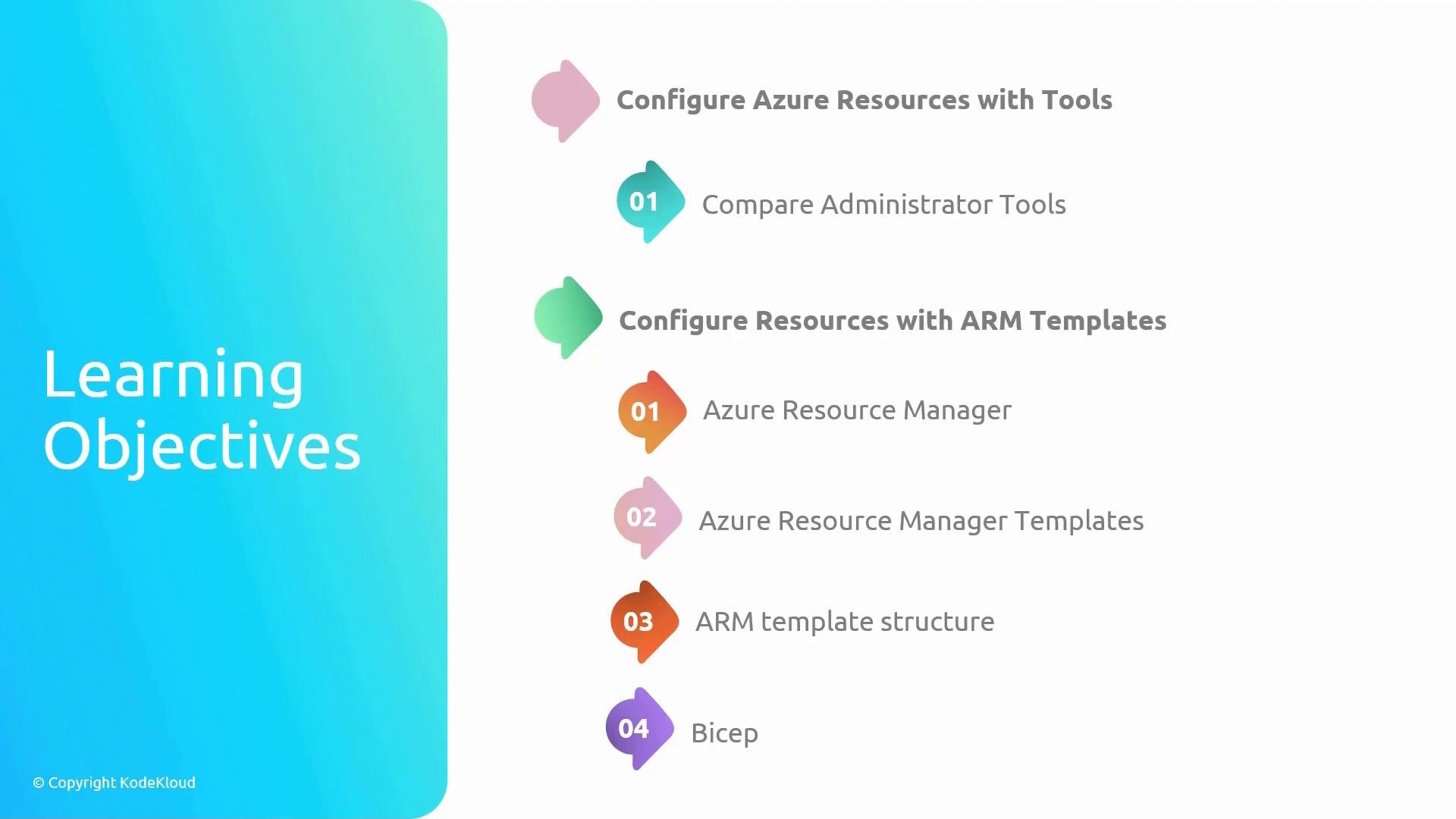
- Configure Azure using administrator tools
- Compare administrator tools (Portal, Azure CLI, PowerShell, REST API) so you can choose the best tool for each task.
- Learn operational workflows for resource inspection, configuration, and role-based access control.
- Configure resources with ARM templates and Bicep
- Understand Azure Resource Manager (ARM) as Azure’s deployment and management layer.
- Learn what ARM templates are and how they enable repeatable infrastructure deployments (infrastructure as code).
- Examine the ARM template structure so you can author templates as deployment blueprints.
- Learn Bicep, a concise domain-specific language (DSL) that simplifies authoring ARM templates and improves IaC workflows.
Note: The ARM template structure topic is optional for the exam, but I recommend learning the basics of writing ARM templates. They’re highly useful for administering resources and building practical skills beyond exam requirements.
- Reliability: Automation (ARM/Bicep) reduces manual configuration drift and increases repeatability.
- Speed: Choosing the right tool (Portal vs CLI vs PowerShell vs IaC) speeds common administrative tasks.
- Compliance: Templates and policies ensure deployments meet organizational requirements.
Quick ARM template and Bicep examples
- Minimal ARM template skeleton (JSON)
- Simple ARM template snippet to deploy a Storage Account
- Equivalent Bicep example (concise)
- Azure Portal — Visual management, quick diagnostics, role assignments.
- Azure CLI — Cross-platform scripting, automation in pipelines, ad-hoc tasks.
- Azure PowerShell — Rich cmdlets, preferred in Windows/PowerShell-heavy environments.
- ARM templates — Declarative, machine-readable blueprints for repeatable deployments.
- Bicep — Simplifies authoring compared to raw ARM JSON; compiles to ARM templates.
- Azure Resource Manager overview
- ARM template documentation and schemas
- Bicep documentation
- Azure CLI documentation
- Azure PowerShell documentation