

-
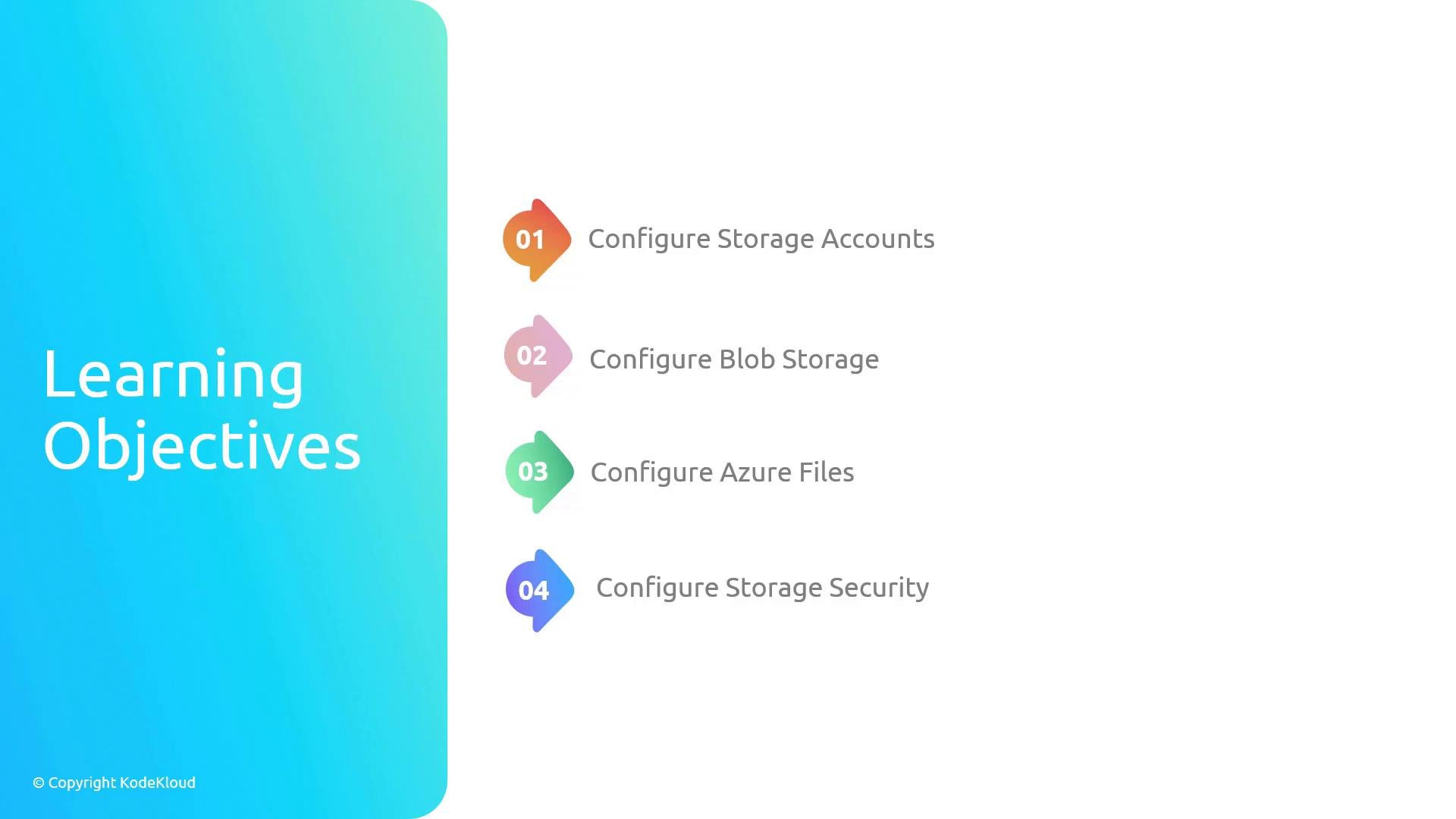
Storage account configuration
Learn how to create and manage storage accounts — the top-level container for all storage data. Topics include selecting the appropriate account kind and performance tier, choosing replication options (LRS,ZRS,GRS,RA-GRS), and configuring access and networking settings to control client connectivity. -
Blob Storage overview
Explore Blob Storage — Azure’s object store for large volumes of unstructured data (text and binary). You’ll work with containers and blobs, understand access tiers (Hot,Cool,Archive), implement lifecycle management policies, and apply cost and performance optimizations. -
Azure Files overview
Understand Azure Files for managed file shares accessible over SMB or NFS. This includes creating and mounting file shares from Windows, Linux, and macOS, configuring identity-based authentication, and integrating file shares with on-premises systems or lift-and-shift migrations. -
Storage security best practices
Implement security controls: manage and safely rotate account keys, create scoped access using Shared Access Signatures (SAS), enable server-side encryption (with customer-managed keys when required), and restrict access using network rules, service endpoints, or private endpoints.
Before starting this module, ensure you have an Azure subscription and the necessary permissions to create storage accounts and networking resources. For hands-on labs, the Azure Portal, Azure CLI, or Azure PowerShell can be used interchangeably depending on your workflow.
Learning objectives at a glance
By the end of this module, you will be able to design, deploy, and operate Azure Storage solutions that meet requirements for availability, performance, and security.
Links and references
- Microsoft Azure Storage documentation: https://docs.microsoft.com/azure/storage/
- Azure Storage redundancy and availability: https://docs.microsoft.com/azure/storage/common/storage-redundancy
- Blob storage lifecycle management: https://docs.microsoft.com/azure/storage/blobs/storage-lifecycle-management
- Azure Files overview and mounting: https://docs.microsoft.com/azure/storage/files/