

Primary access methods
-
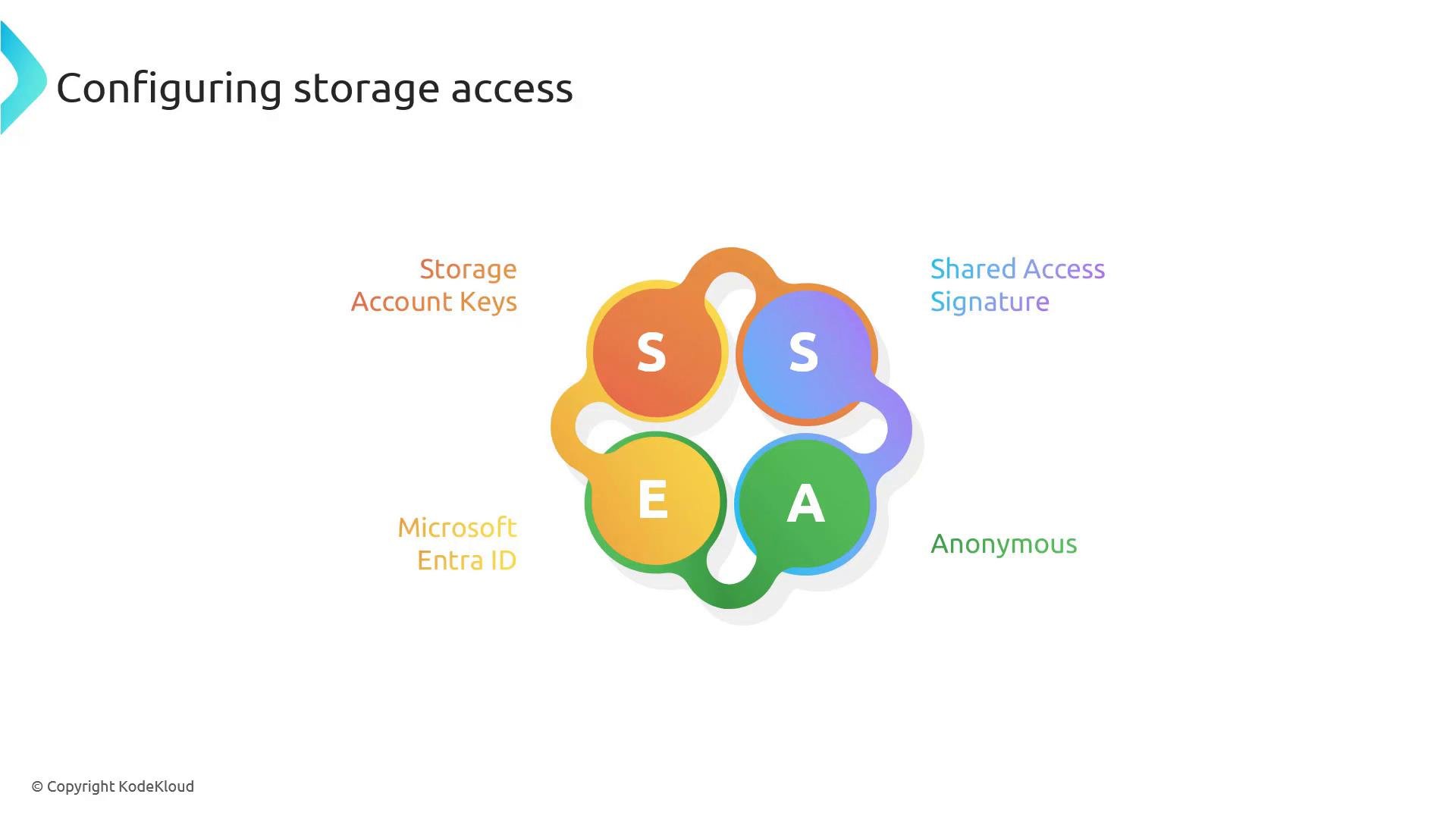
Storage account keys
Storage account keys act as the primary credentials for a storage account and grant full access to all services and data. Treat them as the account “root” credentials. Each storage account provides two keys so you can rotate one while the other remains active, helping avoid disruptions. Because they allow full control, avoid embedding account keys in client apps and rotate them on a schedule. -
Shared Access Signature (SAS)
A Shared Access Signature (SAS) issues delegated, time-limited access to specific resources within a storage account. SAS tokens can restrict permissions (read/write/list/delete), start and expiry times, IP address ranges, and allowed protocols (for example HTTPS-only). SAS types include service SAS, account SAS, and user delegation SAS (the latter integrates with Microsoft Entra ID for issuance and is recommended for many app scenarios). -
Microsoft Entra ID (Azure AD)
Microsoft Entra ID (Azure AD) enables identity-based access control and replaces reliance on shared keys. It supports role-based access control (RBAC), managed identities for Azure resources, conditional access, and multifactor authentication. Prefer Entra ID when authenticating applications and users against storage. -
Anonymous (public) access
Azure Storage supports anonymous access scenarios such as public blob containers or static website hosting. This makes selected data publicly accessible without authentication. Use anonymous access sparingly and only when you intend that data to be publicly available. Consider private endpoints, CDN with signed URLs, or SAS tokens for controlled external access.
How to choose an access method
Consider these factors when selecting an access method:- Required level of access (full account vs resource-specific)
- Need for temporary or delegated permissions
- Support for identity-based controls (RBAC, conditional access)
- Operational complexity and credential rotation practices
- Exposure risk of public access
Quick decision guide
- Use Microsoft Entra ID (Azure AD) with RBAC and managed identities for production applications.
- Use user-delegation SAS when issuing temporary, scoped access tied to an AD identity.
- Use service/account-level SAS for limited scenarios where managed identity is not feasible.
- Reserve storage account keys for administrative tasks and rotate them frequently.
- Only enable anonymous access for intentionally public content.
Best practice summary: prefer Microsoft Entra ID (Azure AD) or user-delegation SAS for application authentication. Minimize use of account keys, rotate them regularly, and scope SAS tokens to the smallest permissions and shortest lifetime required.
Comparison table
Example CLI snippets
- List account keys:
- Generate a user-delegation SAS (example concept):
Warning: Public/anonymous access exposes data to anyone on the internet. Only enable it when you intentionally want public access and after reviewing data sensitivity and exposure risk.
Additional strategies and protections
- Rotate credentials (account keys, SAS keys) on a defined schedule.
- Scope SAS tokens to the minimum set of permissions and shortest possible validity period.
- Use Azure AD and managed identities to eliminate secret handling in code.
- Combine private endpoints or VNet integration with RBAC to tighten network-level access.
- Monitor storage access with Azure Monitor and enable diagnostic logs for audit trails.
Links and references
- Microsoft Docs — Azure Storage security overview: https://learn.microsoft.com/azure/storage/common/storage-security-guide
- Shared Access Signatures (SAS): https://learn.microsoft.com/azure/storage/common/storage-sas-overview
- Microsoft Entra ID / Azure AD integration with Storage: https://learn.microsoft.com/azure/storage/common/storage-auth-aad
- Azure Key Vault: https://learn.microsoft.com/azure/key-vault/