

This topic is optional for the exam but useful for understanding how Microsoft Entra ID tenants operate independently.
What is a tenant?
A tenant in Microsoft Entra ID is a dedicated, isolated instance of the directory service. Each tenant represents an organization and contains users, groups, applications, policies, and settings that are scoped to that tenant. Although many tenants run on the same Azure infrastructure, they operate independently to preserve security and administrative boundaries.Core principles of multi-tenant environments
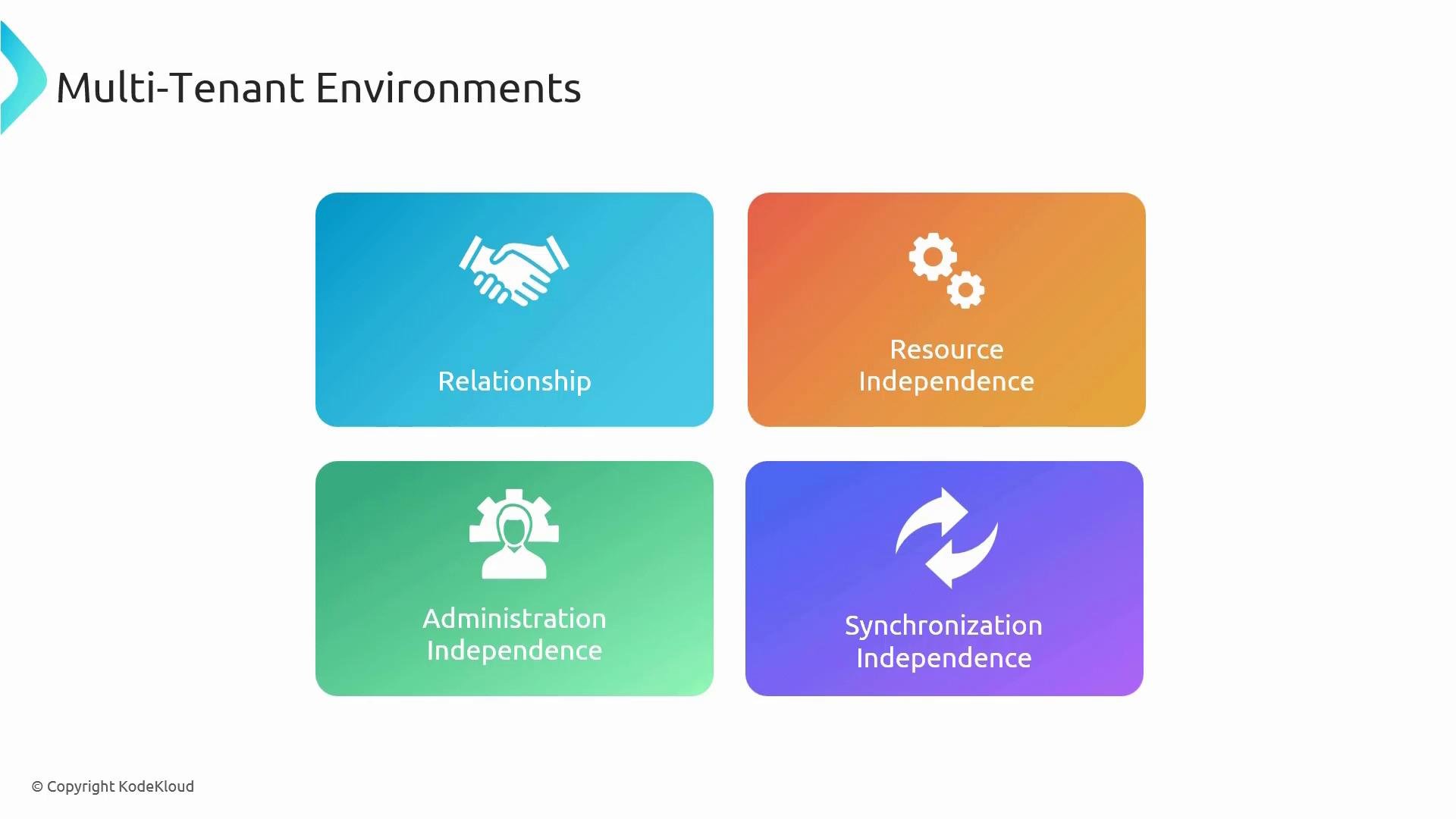
The following principles explain how tenants remain separate and how that impacts administration, resources, and synchronization.
These principles ensure secure isolation while enabling scenarios like B2B collaboration and multi-tenant SaaS applications.
Working with multiple tenants in the Azure portal
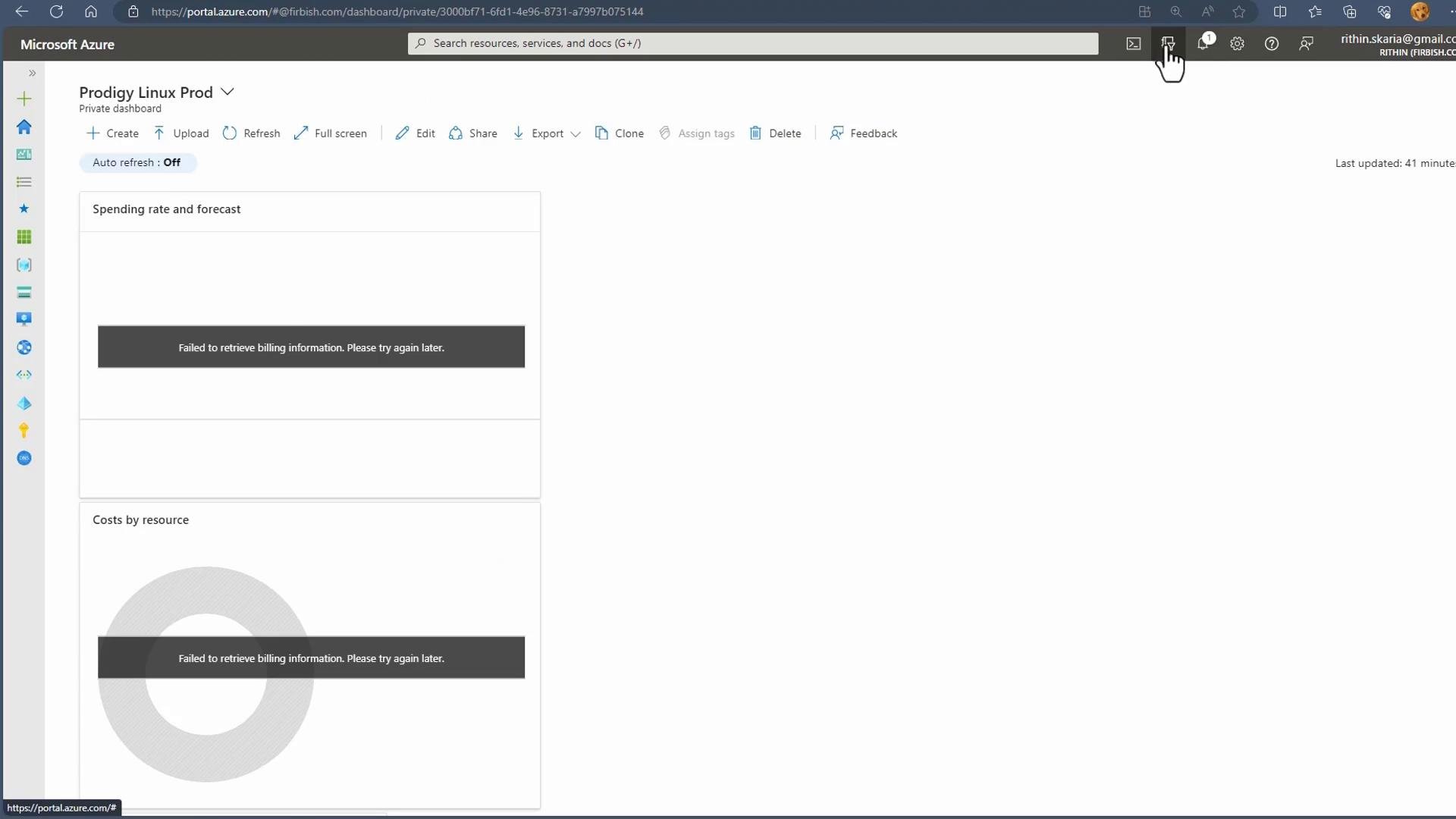
A single user account can be a member of multiple tenants. When you sign in to the Azure portal with your account, you can switch between tenants you have access to and manage resources or identities specific to each tenant. Keep in mind the portal UI evolves over time, so controls (like the tenant switcher) may appear in different places. To view or switch tenants:- Open the account or tenant menu in the portal (top-right) and check the list of tenants you belong to.
- Select the tenant you want to manage—the portal will refresh to show that tenant’s subscriptions, resources, branding, and policies.
Practical considerations and tips
- Roles and access: If you need administrative access in another tenant, request the appropriate role assignment from an existing administrator in that tenant — roles don’t propagate across tenants automatically.
- B2B collaboration: Invite external users from other tenants for collaboration. Invited users become guest accounts in the inviting tenant but still belong to their home tenant.
- Synchronization: Use Azure AD Connect (or other identity providers) per tenant to control which on-premises objects synchronize to each tenant. See Microsoft’s Azure AD Connect overview for details: https://learn.microsoft.com/en-us/azure/active-directory/hybrid/whatis-azure-ad-connect
- Auditing and compliance: Treat each tenant as a separate security boundary when planning monitoring, compliance policies, or incident response.
Remember: Administrative roles, resource changes, and synchronization settings are tenant-scoped. Plan identity governance and access control per tenant to avoid unwanted cross-tenant impact.
Summary
- Microsoft Entra ID tenants are independent across relationships, resources, administration, and synchronization.
- Administrative privileges and synchronization configurations do not cross tenant boundaries unless explicitly configured.
- You can belong to multiple tenants and switch between them in the Azure portal; the portal experience (branding, resources) may change per tenant.
Links and references
- Microsoft Entra ID (Azure AD) documentation: https://learn.microsoft.com/azure/active-directory/
- Azure AD Connect overview: https://learn.microsoft.com/en-us/azure/active-directory/hybrid/whatis-azure-ad-connect
- B2B collaboration in Azure AD: https://learn.microsoft.com/azure/active-directory/external-identities/what-is-b2b