

- Configure Microsoft Entra ID
- Configure user and group accounts
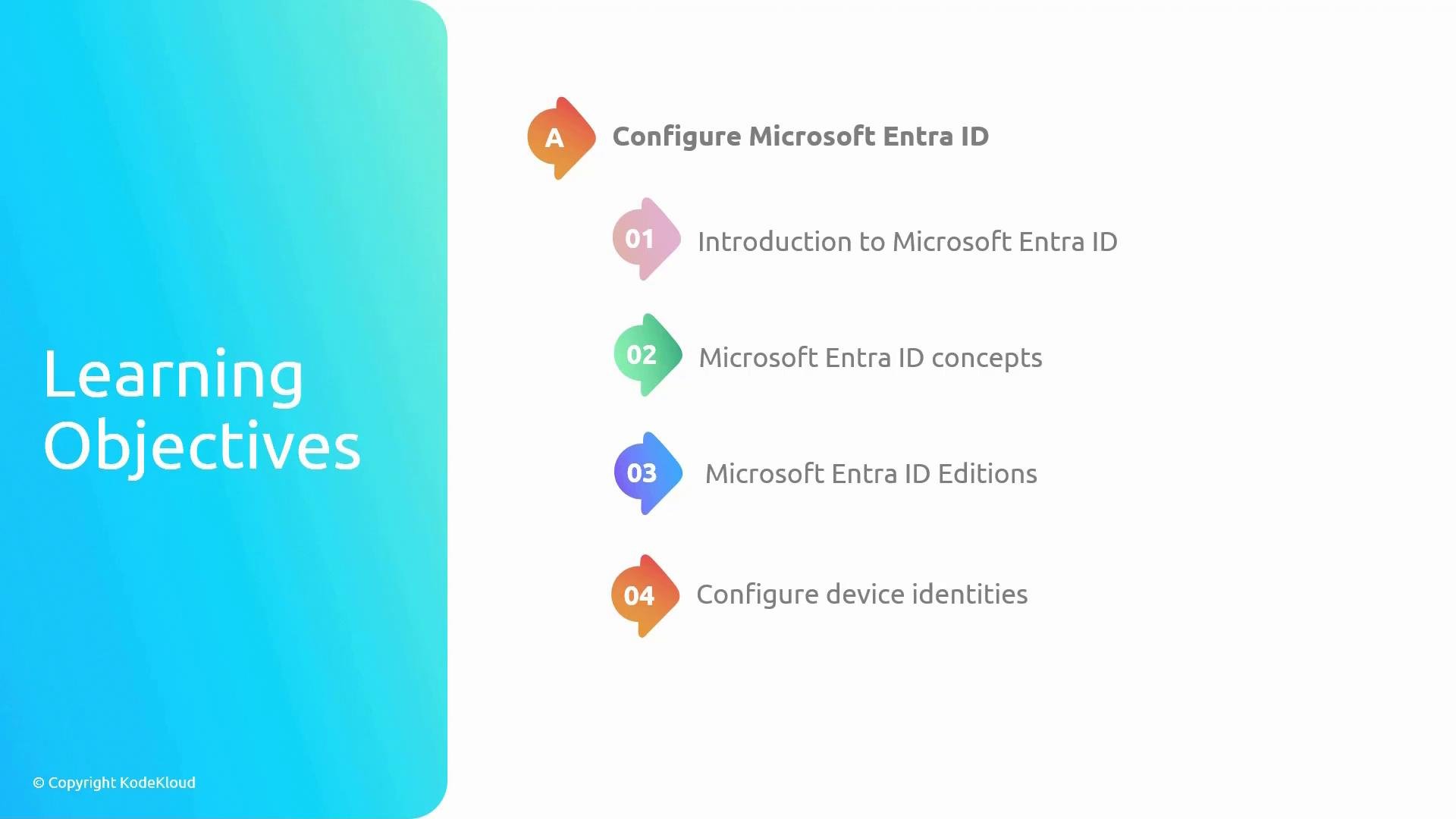
- Introduction to Microsoft Entra ID: Foundational concepts and Entra ID’s role in Azure identity and access management.
- Identity concepts: Identity types, authentication methods (password, MFA, FIDO2, etc.), and common access models (RBAC, role assignments, conditional access).
- Microsoft Entra ID editions: Differences between Free, Premium P1, and Premium P2 feature levels to help you choose the right plan for your organization.
- Configuring device identities: How to register and manage devices (Azure AD Join, hybrid Azure AD Join, and registered devices) to enable device-based conditional access and management.
Objective 2 — Configure user and group accounts
This objective focuses on practical operations for managing user and group accounts in Entra ID:
- User accounts: Create and manage user identities, set profile attributes, configure authentication methods, and assign directory roles.
- Bulk operations: Use CSV/import, PowerShell, or Microsoft Graph to create, update, or delete many users efficiently.
- Group accounts: Organize users into security groups and Microsoft 365 groups for simplified permission and license management; understand static vs. dynamic membership.
- Self-Service Password Reset (SSPR): Enable and configure SSPR so users can securely reset forgotten passwords without admin intervention.
- Multi-tenant environments: Best practices for managing external users, B2B collaboration, and onboarding across multiple tenants.
This module focuses on Entra ID fundamentals and administrative tasks. For deep-dive security topics, conditional access advanced configurations, and on-premises synchronization details, see the Microsoft Azure Security Technologies (AZ-500) course and the official Microsoft documentation.
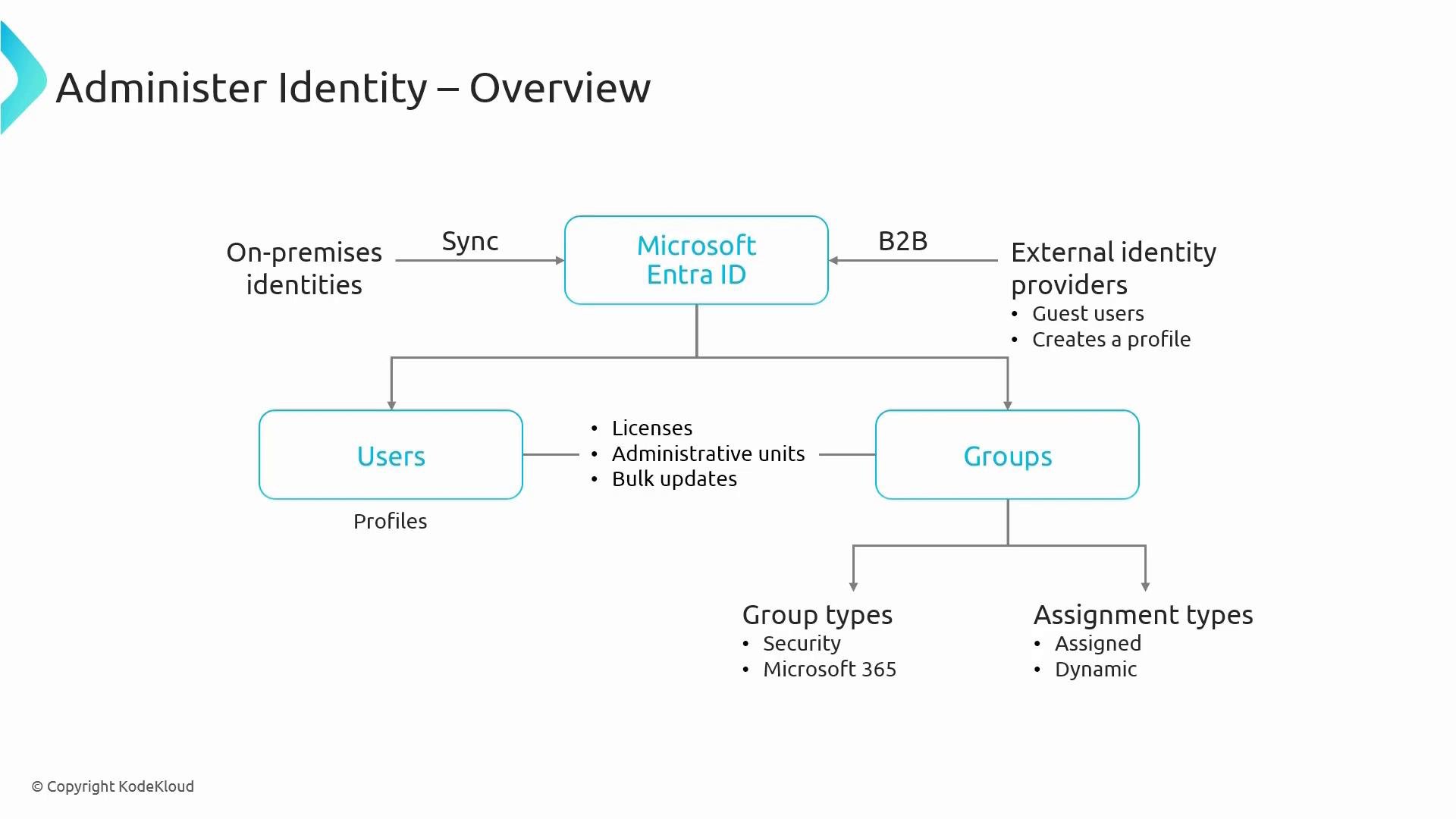
- Users: Individual identities that can be authenticated, assigned directory roles, and granted access to resources.
- Groups: Collections of users used for bulk assignment of access and licenses. Understand group types (security vs. Microsoft 365) and membership models (static vs. dynamic).
- B2B collaboration: Invite external users as guests to collaborate while applying organizational policies and restricted permissions.
- Device identities: Register, Azure AD Join, or hybrid Azure AD Join devices to enforce device-based conditional access and compliance policies.
- Microsoft Entra documentation
- Azure AD Connect overview
- Microsoft Azure Security Technologies (AZ-500)