

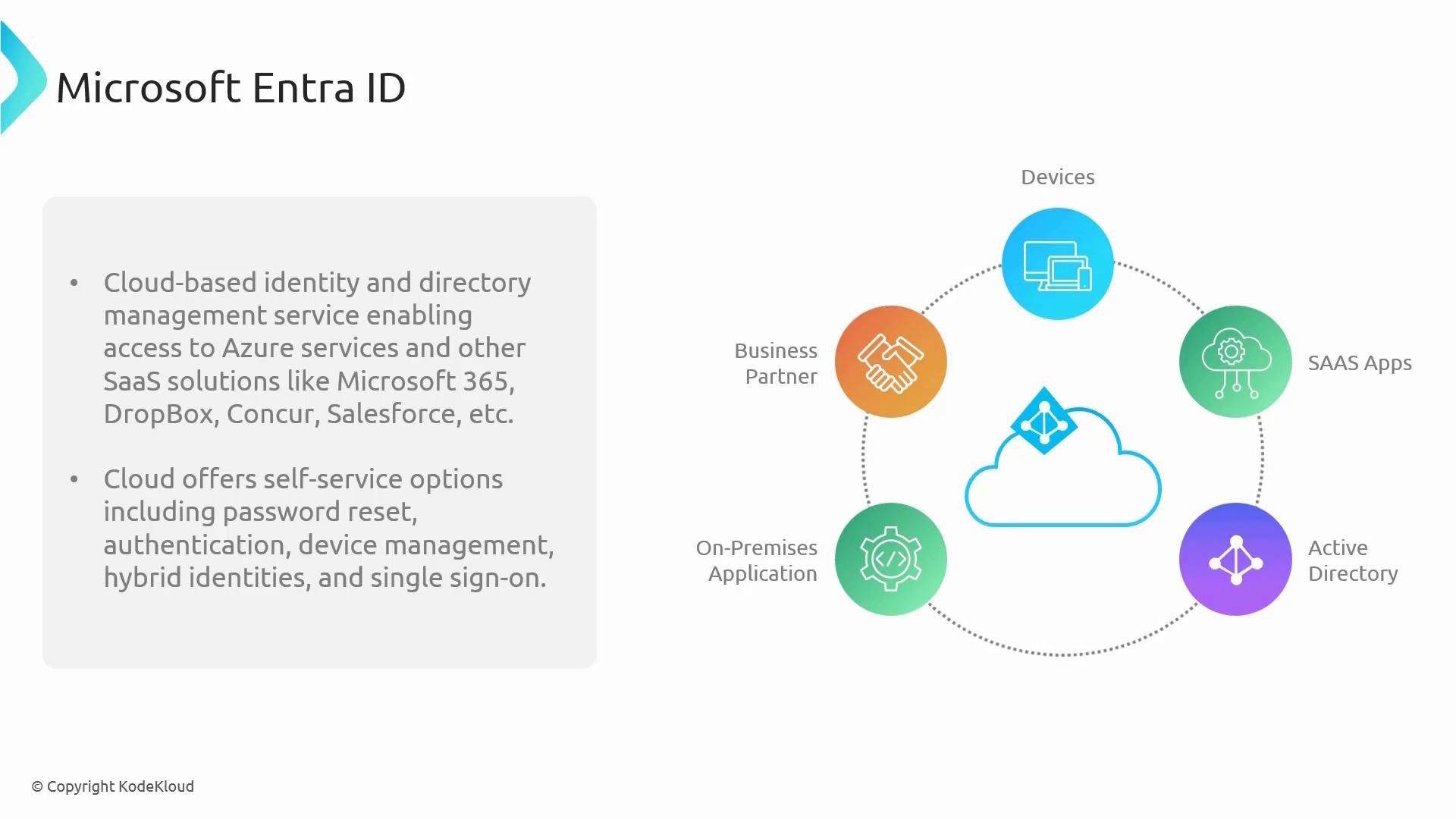
Microsoft Entra ID powers authentication and authorization for the Azure portal, Microsoft 365, and integrated SaaS apps. If you sign into Outlook, Teams, or the Azure portal, Entra ID handles the sign-in flow and enforces your organization’s access policies.
Why Entra ID matters
- Single sign-on (SSO): Users sign in once to access multiple cloud apps and services.
- Multi-factor authentication (MFA): Adds a second verification method to reduce account compromise.
- Conditional Access: Enforces context-aware policies based on user, device, location, and risk signals.
- Hybrid identity: Synchronizes on-premises Active Directory identities with cloud Entra ID for seamless access.
- Self-service and device management: Reduces IT overhead via password reset, device registration, and delegated administration.
- Extensive integration: Works with popular SaaS providers (Salesforce, Dropbox, Concur) and custom on-premises apps.
Core capabilities at a glance
Typical authentication flow (example)
- A user navigates to the Azure portal or Microsoft 365.
- The service redirects to Microsoft Entra ID for authentication.
- Entra ID verifies credentials and evaluates Conditional Access policies.
- MFA may be required depending on policy or risk signals.
- If successful, Entra ID issues tokens that grant access to the requested resource.
When to use Entra ID
- For cloud-first organizations relying on Microsoft 365 and Azure.
- When enabling SSO and MFA across SaaS applications.
- To establish secure remote access with Conditional Access.
- To implement hybrid identity scenarios that bridge on-premises AD with cloud services.
Links and references
- Microsoft Entra product documentation: https://learn.microsoft.com/entra
- Microsoft identity platform overview: https://learn.microsoft.com/azure/active-directory/develop/identity-platform-overview
- Azure AD Connect (hybrid identity): https://learn.microsoft.com/azure/active-directory/hybrid/whatis-azure-ad-connect