

<protocol>://<storage-account-name>.<service>.core.windows.net
- Protocol:
httporhttps(always usehttpsin production). - Storage account name: the name you created for the account.
- Service: one of
blob,file,queue, ortable.
kodekloud:
Note: Azure Data Lake Storage Gen2 uses the
dfs host for filesystem endpoints. Example:
https://kodekloud.dfs.core.windows.net
core.windows.net DNS suffix by default, storage account names must be globally unique. If the name you want is taken, append characters or numbers to make it unique.
If you deploy to an Azure sovereign or national cloud (for example, Azure Government), endpoints use a different DNS suffix (for example,
core.usgovcloudapi.net). Check the specific cloud documentation for the correct suffix.blobs.kodekloud.com) to a service endpoint using a CNAME that points to the Azure hostname (for example, kodekloud.blob.core.windows.net). Keep these points in mind:
- A CNAME maps a subdomain only (not an apex/root domain).
- To serve HTTPS on a custom domain you must configure TLS — for example, via
Azure CDN,Azure Front Door, or supported managed certificates where available.
Do not attempt to CNAME the root/apex domain (e.g.,
kodekloud.com) to the Azure hostname; DNS rules do not allow CNAME records at the zone apex. Use an alias record or a CDN/Front Door solution that supports apex domains and TLS.-
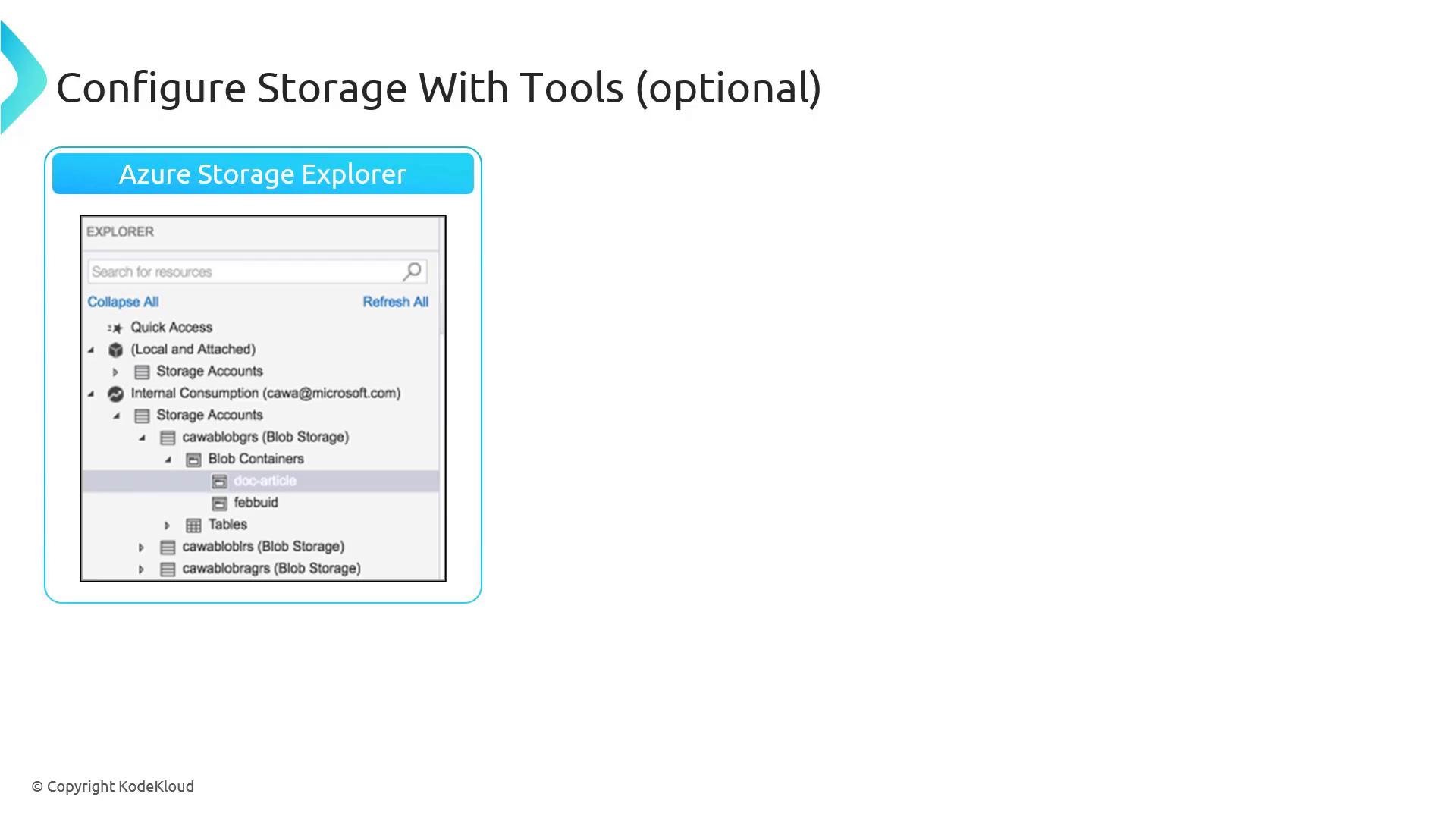
Azure Storage Explorer — a cross-platform GUI for browsing and managing storage accounts (drag-and-drop, delete, edit). Connect to your storage account from your desktop.
- Import/Export service — move very large on-premises datasets to Azure by shipping encrypted physical drives to an Azure datacenter.
- AzCopy — a high-performance command-line tool for uploading/downloading blobs, files, and tables. Useful for automation and cross-cloud copy scenarios.
dfs for Data Lake Gen2 when enabled).
Azure Portal
In the Azure portal (https://portal.azure.com) the storage account Overview and Properties pages display the Blob, File, Queue, Table endpoints, the static website endpoint (if enabled), and Data Lake endpoints. Use these exact values when you need to copy-paste a full endpoint instead of constructing it manually.
Quick reference — tools and docs
Additional links and references
- Azure Data Lake Storage Gen2 overview
- Azure CDN documentation
- Azure Front Door documentation
- Azure Clouds and regions