This article explores Azure Private Endpoints for secure connectivity to storage accounts using private IP addresses from your Virtual Network.
In this article, we explore the concept of a private endpoint for an Azure Storage account. Unlike service endpoints—which allow access to Azure services over the Azure backbone network while still using public endpoints—Azure Private Link uses private endpoints to provide direct, secure connectivity using an IP address from your Virtual Network (VNet).When using service endpoints, the source IP (for instance, that of your Virtual Machine or VM) remains unchanged, but the connection still terminates at a public endpoint. Although the traffic remains within the Azure backbone, this setup may not meet strict security requirements for a fully private network. Service endpoints are limited to Azure VNets; they do not extend to on-premises networks. When you add your on-premises IP to the storage firewall, traffic traverses the public internet, which often does not satisfy high-security standards.Azure Private Link resolves these limitations. By creating a private endpoint for your storage account, the service appears within your VNet. In effect, the storage service receives a network interface from your VNet’s address space, resulting in a connection established through a private IP address. You can deploy the private endpoint in the same VNet as your VM or in another VNet connected through peering, making the storage account accessible as a local resource rather than a public one.
Private Connection to Azure Services: Each supported PaaS solution receives a private IP address from your VNet.
Seamless Integration for On-Premises and Inter-VNet Connectivity: On-premises networks can resolve service names to private IP addresses using VPN or ExpressRoute connections, thereby avoiding public internet routing.
Enhanced Data Exfiltration Protection: Keeping traffic within a private network mitigates the chance of unauthorized data exposure.
Direct Access within Azure VNets: Services become directly available via private IP addresses without the need for additional network configurations.
Disabling public network access will render any previously configured service endpoints non-functional. Attempting to access the storage account via a VM without the proper configuration will result in an “Authorization Failure” error.
In the next sections, we will configure a private endpoint for your storage account using the Azure portal, integrate DNS settings, test connectivity, and verify that your configuration is working as expected.
Configuring a Private Endpoint in the Azure Portal
To configure a private endpoint for your storage account, follow these steps:
In the Azure portal, navigate to the Private Endpoint section.
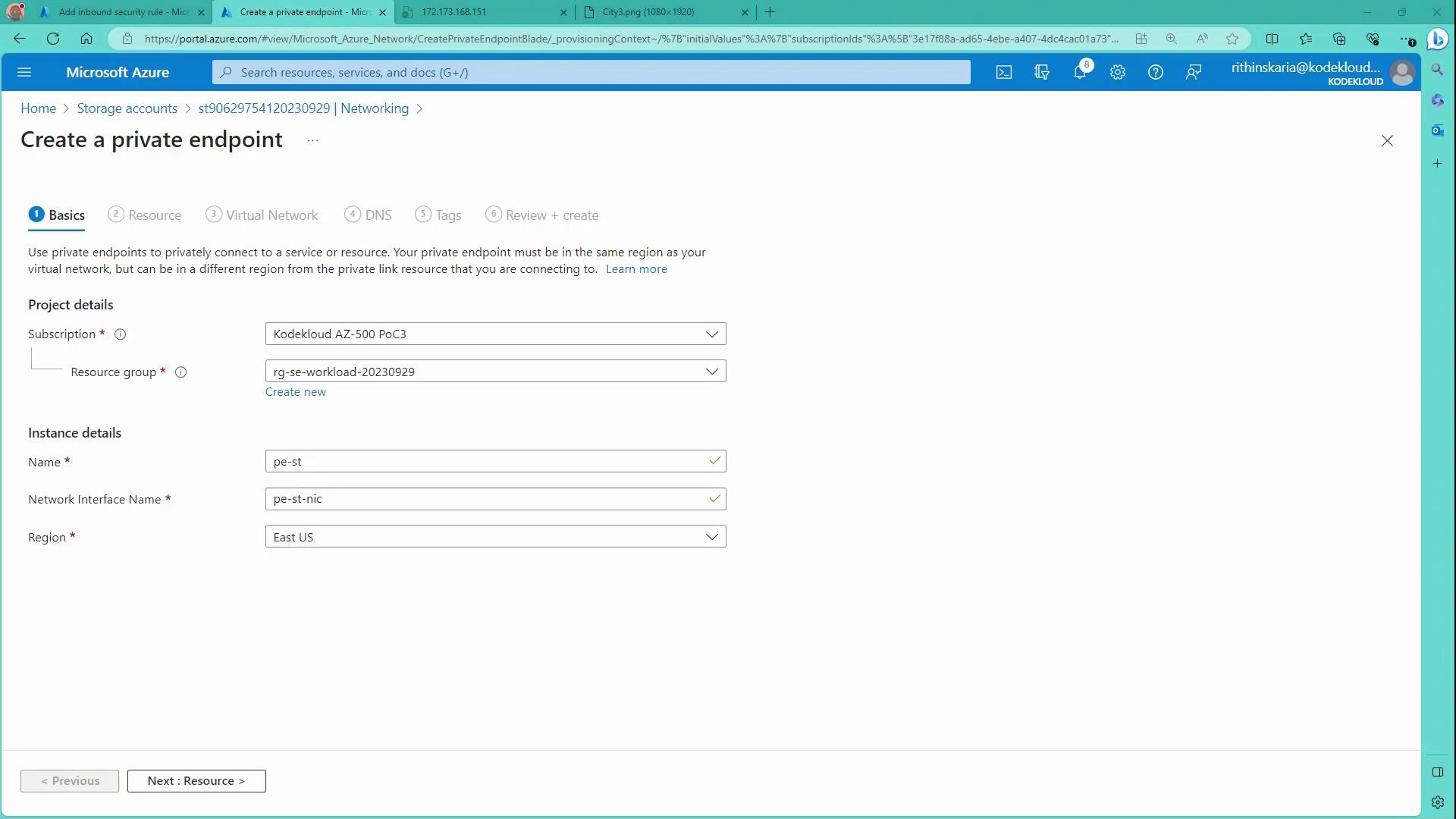
Create a new private endpoint by entering a name (for example, “PE Storage”). This action automatically creates a network interface linking the private endpoint to your storage account.
Under resource selection, choose Storage and opt for the Blob endpoint if you store files in Blob storage.
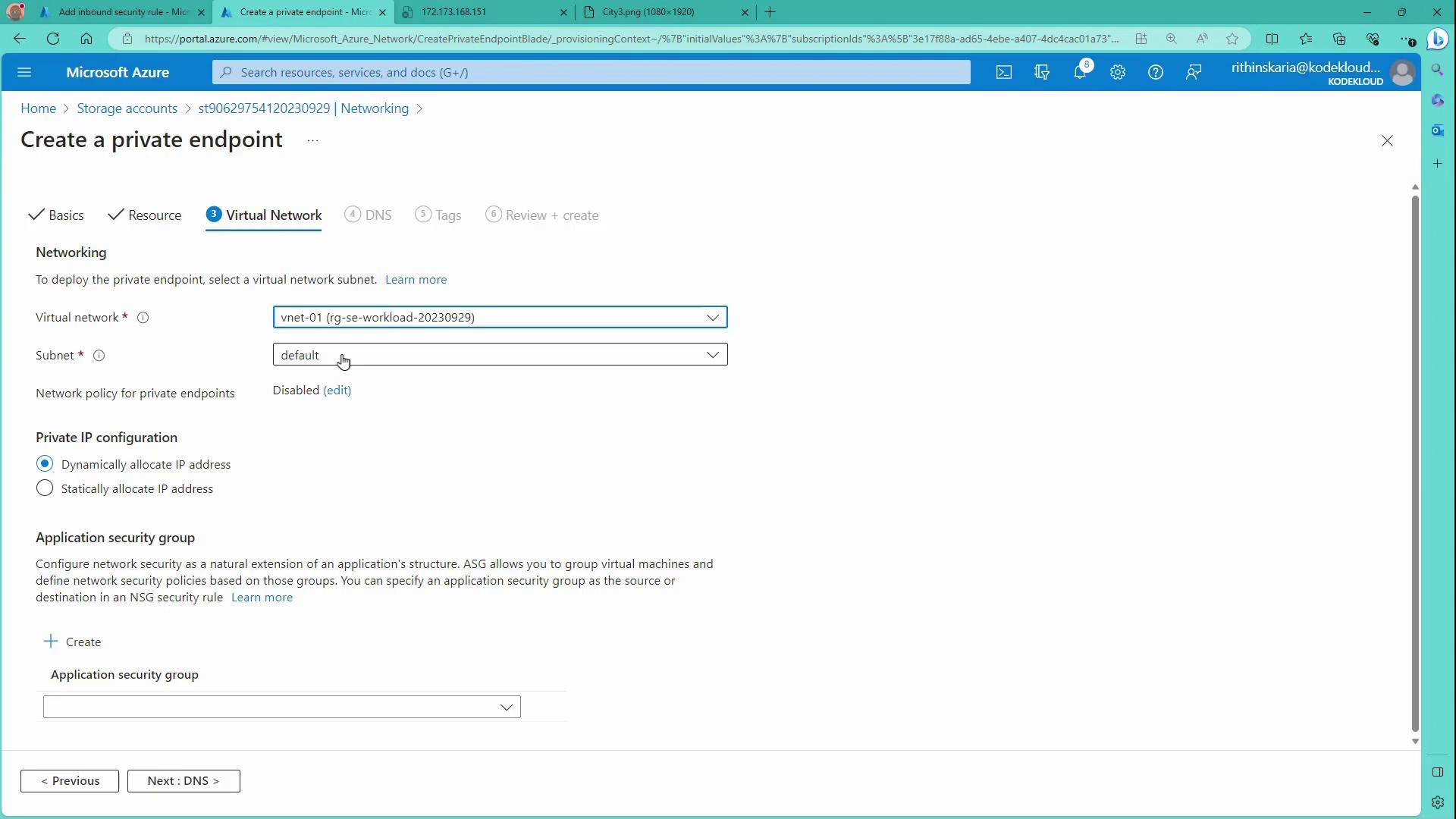
Select the appropriate Virtual Network and subnet. To simplify, you can choose the same subnet where your VM resides; however, the private endpoint can reside in a different subnet or even in a VNet that is connected via peering.
The image below illustrates the private endpoint creation page in the Azure portal:
Next, configure the Virtual Network settings:
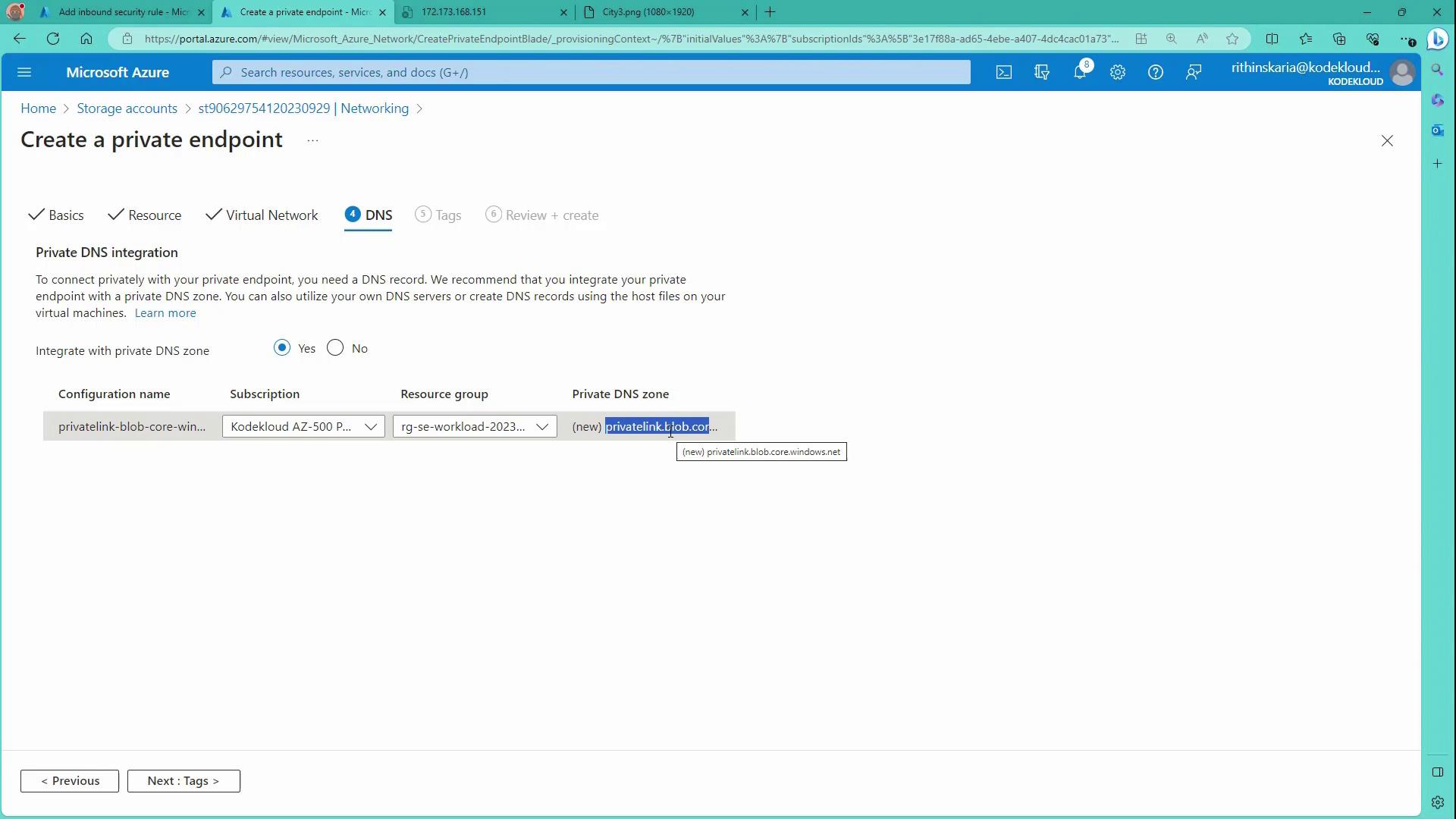
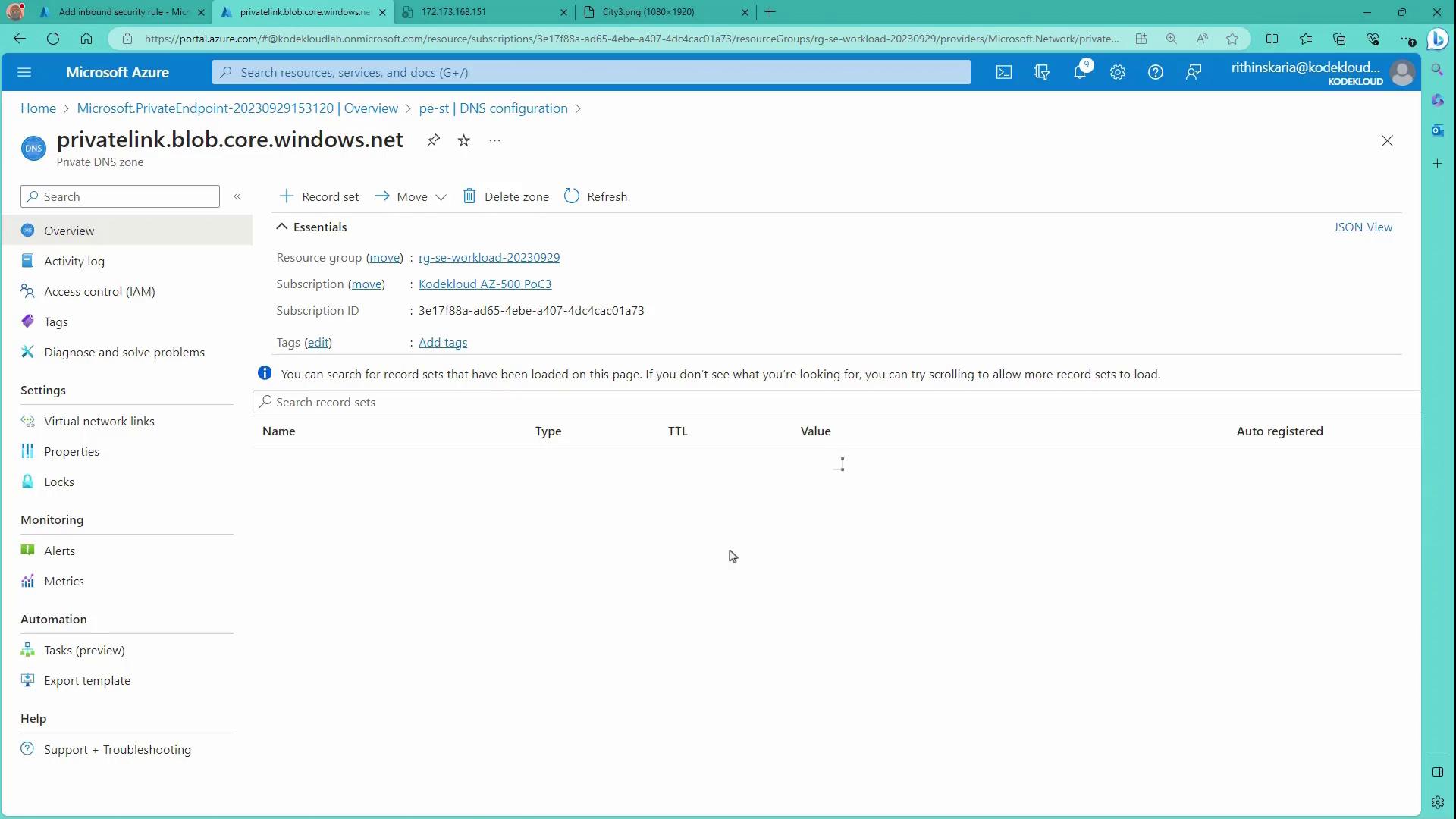
After configuring the private endpoint, Azure automatically creates a private DNS zone to enable name resolution for the storage account. The DNS zone is formatted as “privatelink.blob.core.windows.net” and holds an A record mapping the storage account’s name to its private IP address. For Azure VMs using the Azure-provided DNS, the integration is automatic. However, for on-premises hosts, you must configure a conditional forwarder from your on-premises DNS to an Azure DNS resolver or a private resolver.Review the DNS integration settings on the portal:
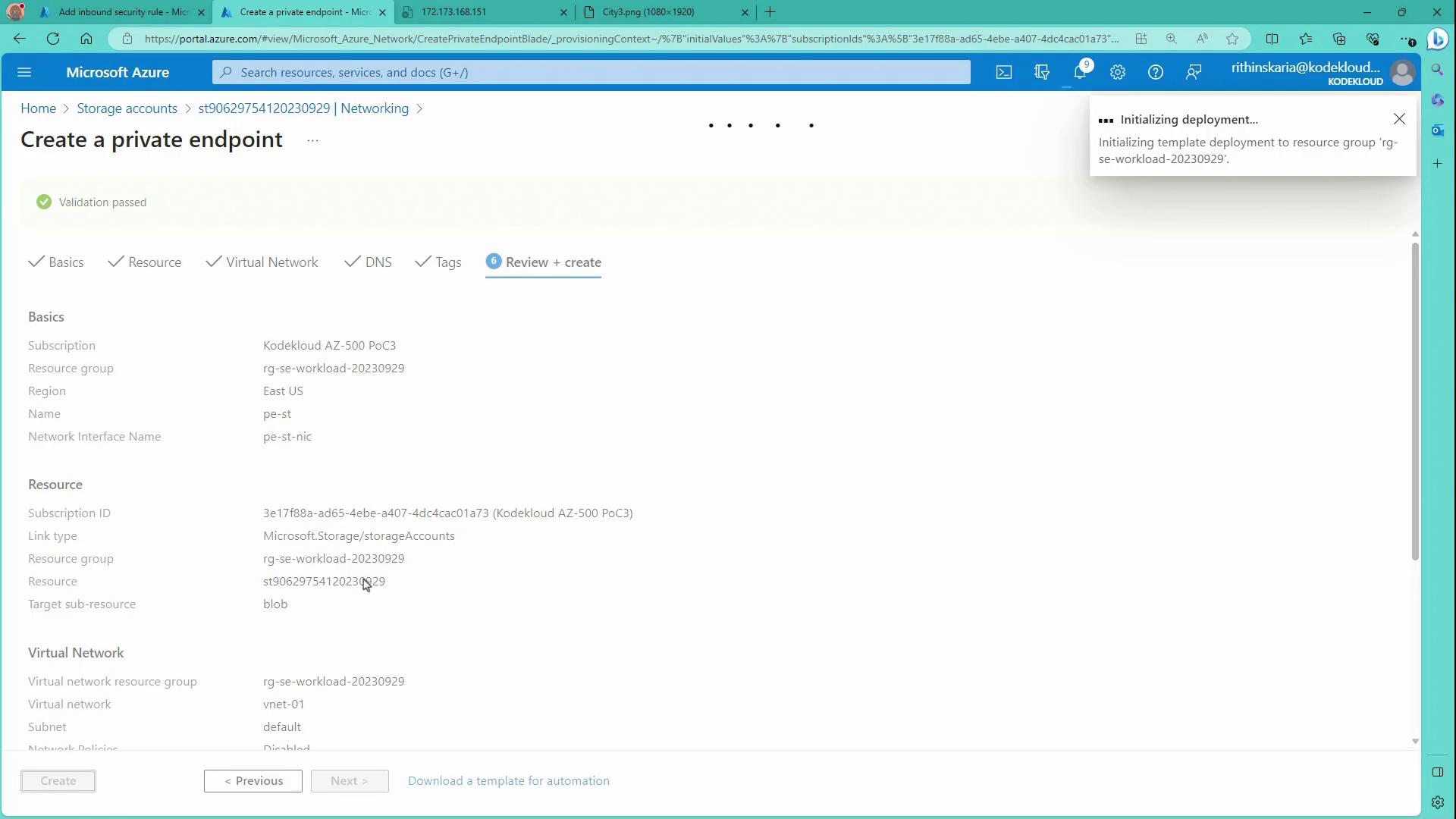
Once all settings are applied, wait for the private endpoint deployment to complete. The image below indicates the deployment progress:
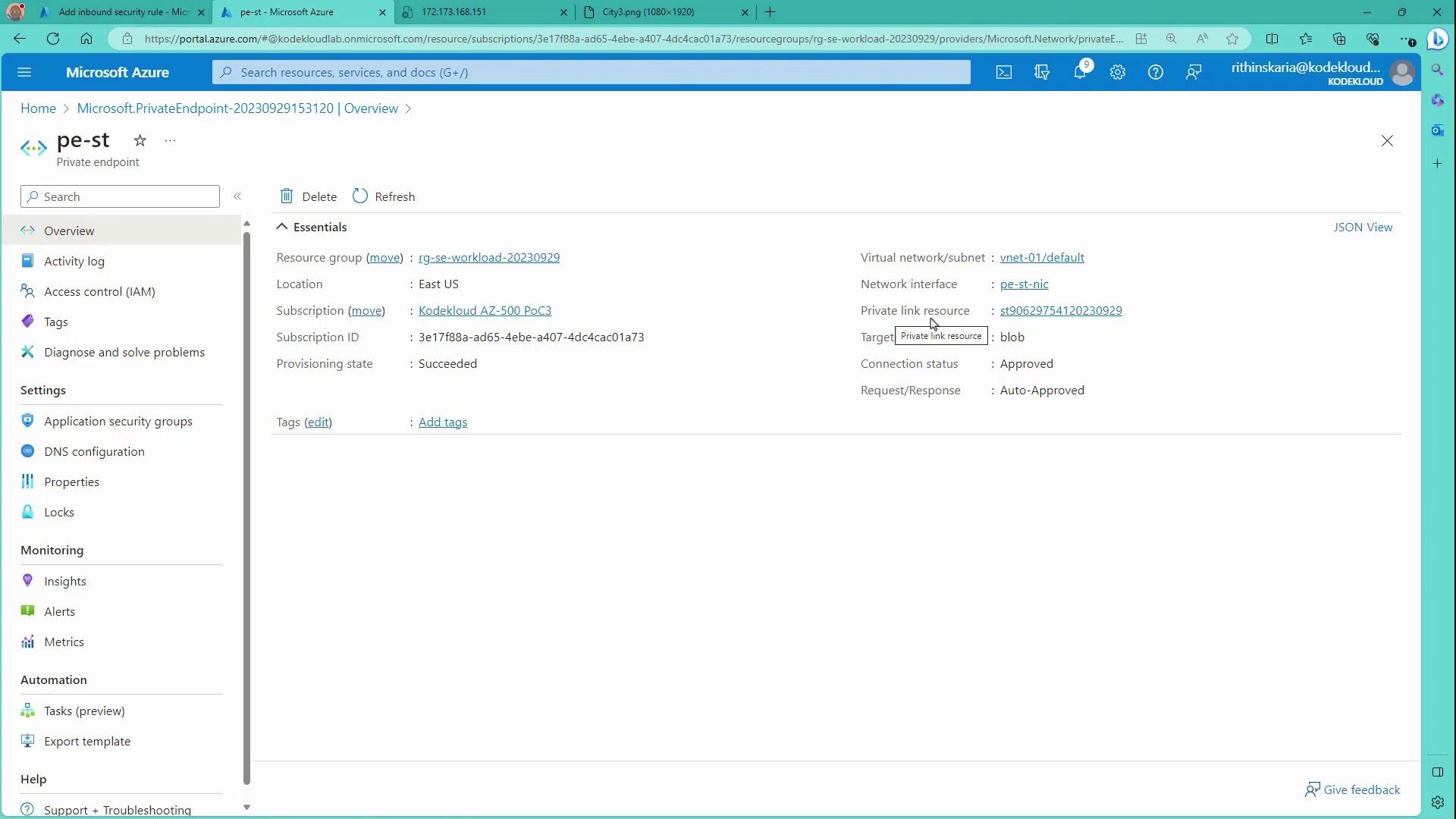
After creation, the Azure portal displays the following details:
The private endpoint (sometimes abbreviated as “pe”) along with an associated private link resource.
DNS configurations mapping the storage account name to its private IP address.
The dashboard summarizes these details:
Additionally, you can review the private DNS zone configuration:
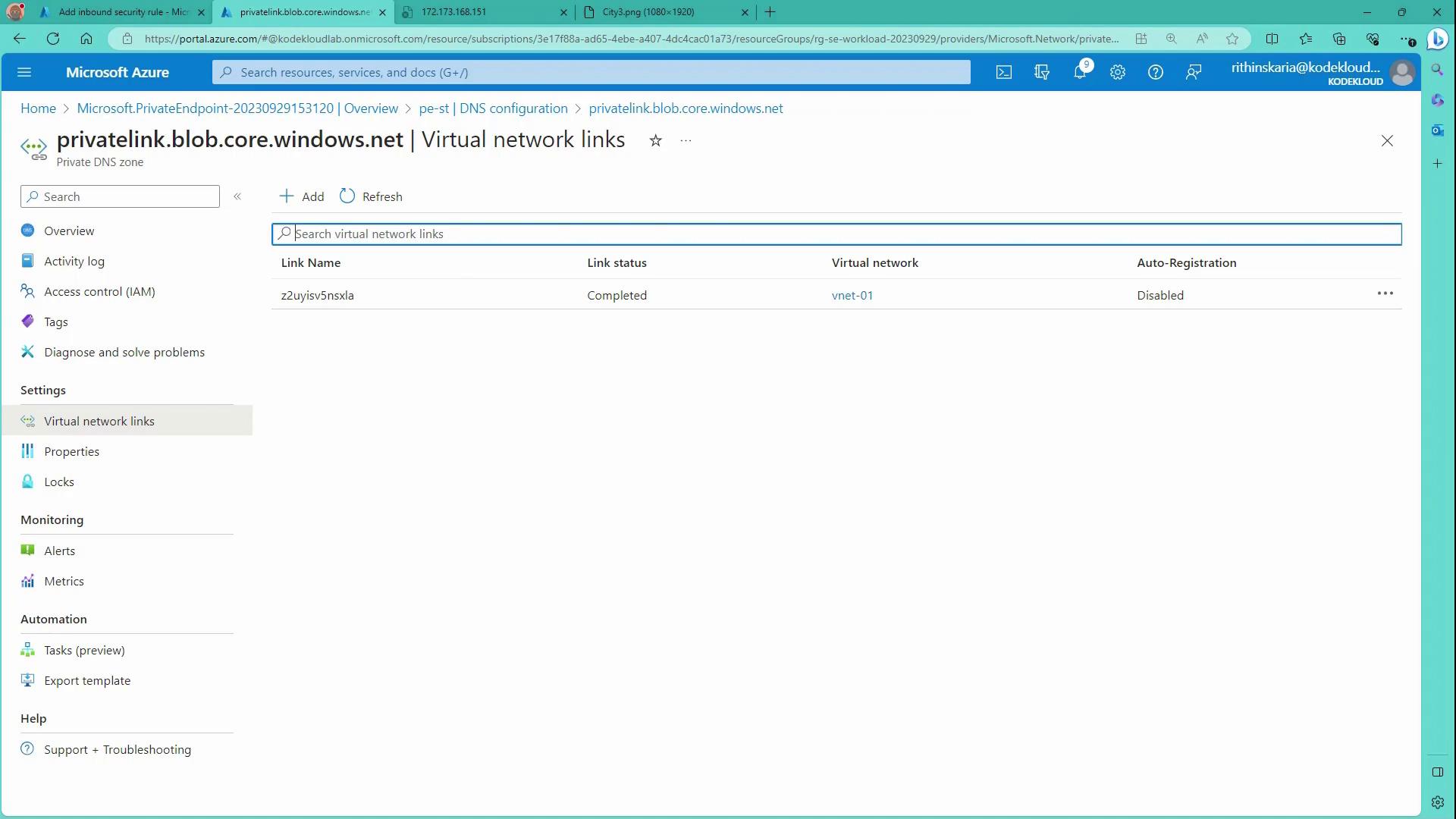
Verify that your Virtual Network (e.g., vnet01) is properly linked:
After deploying the private endpoint, you must verify that the storage account resolves to a private IP address. On your VM, use the following command to inspect DNS resolution:
kodekloud@vm-01:~$ dig st90629754120320929.blob.core.windows.net;; global options: +cmd;; Got answer:;; ->>HEADER<<- opcode: QUERY, status: NOERROR, id: 52399;; flags: qr raa; QUERY: 1, ANSWER: 2, AUTHORITY: 0, ADDITIONAL: 1;; QUESTION SECTION:;st90629754120320929.blob.core.windows.net. IN A;; ANSWER SECTION:st90629754120320929.blob.core.windows.net. 60 IN CNAME st90629754120320929.privatelink.blob.core.windows.net.st90629754120320929.privatelink.blob.core.windows.net. 10 IN A 192.168.1.5Query time: 8 msecSERVER: 127.0.0.53#53(127.0.0.53) (UDP)When: Fri Sep 29 12:40:23 UTC 2023MSG SIZE rcvd: 132
Next, test file access using curl. An attempt to access the storage account without proper authorization will yield an error:
kodekloud@vm-01:~$ curl https://st90629754120320929.blob.core.windows.net/demo/City3.png<?xml version="1.0" encoding="utf-8"?><Error> <Code>AuthorizationFailure</Code> <Message>This request is not authorized to perform this operation.</Message></Error>
Once you have the correct authorization or you are simply testing connectivity via a file download, redirect the output to a file:
Azure Private Endpoints offer a secure method for accessing storage accounts and other Azure services over a private connection using an IP from your Virtual Network. The seamless integration with Azure Private DNS Zones allows service names to resolve accurately to private IP addresses, simplifying connectivity for both Azure VMs and on-premises systems (when DNS forwarders are configured). This configuration improves your security posture by eliminating exposure to the public internet and reducing the risk of data exfiltration.
In the next module, we will explore techniques for managing and administering network traffic within your Azure environment.