

- Configure subscriptions and Azure Resource Manager resources
- Configure Azure Policy
- Configure Azure Role-Based Access Control (RBAC)
1. Configure subscriptions and Azure Resource Manager resources
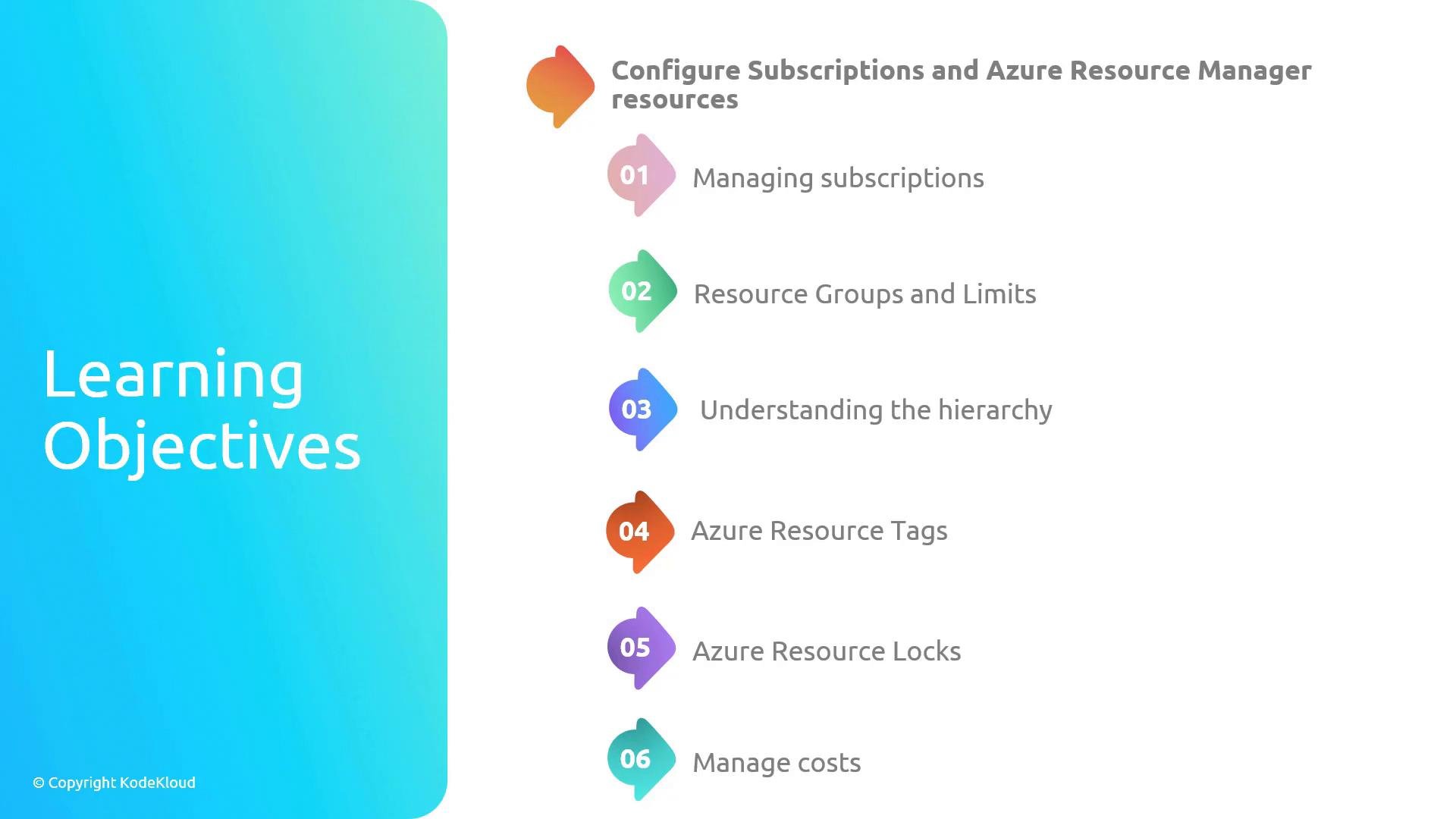
This section covers how to structure and protect your Azure environment for scale and manageability. Key topics:- Managing subscriptions: Best practices for organizing, isolating, and governing multiple subscriptions.
- Resource groups and limits: How to group related resources and understand Azure limits and quotas.
- Understanding the hierarchy: How management groups, subscriptions, resource groups, and resources relate for effective governance.
- Azure resource tags: Use tags for organization, automation, and billing chargebacks.
- Azure resource locks: Prevent accidental deletion or modification of critical resources using locks.
- Manage costs: Tools and techniques to monitor, allocate, and control Azure spending.
2. Configure Azure Policy
Azure Policy lets you define and enforce rules across your tenant to ensure resources remain compliant with organizational standards. Topics covered:- Azure Policy basics: Define policy definitions to enforce organization standards.
- Assess compliance at scale: Evaluate resources against policy and report compliance state.
- Remediation and guest configuration: Remediate non-compliant resources and extend configuration checks.
- Initiatives: Group related policies into an initiative (policy set) to simplify management and apply broader compliance goals.
3. Configure Azure Role-Based Access Control (RBAC)
RBAC helps you assign the minimum required permissions to users, groups, and services. Core concepts:- RBAC fundamentals: Use built-in roles or create custom roles to grant precise permissions.
- Role assignments and scope: Apply roles at management group, subscription, resource group, or resource scope to enforce least privilege.
- RBAC vs Microsoft Entra ID roles: Understand when to use Azure RBAC (resource-level) versus Entra ID roles (directory and identity operations).
Note: Azure RBAC controls access to Azure resources (for example, virtual machines, storage accounts). Microsoft Entra ID roles (formerly Azure AD roles) control directory and identity-related operations (for example, managing users, groups, or application registrations). This module covers RBAC and the distinctions with Entra ID roles.
At-a-glance: Module breakdown
Recommended learning path and tips
- Start with the hierarchy (management groups → subscriptions → resource groups) before designing tags and RBAC scopes.
- Use policy initiatives when you need to apply several related policies across many subscriptions.
- Combine RBAC with resource locks and policies for layered protection: RBAC for access, policies for configuration, locks to prevent accidental changes.
- Monitor costs and compliance continuously; governance is an ongoing process, not a one-time setup.