

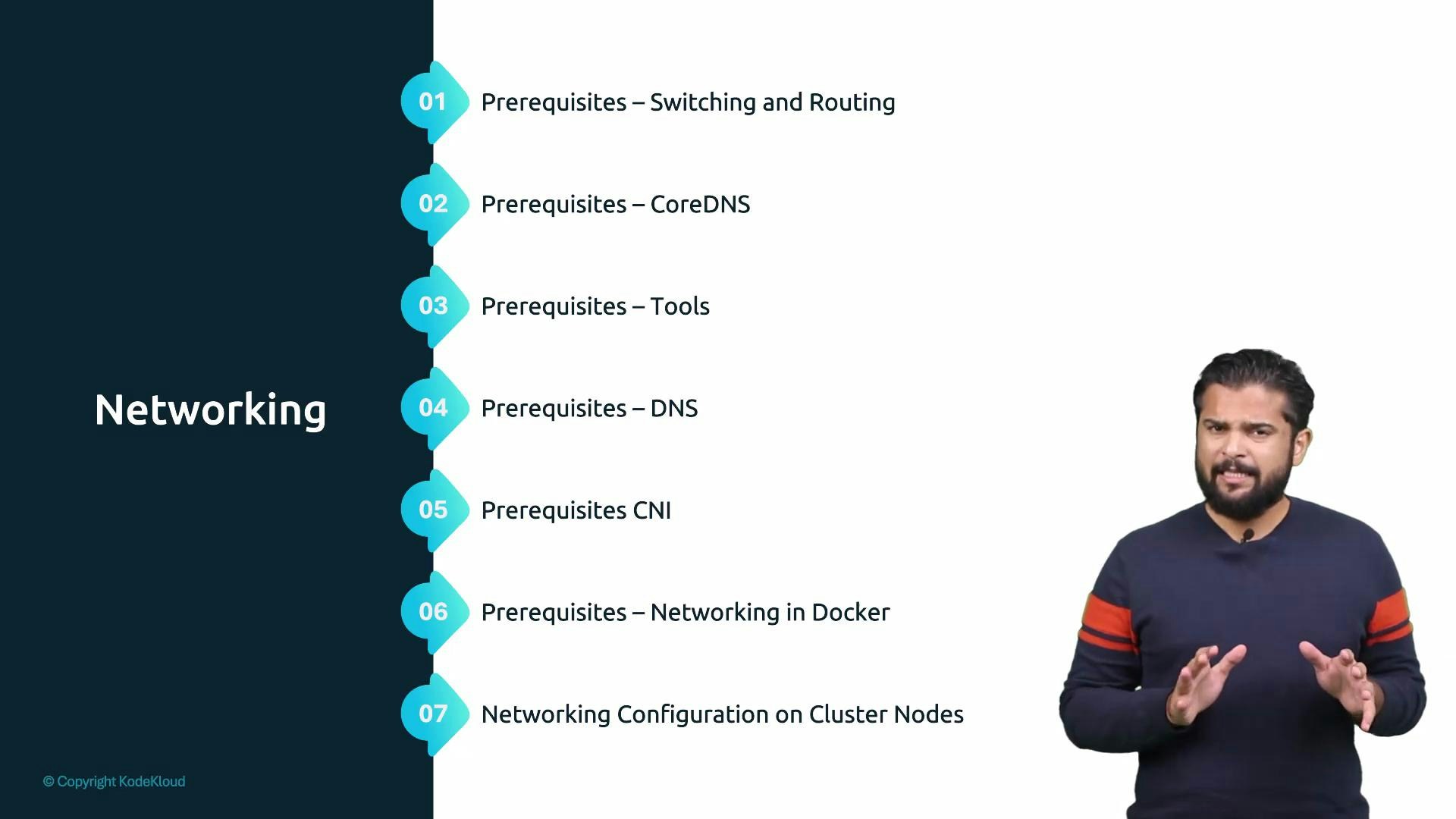
- Configuring network interfaces and IP addresses
- Gateways and routing basics
- Name resolution and DNS fundamentals
- DNS configuration on Linux systems
- CoreDNS basics
- Network namespaces and how container runtimes (for example Docker) use them
These short prerequisite lectures are optional but recommended. If you already know these basics, skip what you don’t need — but review network namespaces and Docker networking if you haven’t, since they directly affect how pods and containers are isolated and connected.
- Network namespaces define per-process network stacks used by container runtimes; understanding them makes pod isolation and container networking much clearer.
- Gateways, routes, and interface configuration are essential when diagnosing connectivity problems between nodes, pods, and external services.
- DNS and CoreDNS are central to Kubernetes service discovery — misconfiguration here is a common source of application failures.
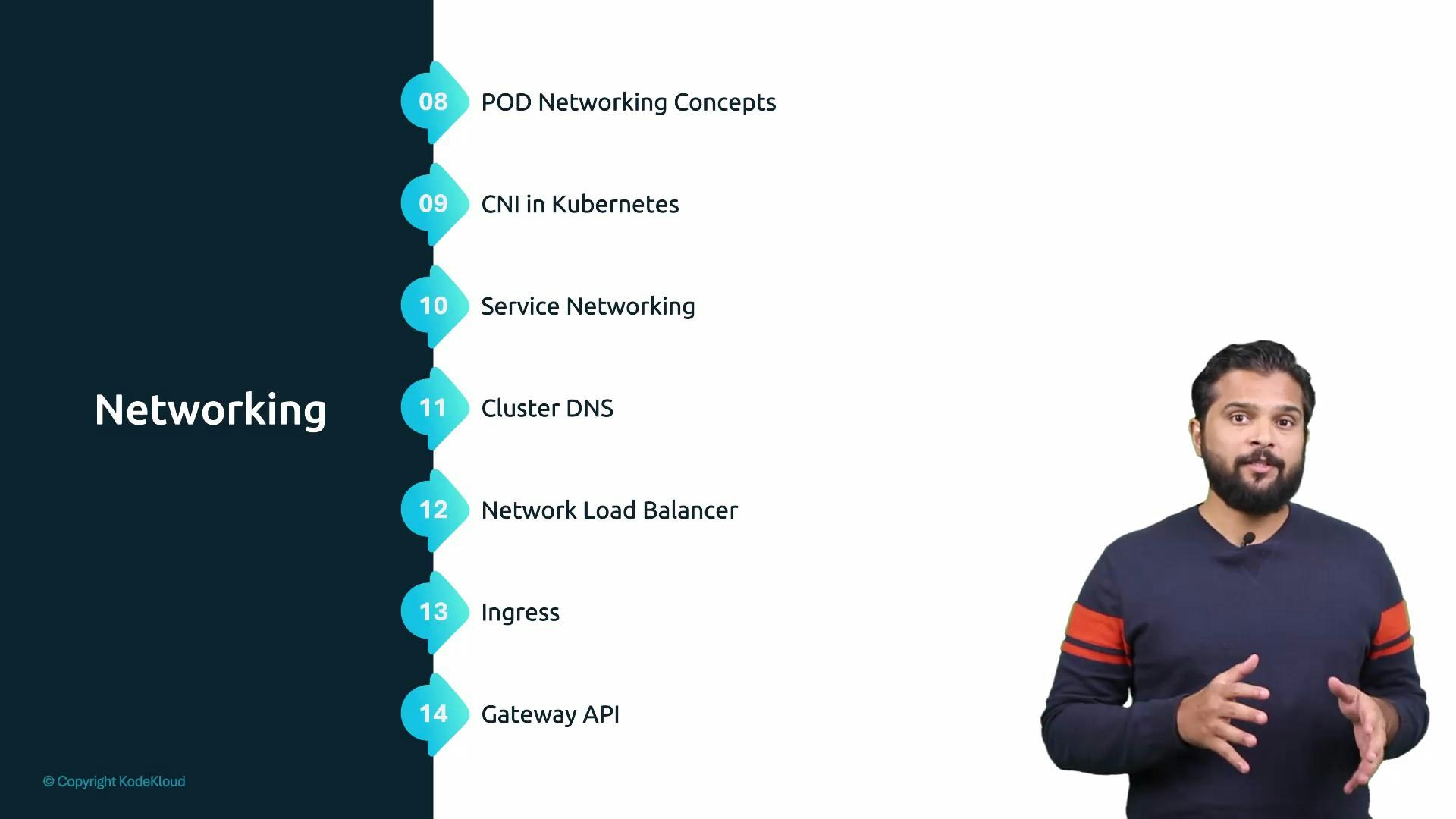
- Cluster networking needs — what Kubernetes expects from the network
- Pod networking concepts — IP addressing, isolation, and reachability for pods
- CNI in Kubernetes — how Container Network Interface plugins provide pod networking
- Service networking — ClusterIP, NodePort, and stable endpoints for applications
- Cluster DNS — how Kubernetes implements DNS (CoreDNS) for service discovery
- Network load balancers — external access patterns and load balancing options
- Ingress and Gateway API — HTTP routing and the newer Gateway API for advanced ingress
- A mental model of how Kubernetes connects pods, services, and external clients.
- Practical knowledge of CNI plugins and how they affect pod IP allocation and routing.
- Familiarity with Service types (ClusterIP, NodePort, LoadBalancer), when to use each, and common troubleshooting steps.
- Understanding of Cluster DNS (CoreDNS) patterns for service discovery and name resolution.
- An overview of ingress patterns, load balancers, and the Gateway API for modern HTTP routing.
| Concept | Purpose | Where to start |
|---|---|---|
| Pod networking | IP addressing and connectivity between containers | Pod CIDR, network namespaces |
| CNI | Plugin model for providing pod network connectivity | CNI plugins (Calico, Flannel, Cilium) |
| Service types | Stable access to pods: ClusterIP, NodePort, LoadBalancer | kubectl get svc and Service spec |
| Cluster DNS | Service discovery via CoreDNS | CoreDNS ConfigMap and kube-dns |
| Ingress / Gateway API | HTTP routing and advanced ingress features | Ingress controllers; Gateway API docs |
| Network namespaces | Process-level networking isolation | ip netns, container runtime networking |
- Kubernetes Networking Concepts: https://kubernetes.io/docs/concepts/cluster-administration/networking/
- CoreDNS: https://coredns.io/
- CNI (Container Network Interface): https://github.com/containernetworking/cni
- Kubernetes Services: https://kubernetes.io/docs/concepts/services-networking/service/
- Ingress and Gateway API: https://kubernetes.io/docs/concepts/services-networking/ingress/ and https://gateway-api.sigs.k8s.io/