

Deploying Pods Imperatively
Deploying an Nginx Pod
Start by deploying an Nginx pod named “nginx-pod” using thenginx:alpine image. Run the following command:
Deploying a Redis Pod with Labels
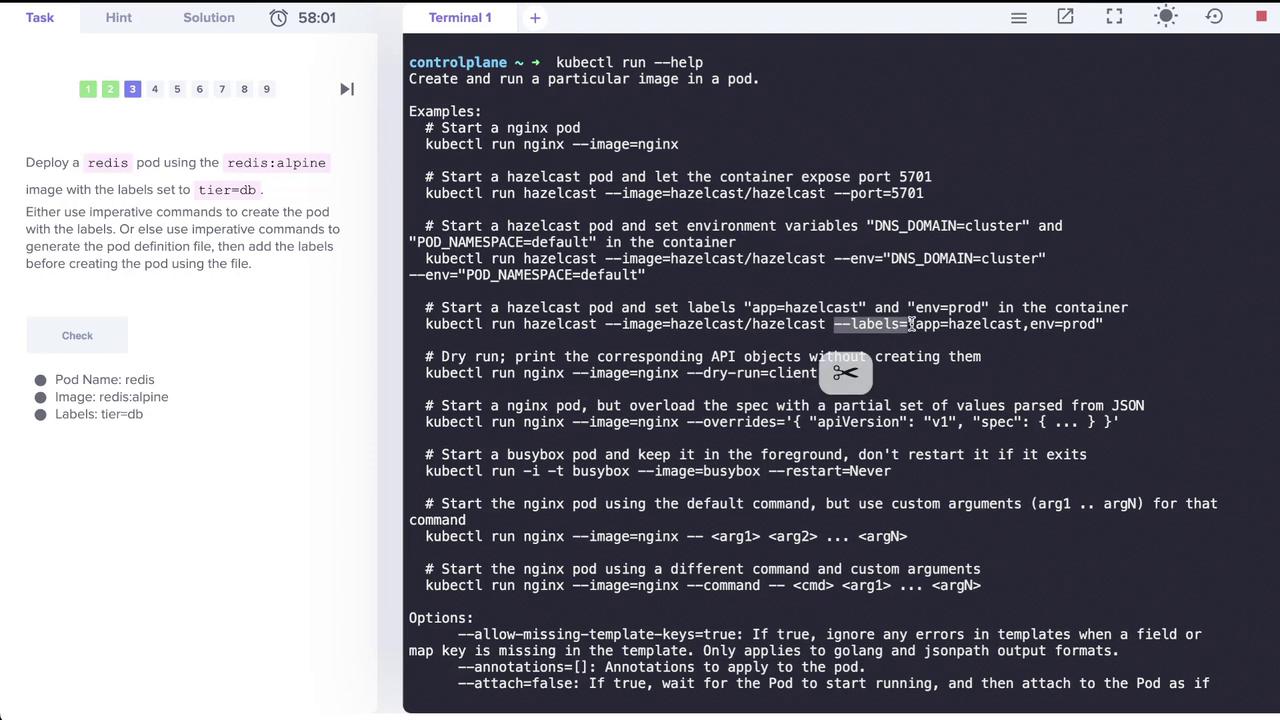
Next, deploy a Redis pod using theredis:alpine image and assign it the label tier=db. The --labels option accepts key-value pairs and supports multiple labels separated by commas. The image below illustrates deploying a Redis pod with the specified label:
Creating Services
Exposing the Redis Application
To expose the Redis pod on port 6379, create a ClusterIP service named “redis-service”. Although the commandkubectl create service clusterip exists, it does not support specifying selectors. Instead, use the kubectl expose command, which automatically uses the pod’s labels as selectors.
For example, run:
kubectl expose command:
Understanding kubectl create service clusterip
Running the following command without providing a name will result in an error:
Since the
kubectl create service clusterip command does not allow specifying selectors, using kubectl expose is the recommended approach.
Creating a Deployment
Create a deployment named “webapp” using thekodekloud/webapp-color image and then scale it to three replicas. Execute the following commands:
Creating a Pod with a Specific Container Port
Next, create a pod called “custom-nginx” using the nginx image and configure it to expose container port 8080:Managing Namespaces and Deployments
Creating a Namespace
To organize your resources, create a new namespace called “dev-ns”:Deploying in a Specific Namespace
Within the “dev-ns” namespace, deploy a new deployment named “redis-deploy” using the Redis image, scaled to two replicas:Creating a Pod and Exposing It as a Service in One Step
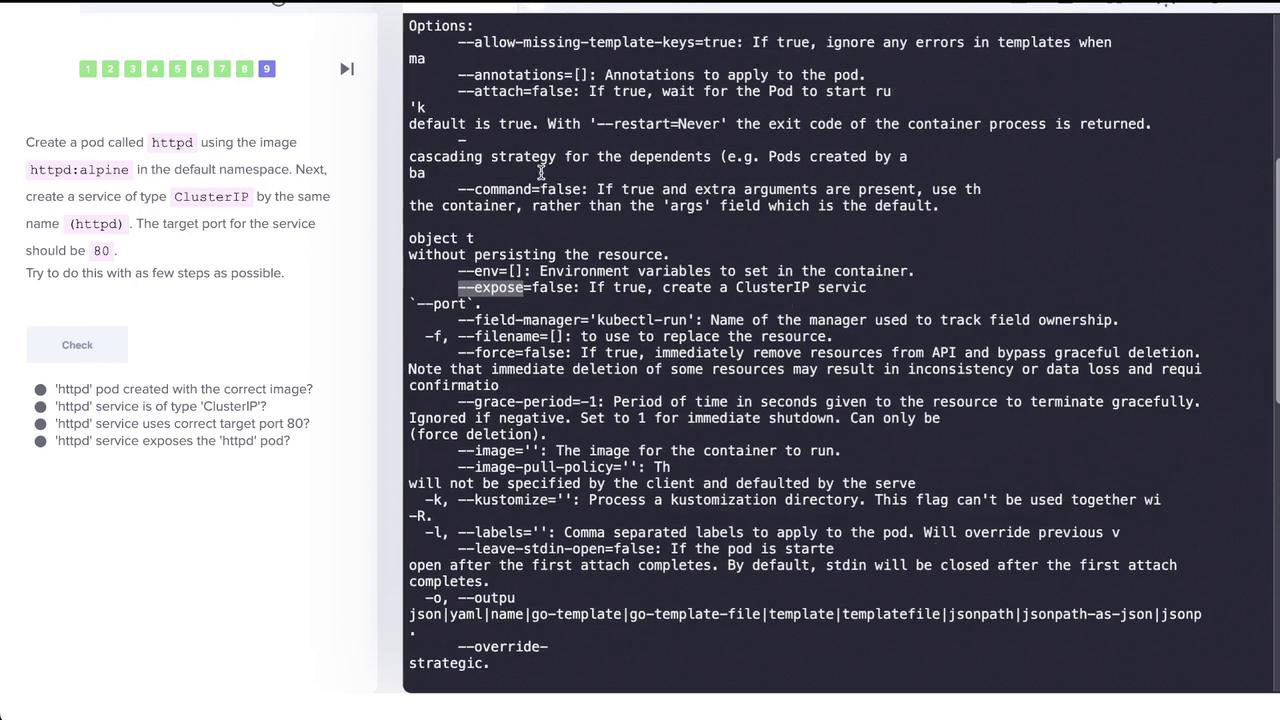
In this task, create a pod named “httpd” using thehttpd:alpine image in the default namespace and simultaneously expose it as a ClusterIP service on port 80. The kubectl run command supports the --expose option to automatically create a service.
Run the command below:
run=httpd), target port (80/TCP), and that endpoints are automatically discovered.
For a visual outline of the creation process, refer to the diagram below:
Final Verification
Verify your Kubernetes resources by listing all pods:This concludes our lesson on imperative commands in Kubernetes. By following these steps, you have practiced creating and managing pods, services, deployments, and namespaces using imperative commands. For more detailed information, consider exploring the Kubernetes Documentation to expand your knowledge further.
Imperative commands are great for quick testing and learning; however, for production deployments, consider using declarative configurations for better maintainability.