Inspecting the Application Pod
An application named “app” has been deployed in the default namespace. Begin by checking the pod status:Deploying WeaveNet
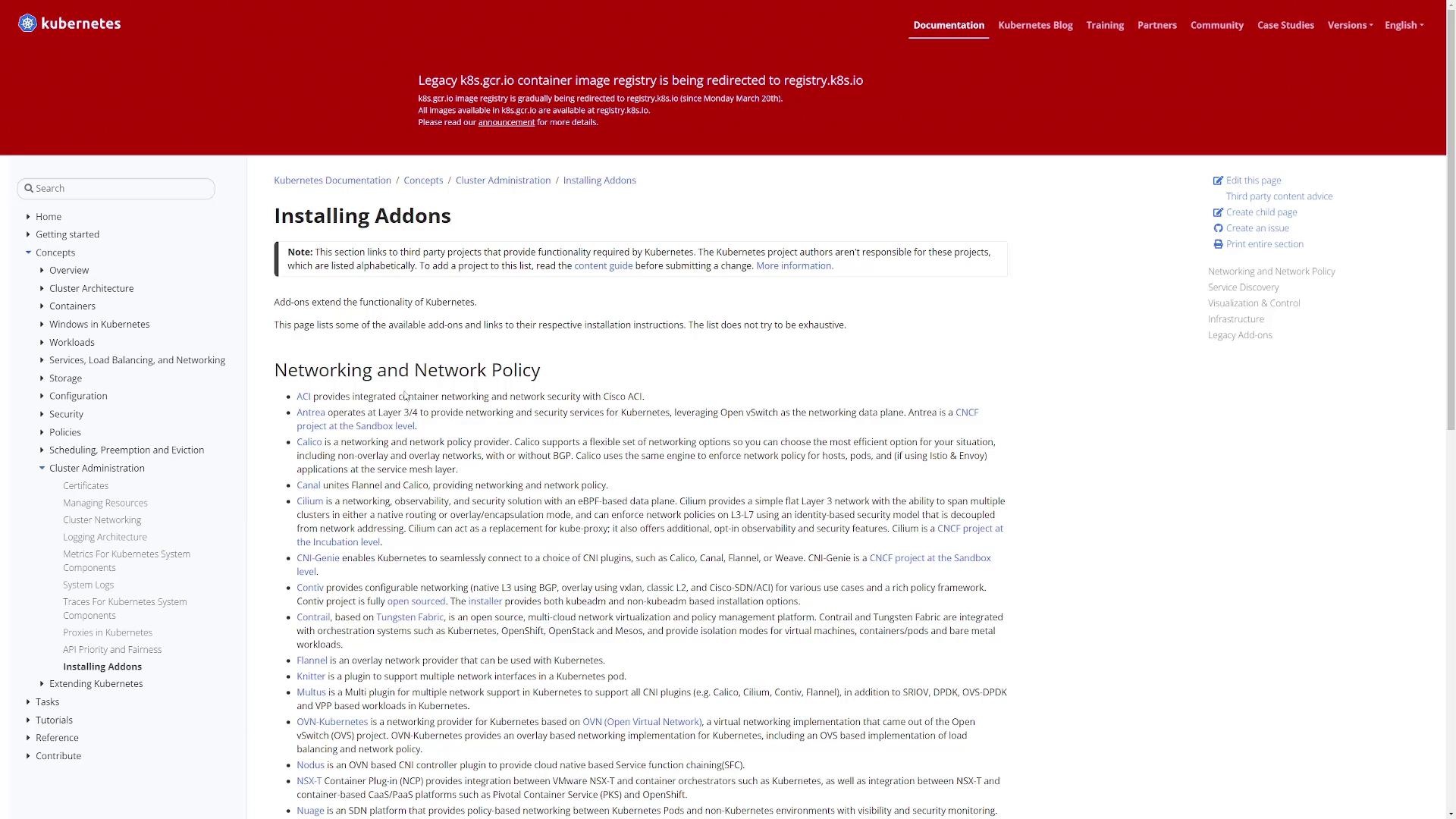
To fix the network configuration issue, deploy the WeaveNet networking plugin to your cluster. For more background on installing add-ons, see the Kubernetes documentation on installing add-ons. Follow these steps:- Open the Kubernetes add-ons documentation, which covers various networking add-ons like ACI, Antrea, and Calico.
-
Install WeaveNet by applying the manifest file with this command:
- Review your cluster’s CIDR settings
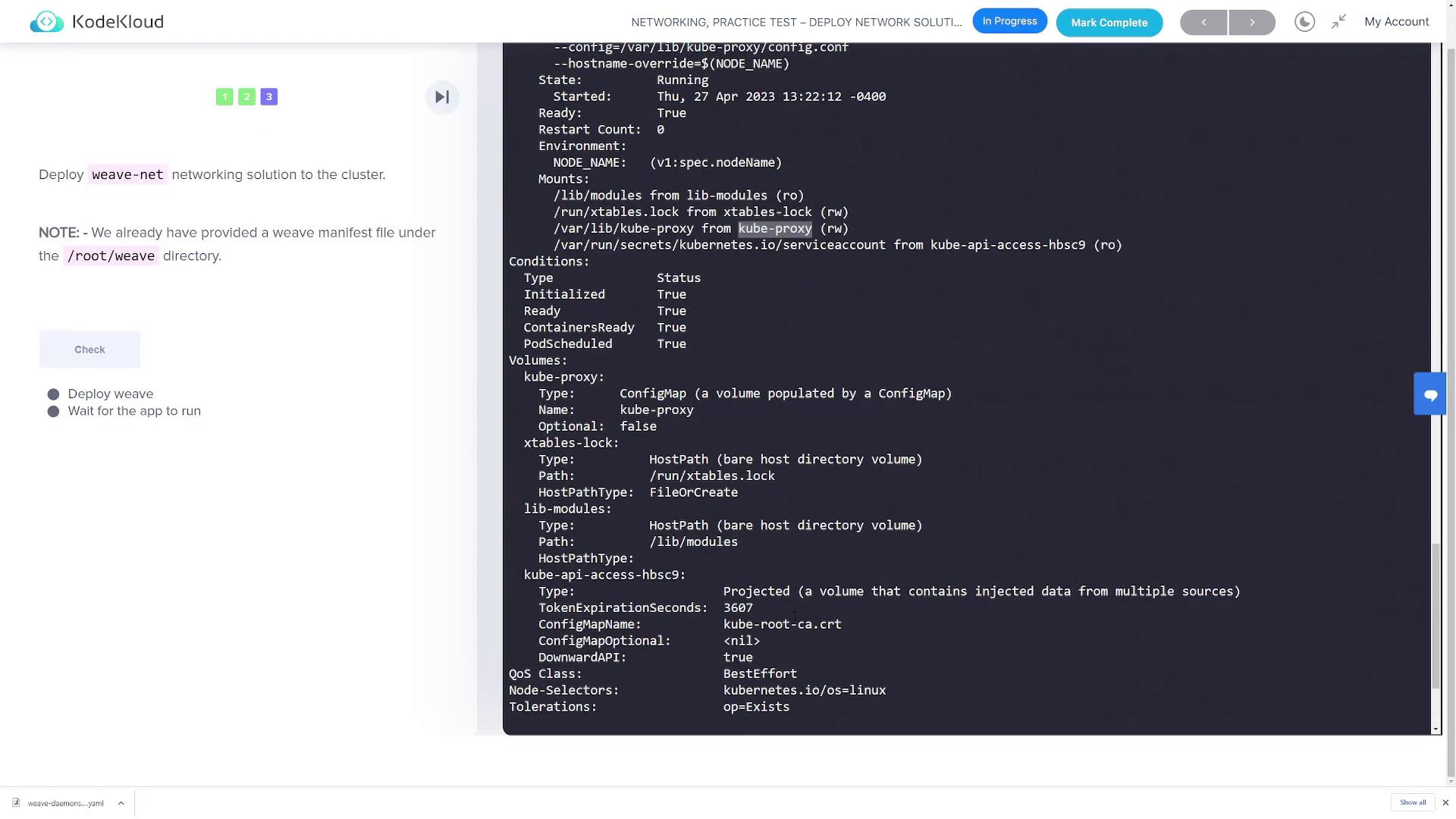
Review your cluster’s CIDR settings. If you have set a specific cluster CIDR in your kube-proxy (for example,
clusterCIDR: 10.244.0.0/16), ensure that WeaveNet is configured to use a compatible IP allocation range. List the WeaveNet pods and check their logs to verify:Verifying and Customizing the WeaveNet Manifest
To further customize WeaveNet, first download the manifest:Verifying the Deployment
After applying the manifest, ensure that the WeaveNet pods are running successfully in the kube-system namespace:Additional Diagnostics
If you encounter issues such as evicted pods or ongoing network problems, use the following commands to gather more information:Conclusion
Once WeaveNet is deployed and confirmed to be running, recheck the status of the “app” pod: