

Distinguishing Admission Controllers
The lab begins with a question on the differences between mutating and validating admission controllers. The correct answer is that the “namespace auto-provision” admission controller is mutating because it creates or modifies a resource, while the “namespace exists” admission controller is validating since it checks for the presence of a namespace. This distinction is key to understanding how admission controllers intercept and process Kubernetes API requests.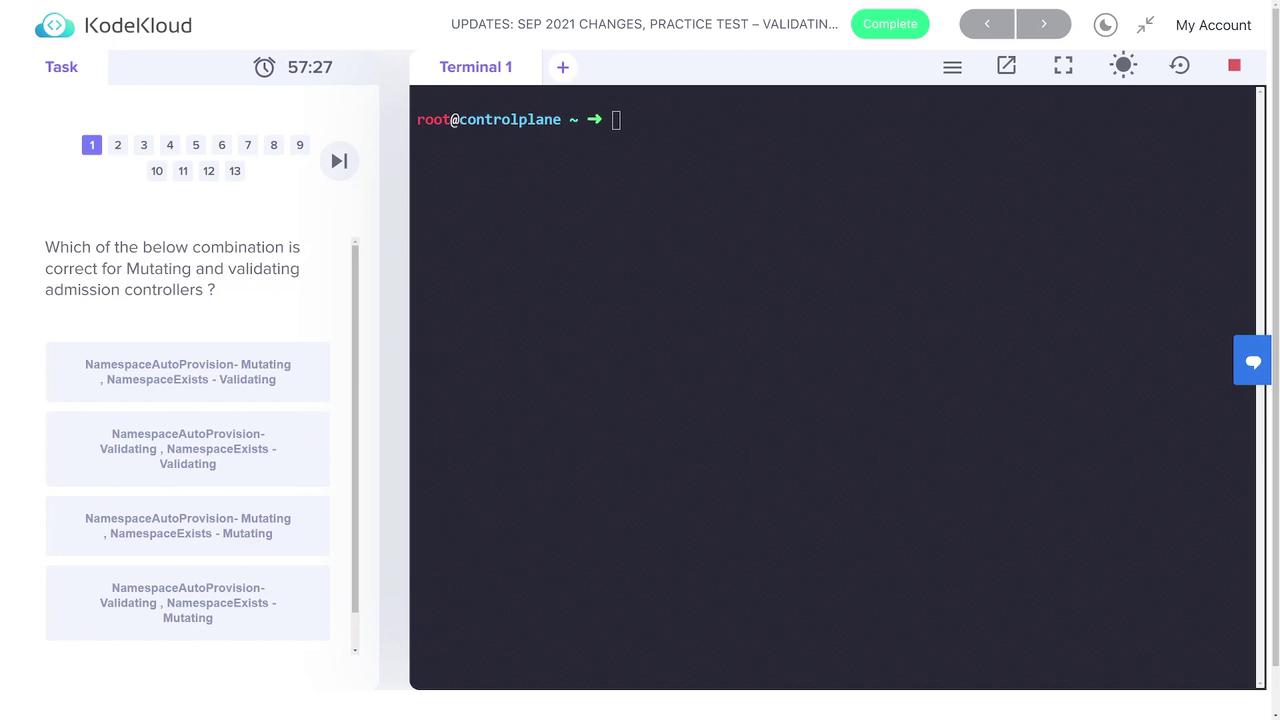
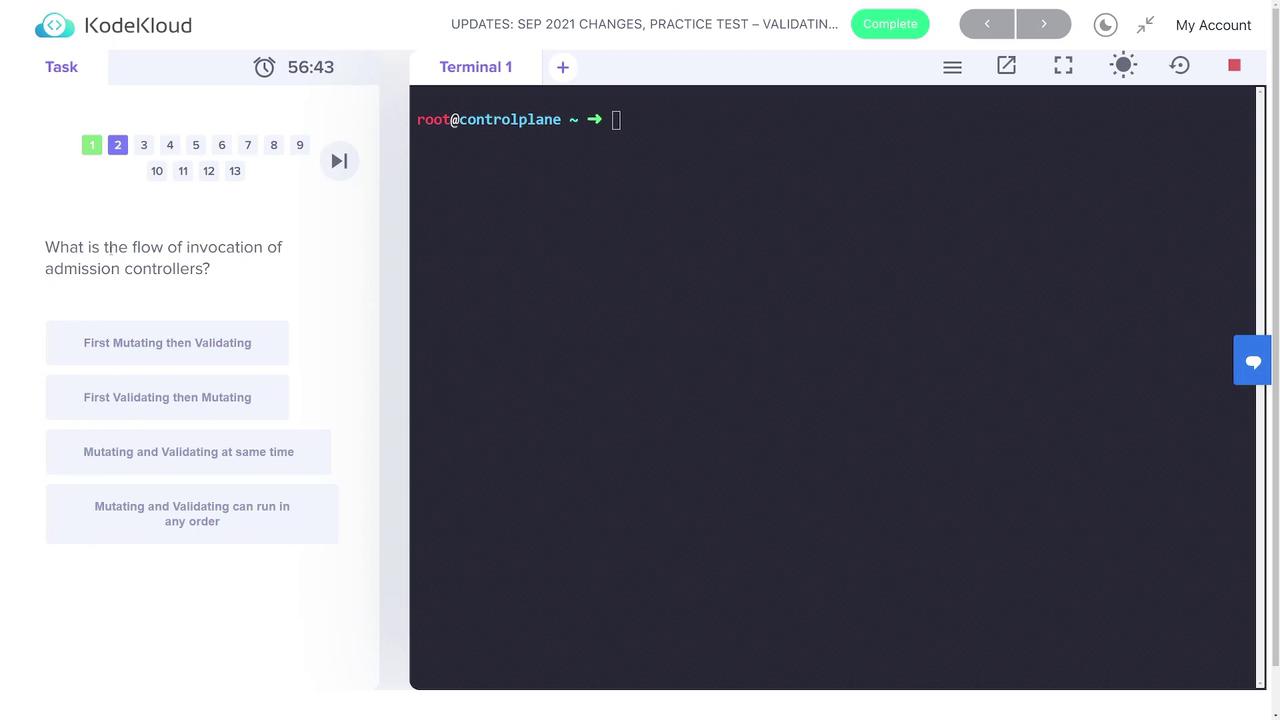
Step 1: Creating the Namespace
Begin by creating a new namespace called “webhook-demo”. This namespace will isolate all resources related to the webhook demo. Use the command below:Step 2: Creating the TLS Secret
A TLS secret is required for secure webhook communication. Create the secret “webhook-server-tls” in the “webhook-demo” namespace with the certificate and key located at the specified paths:Step 3: Deploying the Webhook
Deploy the Webhook Server
Apply the provided deployment definition in “webhook-deployment.yaml” as follows:Create the Service for the Webhook
Next, deploy the service that will enable communication with the webhook server. Use the configuration in “webhook-service.yaml”:Configure the Webhook
A mutating webhook configuration is specified in “webhook-configuration.yaml”. This configuration sets up the webhook to intercept CREATE operations on pods. An excerpt of the configuration is shown below:The demo webhook enforces the following rules:
- Denies pod requests where the container runs as root if no security context is provided.
- Automatically mutates pods by setting
runAsNonRootto true andrunAsUserto 1234 when not explicitly specified. - Permits running as root only if the security context explicitly sets
runAsNonRootto false.
Step 4: Testing the Webhook with Different Pod Configurations
Pod with Default Security Settings
Deploy a pod without any security context using the “pod-with-defaults.yaml” definition. Without the webhook, this pod would run as the root user. The webhook mutates the pod to enforce best practices.runAsNonRoot is set to true and runAsUser is set to 1234:
Pod with an Explicitly Overridden Security Context
Next, test a pod configured to allow running as root. The “pod-with-override.yaml” file has its security context explicitly set to allow root execution by settingrunAsNonRoot to false:
Pod with Conflicting Security Context
Finally, demonstrate the validation process by deploying a pod that conflicts with the established security policies. The “pod-with-conflict.yaml” file setsrunAsNonRoot to true while specifying runAsUser as 0, which should be rejected by the webhook:
If a pod conflicts with the security context policy, the creation request will be rejected with an error message similar to:Error from server: error when creating “pod-with-conflict.yaml”: admission webhook “webhook-server.webhook-demo.svc” denied the request: runAsNonRoot specified, but runAsUser set to 0 (the root user)
This concludes the lab session on validating and mutating admission controllers in Kubernetes. For more detailed information, please refer to the Kubernetes Documentation.