

Kubernetes Resources and Controllers
When you create a Deployment in Kubernetes, the API server stores its configuration in the etcd datastore. Consider the following Deployment definition: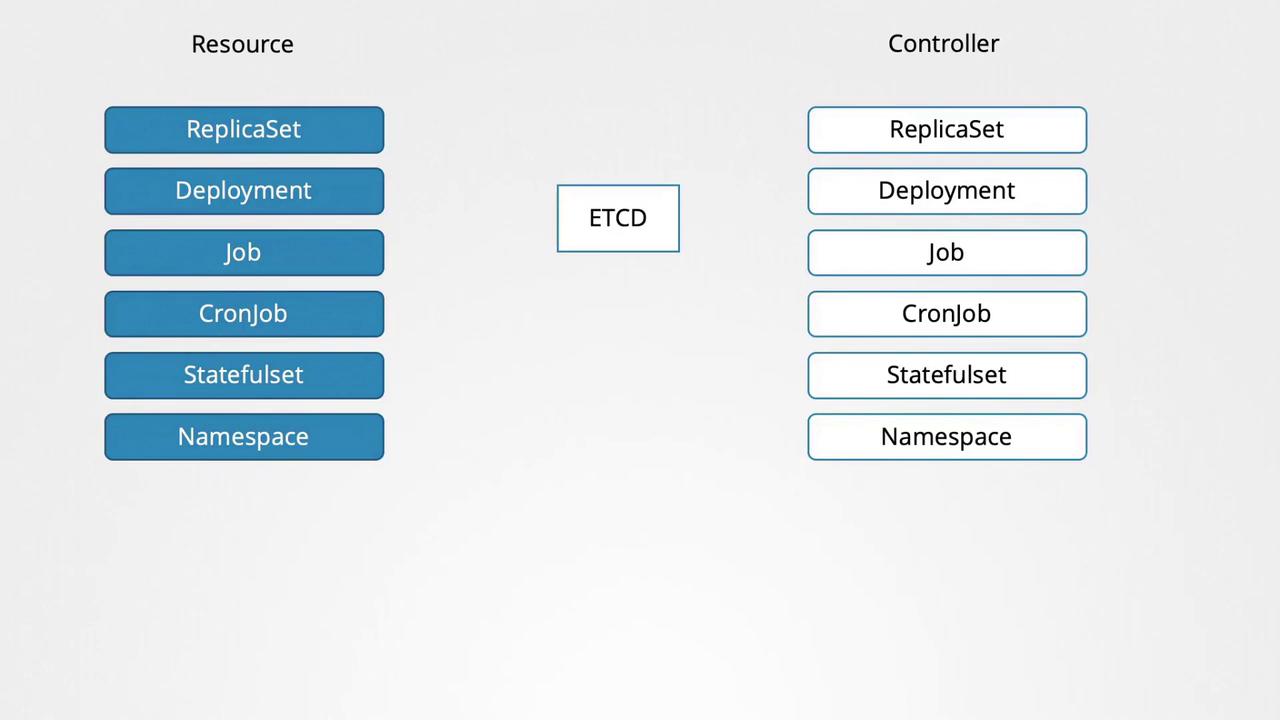
Custom Resources: The Flight Ticket Example
Imagine managing flight ticket bookings in Kubernetes with a custom resource. In this scenario, you define an object of kind FlightTicket to specify the details for booking a flight ticket. Initially, the custom resource is defined as follows:Defining a Custom Resource with CRD
A CRD informs Kubernetes about new custom resources, enabling their creation and management. Below is an example of how to define a CRD for a FlightTicket resource:In this CRD definition:
- The API version is set to
apiextensions.k8s.io/v1. - The metadata name is
flighttickets.flights.com. - The resource is defined as namespaced.
- The API group is
flights.comand the kind isFlightTicket. - Singular, plural, and short names (ft) are specified.
- Version
v1is marked as both served and the storage version. - An OpenAPI v3 schema validates the
specfields:from,to, andnumber.
Beyond Data Storage: Custom Controllers
While a CRD and its corresponding custom resource primarily store data in etcd, you often need to automate real operations—such as booking a flight ticket through an external service. This is where a custom controller comes into play. A custom controller, typically written in Go, watches for changes to FlightTicket resources and triggers the appropriate actions (e.g., calling an external API) when a resource is created, updated, or deleted. Without this controller, the FlightTicket remains merely a data entry in etcd without any external effect.In future lessons, we will walk through the process of creating a custom controller that can effectively integrate these resources with your external systems.
This article provided an introduction to Custom Resource Definitions and custom controllers within Kubernetes. By harnessing these capabilities, you can extend Kubernetes to manage any resource tailored to your business needs. For more detailed information, visit the Kubernetes Documentation.