

Inspecting the API Server Authorization Modes
The first step is to examine the cluster configuration to determine which authorization modes are active. One approach is to review the Kubernetes API server manifest. The diagram below illustrates a terminal interface where the task is focused on inspecting Kubernetes authorization modes—specifically, Node, RBAC, and ABAC—by checking the kube-apiserver settings.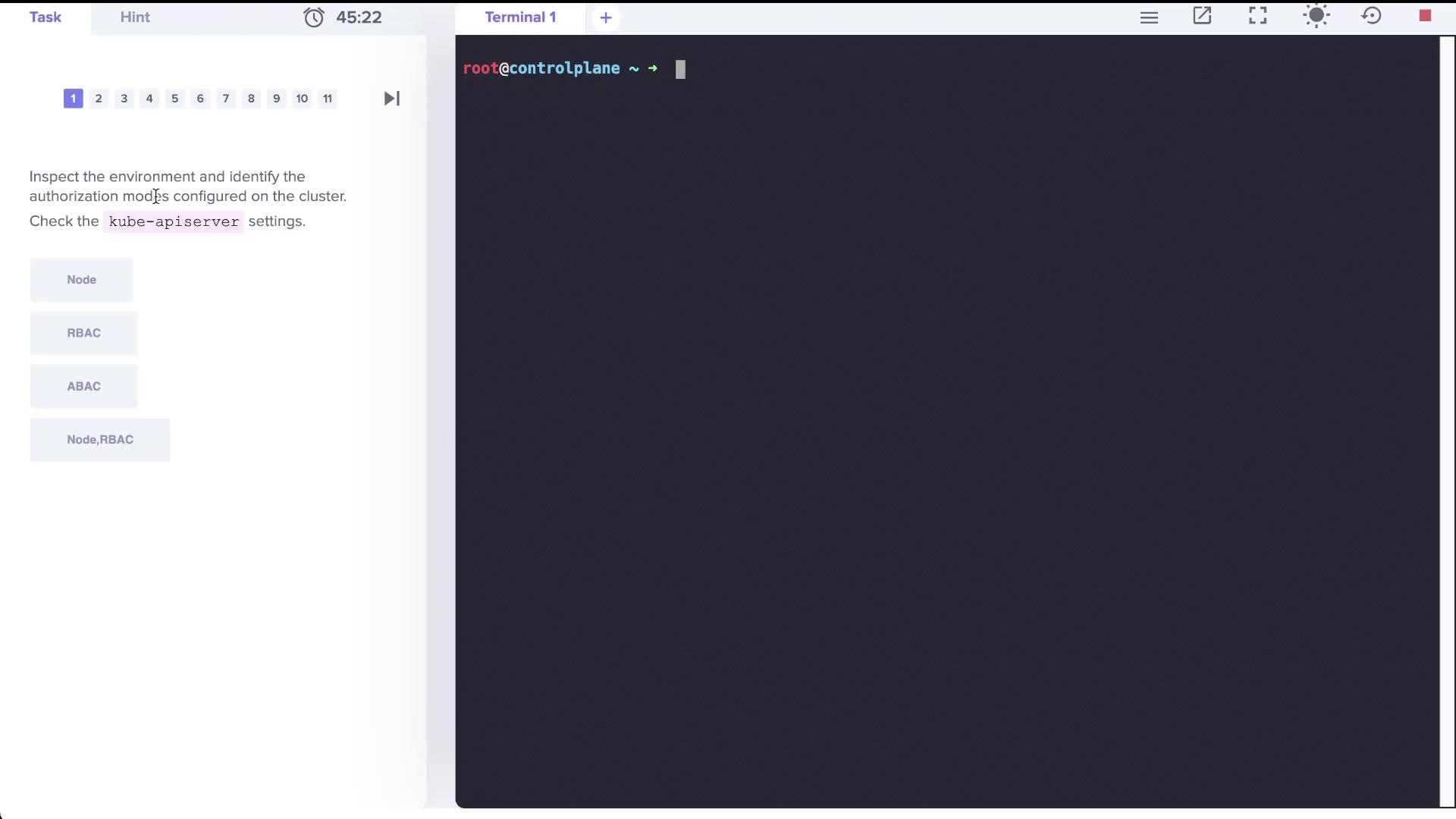
--authorization-mode is configured with the value Node,RBAC:
Checking Roles and Their Permissions
Inspect the roles available in the cluster by counting the total number of roles across all namespaces:kube-system namespace to see what resources it manages:
kube-proxy role:
The kube-proxy role is explicitly permitted to retrieve (get) the ConfigMap named “kube-proxy” but not to modify or delete it.
Role Bindings and User Permissions
To determine which accounts are associated with the kube-proxy role, review the role bindings in thekube-system namespace:
Creating a Role and Role Binding for a Developer
Step 1: Create the Role
Create a Role nameddeveloper in the default namespace that permits listing, creating, and deleting pods. Ensure that you use the singular form for resource flag:
Step 2: Bind the Role to dev-user
Create a RoleBinding calleddev-user-binding that assigns the developer role to the “dev-user”:
Adjusting Permissions in the Blue Namespace
When “dev-user” attempts to access the pod (nameddark-blue-app) in the blue namespace, a forbidden error occurs. Begin by checking the roles and role bindings in the blue namespace:
developer role in the blue namespace:
dark-blue-app pod, edit the role accordingly:
Always double-check that the resource names in your Role match the actual names in the namespace. This ensures that the correct permissions are applied.
Granting Permissions to Manage Deployments
The next requirement is to allow “dev-user” to create Deployments in the blue namespace. Initially, an attempt to create a deployment as “dev-user” might fail due to insufficient permissions:developer role in the blue namespace to include a new rule for deployments in the “apps” API group. The updated role should maintain the existing permissions for pods while adding the required permissions for deployments. An example of the modified role manifest is shown below:
Conclusion
This lab provided a comprehensive walkthrough on inspecting Kubernetes authorization modes, reviewing role assignments, and adjusting Role-Based Access Control (RBAC) configurations. By carefully modifying roles and role bindings, you ensure that users like “dev-user” receive only the permissions required to perform their tasks, enhancing both security and operational efficiency. Happy clustering!References
Explore creating ClusterRoles and ClusterRoleBindings to manage permissions across the entire cluster in future labs.