

Step 1: Checking Existing Storage Classes
Begin by determining how many storage classes exist in the cluster. Execute the following command: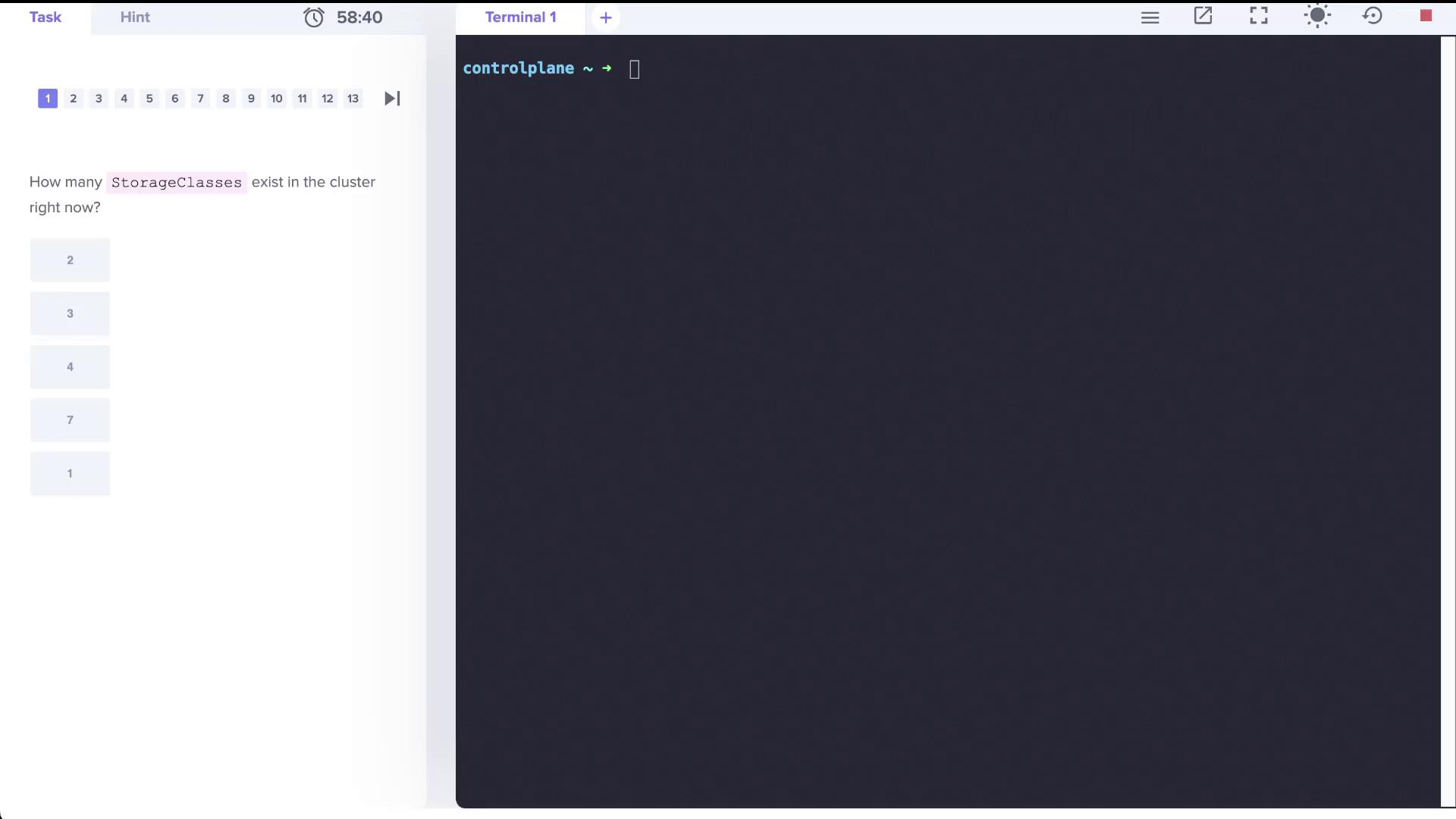
Step 2: Reviewing Additional Storage Classes
Assume more storage classes have been created. Verify that there are now three storage classes:- local-storage uses the provisioner
kubernetes.io/no-provisioner, meaning it does not support dynamic volume provisioning. - The local-path storage class is set to bind volumes using the
WaitForFirstConsumermode. - portworx-io-priority-high employs the
kubernetes.io/portworx-volumeprovisioner.
Step 3: Working with Persistent Volumes (PVs) and Persistent Volume Claims (PVCs)
First, check if there is any PVC consuming a persistent volume (PV) named local-pv:pvc.yaml with the following content:
Pending status:
Step 4: Deploying a Pod to Trigger PVC Binding
Deploy a pod named nginx that uses the PVC to initiate binding. This pod will run thenginx:alpine image and mount the PVC at /var/www/html. Refer to the image below for guidance:
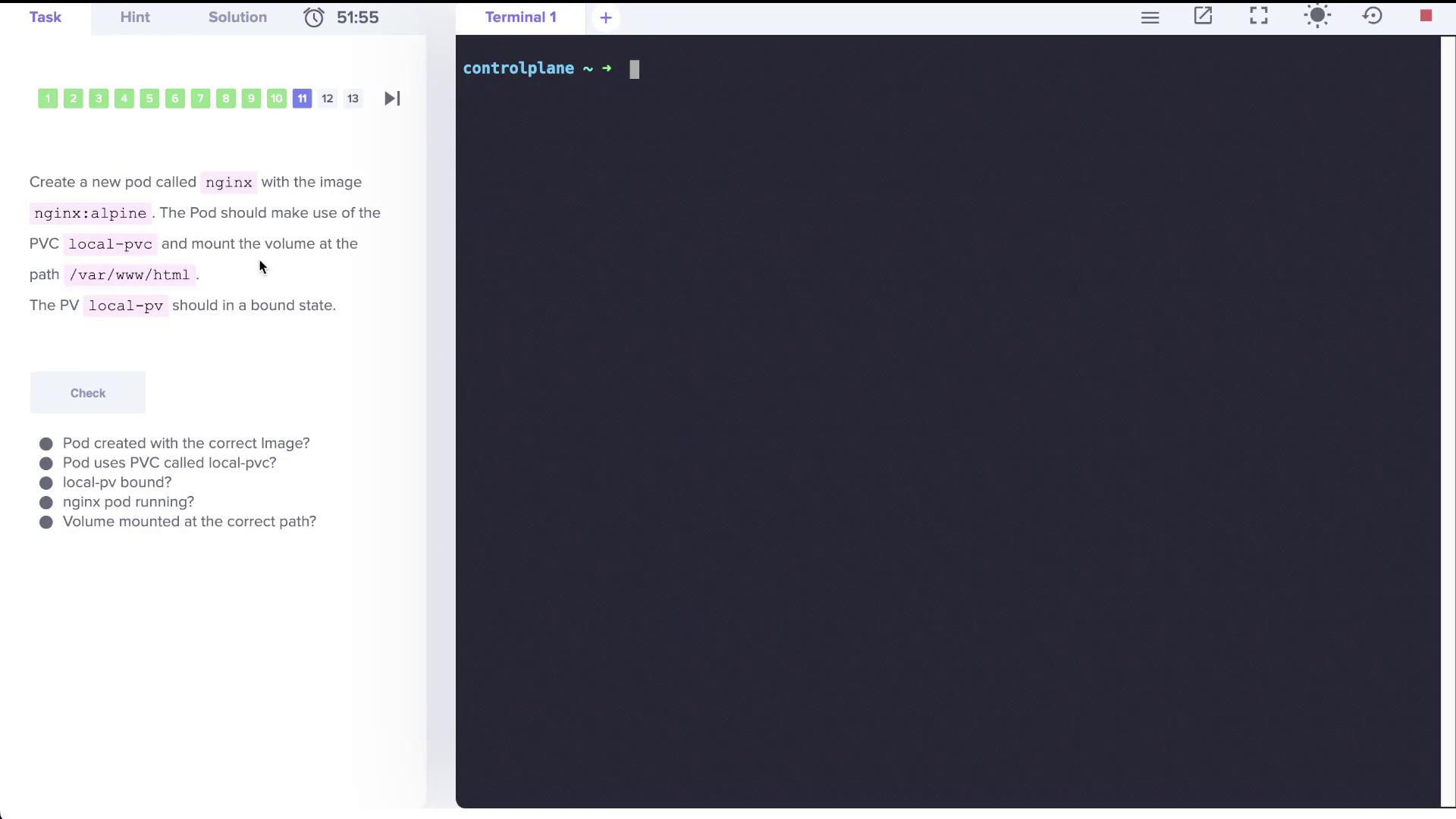
nginx.yaml with the following configuration:
Step 5: Creating a New Storage Class with Delayed Binding
Finally, create a new storage class called delayed-volume-sc. This storage class utilizes a no-provisioner and employs theWaitForFirstConsumer volume binding mode. Prepare a file named delayed-volume-sc.yaml with the following content:
Lab Summary
In this lab, we covered the following topics:- Listing and determining the number of storage classes in a Kubernetes cluster.
- Understanding the difference between dynamic and non-dynamic volume provisioning.
- Creating a PersistentVolumeClaim (PVC) and observing its binding behavior under the
WaitForFirstConsumermode. - Deploying a consumer pod (nginx) that triggers PVC binding.
- Creating a new storage class with delayed (on-demand) volume binding.