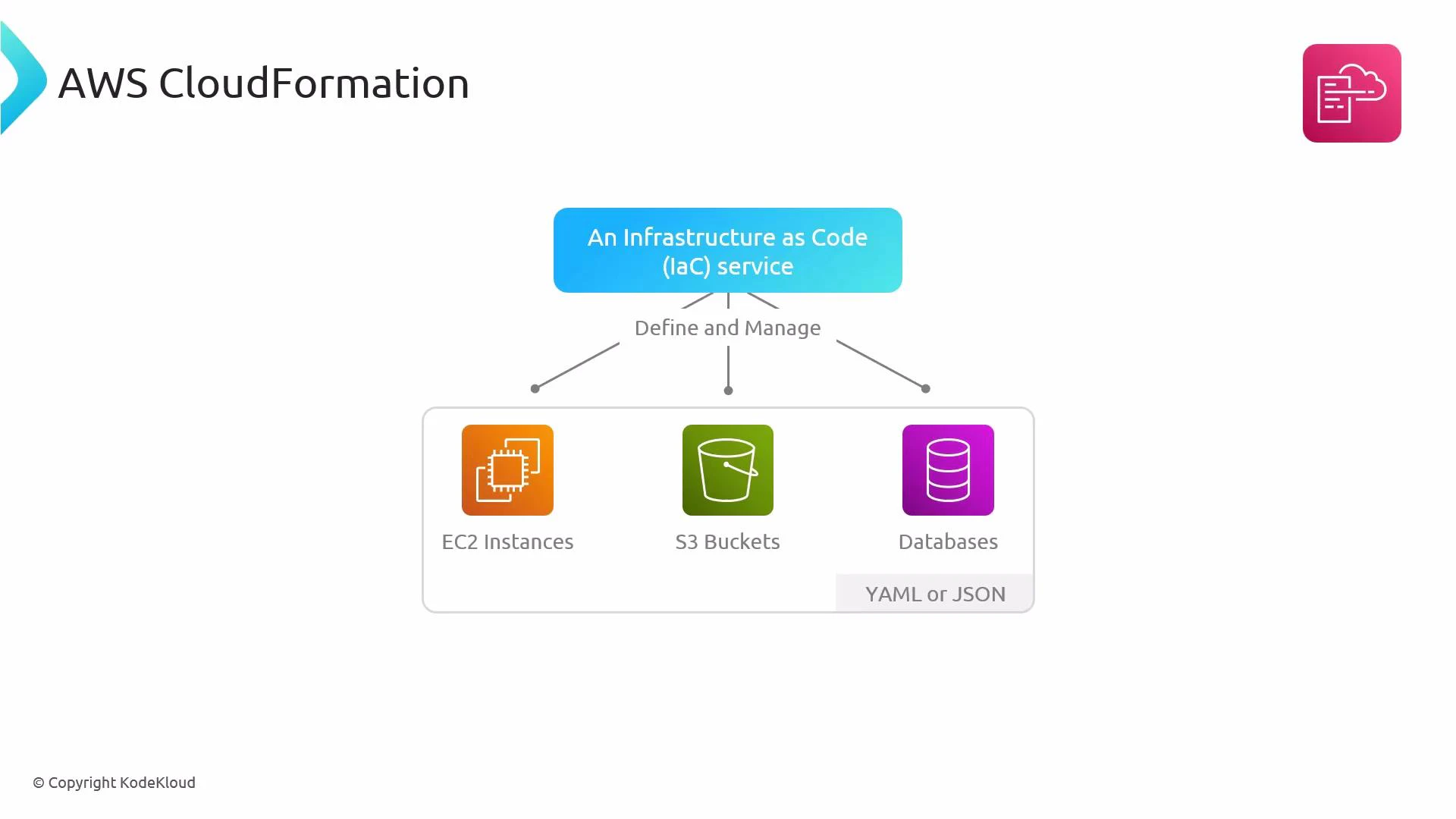
Hi everyone — welcome to an essential lesson and a core part of this course: AWS CloudFormation. AWS CloudFormation is an Infrastructure as Code (IaC) service that lets you declare and manage AWS resources—such as EC2 instances, S3 buckets, databases, and more—using templates written in YAML or JSON. You describe the desired end state in a template and CloudFormation provisions and configures those resources in the correct order.
A slide about AWS CloudFormation describing it as an Infrastructure as Code (IaC) service used to define and manage resources. It shows icons for EC2 instances, S3 buckets, and databases that can be declared via YAML or JSON.
Key aspects of CloudFormation:
  • Declarative: Describe the end state (for example, “an EC2 instance in this VPC with that security group”) and CloudFormation determines how to achieve it.
  • Template-driven: Templates are plain text (YAML or JSON), making them easy to version, review, and reuse.
  • Automated & repeatable: Provisioning is automated for consistent setups across environments.
  • Change tracking & rollback: CloudFormation tracks stack events and can roll back to a previous known-good state if creation or updates fail.
What CloudFormation templates contain
  • Parameters — values you pass in when creating a stack (e.g., AMI ID, KeyPair).
  • Resources — the AWS resources to create (EC2, SecurityGroup, EIP, etc.).
  • Outputs — values returned after stack creation (for example, a public IP or ARN).
  • (Optional) Mappings, Conditions, Transform, and Metadata to make templates dynamic and reusable.
Example: a minimal template to deploy a basic public web server
This template demonstrates Parameters, Resources, and Outputs. The AMI is parameterized so you can choose an AMI valid for your region when you create the stack.
AWSTemplateFormatVersion: '2010-09-09'
Description: Deploy a simple EC2 instance with public access

Parameters:
  KeyName:
    Description: Name of an existing EC2 KeyPair to enable SSH access
    Type: AWS::EC2::KeyPair::KeyName

  AmiId:
    Description: AMI ID to use for the instance (choose an AMI valid in your region)
    Type: AWS::EC2::Image::Id

Resources:
  EC2SecurityGroup:
    Type: AWS::EC2::SecurityGroup
    Properties:
      GroupDescription: Allow SSH and HTTP access
      SecurityGroupIngress:
        - IpProtocol: tcp
          FromPort: 22
          ToPort: 22
          CidrIp: 0.0.0.0/0
        - IpProtocol: tcp
          FromPort: 80
          ToPort: 80
          CidrIp: 0.0.0.0/0

  WebServerInstance:
    Type: AWS::EC2::Instance
    Properties:
      InstanceType: t2.micro
      KeyName: !Ref KeyName
      ImageId: !Ref AmiId
      SecurityGroupIds:
        - !Ref EC2SecurityGroup
      UserData:
        Fn::Base64: !Sub |
          #!/bin/bash
          yum update -y
          yum install -y httpd
          systemctl start httpd
          systemctl enable httpd
          echo "Hello from CloudFormation!" > /var/www/html/index.html

  ElasticIP:
    Type: AWS::EC2::EIP
    Properties:
      Domain: vpc
      InstanceId: !Ref WebServerInstance

Outputs:
  InstancePublicIP:
    Description: Public IP of the web server
    Value: !GetAtt ElasticIP.PublicIp
Many AWS accounts are VPC-only. When creating security groups in a VPC, include a VpcId property on the AWS::EC2::SecurityGroup resource or pass the VPC ID via a parameter. Note: !Ref on a security group returns its ID, which is what SecurityGroupIds expects on an instance.
High-level CloudFormation workflow
  1. Write a template describing the resources and properties you need.
  2. Upload the template (Console, CLI, or API) and create a CloudFormation stack.
  3. CloudFormation provisions resources in dependency order, provides stack events, and reports status.
  4. Update the stack as requirements change; CloudFormation makes the necessary modifications, and can roll back on failure.
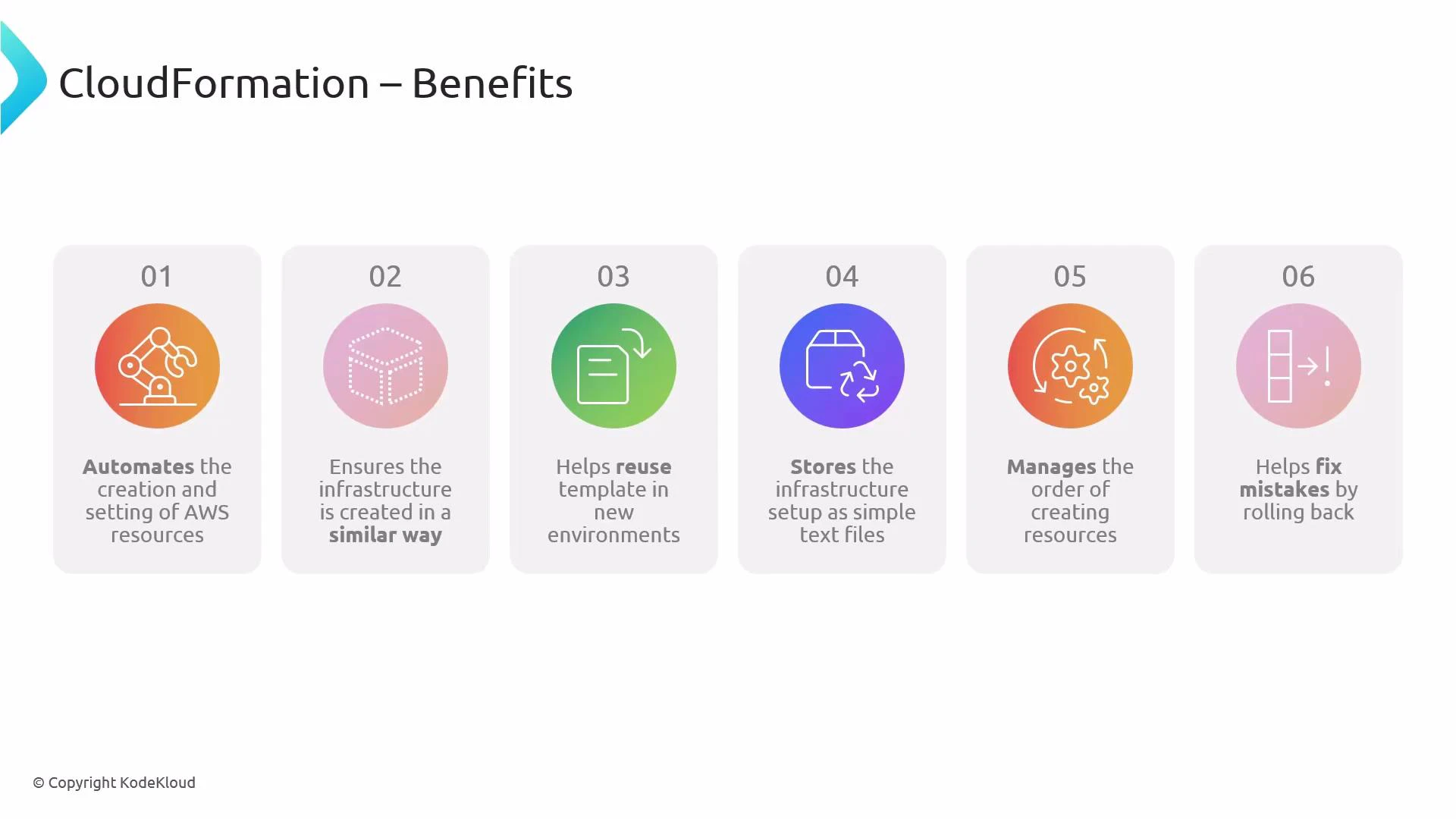
Benefits of using CloudFormation (at a glance)
BenefitDescription
AutomationCreate and configure AWS resources automatically from a template.
ConsistencyEnsure identical infrastructure across development, staging, and production.
ReusabilityReuse templates and nest stacks for modular, maintainable infrastructure.
Version controlStore infrastructure as code (text) and track changes through Git.
Dependency managementCloudFormation resolves resource creation order and dependencies.
Safe rollbacksAutomatic rollback helps avoid partial or inconsistent deployments.
A presentation slide titled "CloudFormation – Benefits" showing six numbered colorful cards. Each card lists a benefit: automates AWS resource creation, ensures consistent setups, enables template reuse, stores infrastructure as text, manages resource creation order, and supports rollback to fix mistakes.
How to use CloudFormation
MethodTypical use caseExample / Tip
AWS Management ConsoleQuick authoring, guided stack creation, visual monitoringUpload or author a template and create a stack; view events in the console.
AWS CLIAutomation in scripts and pipelinesaws cloudformation create-stack --stack-name my-stack --template-body file://template.yaml
SDK / APIIntegration with apps and CI/CDProgrammatically create/update stacks from your tooling or deploy pipelines.
Practical CLI commands
  • Create a stack: aws cloudformation create-stack —stack-name my-stack —template-body file://template.yaml —parameters ParameterKey=KeyName,ParameterValue=myKey
  • Update a stack: aws cloudformation update-stack —stack-name my-stack —template-body file://template.yaml
  • Delete a stack: aws cloudformation delete-stack —stack-name my-stack
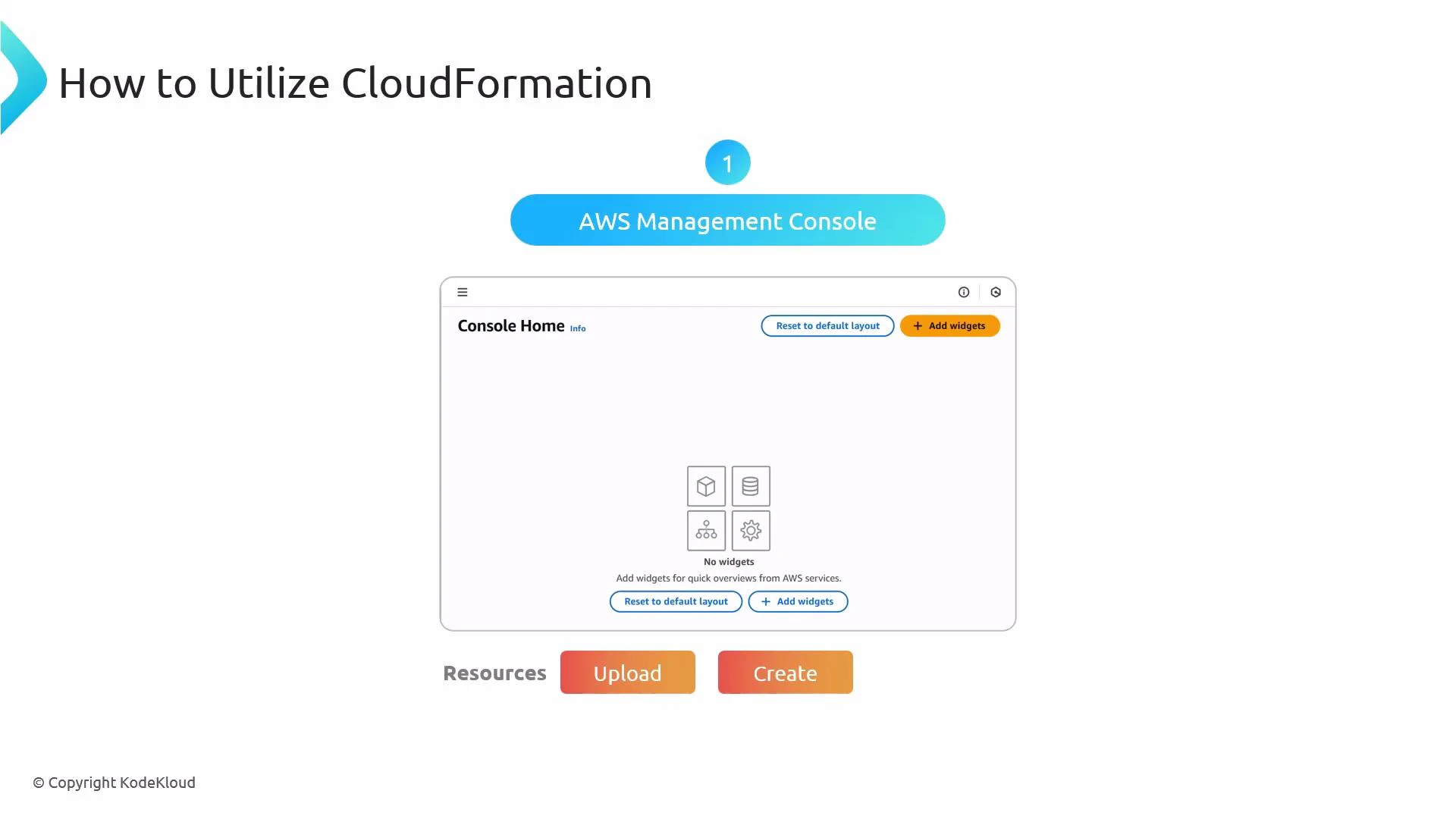
A presentation slide titled "How to Utilize CloudFormation" showing a screenshot of the AWS Management Console. Below the console are "Resources" with orange buttons labeled "Upload" and "Create" (copyright KodeKloud).
Best practices and tips
  • Parameterize values that differ between environments (AMI IDs, instance sizes, VPC IDs).
  • Break large templates into nested stacks for modularity and easier maintenance.
  • Use Change Sets to preview the impact of updates before applying them.
  • Store templates in a version control system (Git) and include stack creation as part of CI/CD.
  • Use IAM roles and least privilege for any automation that creates or updates stacks.
Links and references Using CloudFormation helps teams achieve repeatable, auditable, and consistent infrastructure management—essential for scaling infrastructure safely across projects and environments.

Watch Video