

!Ref). In JSON templates the same functions are available with the Fn:: or long form (for example, "Ref": "MyParam").
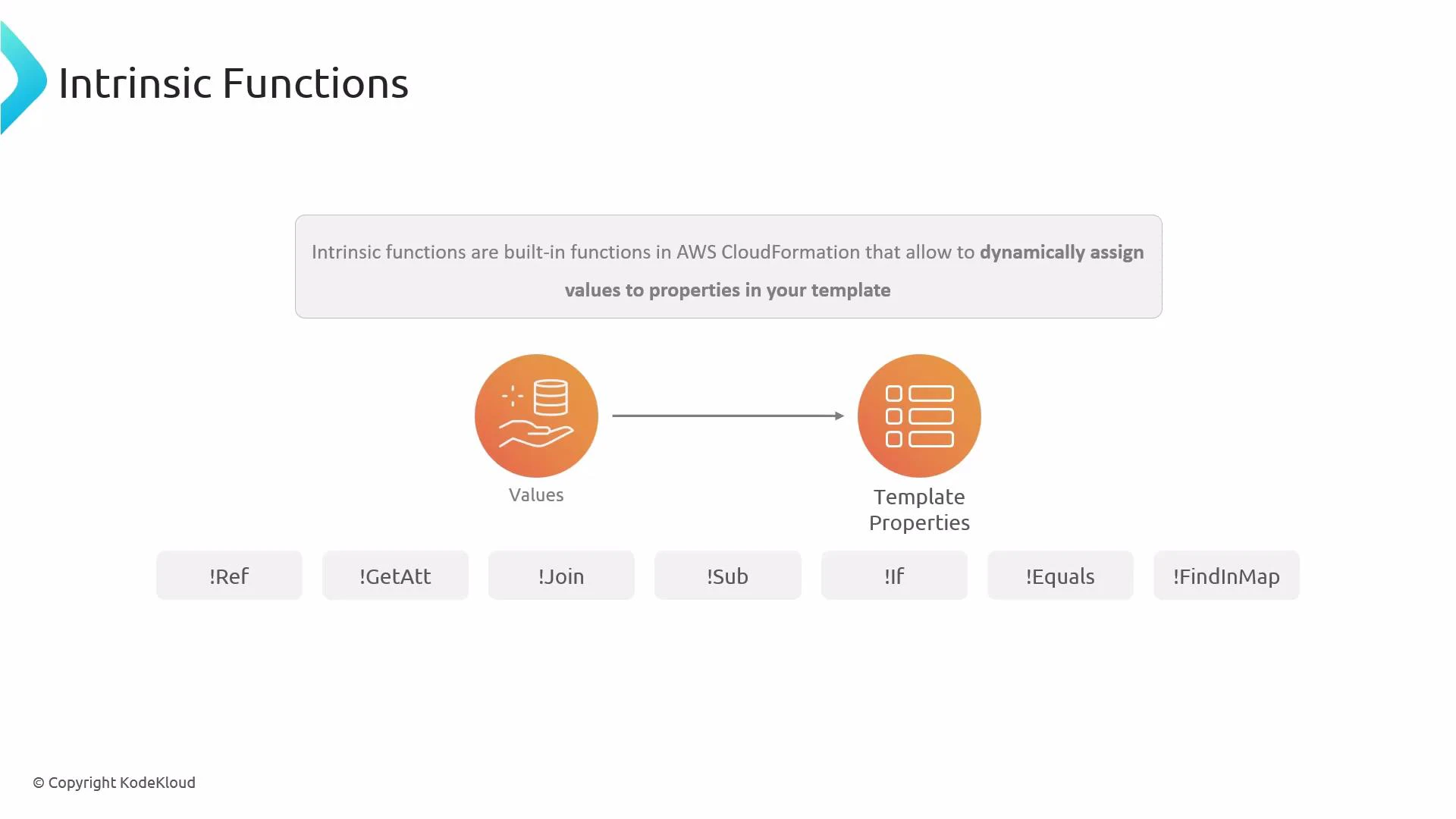
Intrinsic functions are evaluated by CloudFormation when you create or update a stack. Use the YAML short form (e.g.,
!Ref) in YAML templates and the JSON long form (e.g., "Ref": "MyParam") in JSON templates.Quick reference table
Ref
!Ref returns the value of a parameter or, for many resources, the resource’s physical ID or another default return value (for example, the name of an S3 bucket).
Example — reference a parameter named InputBucketName:
Ref to inject parameter values or to get the primary identifier of a created resource.
GetAtt
!GetAtt retrieves a resource attribute, commonly an ARN, endpoint, or other generated attribute. In YAML you can use dot notation (e.g., MyBucket.Arn) or the list form ["MyBucket", "Arn"]. In JSON you must use the long form.
Example — get the ARN of a bucket with logical ID MyBucket:
When using
Fn::GetAtt in JSON, use the list form (["MyBucket", "Arn"]). The dot notation is YAML-specific convenience and may not translate directly to JSON.Join
!Join concatenates a list of values into a single string using a specified separator. Useful for building names, paths, or tag values.
Example — combine a developer name and a bucket name with a dash:
InputDeveloperName is Arno-Pretorius and InputBucketName is bucket22, the result will be:
Arno-Pretorius-bucket22
Sub
!Sub substitutes variables into a string using ${VariableName} syntax. It’s ideal for constructing ARNs, resource strings, or any text that needs parameter/resource values embedded.
Example — build an S3 object ARN using a parameter:
${InputBucketName} with the parameter value at deployment time. !Sub also supports a second parameter (a map) to override or provide custom substitutions.
If
!If evaluates a named Condition (defined in the Conditions section) and returns one of two values depending on whether the condition is true or false.
Example — return a settings string based on a condition named IsProd:
!Equals, !Not, !And, and !Or.
Equals
!Equals compares two values and returns true if they are equal, false otherwise. It’s commonly used inside Conditions.
Example — compare a mapped value to the string "Production":
FindInMap
!FindInMap retrieves a value from the Mappings section using a three-part key: MapName, TopLevelKey, SecondLevelKey.
Example — retrieve an environment assignment for a developer using a mapping named DevMap:
!FindInMap inside !Equals), and CloudFormation evaluates these at deployment time in the correct order.
Tip: Combine intrinsic functions to build dynamic names, ARNs, or conditional resource properties. For example, use
!Sub with ${} placeholders that themselves are populated by !Ref or !GetAtt.Related topics and references
- Official AWS docs — Intrinsic functions reference: https://docs.aws.amazon.com/AWSCloudFormation/latest/UserGuide/intrinsic-function-reference.html
- Working with Conditions: https://docs.aws.amazon.com/AWSCloudFormation/latest/UserGuide/conditions-section-structure.html
- Mappings in CloudFormation: https://docs.aws.amazon.com/AWSCloudFormation/latest/UserGuide/mappings-section-structure.html