Welcome — this lesson explains CloudFormation init (commonly called cfn-init) and how to use it to bootstrap and manage EC2 instances from CloudFormation templates. cfn-init is a helper script that runs on an EC2 instance during stack creation or updates. It reads the AWS::CloudFormation::Init metadata embedded in your CloudFormation template and performs instance-level configuration tasks such as installing packages, creating files, extracting application sources (from S3 or Git), executing commands, and starting or enabling services. You can optionally pair it with cfn-signal to notify CloudFormation about initialization status and with cfn-hup to detect and apply metadata changes automatically.
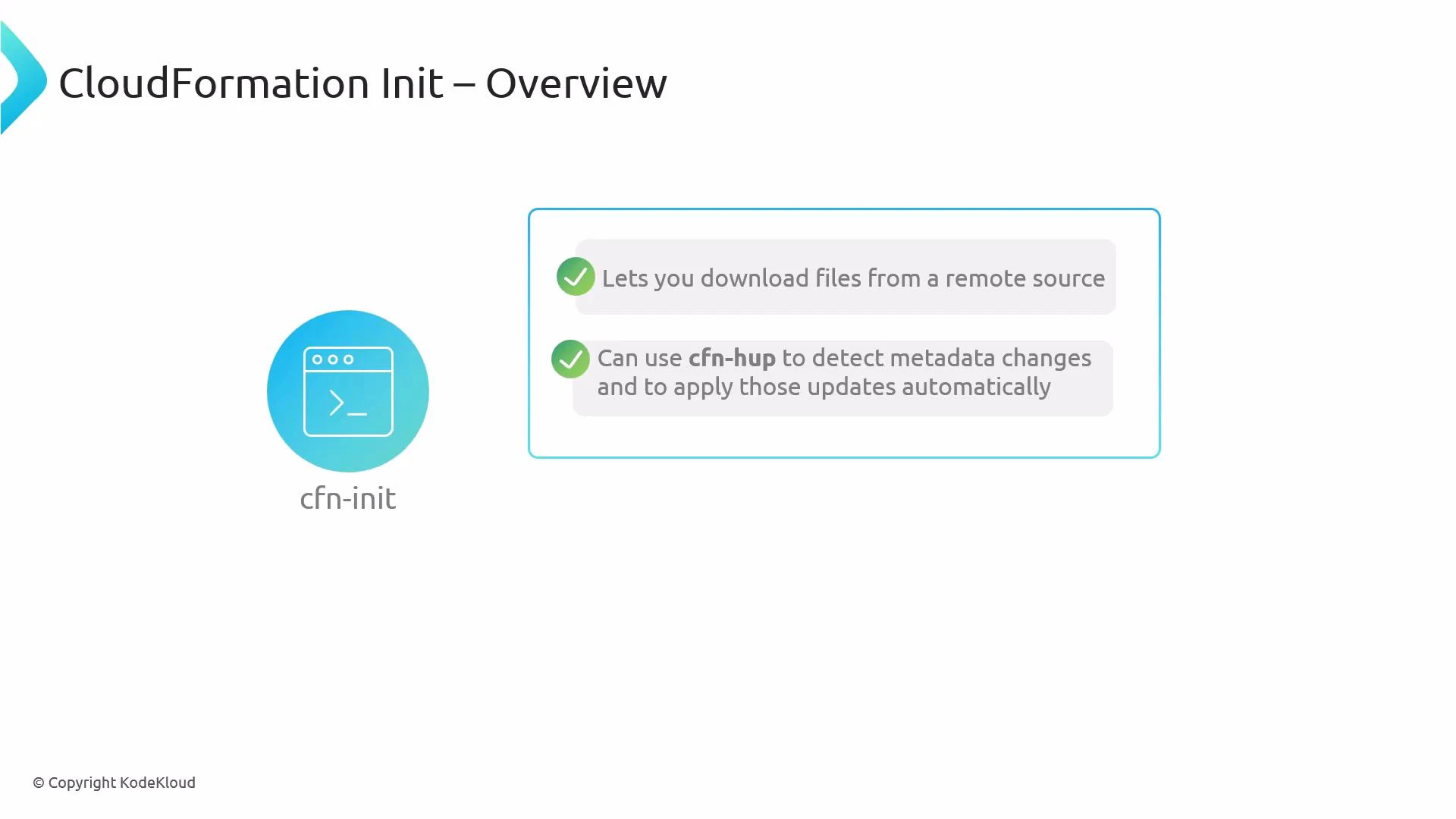
A presentation slide titled "CloudFormation Init – Overview" with a cfn-init icon on the left. On the right are two checklist points: "Lets you download files from a remote source" and "Can use cfn-hup to detect metadata changes and to apply those updates automatically."
Typical flow when using cfn-init in a stack:
StepActionNotes
1Launch an EC2 instance with an instance profileEnsure the instance profile grants permissions for any remote resources (for example S3 access if you download artifacts)
2Add AWS::CloudFormation::Init metadata to the EC2 resourceDefine packages, files, sources, commands, and services in the template metadata
3Invoke cfn-init from the instance (commonly via UserData)cfn-init reads the metadata and executes the configured actions
4Optionally run cfn-signal to notify CloudFormationSignal success or failure so CloudFormation can proceed or rollback
5Optionally install cfn-hup to detect metadata changescfn-hup polls CloudFormation and can re-run cfn-init or hooks to apply updates
Ensure the EC2 instance has the CloudFormation helper scripts installed (aws-cfn-bootstrap), and that its instance profile allows access to any remote resources you reference (for example, S3) as well as CloudFormation APIs if you use cfn-hup.
Key AWS::CloudFormation::Init sections
SectionPurposeExample usage
packagesInstall OS packages via package managers (yum, apt, etc.)Install httpd, nginx, jq
filesCreate files with content, modes, and ownershipWrite /etc/myapp/config.json
sourcesDownload and extract archives from S3 or remote URLsExtract myapp.zip to /opt/myapp
commandsRun commands during initialization, ordered by keyRun database migrations or one-time setup
servicesManage services (systemd, sysvinit) and ensure running stateEnable and start httpd with ensureRunning: true
Example AWS::CloudFormation::Init metadata (YAML)
Metadata:
  AWS::CloudFormation::Init:
    config:
      packages:
        yum:
          httpd: []
      files:
        /var/www/html/index.html:
          content: "<h1>Hello from cfn-init</h1>"
          mode: "000644"
          owner: "root"
          group: "root"
      sources:
        /opt/myapp: https://my-bucket.s3.amazonaws.com/myapp.zip
      commands:
        01_migrate:
          command: "/opt/myapp/bin/migrate.sh"
      services:
        systemd:
          httpd:
            enabled: true
            ensureRunning: true
Example UserData snippet that invokes cfn-init and then signals CloudFormation
#!/bin/bash
# Ensure the helper scripts are present; then run cfn-init
/opt/aws/bin/cfn-init -v --stack <STACK_NAME> --resource MyInstance --region <REGION>

# Signal the stack that initialization finished (use return code from cfn-init)
/opt/aws/bin/cfn-signal -e $? --stack <STACK_NAME> --resource MyInstance --region <REGION>
Notes on cfn-hup
  • cfn-hup is a daemon that polls CloudFormation for metadata changes. When it detects changes, it can invoke configured hooks to re-run cfn-init or other commands to apply updates.
  • To use cfn-hup you must:
    • Configure its .conf and .hooks files (these are often created by cfn-init).
    • Ensure the instance role has permission to call CloudFormation APIs.
  • cfn-hup is optional but useful when you want instances to pick up metadata changes without replacing or manually updating instances.
Summary
  • cfn-init automates instance bootstrapping using AWS::CloudFormation::Init metadata in your CloudFormation template.
  • Pair cfn-init with cfn-signal for lifecycle signaling and with cfn-hup for dynamic metadata updates.
  • Verify helper scripts (aws-cfn-bootstrap) are installed on your AMI and that IAM permissions for S3 and CloudFormation are in place.
Links and References

Watch Video