

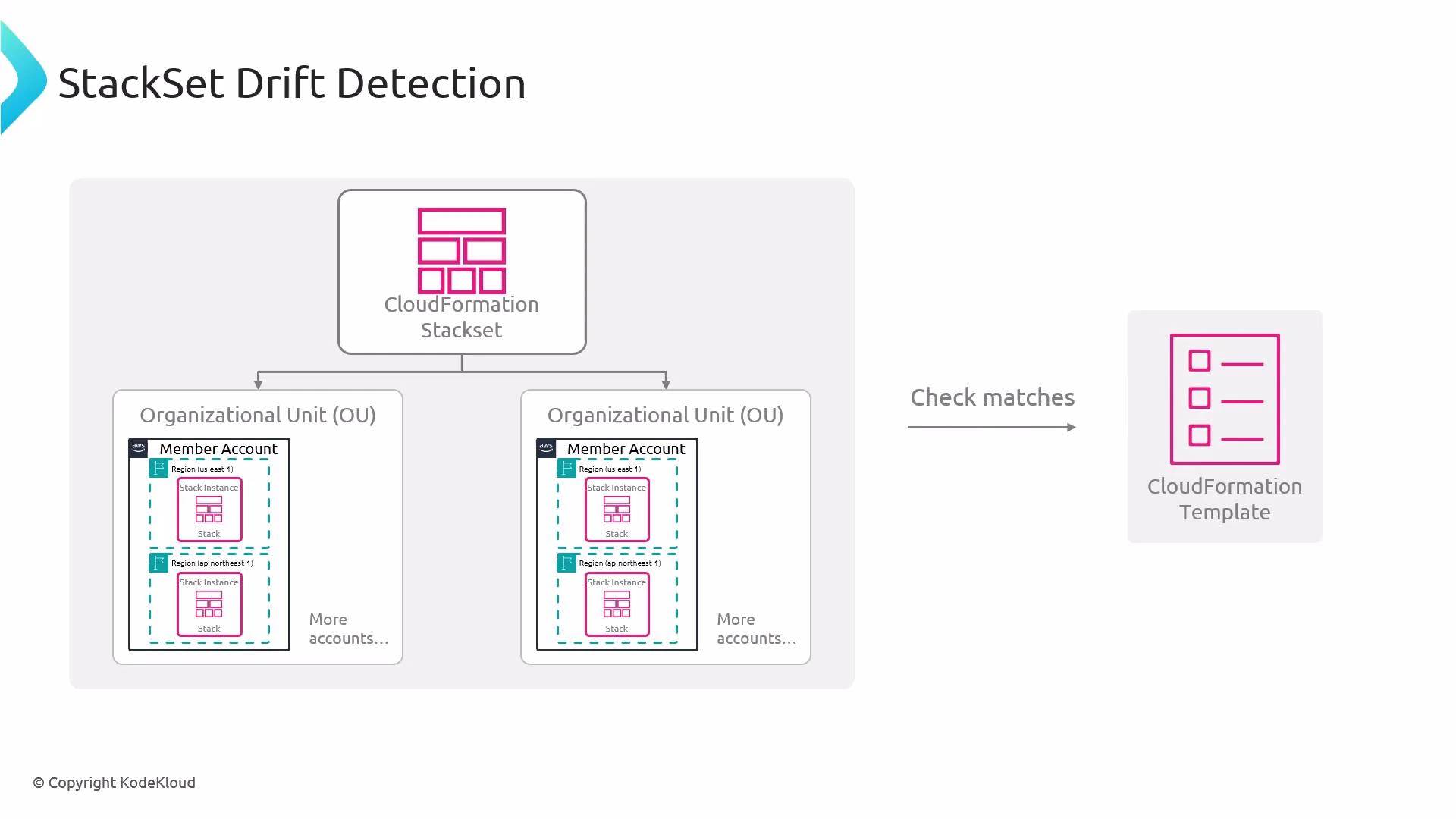
How StackSet drift detection works
- Scope: For each stack instance, CloudFormation compares the live resource configuration (the properties CloudFormation manages) with the StackSet template and the recorded stack template for that instance.
- Granularity: Detection is per stack instance. A single manual change in a single account or region marks that instance as DRIFTED while other instances can remain IN_SYNC.
- Output: CloudFormation reports which resources drifted and which specific properties differ. This lets you choose to update the StackSet (or the affected instance) to restore conformity or accept the divergence.
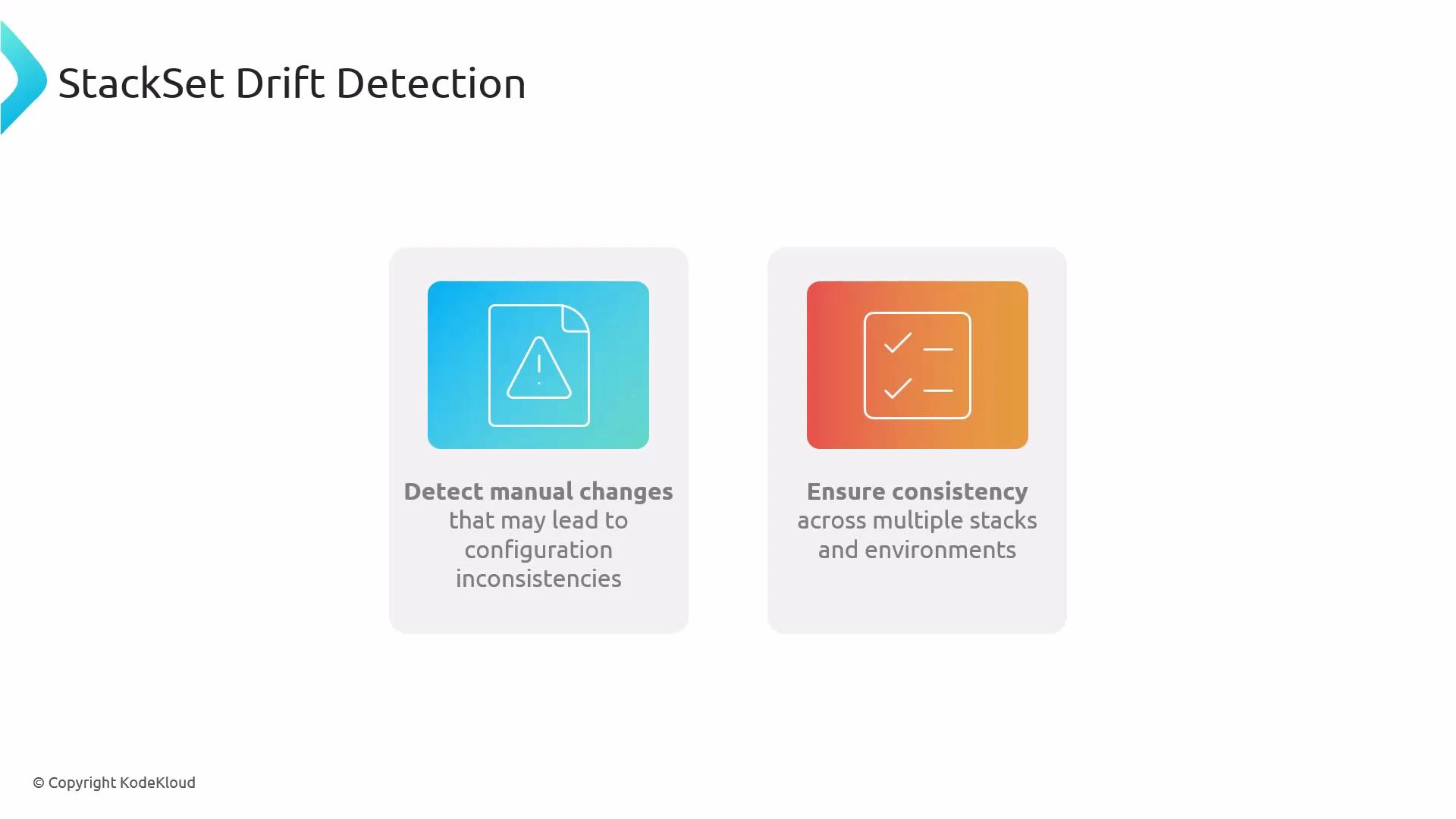
- Consistency: Detecting drift helps enforce consistent configuration across multiple accounts and regions by flagging manual or out-of-band changes.
Practical workflow
- Enable drift detection for your StackSet (drift detection runs against stack instances).
- Start drift detection for the StackSet.
- Monitor the drift detection operation status and review the detected differences by instance and resource.
- Remediate by updating the StackSet (or the individual stack instance) to match the desired template, or accept the change if appropriate.
Not all AWS resource types and properties are supported by CloudFormation drift detection. Some runtime attributes or provider-managed values may not be compared. Always review the drift results and consult the CloudFormation documentation for the current list of supported resource types and limitations.
Remediation strategies
- Update the StackSet template and perform a StackSet operation to push the desired configuration to all affected instances.
- Update a single stack instance if the change should only apply to one account/region.
- If the manual change is intended, document and accept it, or update the StackSet/template to reflect the new desired state.
Where to learn more
- AWS CloudFormation drift detection: https://docs.aws.amazon.com/AWSCloudFormation/latest/UserGuide/using-cfn-stack-drift.html
- AWS CloudFormation StackSets: https://docs.aws.amazon.com/AWSCloudFormation/latest/UserGuide/what-is-cfnstacksets.html