

- In the AWS console create a new S3 bucket. Ensure the bucket name is globally unique.
- Example bucket used in this demo:
eden-kodekloud-cvvb-bkt.
imports.yaml. The file should contain a minimal resource definition for the bucket you want to import.
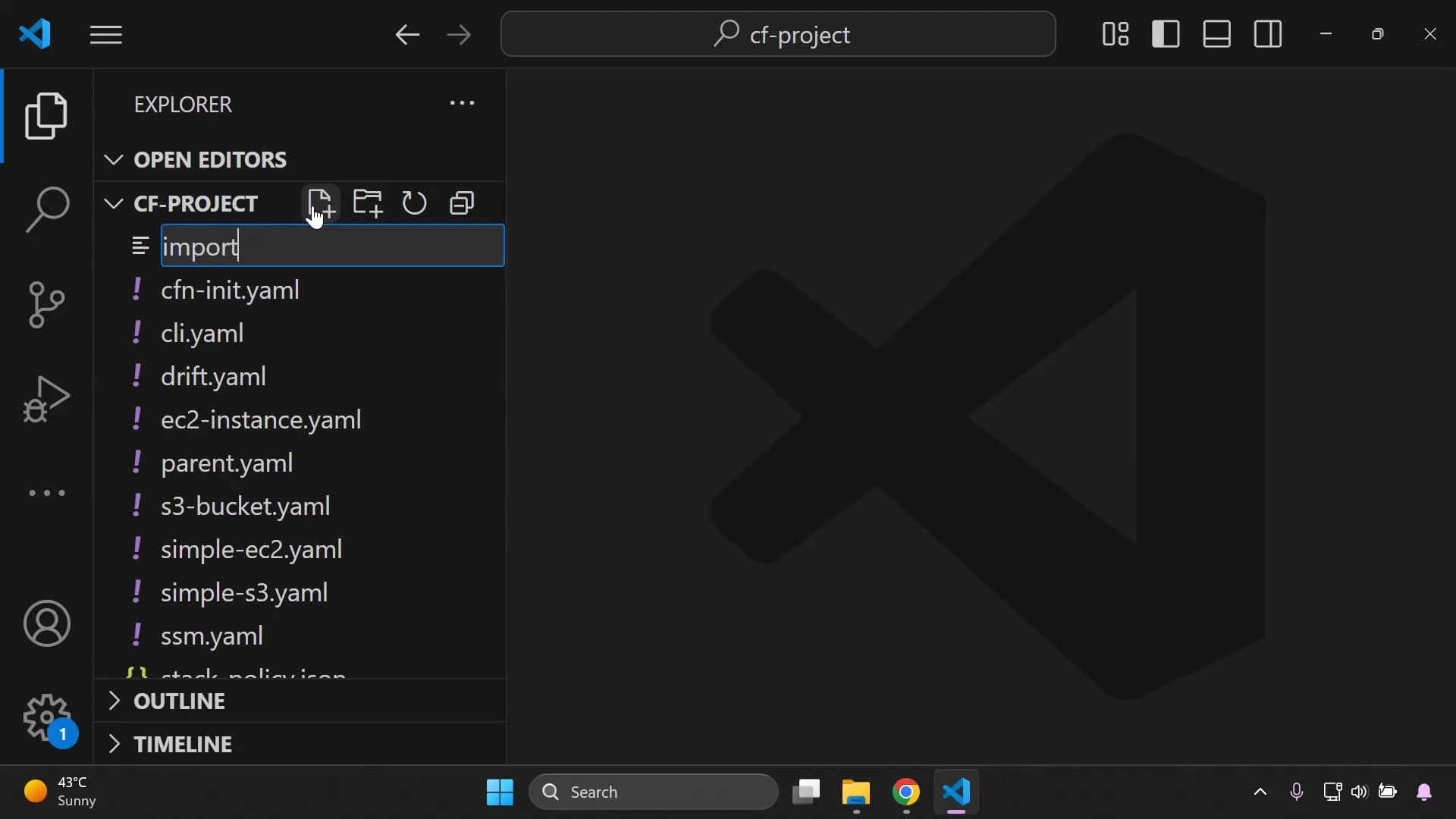
imports.yaml:
- Logical ID:
MyImportedBucketcan be any valid CloudFormation logical name. Use a meaningful name for clarity. BucketNamemust exactly match the existing S3 bucket’s name.DeletionPolicy: Retainprevents CloudFormation from deleting the bucket when the stack is deleted — CloudFormation requires resources being imported to be protected from accidental deletion.
When importing existing resources, CloudFormation requires you to protect them from accidental deletion. Use
DeletionPolicy: Retain (and optionally UpdateReplacePolicy: Retain) to ensure the resource is retained if the stack is deleted or replaced.Before starting the import, verify:
- The bucket exists in the same AWS account and region you’ll use for the stack.
- The bucket is not already managed by another CloudFormation stack.
- You map the template logical ID to the correct physical resource during the import workflow.
- Open the CloudFormation console and choose Create stack → Import resources (Import existing resources).
- Upload the
imports.yamltemplate file. - During the import workflow map the template logical ID (
MyImportedBucket) to the existing S3 bucket’s physical name (eden-kodekloud-cvvb-bkt). - Enter a stack name (for example,
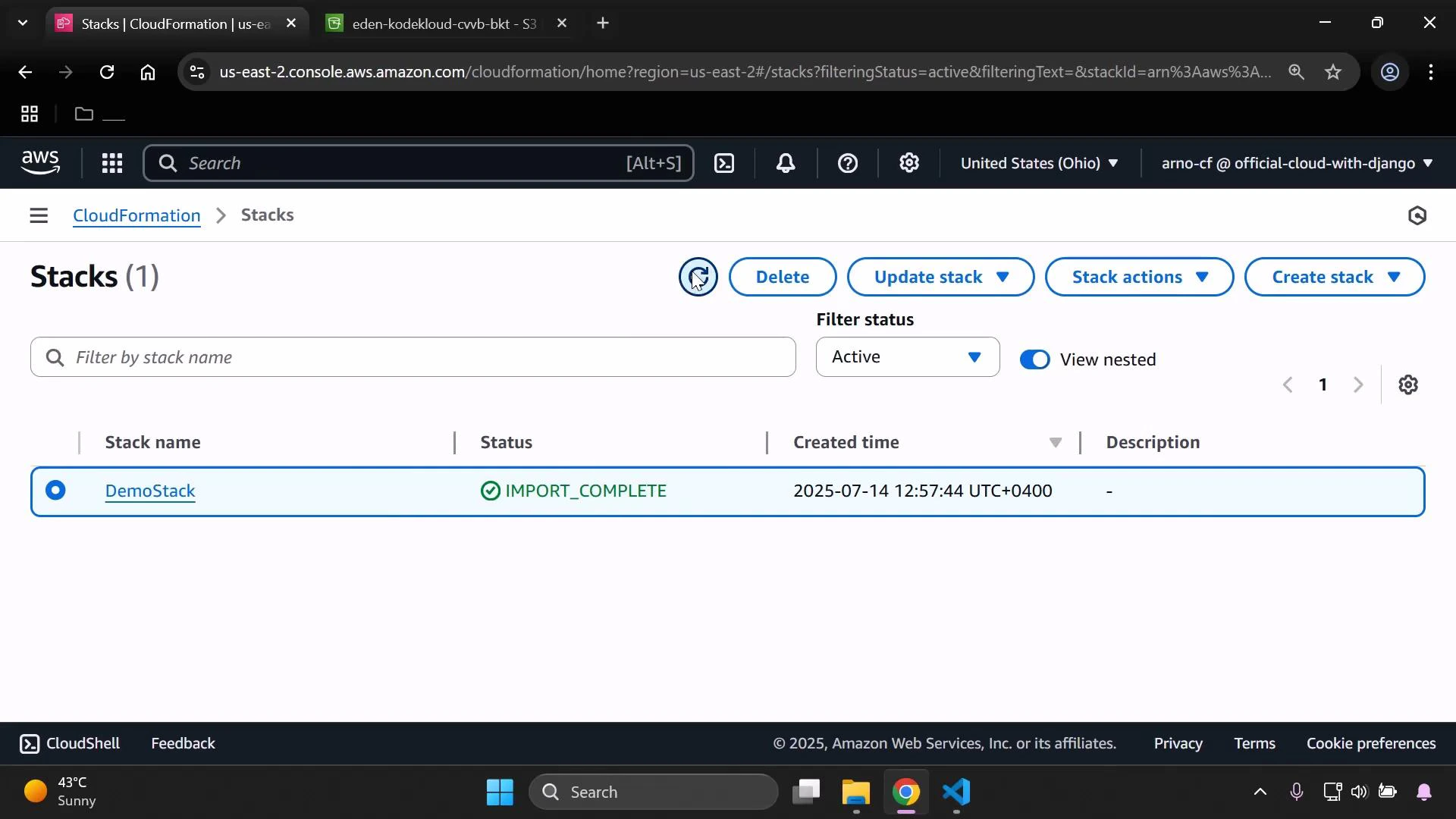
DemoStack) and proceed through the import steps. - Confirm and run the import. Wait for the import operation to complete.
IMPORT_COMPLETE.
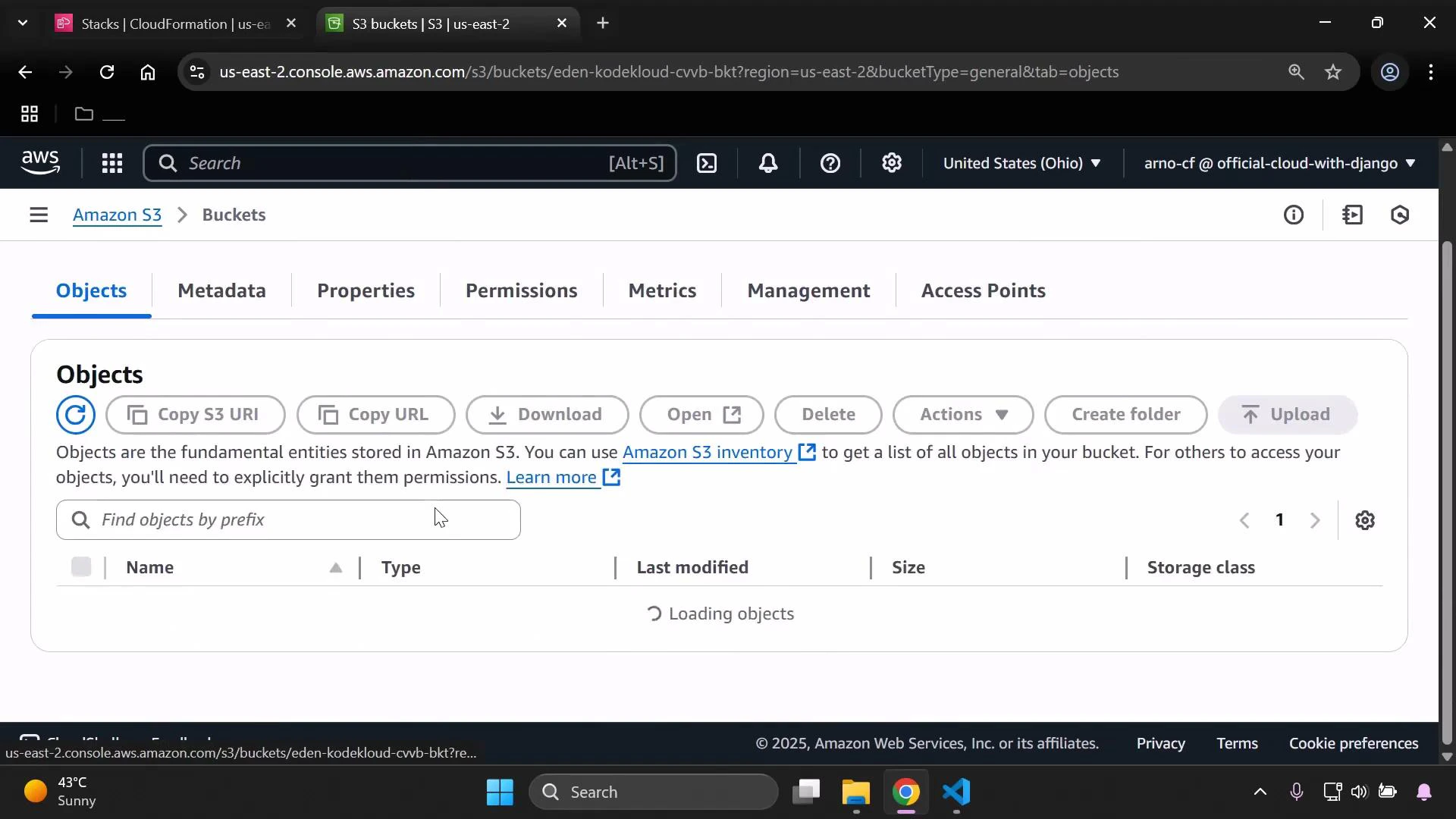
DeletionPolicy: Retain, delete the CloudFormation stack. The stack and CloudFormation metadata are removed, but the S3 bucket remains in your account because CloudFormation retained it.
Links and references
- AWS CloudFormation Import Resources: https://docs.aws.amazon.com/AWSCloudFormation/latest/UserGuide/resource-import.html
- AWS CloudFormation resource type: AWS::S3::Bucket: https://docs.aws.amazon.com/AWSCloudFormation/latest/UserGuide/aws-properties-s3-bucket.html
- Amazon S3 documentation: https://docs.aws.amazon.com/AmazonS3/latest/userguide/UsingBucket.html