

t2.micro to t3.micro in the console), the live resource no longer matches the template. Drift detection compares live resource properties against the stack template and parameters and reports any mismatches.
Key behavior to remember:
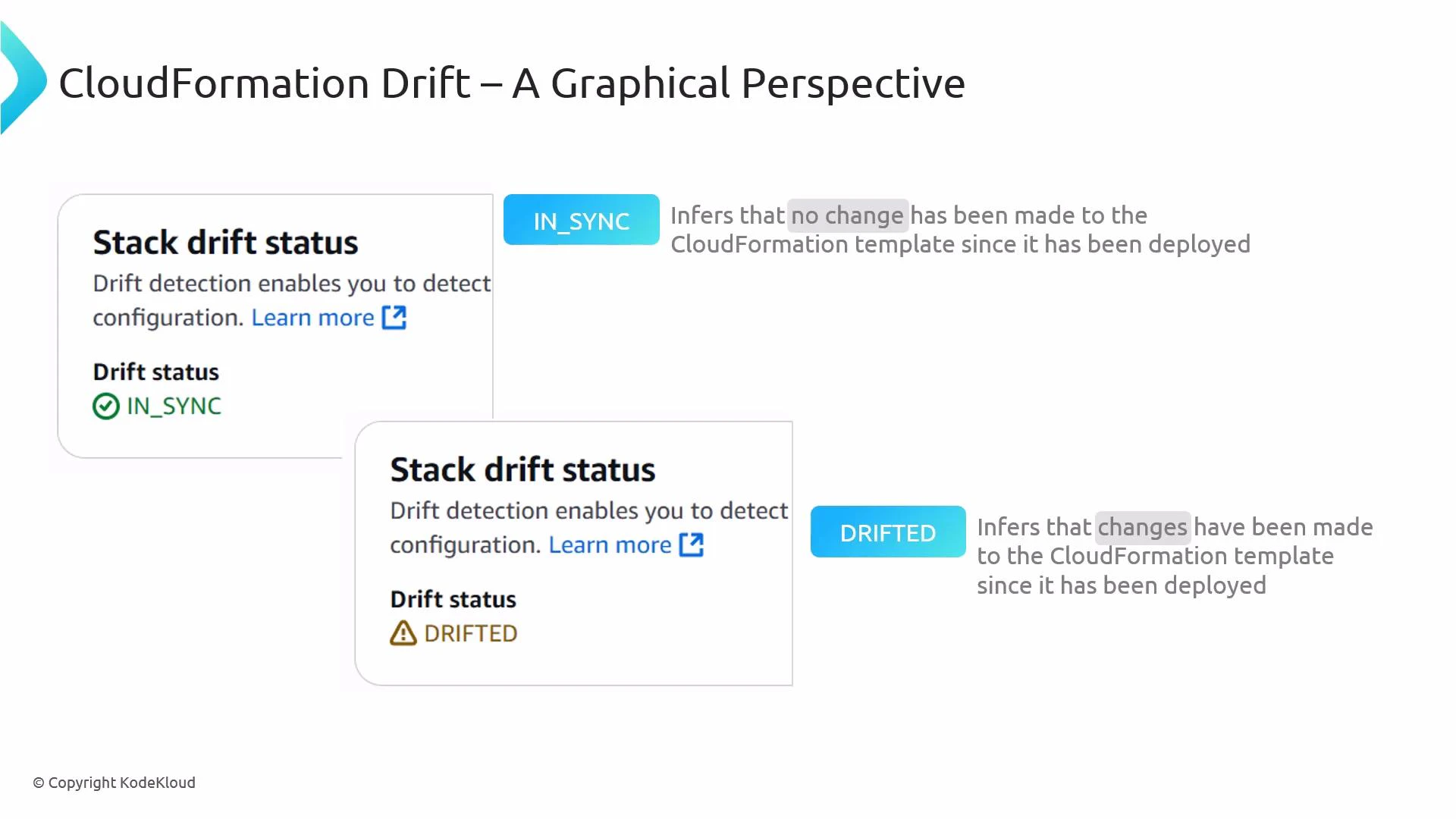
- Immediately after creation, a stack is typically IN_SYNC with its template.
- Out-of-band edits to resources can change the stack’s drift status to DRIFTED.
- Reverting the resource to match the template returns the stack to IN_SYNC.
- Drift detection is read-only — it reports differences but does not change resources.
- CloudFormation queries the AWS resource APIs for each resource in the stack and reads the live resource properties.
- It compares those live properties to the values defined in the stack template and the stack parameters.
- Drift results are recorded at the resource level and summarized at the stack level.
- The detection process is asynchronous — CloudFormation returns a detection job ID you can poll to learn when the scan completes.
- Console: Use the CloudFormation console to start drift detection for a single stack or for resources in a stack via the UI.
- CLI: Start detection with the AWS CLI. The operation is asynchronous and returns a StackDriftDetectionId:
- Poll the detection job status using the returned detection ID:
Drift detection is a read-only operation: CloudFormation queries resource APIs and compares live properties with the template. It does not modify, revert, or re-create resources.
Not all resource types and properties are supported for drift detection. Some generated values or sensitive attributes are intentionally excluded. Before relying on drift detection for compliance, consult the CloudFormation drift documentation for the list of supported resources and properties: https://docs.aws.amazon.com/AWSCloudFormation/latest/UserGuide/using-drift.html
- After any known manual or out-of-band changes to stack resources.
- As part of scheduled compliance checks or audits.
- Before performing a new CloudFormation deployment to ensure no conflicting out-of-band changes exist.
- When troubleshooting unexpected behavior or configuration drift in production environments.
- Start with drift detection on critical stacks (networking, security, IAM) where manual changes have high impact.
- Automate periodic detection jobs (for example, via Lambda/Cron) and capture results in CloudWatch Events / EventBridge for alerting or logging.
- Inspect resource-level drift details to decide whether to:
- Update the CloudFormation template to reflect the intended new configuration.
- Revert the out-of-band change to restore the stack to the declared template state.
- Replace or re-create the resource through CloudFormation if needed.
- Use version control and CI/CD to minimize manual edits outside CloudFormation and reduce drift incidents.
- CloudFormation Drift Detection documentation
- detect-stack-drift (AWS CLI)
- describe-stack-drift-detection-status (AWS CLI)