

Creating and storing a template
A CloudFormation template is a declarative specification (JSON or YAML) that lists the AWS resources and their configuration. Common resource examples include S3 buckets, EC2 instances, managed databases, and IAM roles.- Author a template that declares the resources you need (for example: S3 buckets, EC2 instances, databases, IAM roles).
- Make the template available to CloudFormation in one of two common ways:
- Upload the template file to an S3 bucket yourself, then provide the S3 URL when creating the stack.
- Upload the template directly when creating a stack in the CloudFormation console or via the CLI. CloudFormation can store it in S3 for you or use a URL you provide.
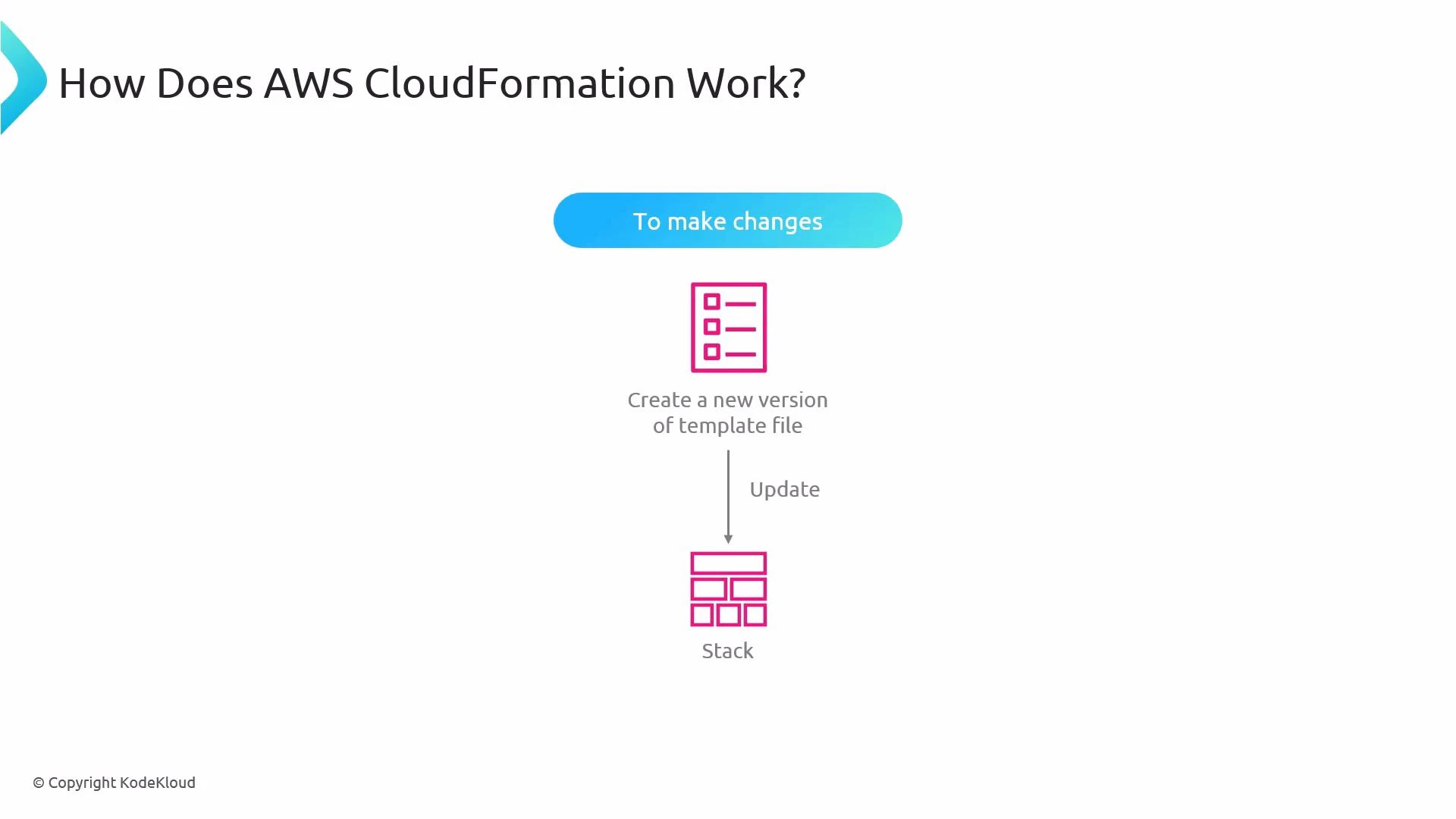
- To change a stack, update the template (create a new version) and then update the stack to point to the new template or replace the template object in S3.
What is a stack?
A stack is the runtime instantiation of a CloudFormation template — a logical container that CloudFormation creates and manages for the resources defined in the template.- Each stack has a unique name CloudFormation uses to track and manage its resources.
- Creating a stack causes CloudFormation to provision the resources specified in the template (for example, S3 buckets, EC2 instances, databases).
- Deleting a stack typically deletes the resources it created, unless you explicitly configure specific resources to be retained.
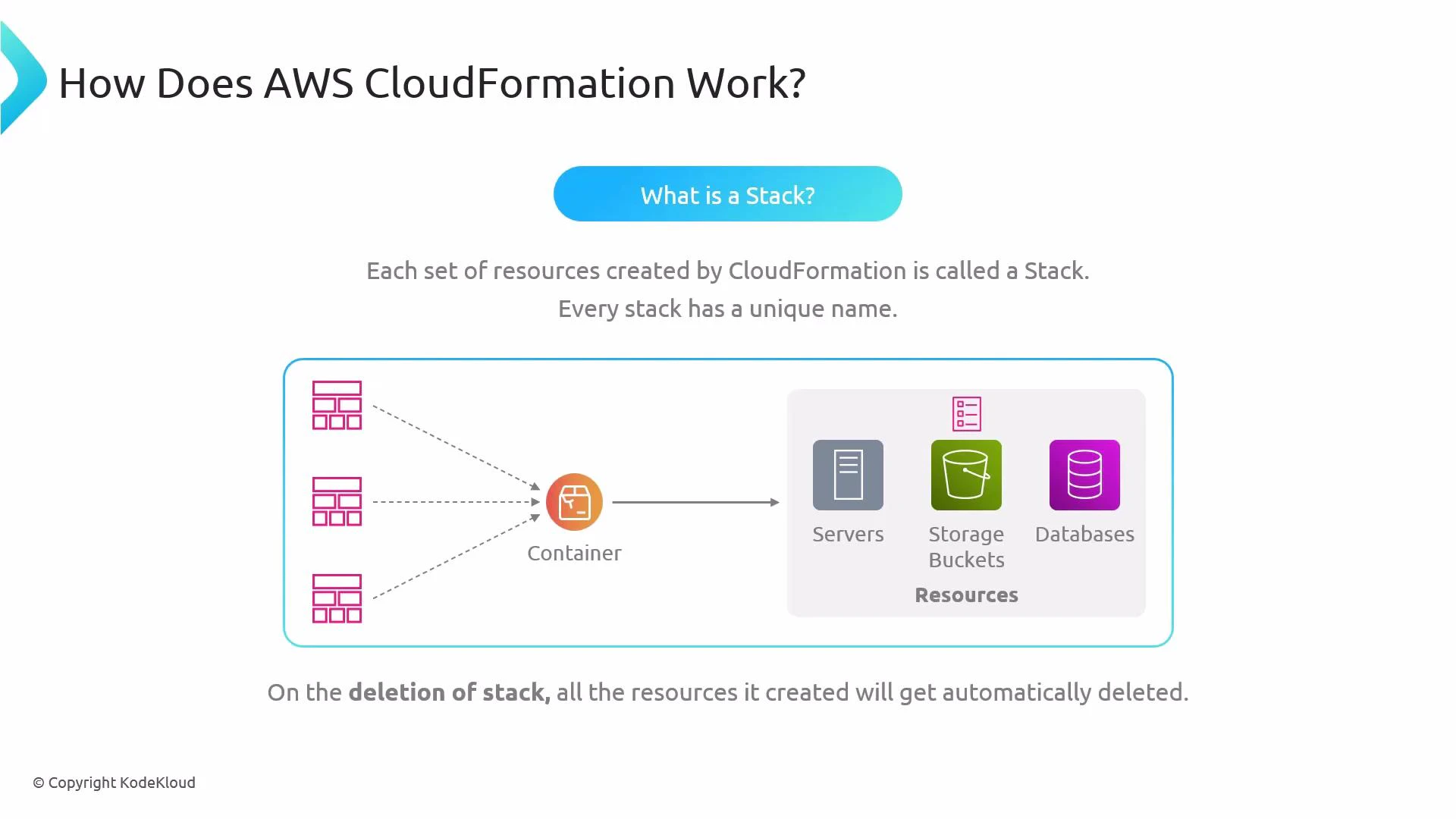
Deleting a stack will usually delete the resources it created. For stateful resources (databases, EBS volumes, S3 objects with important data), create backups or configure those resources with a DeletionPolicy of Retain before deleting the stack.
Tip: Use Change Sets to preview the impact of template updates before executing them. Change Sets show which resources will be created, modified, or removed.
Logical flow for creating and launching a stack
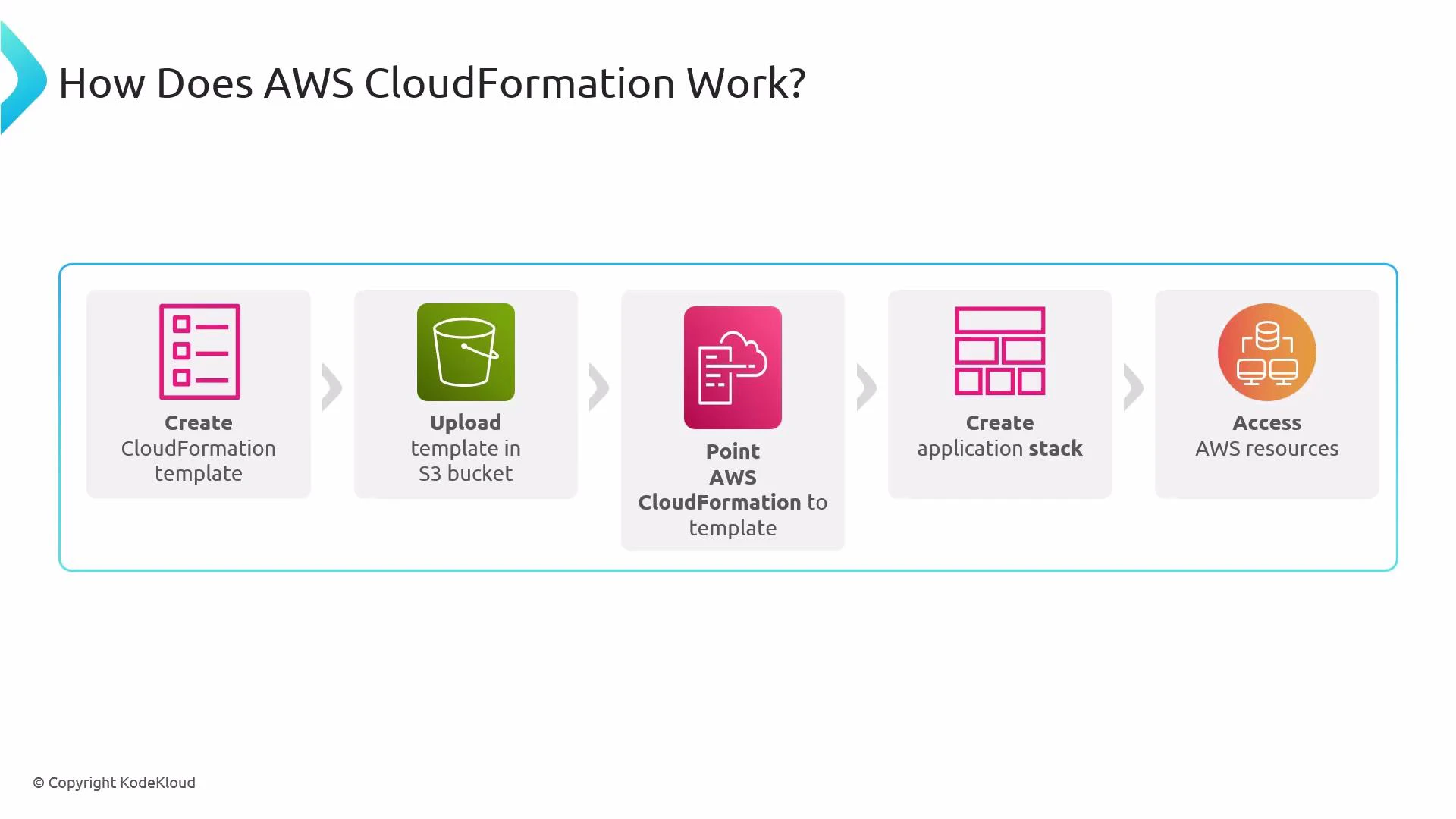
Follow these steps when you create and launch a CloudFormation stack:- Author a CloudFormation template describing required resources and configuration.
- Upload the template to an S3 bucket or provide it directly during the CloudFormation create-stack workflow.
- Point CloudFormation at the template location (S3 URL or direct upload).
- CloudFormation reads the template and creates a stack (a named container for the resources).
- CloudFormation provisions the AWS resources declared in the template. Once the stack creation completes, you can manage and interact with those resources as usual.
Summary
- Templates describe the desired AWS resources and configuration; stacks are the live instantiation of those templates.
- Store templates in S3 or upload them directly during stack creation.
- To change a stack, apply a new template version (or use Change Sets to preview updates).
- Deleting a stack removes its resources unless you set them to be retained.
- AWS CloudFormation Documentation
- Kubernetes Basics (for context on infrastructure-as-code vs container orchestration)
- KodeKloud AWS Courses