

- Prevents deploying changes when monitored metrics indicate an unhealthy state.
- Adds an automated safety net to stack updates and creates.
- Useful for production and critical systems where metric-driven protection is required.
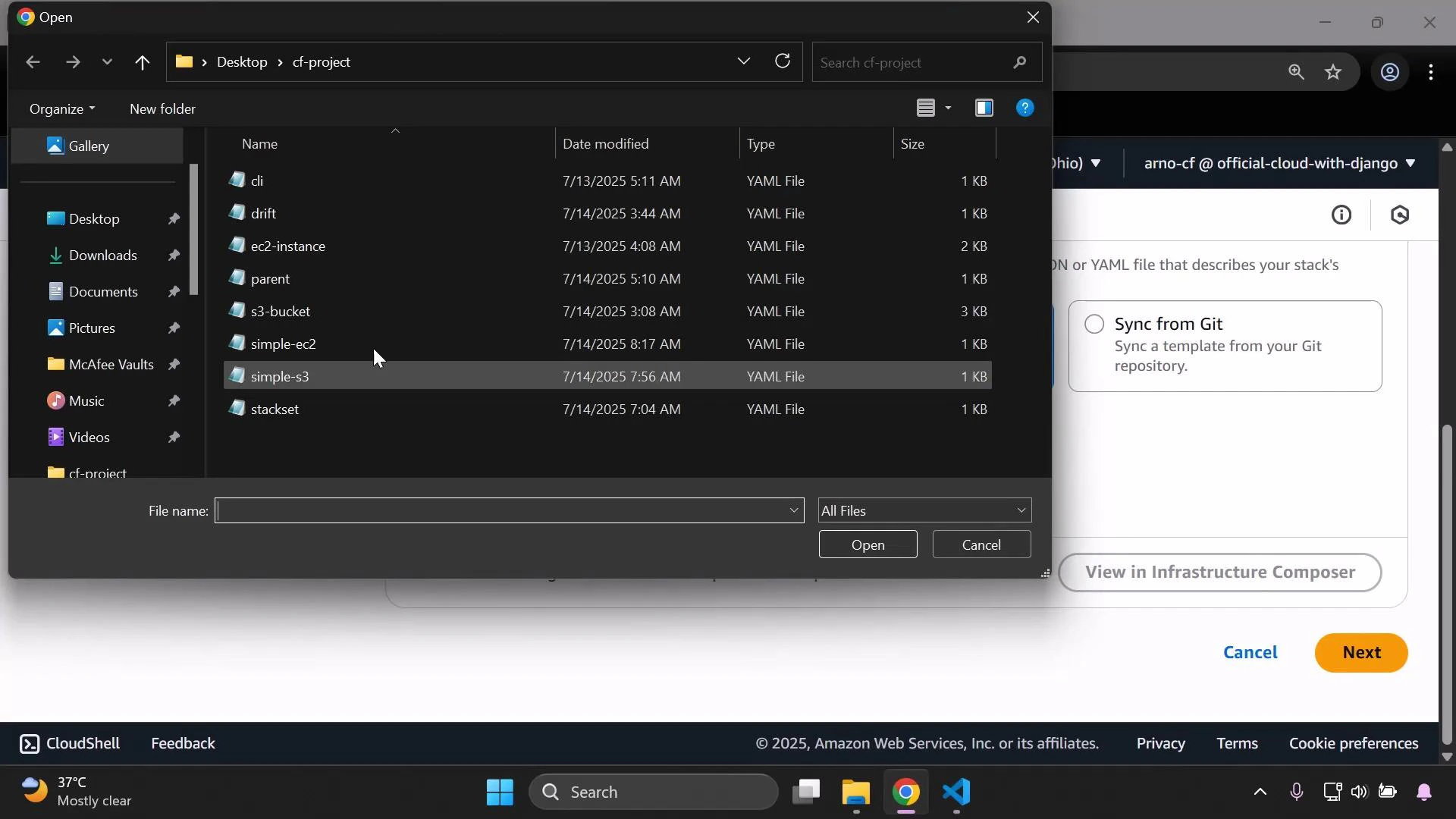
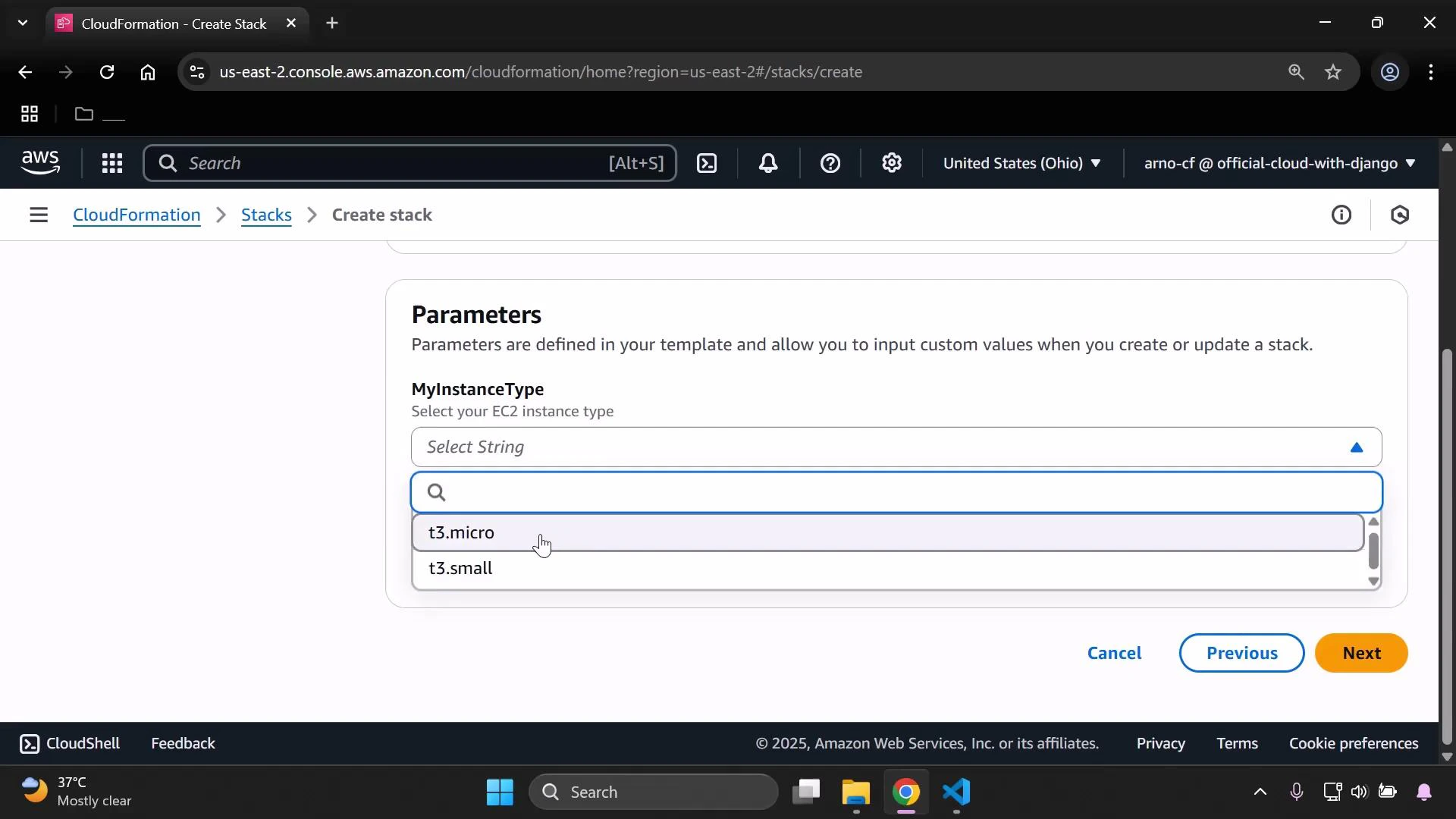
- Create a stack from an EC2 instance template.
- Confirm the EC2 instance is running and tagged for metric lookup.
- Create a CloudWatch alarm that monitors the EC2 instance CPUUtilization.
- Attach that alarm as a rollback trigger when updating the stack.
- Observe the update failing when the alarm is in ALARM.
- Clean up resources.
- In the CloudWatch console go to Alarms → Create alarm.
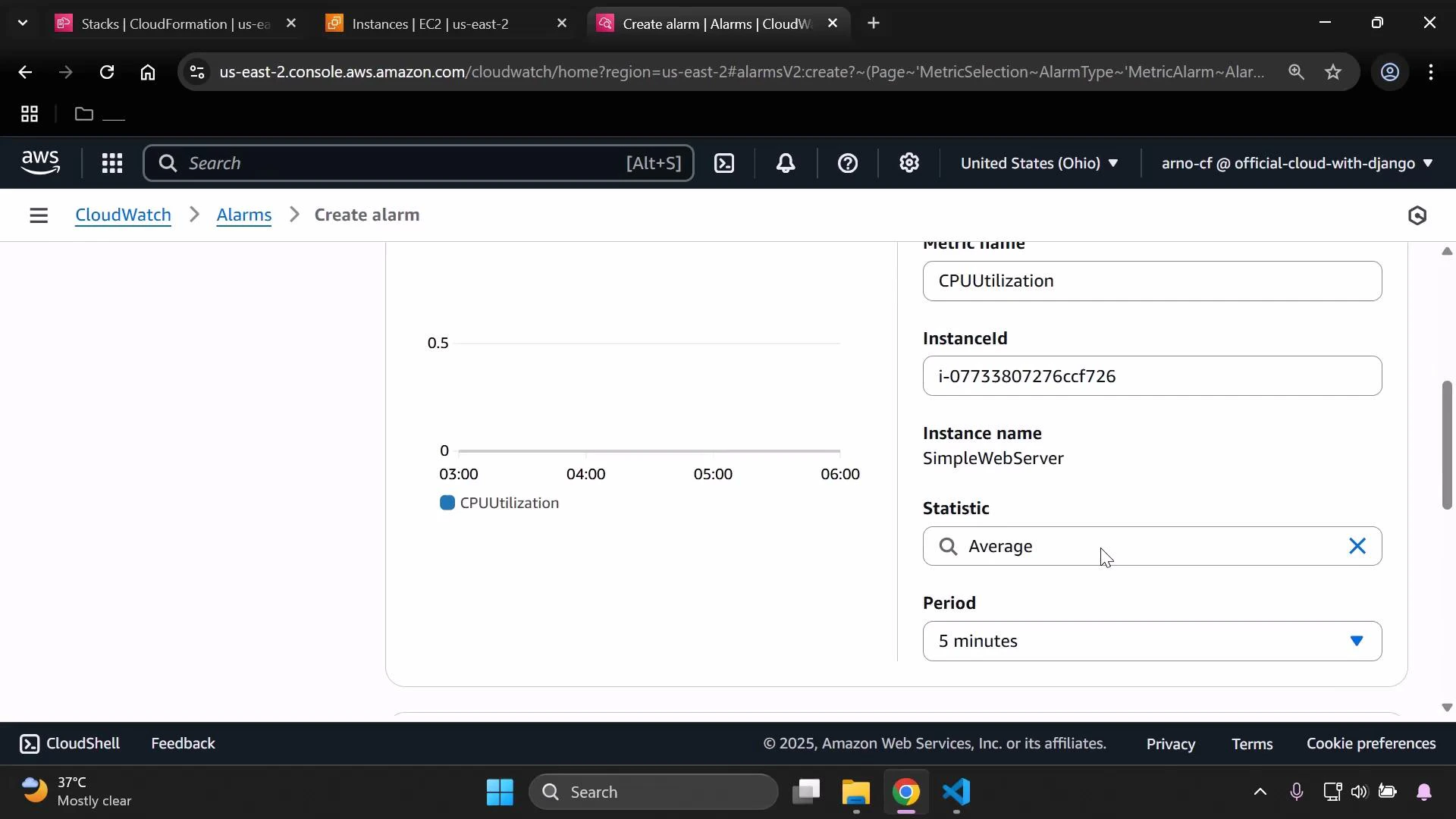
- Select metric → EC2 → Per-Instance Metrics → CPUUtilization. If the list is long, type “CPU” to filter.
- Metric options: for example, Statistic = Average, Period = 5 minutes.
- Condition: choose a threshold that will trigger ALARM for demonstration (e.g., GreaterThanThreshold = 0.2).
- Skip SNS notification for the demo and set the alarm name to CloudWatchAlarm1.
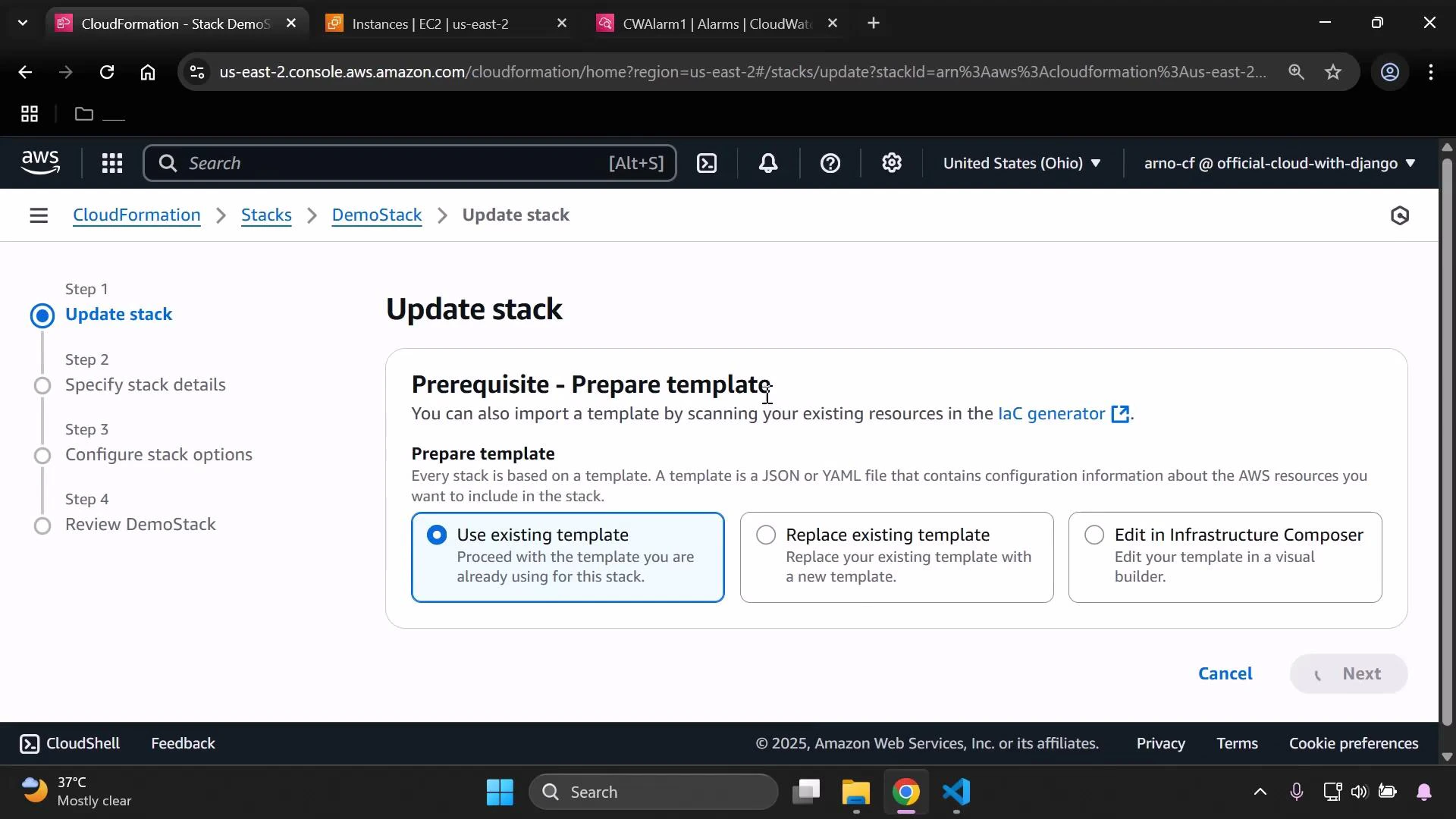
- In the CloudFormation console select the stack → Update stack.
- Choose “Use existing template” (or the appropriate template option) → Next.
- Use the default parameter values (or modify if needed) and continue to Configure stack options.
- In the Configure stack options page, scroll to Rollback configuration and add the rollback trigger: set the monitoring time (minutes) and paste the alarm ARN (copy the ARN from the CloudWatch alarm details).
- Review the changes and submit the update.
If any specified CloudWatch alarm is in ALARM during the configured MonitoringTimeInMinutes window, CloudFormation treats the operation as failed and rolls back. If an alarm is already in ALARM when you start the update, the update may fail immediately depending on the monitoring window. Choose monitoring windows carefully to allow resources to stabilize and metrics to be collected.
- Delete the CloudFormation stack (CloudFormation console → select stack → Delete).
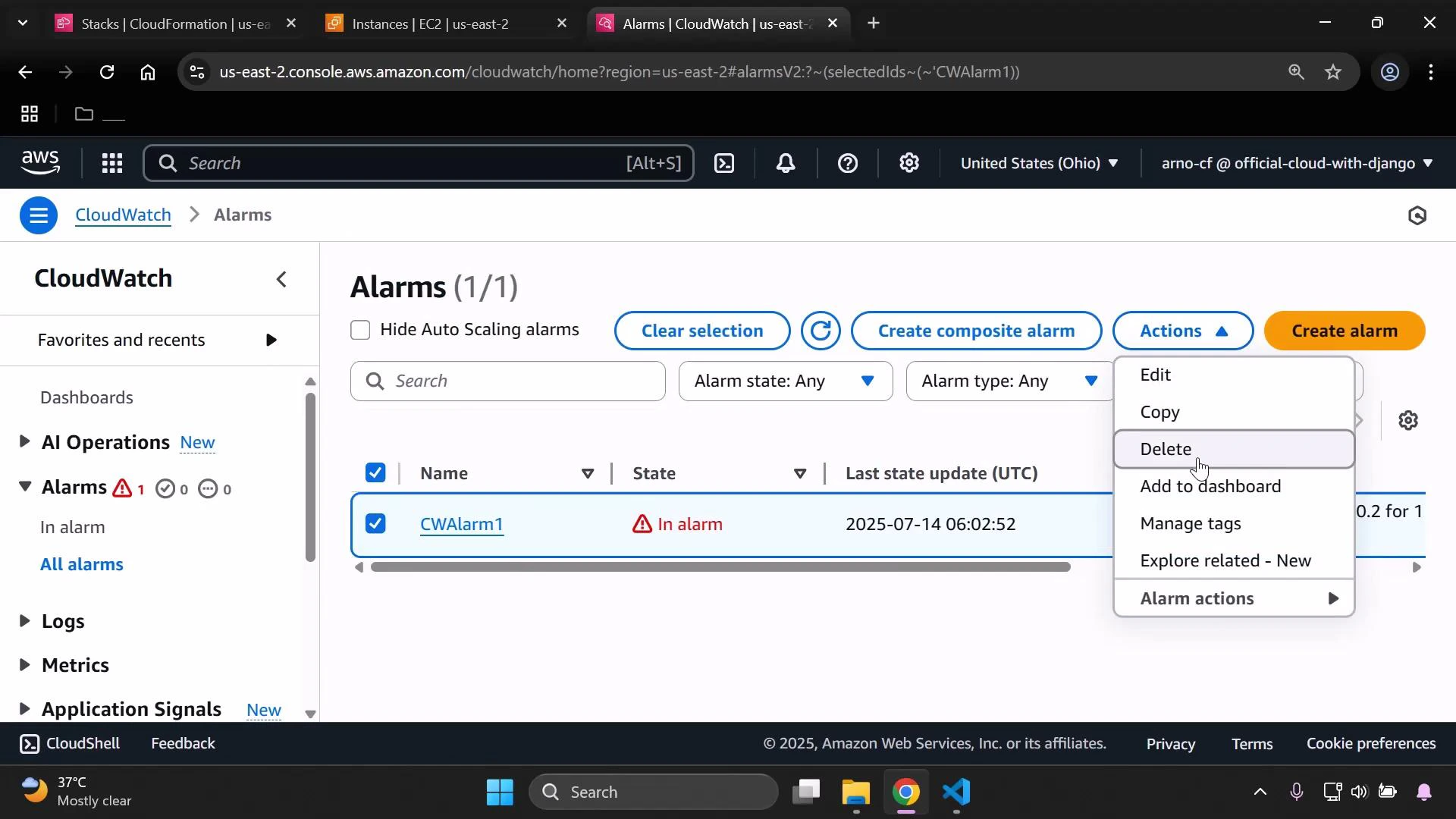
- Delete the CloudWatch alarm: in CloudWatch go to Alarms, select the alarm, open Actions → Delete, and confirm.
- Ensure alarms used as rollback triggers are in an OK state before starting critical stack operations.
- Use tags to help find per-instance metrics quickly when creating alarms.
- Set the monitoring time long enough for resources and metrics to stabilize, but short enough to avoid excessive delays.
- CloudFormation Rollback Triggers documentation
- CloudWatch Alarms documentation
- AWS CloudFormation User Guide