

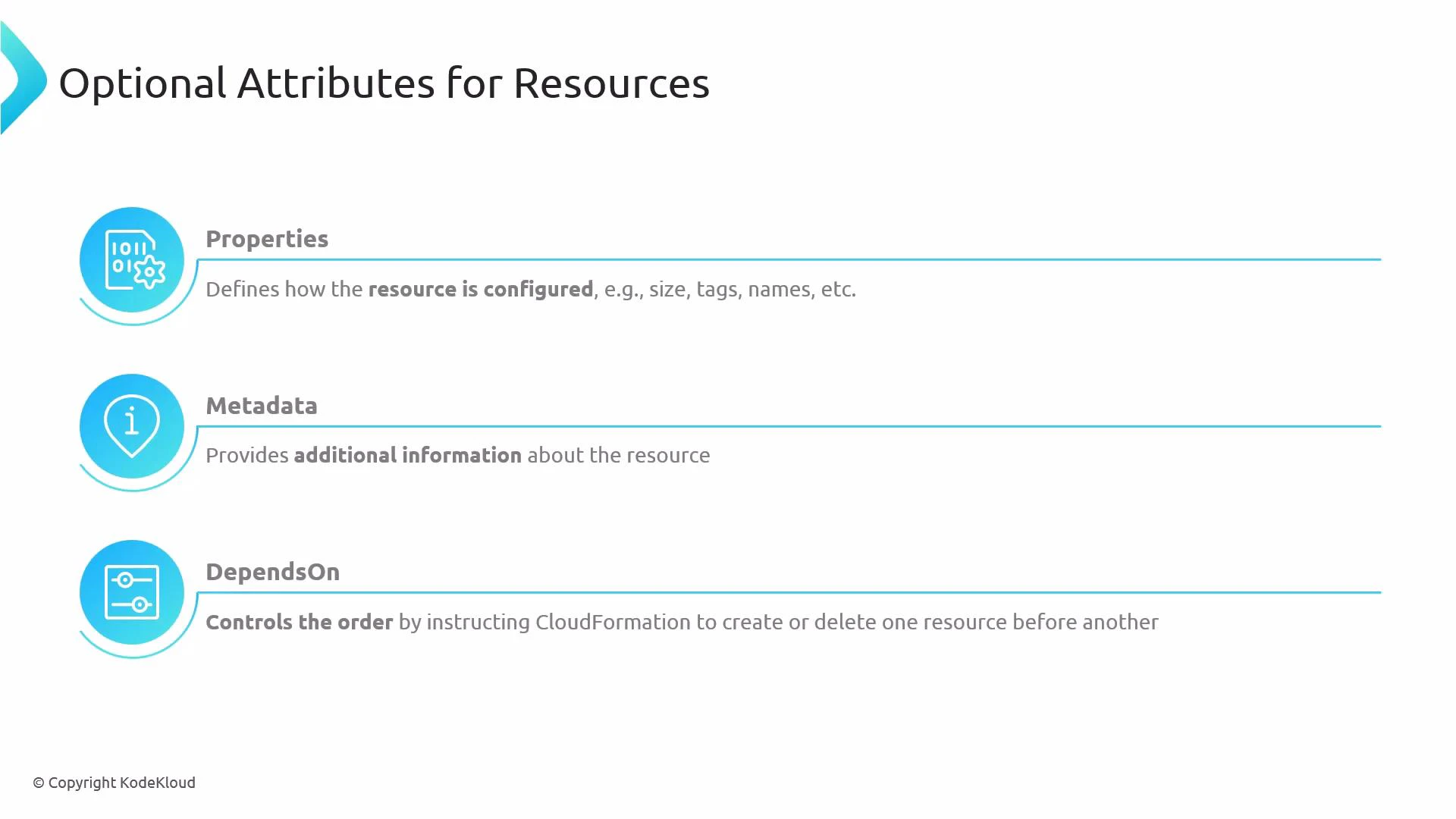
- Properties — Defines the resource configuration (size, tags, names, and resource-specific settings).
- Metadata — Arbitrary data attached to a resource for tooling or helper scripts (for example, cfn-init).
- DependsOn — Ensures a creation or deletion order by specifying one or more resources that must be processed first.
- DeletionPolicy — Controls what happens to a resource when its stack is deleted. Common values:
- Delete — removes the resource (default).
- Retain — keeps the resource after stack deletion.
- Snapshot — creates a snapshot for snapshot-capable resources (for example, RDS DB instances and EBS volumes) before deletion.
- UpdatePolicy — Controls how CloudFormation updates certain resources during stack updates (for example, AutoScaling rolling updates).
- Condition — Only creates a resource if a named condition (defined under the template’s Conditions section) evaluates to true. Useful for region-specific or parameter-driven resource inclusion.
Detailed examples and usage
- Properties — resource configuration Most resource types require a Properties object to configure details such as names, sizes, and tags.
- Metadata — attach tooling data (cfn-init example) Metadata is not processed by CloudFormation directly but is commonly used by helper tools like cfn-init to configure instances.
- DependsOn — control creation/deletion order DependsOn ensures one resource is created or deleted after another. It accepts either a single logical name or a list of logical names.
- DeletionPolicy — keep or snapshot resources on stack deletion Use DeletionPolicy to retain critical resources or create snapshots before deletion.
Using DeletionPolicy:Retain or leaving resources after stack deletion may incur ongoing charges. Verify any retained resources to avoid unexpected costs.
- UpdatePolicy — control update behavior for specific resource types UpdatePolicy applies to a limited set of resource types (for example Auto Scaling groups). Use it to manage rolling updates and replacement behavior.
- Condition — create resources conditionally Define Conditions in the template and attach them to resources using the Condition attribute.
- Explicitly set DeletionPolicy for resources you cannot recreate (databases, critical storage).
- Use Metadata for automation and configuration management, not for critical logic.
- Prefer intrinsic functions and Conditions rather than heavy DependsOn chains when possible.
- Refer to the CloudFormation resource type reference for resource-specific optional attributes and nuances.
- AWS CloudFormation User Guide — Resource attributes
- CloudFormation DeletionPolicy attribute
- UpdatePolicy attribute details
- CloudFormation resource type reference
Properties are generally required for most resources; Metadata is optional and intended for tooling. DependsOn accepts a single resource name or a list of names. Always consult the resource type reference for the exact required and optional properties for each resource type.