

One template in particular—intro.yaml—is referenced directly in the opening demonstration. Other files are used as final results or referenced by demos that combine pieces from multiple templates.
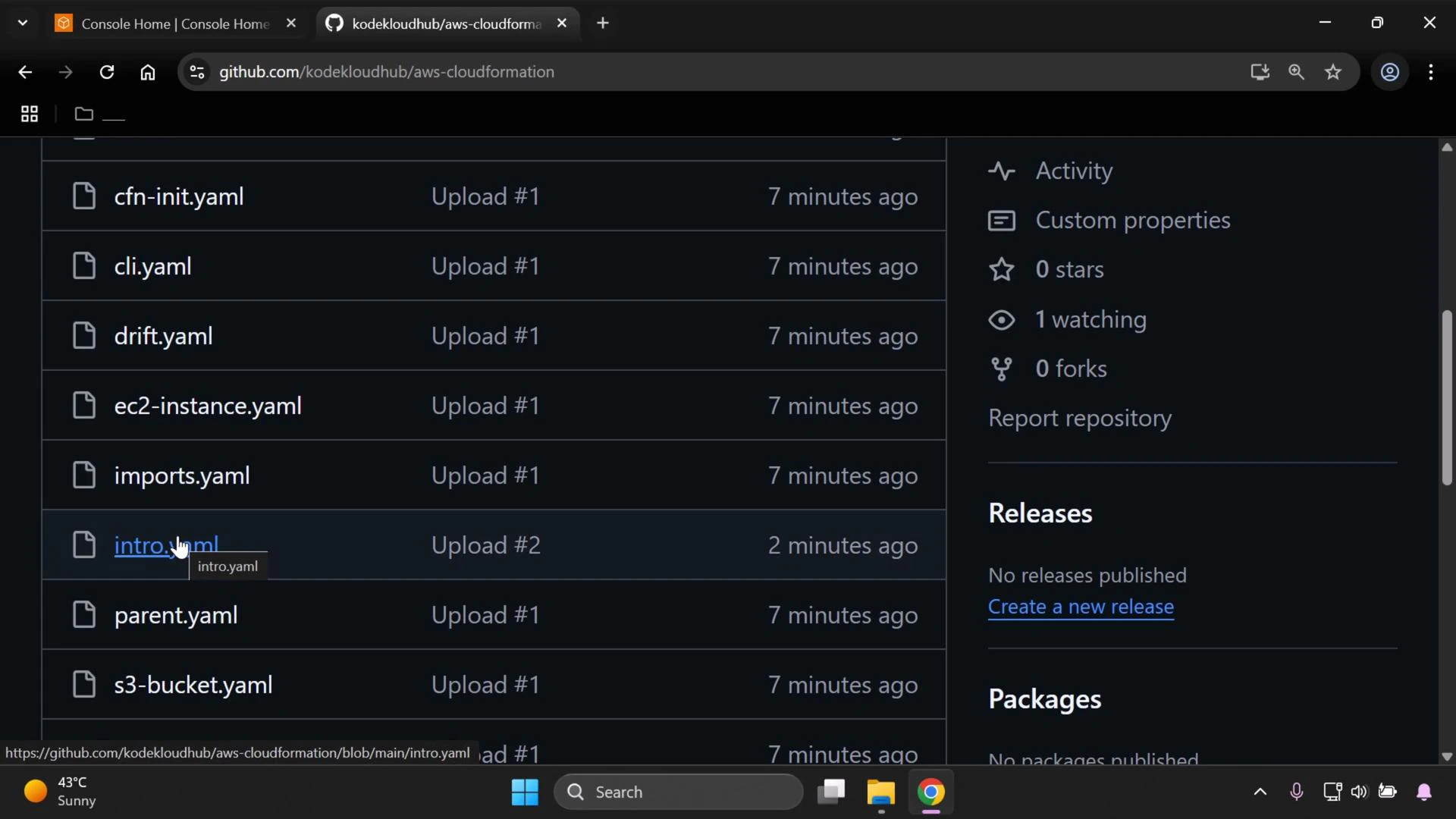
- Download ZIP: Click the “Code” button on the GitHub page and choose “Download ZIP”.
- Clone with Git (recommended for tracking changes):
- Clone the repository to your local machine.
- Inspect templates to understand resource layout and parameters (start with
intro.yamlandparent.yaml). - Validate templates locally with the AWS CLI:
- aws cloudformation validate-template —template-body file://intro.yaml
- When ready to deploy, use CloudFormation package/deploy steps (or the Console) to create stacks and observe the results.
- Track changes with git and use branches for experimentations.
This repository is intended as a reference for following along with the demos. Clone the repo and apply the templates locally so you can explore changes, validate templates, and safely iterate on your CloudFormation learning.
- AWS CloudFormation Documentation
- AWS CLI CloudFormation commands
- GitHub repo: https://github.com/kodekloudhub/AWS-CloudFormation