

What is Metadata in CloudFormation?
- Metadata stores additional information about the CloudFormation template or individual resources defined in the template.
- Think of Metadata as structured inline documentation or machine-readable notes inside the template that help maintainers and automation tooling.
- Common uses:
- Documenting resource purpose, owner, or last review date
- Adding operational notes for automation scripts
- Recording template-level information (e.g., template version, authorship)
- Metadata is stored with the template and is not automatically applied to provisioned AWS resources (i.e., it does not appear in the AWS Console resource tag list).
Use Metadata to document intent, ownership, and lifecycle information inside the template. Do not rely on Metadata for policies or access control — use tags, IAM, and other AWS features for that.
What are Tags on AWS resources?
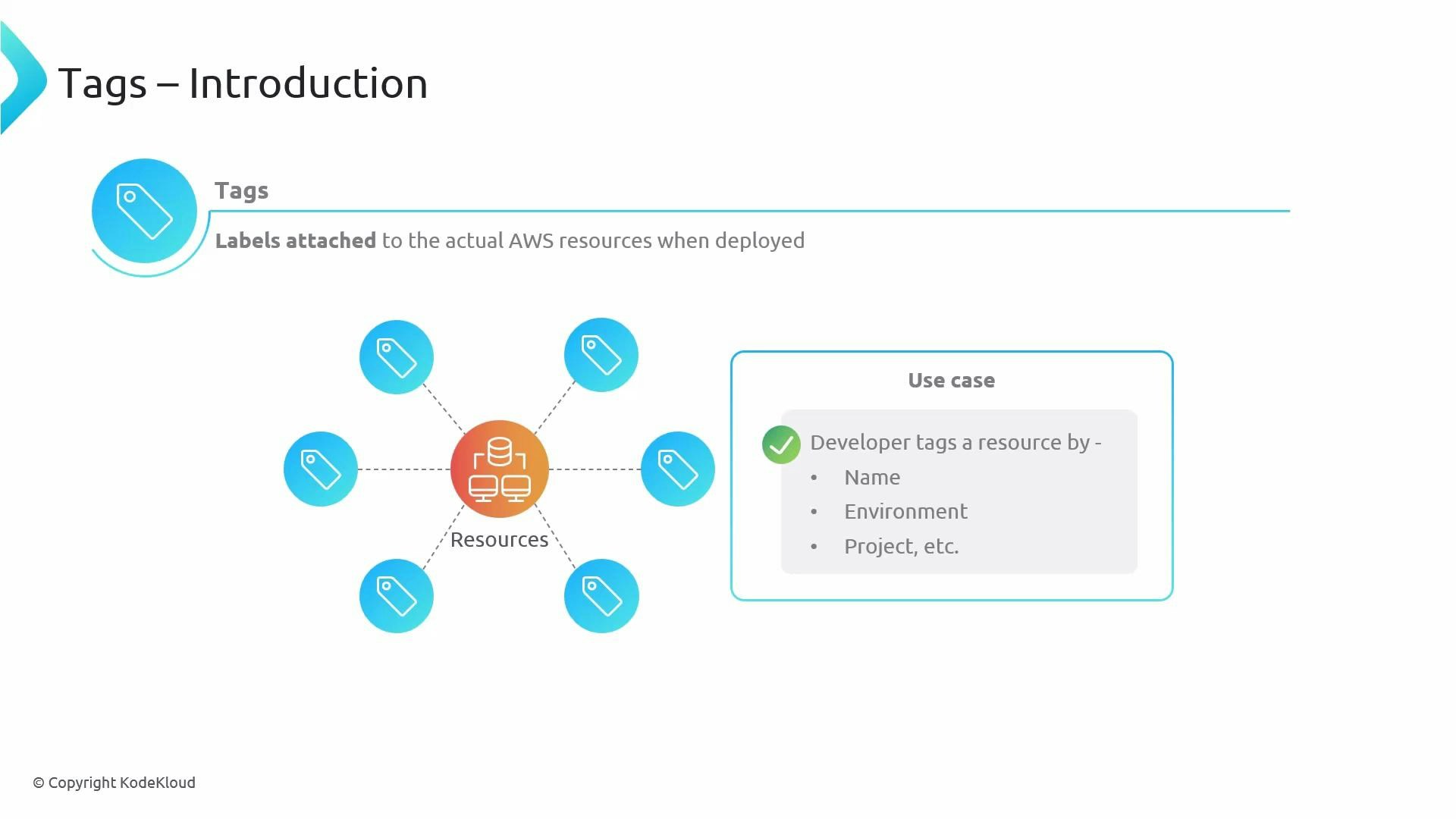
- Tags are key/value labels attached to the actual AWS resources when CloudFormation provisions them.
- Tags are visible in the AWS Management Console and are commonly used for:
- Cost allocation and billing reports
- Grouping and searching resources
- Driving automation and some IAM policy conditions
- Typical tag keys: Name, Environment (Production/Dev/Test), Project, Owner.
- Tags are operational metadata — concise, visible, and often required for organizational governance.
- Metadata = sticky note on the recipe (internal notes for maintainers).
- Tags = luggage tag on the bag (concise facts visible to handlers and useful at a glance).
Do not store secrets or sensitive information in Metadata or Tags. Metadata is intended for documentation/automation, and Tags may be visible across teams and in billing tools.
Quick comparison
Best practices
- Use Metadata for maintainability:
- Include owner, review date, and purpose in Metadata to help future maintainers and automation.
- Keep Metadata machine-friendly if automation will parse it (consistent keys, timestamps).
- Use Tags for operations and governance:
- Enforce a tagging scheme (Name, Environment, Project, Owner) and apply tags consistently.
- Use tags for cost allocation and to drive policy-based controls where appropriate.
- Never put secrets or credentials in either Metadata or Tags.
Where to read more
Summary- Metadata documents the template and resources for maintainers and automation (template-scoped).
- Tags label provisioned AWS resources for operations, billing, search, and policy-driven actions (console-visible and resource-attached).