

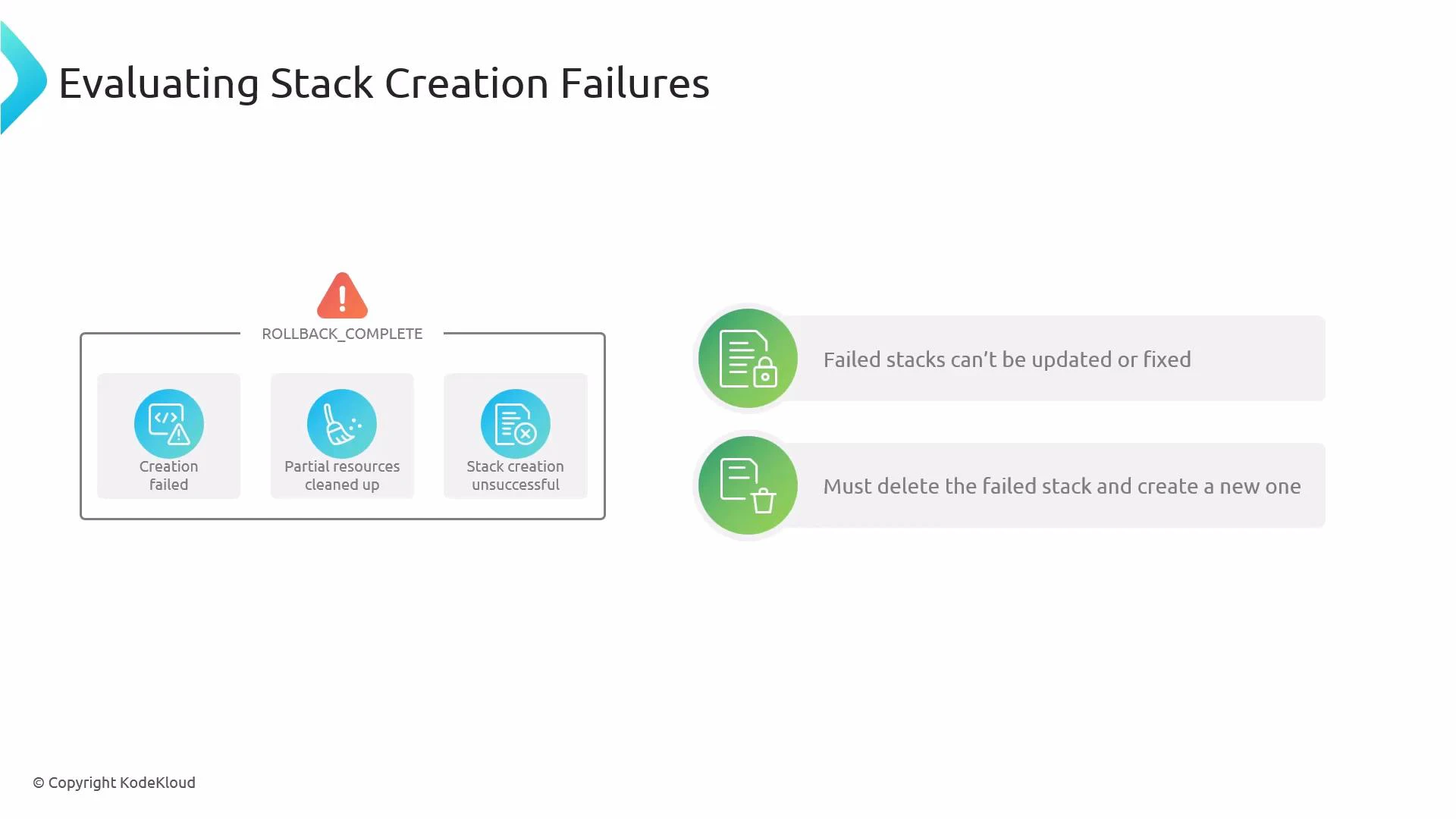
- The stack creation failed.
- CloudFormation attempted to delete any partially created resources.
- The stack is in a terminal state and cannot be updated or repaired in place.
- You must delete the failed stack and recreate it after fixing the root cause.
- Inspect the stack Events tab
- The Events timeline shows the sequence of create/delete actions and any error messages returned by resource providers. Identify the first resource that reported an error — that is usually the root cause.
- Check resource-specific logs and consoles
- For Lambda: CloudWatch Logs.
- For EC2: EC2 console and instance system logs (or CloudWatch if configured).
- For S3 or API access errors: check S3 console, bucket policies, and IAM policies.
- Verify permissions and configuration
- Confirm IAM roles/policies referenced by resources exist and have required permissions.
- Validate template parameters, resource names, ARNs, VPC/subnet IDs, and other environment-specific values.
- Fix the underlying issue in the template, parameter set, or account configuration.
- Delete the failed stack (required for ROLLBACK_COMPLETE) and recreate the stack after applying the fix.
Helpful AWS CLI commands
- Delete a failed stack:
- View recent stack events (helps identify the failing resource):
- Check current stack status:
A stack in ROLLBACK_COMPLETE represents a terminal create failure. You cannot update it in place — you must delete it and create a new stack once the cause of the failure is resolved.
- CloudFormation’s default create-time behavior is “all-or-nothing”: it attempts to leave no partial infrastructure by rolling back on failures.
- Use the Events tab plus resource logs to pinpoint the first failing resource, correct the root cause, then delete and recreate the stack.
- When iterating on templates, test changes in smaller or isolated stacks to reduce rebuild time and risk.
- CloudFormation course — learn.kodekloud
- CloudWatch Logs
- Lambda course
- EC2 course
- S3 course
- IAM course