In this lesson we’ll validate a CloudFormation template by referencing the official AWS documentation. Using the template reference and intrinsic function documentation helps you discover supported resource types, property schemas, return values, and intrinsic function usage—key information when authoring, troubleshooting, or updating stacks. Start with the Template Reference:

Intrinsic functions

CloudFormation intrinsic functions let you inject dynamic values into your template. The most frequently used intrinsic function is Ref, which returns a resource or parameter value. Below are practical examples and guidance for common intrinsic functions. Quick intrinsic function overview:
Intrinsic FunctionPurposeExample / Notes
RefReturns a parameter value or a resource’s logical ID or physical nameSee Ref examples below
Fn::SubSubstitute variables into a stringUseful for composing names with ${AWS::StackName}
Fn::JoinConcatenate a list of values into a single stringJoins arrays with a delimiter
Fn::GetAttGet an attribute value from a resourceE.g., Fn::GetAtt: [MyResource, Arn]
Fn::FindInMapRetrieve values from a mapping defined in the templateUseful for lookups (region-specific settings)
Full intrinsic function reference: https://docs.aws.amazon.com/AWSCloudFormation/latest/UserGuide/intrinsic-function-reference.html We commonly use Ref in parameterized templates. The example below declares parameters and uses !Ref to populate an S3 bucket name.
Parameters:
  InputBucketName:
    Type: String
    Description: Please enter your desired S3 bucket name
  InputDeveloperName:
    Type: String
    AllowedValues:
      - Arno
      - Alice

Resources:
  MyS3Bucket:
    Type: AWS::S3::Bucket
    Properties:
      BucketName: !Ref InputBucketName
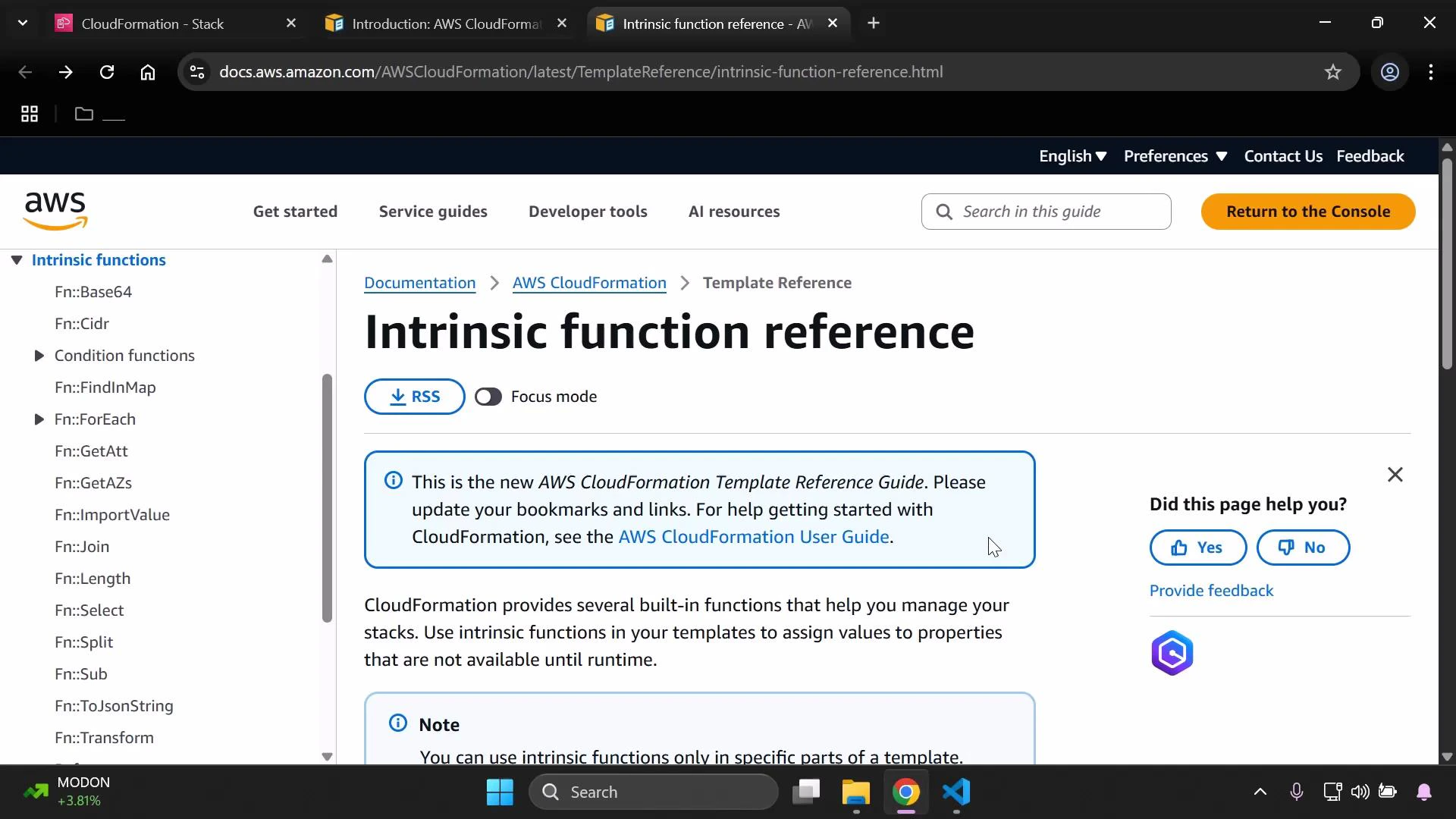
The CloudFormation intrinsic function reference documents each function’s syntax in JSON and YAML and includes examples: https://docs.aws.amazon.com/AWSCloudFormation/latest/UserGuide/intrinsic-function-reference.html.
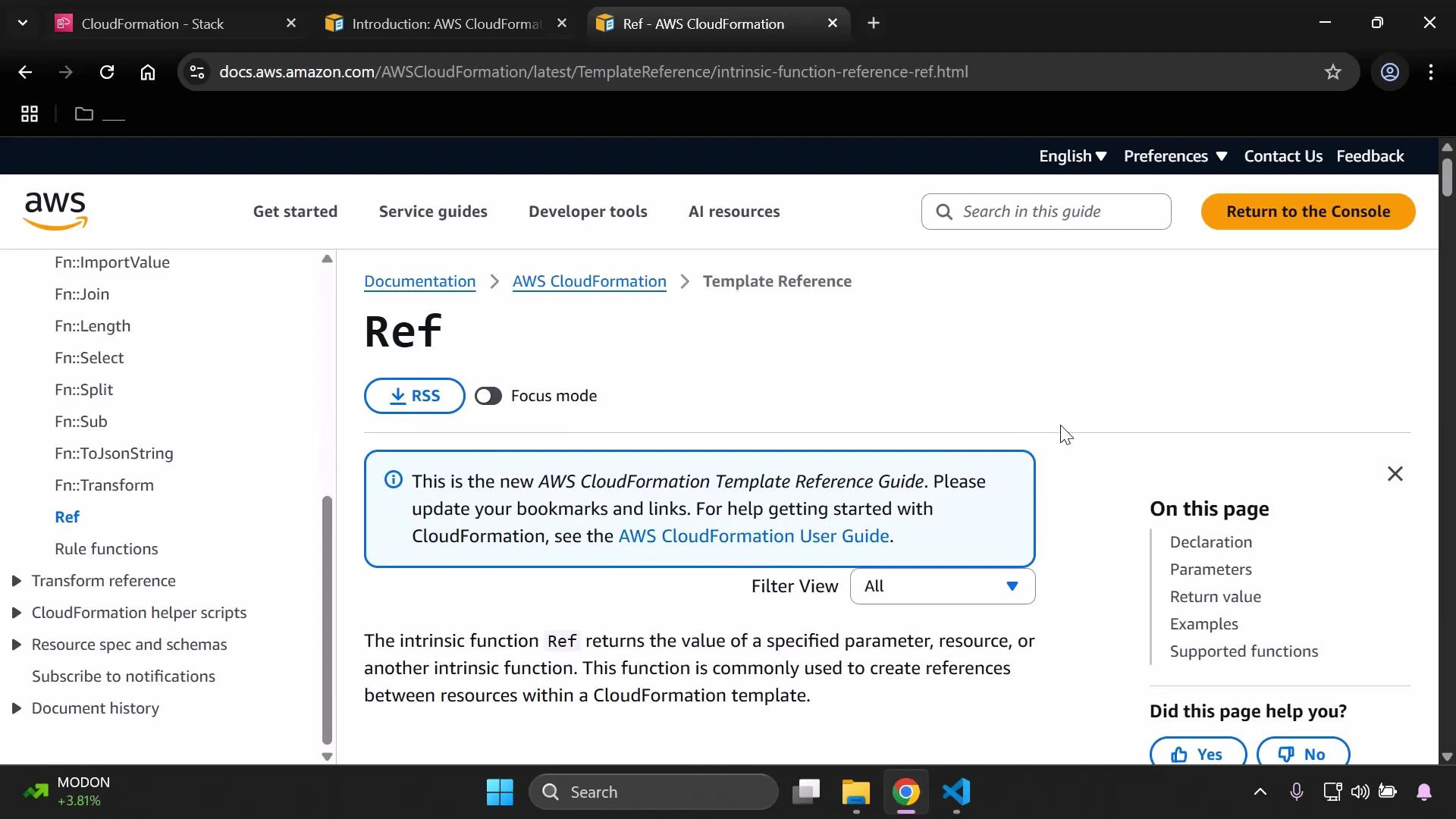
A browser screenshot of the AWS CloudFormation documentation page for the "Ref" intrinsic function, showing the page title, explanatory text, and a blue info box. The left sidebar lists other CloudFormation functions and the top bar includes navigation and a "Return to the Console" button.
Common Ref forms:
  • JSON short form
{ "Ref": "LogicalName" }
  • YAML short form
!Ref LogicalName
Note: Ref expects a logical resource or parameter name (a string). Unlike some intrinsic functions, Ref is typically used with a simple name and does not accept nested intrinsic functions as its value. To construct strings or include variables, use functions like Fn::Sub, Fn::Join, or other functions that support complex structures. Ref documentation (return values, parameter pairing, and examples):
https://docs.aws.amazon.com/AWSCloudFormation/latest/UserGuide/intrinsic-function-reference-ref.html
Other intrinsic functions you might use include Fn::Sub, Fn::Join, Fn::GetAtt, and Fn::FindInMap. The intrinsic function reference lists all available functions with JSON/YAML syntax and usage examples: https://docs.aws.amazon.com/AWSCloudFormation/latest/UserGuide/intrinsic-function-reference.html.
A browser screenshot of the AWS documentation page titled "Intrinsic function reference" for AWS CloudFormation, showing the page content and a left-hand navigation list of intrinsic functions. The page includes a notice about the new template reference guide, a feedback widget, and the browser/Windows taskbar.
Example: Fn::Sub
  • JSON form:
{ "Fn::Sub": "String" }
  • YAML form:
Fn::Sub:
  - String
  - Var1Name: Var1Value
    Var2Name: Var2Value
Example usage in a resource (JSON):
"InstanceSecurityGroup": {
  "Type" : "AWS::EC2::SecurityGroup",
  "Properties" : {
    "GroupDescription" : { "Fn::Sub": "SSH security group for ${AWS::StackName}" }
  }
}

Resource types and properties

Resource types and their properties are documented in the Resource and Property Types reference:
https://docs.aws.amazon.com/AWSCloudFormation/latest/UserGuide/aws-template-resource-type-ref.html
This reference lists allowed properties, data types, whether properties are required, and update behaviors (for example whether a property change triggers replacement). Always verify the exact property names, types, and update requirements to avoid template errors and unintended resource replacement. Example S3 bucket resource (YAML):
Resources:
  MyS3Bucket:
    Type: AWS::S3::Bucket
    Properties:
      BucketName: !Ref InputBucketName
      Tags:
        - Key: Developer
          Value: !Ref InputDeveloperName
        - Key: Environment
          Value: "Development"
A partial JSON schema excerpt for the AWS::S3::Bucket resource type (shows available property names and types):
{
  "Type": "AWS::S3::Bucket",
  "Properties": {
    "AccelerateConfiguration": {},
    "AccessControl": "String",
    "AnalyticsConfigurations": [ {} ],
    "BucketEncryption": {},
    "BucketName": "String",
    "CorsConfiguration": {},
    "IntelligentTieringConfigurations": [ {} ],
    "InventoryConfigurations": [ {} ],
    "LifecycleConfiguration": {},
    "LoggingConfiguration": {},
    "MetricsConfigurations": [ {} ],
    "NotificationConfiguration": {},
    "ObjectLockConfiguration": {},
    "ObjectLockEnabled": "Boolean"
  }
}
Equivalent YAML excerpt illustrating property types and nested objects:
Properties:
  AccelerateConfiguration:
    # AccelerateConfiguration object
  AccessControl: String
  AnalyticsConfigurations:
    - AnalyticsConfiguration
  BucketEncryption:
    # BucketEncryption object
  BucketName: String
  CorsConfiguration:
    # CorsConfiguration object
  IntelligentTieringConfigurations:
    - IntelligentTieringConfiguration
  InventoryConfigurations:
    - InventoryConfiguration
  LifecycleConfiguration:
    LifecycleConfiguration
  LoggingConfiguration:
    LoggingConfiguration
When authoring CloudFormation templates:
  • Verify property names and types against the Resource and Property Types reference.
  • Confirm required properties for the resource you are creating.
  • Review update behaviors so you understand whether property changes require replacement of the resource.
Always use the template reference to confirm the exact resource properties and data types for the AWS resource you are creating. This will prevent common template errors.

Summary

In this lesson we used the CloudFormation template reference and intrinsic function documentation to validate and improve templates. Key takeaways:
  • Locate Ref and other intrinsic functions and understand their JSON/YAML forms.
  • Use Fn::Sub (and other string functions) when composing resource names or injecting stack values.
  • Confirm resource types and properties (for example AWS::S3::Bucket) using the Resource and Property Types reference.
  • Check required properties and update behavior to prevent unintended resource replacement.
Further reading and references: Refer to these resources as you build and iterate on CloudFormation templates — they will save time and help you avoid mistakes when defining properties and intrinsic function usage.

Watch Video

Practice Lab