

- Tags help you identify and organize resources in the AWS console and via automation.
- Outputs let you export important values from a stack so other stacks, tools, or users can consume them easily.
- Open your CloudFormation template and find the EC2 instance resource.
- Under the instance’s Properties, add a
Tagsblock (for example:Name: SimpleWebServer). - Add an
Outputssection at the bottom of the template to expose the instance ID and public IP. - Update the stack with the revised template and verify the tag and outputs in the console.
Use
!Ref to return the logical resource reference (for EC2 this gives the instance ID). Use !GetAtt to fetch resource attributes such as the public IP (.PublicIp).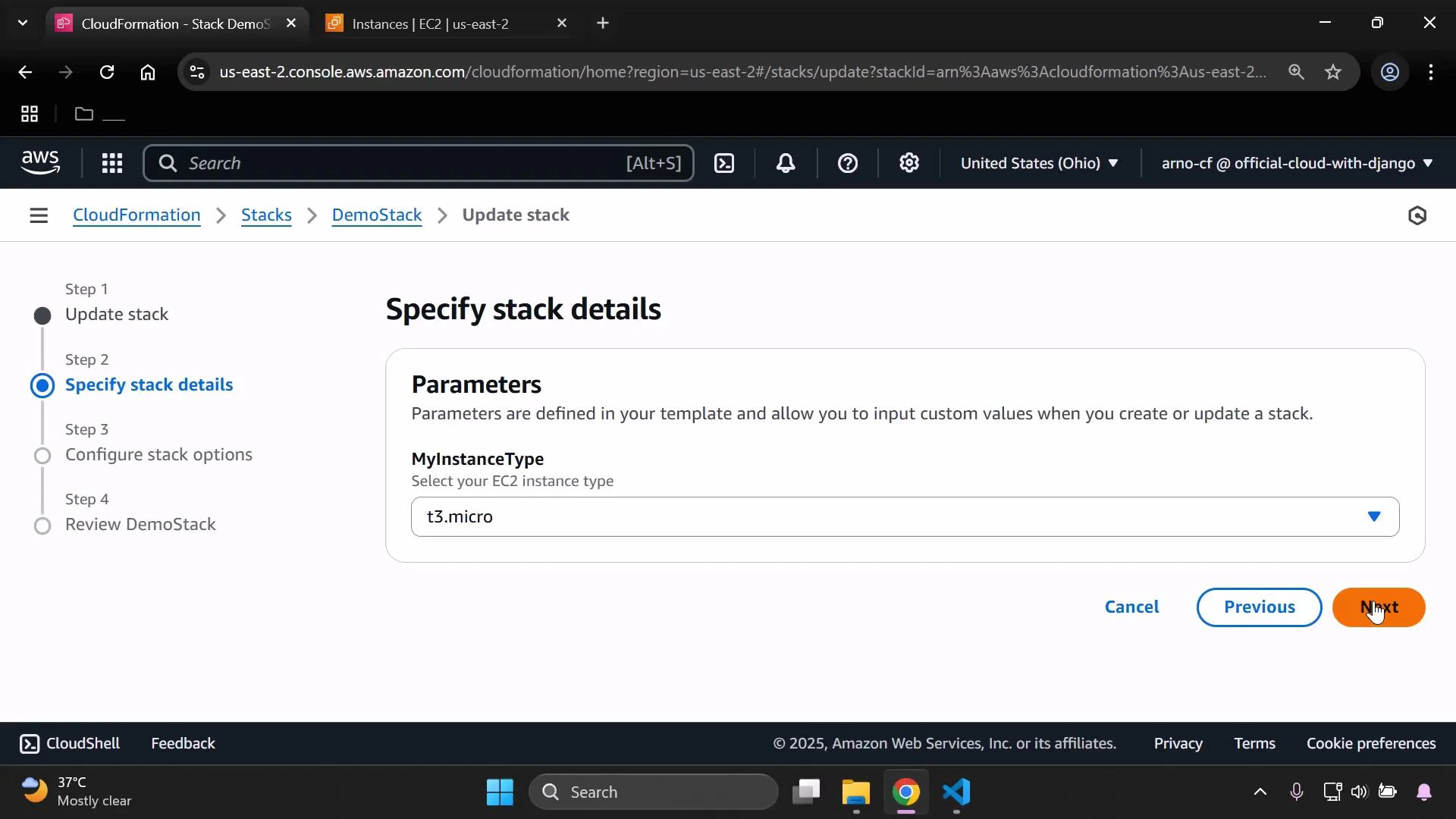
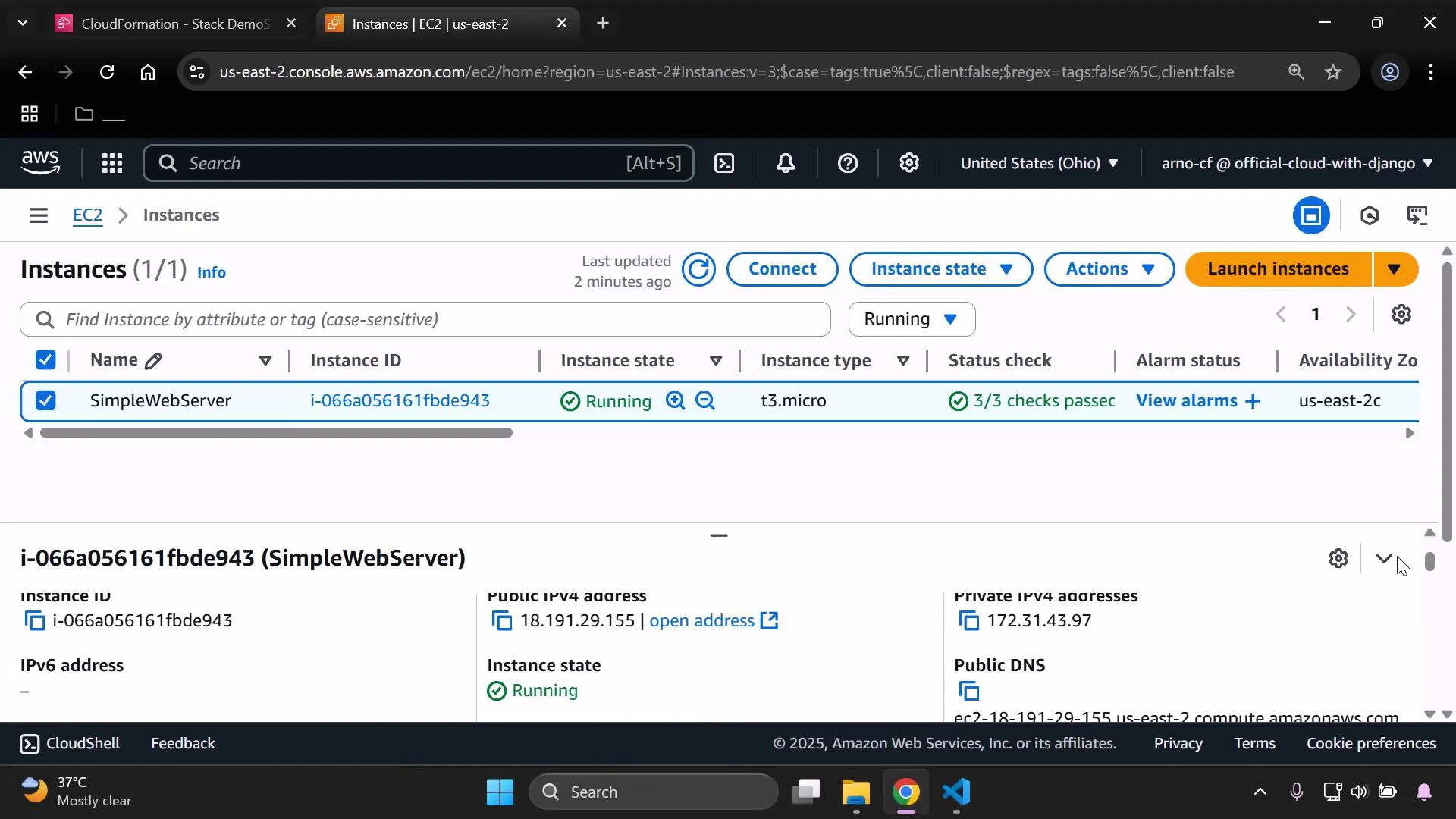
- Confirm the tag was applied to the instance (check the EC2 Instances page or resource Tags).
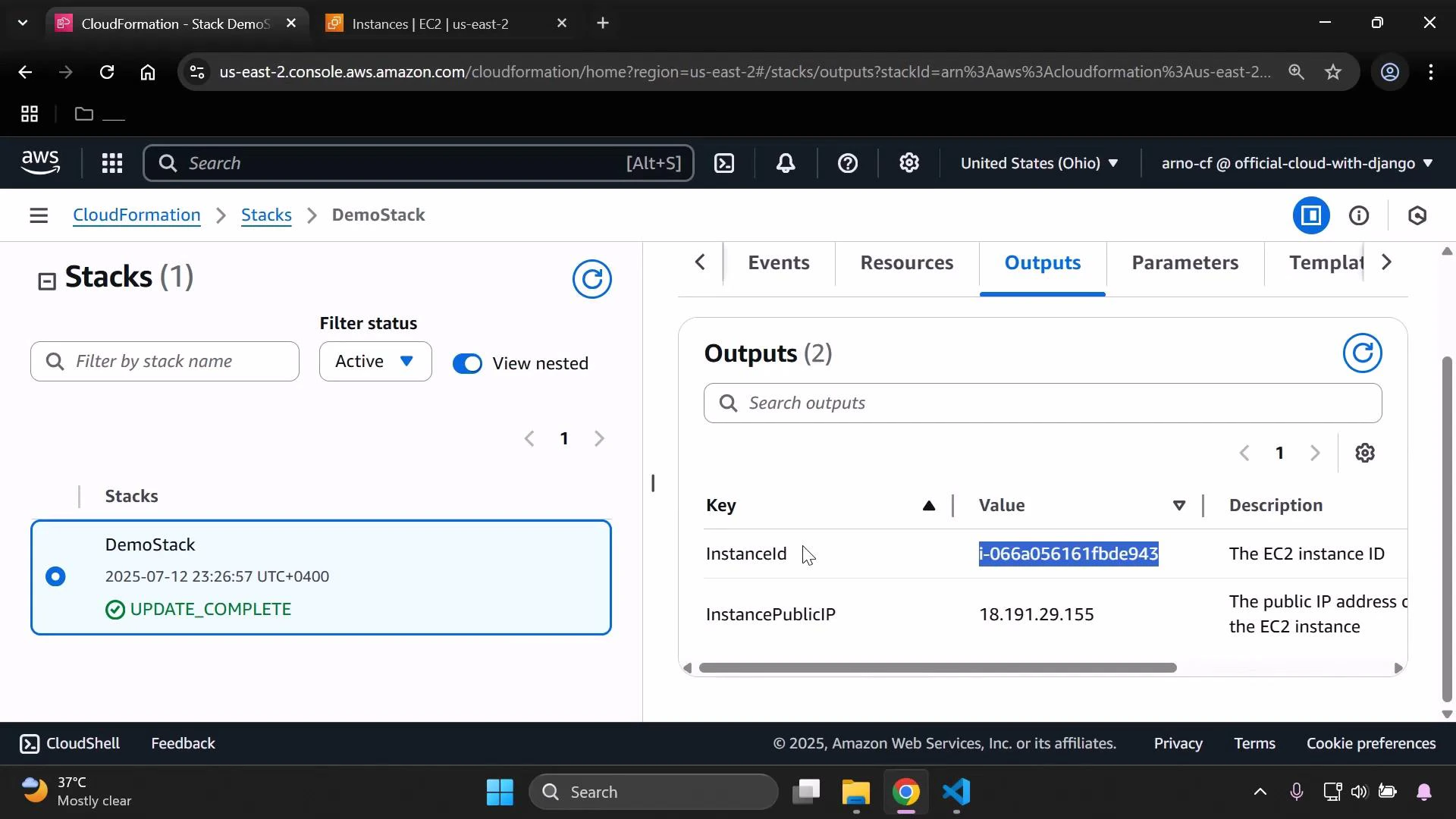
- Open the stack Outputs to see both
InstanceIdandInstancePublicIP.
InstanceId, InstancePublicIP).
!GetAtt) can be applied to other resources. For example, to export an S3 bucket ARN and construct a combined label using !Join:
Recap
- Add
Tagsunder the EC2 instancePropertiesto label resources (for example,Name: SimpleWebServer). - Use
Outputswith!Refto return resource identifiers (InstanceId) and!GetAttto return attributes (InstancePublicIP). - Update the CloudFormation stack and verify tags and outputs in the console.