

cfn-init helper to apply the configuration defined in a template’s Metadata to an EC2 instance. Key concepts covered:
- How to pass stack and region pseudo-parameters into instance
UserDatausingFn::Base64+Fn::Sub. - Ensuring the
--resourceyou pass tocfn-initmatches the logical resource name that containsAWS::CloudFormation::Init(for example,MyInstance). - Placing package, service, file, and other configuration under
Metadata: AWS::CloudFormation::Initsocfn-initcan read and apply it.
Resources snippet that calls cfn-init from UserData and installs + starts Apache (httpd):
UserDatais base64-encoded viaFn::Base64.Fn::Sub(or!Sub) injects pseudo-parameters such as${AWS::StackName}and${AWS::Region}into the script.cfn-initreads theAWS::CloudFormation::Initmetadata for the resource named by--resource(here,MyInstance) and applies that config: installing packages and managing services.IamInstanceProfilemust grant the instance permission to call CloudFormation and S3 (if cfn-init needs to fetch files).SecurityGroupIdsprovides network access (for example, to serve HTTP).
AWS::CloudFormation::Init sections
Parameters example (if you include template parameters):
- Make sure the
--resourcepassed tocfn-initexactly matches the logical resource name that containsAWS::CloudFormation::Init. If they differ,cfn-initwill not find or apply the configuration. - Use
-v(verbose) withcfn-initto capture logs in/var/log/cfn-init.logand/var/log/cloud-init.logfor troubleshooting. - Ensure the instance role (
IamInstanceProfile) includes permissions forcloudformation:DescribeStackResource,s3:GetObject(if using S3 artifacts), and other actions required by your init tasks.
Ensure the
--resource argument passed to cfn-init matches the logical
resource name that has AWS::CloudFormation::Init in the template. If they
differ, cfn-init will not find the configuration.- Upload the template and create the stack.
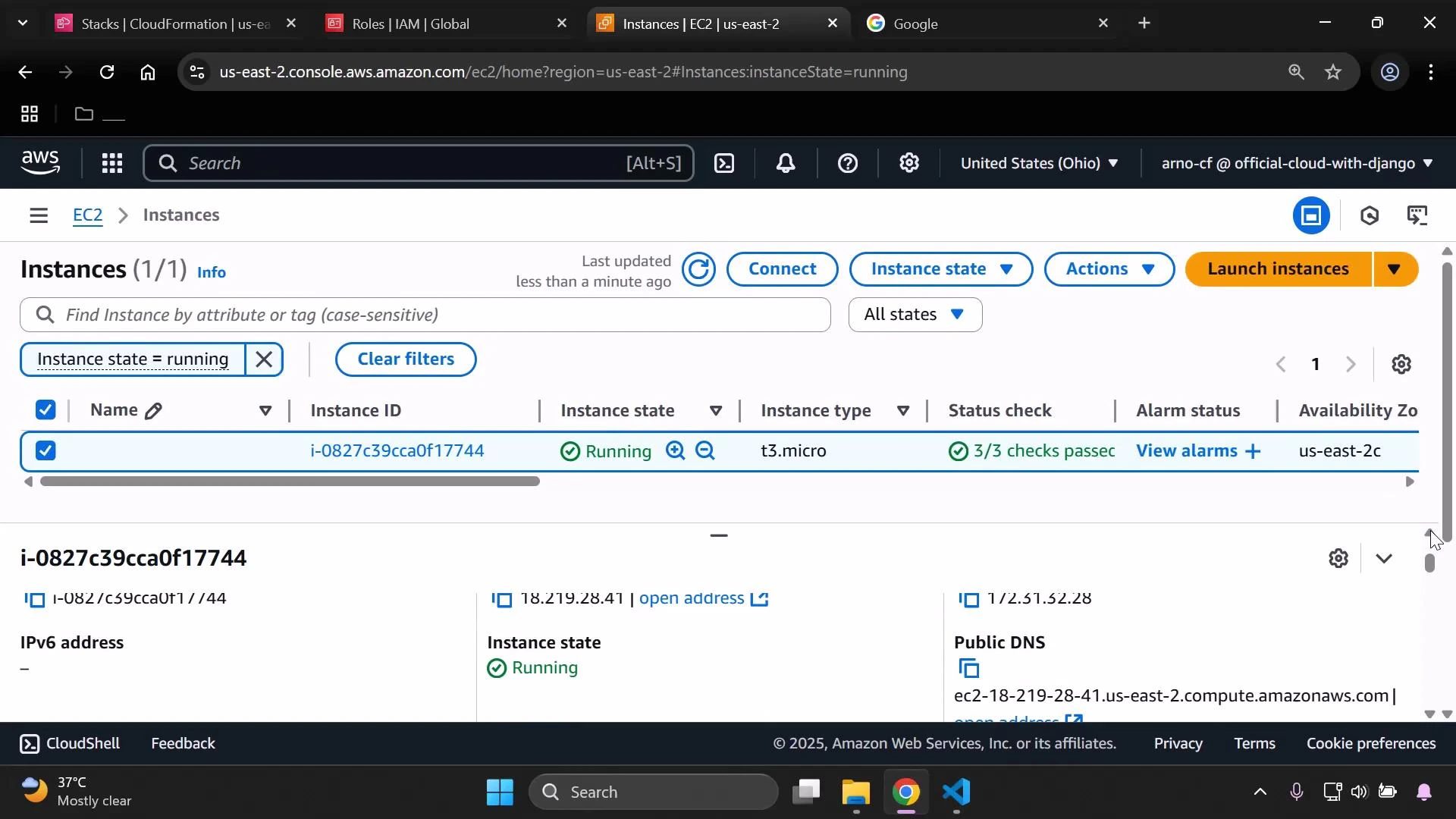
- CloudFormation will create the security group and the EC2 instance. Wait for the EC2 instance status checks to pass before accessing the instance.
- Once status checks are complete, select the instance and copy the Public IPv4 address. Paste that address into a browser to confirm Apache is serving the expected page.
cfn-init.
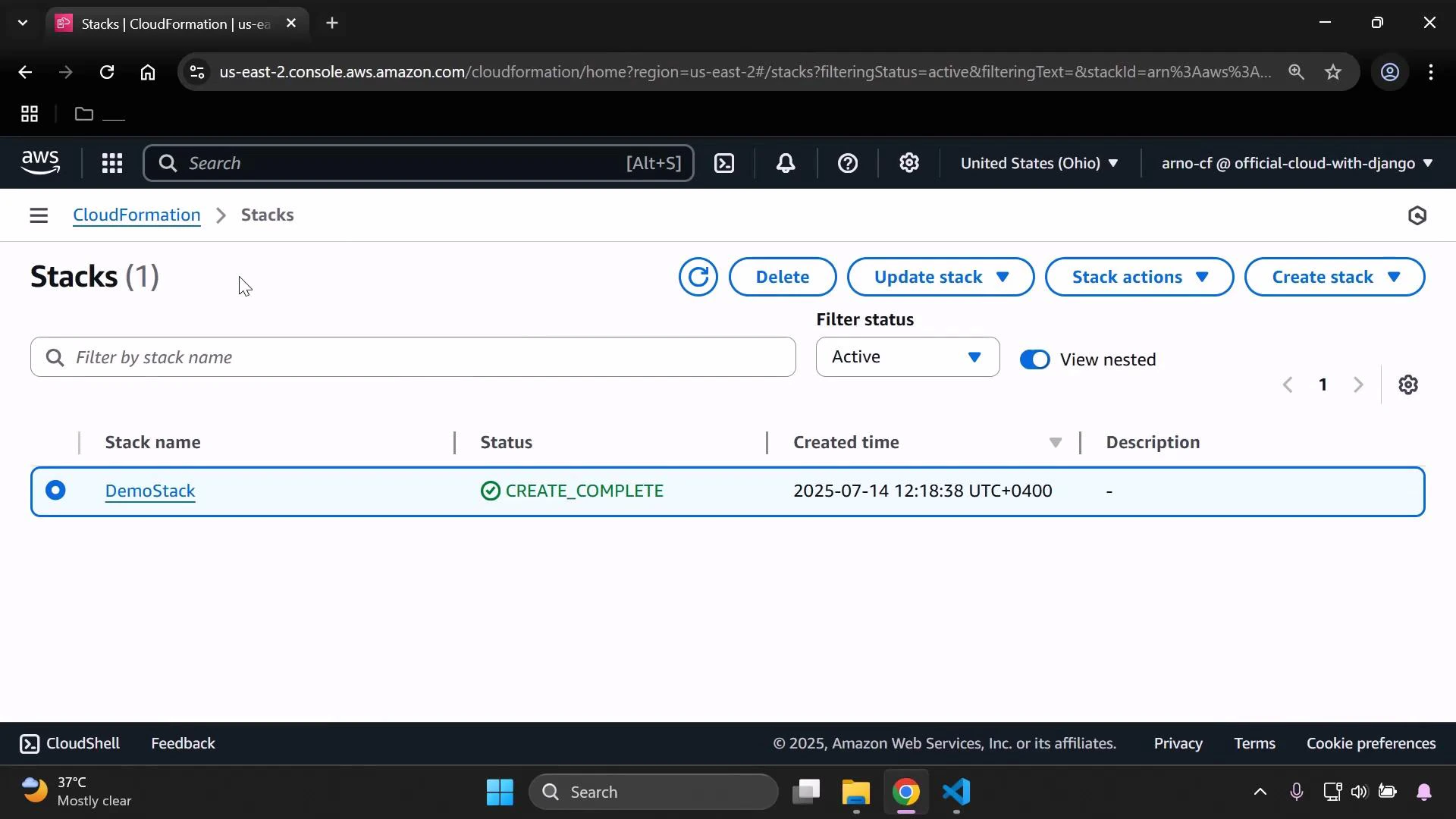
When CloudFormation finishes creating the stack, the CloudFormation console will display the stack with a CREATE_COMPLETE status.
Always delete demo stacks (or confirm resources are torn down) to avoid
unexpected AWS charges. Verify the EC2 instance and associated EBS volumes are
terminated.