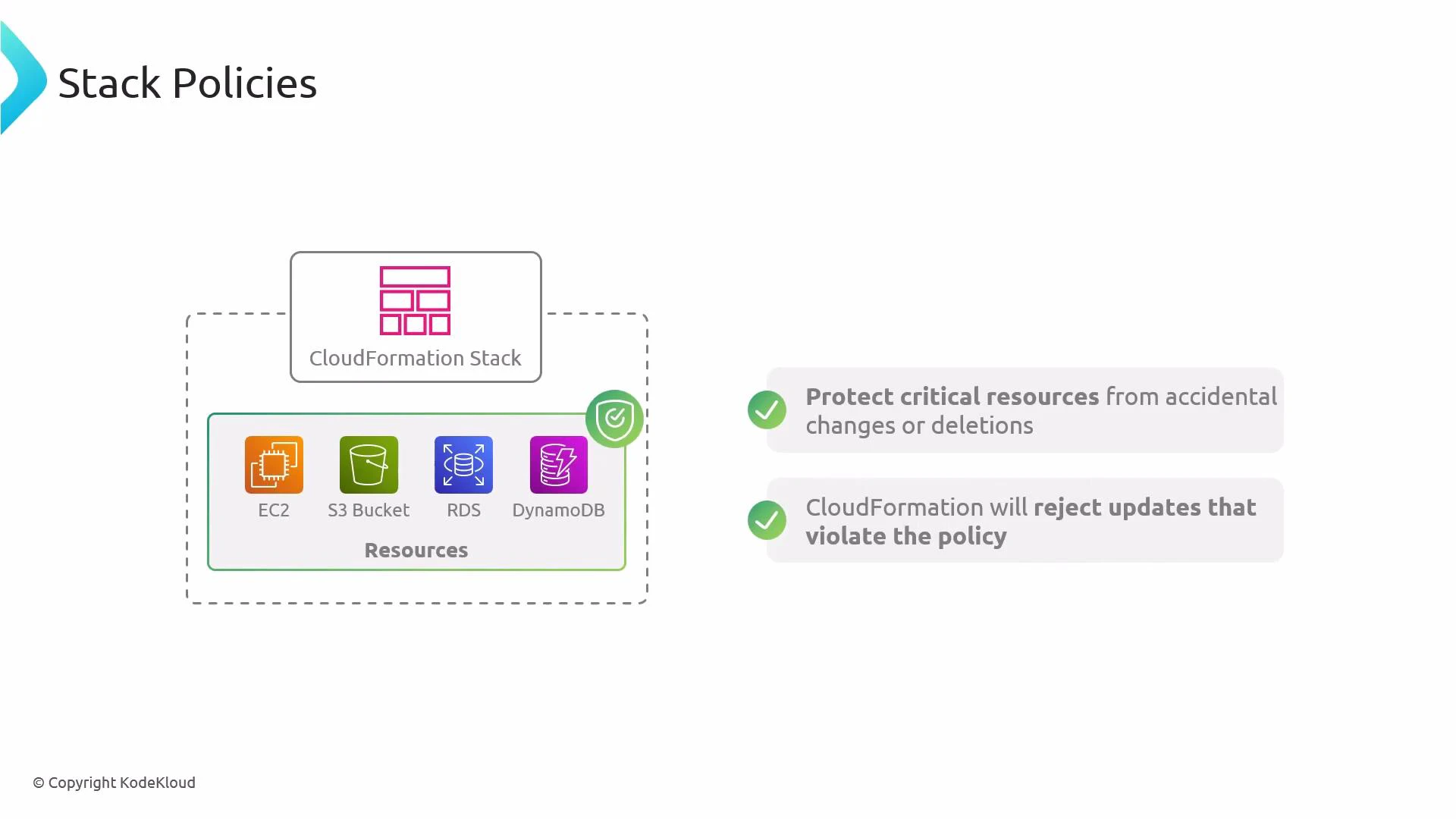
Hi everyone — welcome to this lesson on stack policies for AWS CloudFormation. In this guide you’ll learn what stack policies are, how they protect CloudFormation resources during updates, and how to apply them using the AWS CLI. Stack policies are an important tool to prevent accidental configuration changes to critical resources such as S3 buckets, EC2 instances, RDS databases, or DynamoDB tables. Stack policies are rules that control which resources in an AWS CloudFormation stack can be modified during stack update operations. If an update would change a protected resource in a way that violates the stack policy, CloudFormation rejects that update.
A diagram of an AWS CloudFormation stack containing resources (EC2, S3 Bucket, RDS, DynamoDB) with a shield indicating a stack policy. The accompanying text explains the policy protects critical resources from accidental changes or deletions and rejects updates that violate the policy.
How stack policies work — key points
BehaviorDetails
Evaluation timeStack policies are evaluated only during stack update operations (for example, UpdateStack and when executing change sets).
Allowed vs DeniedA stack policy explicitly allows or denies updates to specified logical resources. Any update that attempts to change a denied resource is rejected.
Deletion vs UpdateStack policies control updates, not deletions at the resource level. Use a resource’s DeletionPolicy attribute or other safeguards to protect against deletions.
Attachment optionsYou can attach a stack policy when creating or updating a stack, or set it afterward using the AWS CLI or the CloudFormation console.
Common use cases
  • Prevent accidental configuration changes to critical resources (for example, locking down an S3 bucket or a production RDS instance).
  • Enforce permissions during automated deployment pipelines so certain stacks cannot be altered by routine updates.
  • Combine with change sets to preview and validate whether proposed changes will be blocked.
Example stack policy (JSON)
  • This example denies all update actions on the logical resource MyS3Bucket, while leaving other resources updatable:
{
  "Statement": [
    {
      "Effect": "Deny",
      "Action": "Update:*",
      "Principal": "*",
      "Resource": "LogicalResourceId/MyS3Bucket"
    }
  ]
}
Applying a stack policy with the AWS CLI
  • To apply the above policy to a stack:
aws cloudformation set-stack-policy \
  --stack-name my-stack \
  --stack-policy-body file://stack-policy.json
  • To retrieve the current stack policy for a stack:
aws cloudformation get-stack-policy --stack-name my-stack
Quick CLI reference
ActionCommand
Set a stack policyaws cloudformation set-stack-policy --stack-name my-stack --stack-policy-body file://stack-policy.json
Get a stack policyaws cloudformation get-stack-policy --stack-name my-stack
Use change setsSee AWS CloudFormation change sets documentation
Best practices
  • Limit Deny rules to only the truly critical resources. Overly broad Deny rules can block legitimate and necessary updates.
  • Use change sets to preview proposed updates and confirm whether the stack policy will block any changes before applying them.
  • Combine stack policies with resource-level DeletionPolicy attributes when you need both update and deletion protection.
  • Keep stack policies versioned alongside your infrastructure-as-code to track intent and changes over time.
Use change sets and a CI/CD review step to validate changes against your stack policy before applying updates to production stacks. This reduces the risk of blocked deployments and accidental drift.
Stack policies are enforced only during stack update operations. They do not replace a resource’s DeletionPolicy — if you must prevent deletion, configure the resource’s DeletionPolicy or use other safeguards.
Links and references

Watch Video