This demo shows how to add a simple public-read bucket policy to an S3 bucket using AWS CloudFormation. You’ll see two approaches for the PolicyDocument.Resource field: a manual ARN and a dynamic ARN built with the CloudFormation intrinsic function !Sub. Follow the examples and adapt names/values to your environment. Open the CloudFormation stack where you’ll add the new resources.
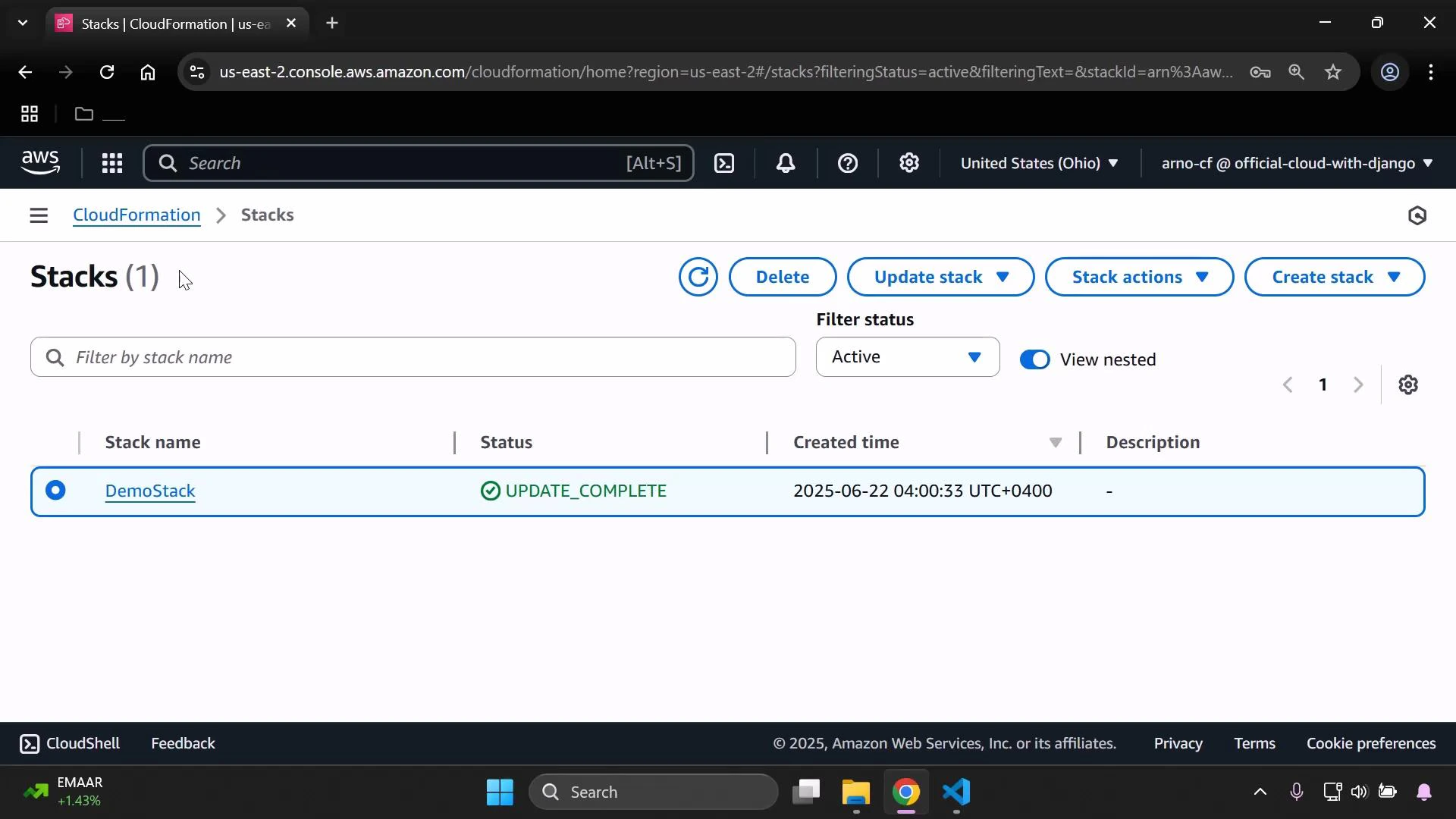
A screenshot of the AWS CloudFormation "Stacks" console listing a single stack named "DemoStack" with status "UPDATE_COMPLETE" and its created time. The page shows controls like Delete, Update stack, Stack actions, and a region selector (United States - Ohio).

Template skeleton

Here is a compact example of the top-level sections (Mappings, Parameters). Use these as a starting point and update parameter names and mapping values to match your environment.
Mappings:
  DevMap:
    Arno:
      Field: "Quality assurance"
      Env: "Testing/development"
    Alice:
      Field: "Backend developer"
      Env: "Production"

Parameters:
  InputBucketName:
    Type: String
  InputDeveloperName:
    Type: String

Create the S3 bucket resource

Add an S3 bucket resource (if you don’t already have one). This example demonstrates using parameters and mappings for Tags:
Resources:
  MyS3Bucket:
    Type: AWS::S3::Bucket
    Properties:
      BucketName: !Ref InputBucketName
      Tags:
        - Key: Developer
          Value: !Ref InputDeveloperName
        - Key: Environment
          Value: !FindInMap [ DevMap, !Ref InputDeveloperName, Env ]
        - Key: Profession
          Value: !FindInMap [ DevMap, !Ref InputDeveloperName, Field ]

Add the bucket policy resource

Add a BucketPolicy resource (logical name: MyPublicReadPolicy) and set the policy to allow s3:GetObject for all objects in the bucket.
  MyPublicReadPolicy:
    Type: AWS::S3::BucketPolicy
    Properties:
      Bucket: !Ref InputBucketName
      PolicyDocument:
        Version: "2012-10-17"
        Statement:
          - Effect: Allow
            Principal: "*"
            Action: "s3:GetObject"
            Resource: "<BUCKET_ARN_WITH_WILDCARD>"

Policy field summary

FieldPurposeNotes
BucketTarget bucketReference the bucket logical name or the actual bucket name (!Ref InputBucketName)
PolicyDocument.VersionPolicy language versionTypically "2012-10-17"
Statement.EffectAllow or DenyUse Allow to grant access
Statement.PrincipalWho the statement applies to"*" makes the statement public (everyone)
Statement.ActionAllowed actionss3:GetObject allows reads of objects
Statement.ResourceResource ARNs targeted by the statementUse arn:aws:s3:::bucket-name/* to match all objects in the bucket
You can obtain the bucket ARN from the S3 console. S3 bucket ARNs have the form arn:aws:s3:::your-bucket-name — to target all objects add /*.
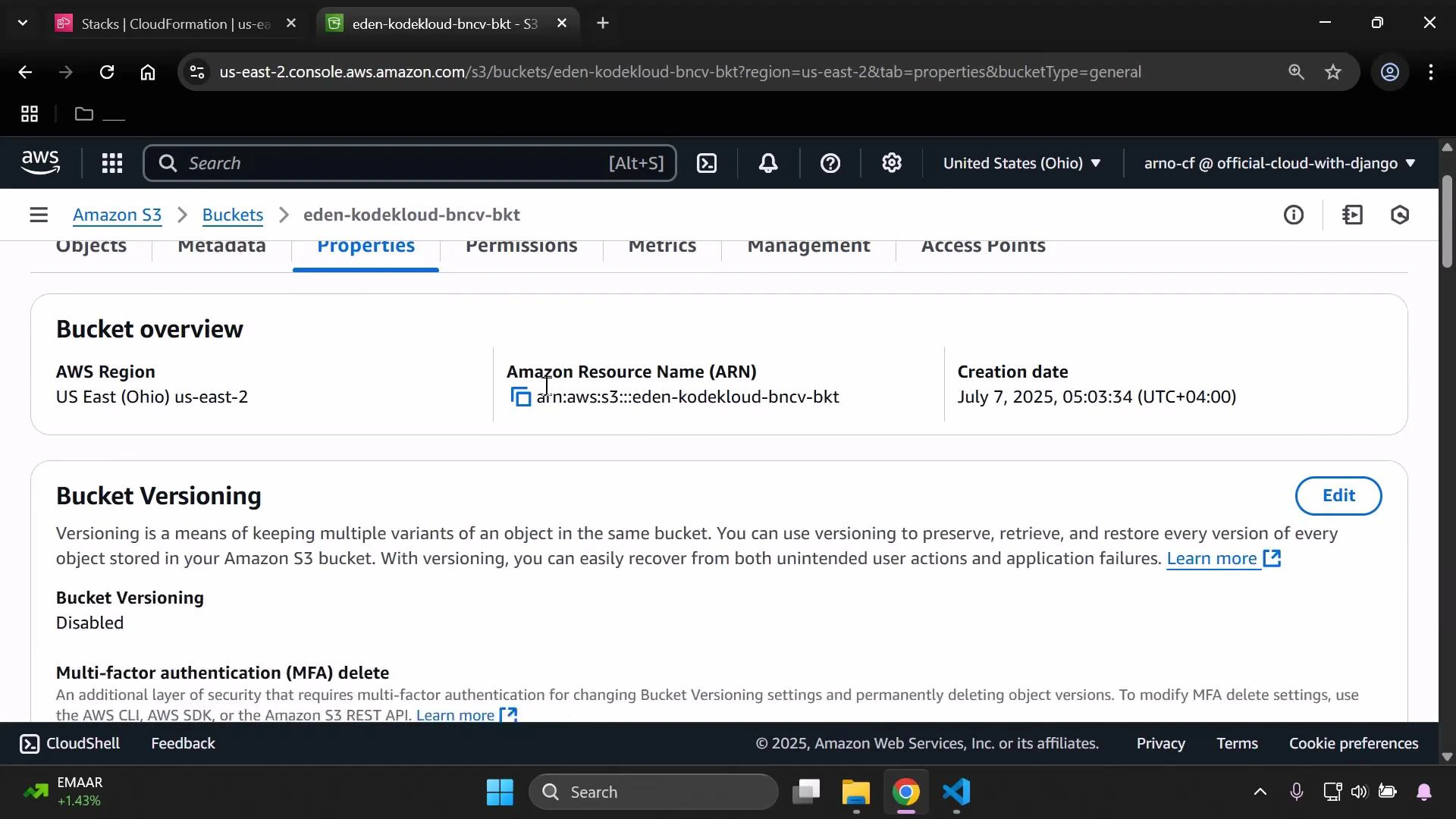
A screenshot of the AWS S3 console showing the Properties tab for an S3 bucket named "eden-kodekloud-bncv-bkt." It displays the bucket region (US East – Ohio), the bucket ARN, the creation date (July 7, 2025) and that bucket versioning is disabled.

Option 1 — Manual ARN (copy from console)

Replace the Resource value with the bucket ARN you copied from the console and append /* to include all objects:
  MyPublicReadPolicy:
    Type: AWS::S3::BucketPolicy
    Properties:
      Bucket: !Ref InputBucketName
      PolicyDocument:
        Version: "2012-10-17"
        Statement:
          - Effect: Allow
            Principal: "*"
            Action: "s3:GetObject"
            Resource: "arn:aws:s3:::eden-kodekloud-bncv-bkt/*"
Construct the ARN dynamically with the !Sub intrinsic function. This avoids hard-coded names and keeps the template reusable:
  MyPublicReadPolicy:
    Type: AWS::S3::BucketPolicy
    Properties:
      Bucket: !Ref InputBucketName
      PolicyDocument:
        Version: "2012-10-17"
        Statement:
          - Effect: Allow
            Principal: "*"
            Action: "s3:GetObject"
            Resource: !Sub "arn:aws:s3:::${InputBucketName}/*"
Both variants create a policy that allows public read (s3:GetObject) of all objects in the bucket specified by InputBucketName.
Public access to objects depends on both the bucket policy and S3 public access block settings (account-level and bucket-level). If objects remain inaccessible after deploying a public-read policy, verify your S3 Public Access Block configuration in the AWS Console or via the API.

Next steps and best practices

  • Restrict access to specific principals (IAM users, roles, or AWS accounts) instead of using "*" when possible.
  • Use Conditions to limit access by IP range, referer, or secure transport (e.g., "Bool": {"aws:SecureTransport": "true"}).
  • Consider using presigned URLs or CloudFront signed URLs for controlled public distribution of objects.

Watch Video