

Deployment approaches at a glance
- Manual (visual): AWS Management Console and Infrastructure Composer — good for exploration, quick edits, and one-off stack creation.
- CLI (scriptable): aws cloudformation deploy / create-stack / update-stack — ideal for reproducible deployments and automation scripts.
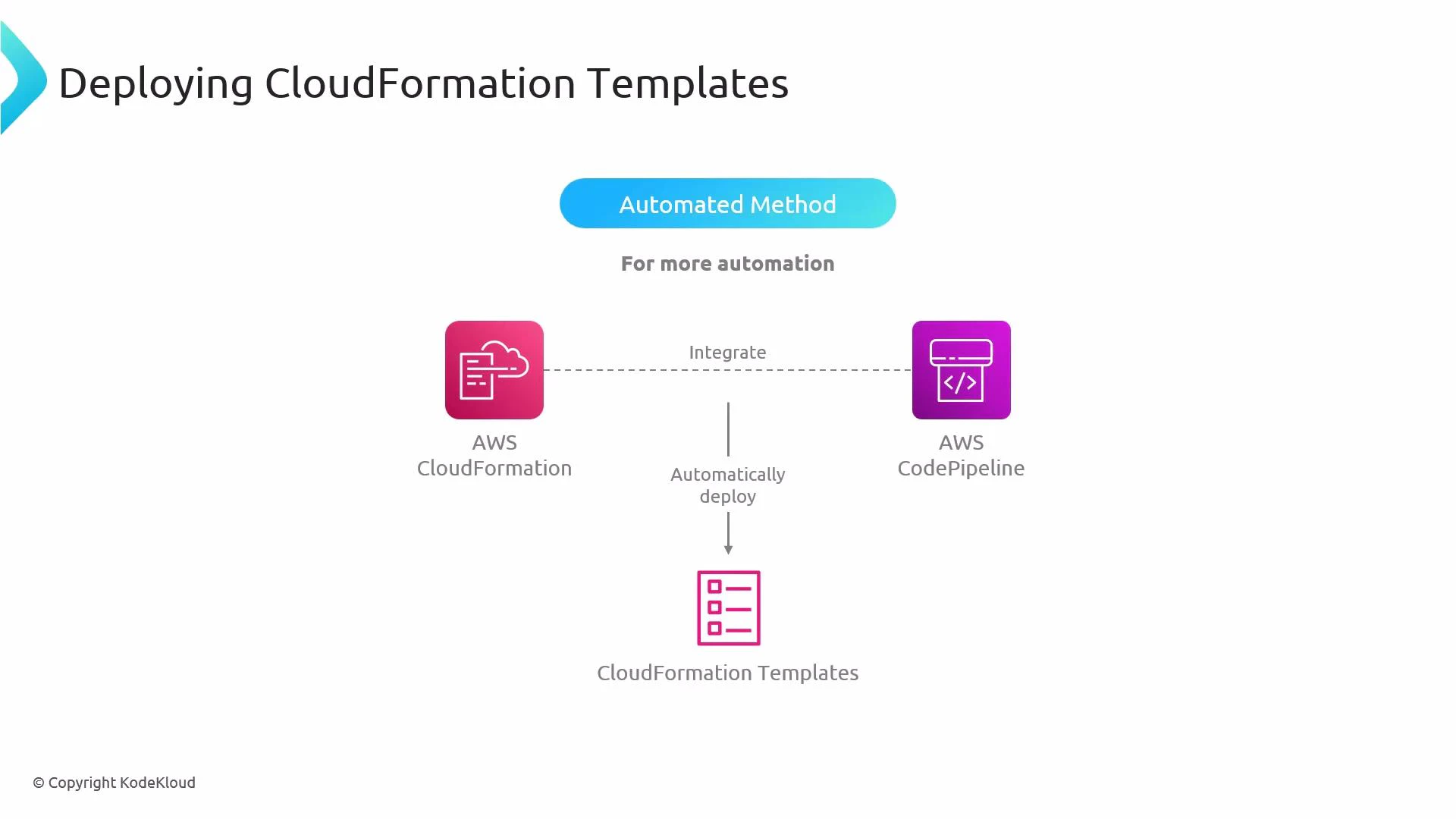
- CI/CD (fully automated): AWS CodePipeline or external CI systems — recommended for continuous delivery from version control.
Manual methods (Console and Infrastructure Composer)
- AWS Management Console: Upload a CloudFormation template in the CloudFormation console and create a stack. The console guides you through selecting parameters, tags, and required capabilities, then provisions resources.
- Infrastructure Composer: Import a template to visually edit resources or build a template from scratch, then deploy it using CloudFormation.
- Author or modify the template (YAML/JSON).
- Upload the template or point CloudFormation to an S3 URL.
- Create the stack and provide parameters, tags, and any required capabilities.
- CloudFormation provisions the resources defined in the template.
Automated methods (CLI)
Using the AWS CLI is fast, repeatable, and integrates into scripts and pipelines. Two common CLI patterns:- High-level (recommended for many workflows): aws cloudformation deploy — handles create-or-update automatically and is simpler for typical use cases.
- Low-level explicit operations: aws cloudformation create-stack and aws cloudformation update-stack — use when you need explicit control.
- aws cloudformation deploy performs create-or-update (idempotent behavior) and can simplify deployments when you track templates in version control.
- aws cloudformation create-stack explicitly creates a new stack; use aws cloudformation update-stack for existing stacks.
- When templates create or modify IAM resources (roles, policies), include capability flags such as CAPABILITY_IAM or CAPABILITY_NAMED_IAM. If your template uses CloudFormation macros that expand at processing time, include CAPABILITY_AUTO_EXPAND.
Always supply the correct CAPABILITY_* flags for templates that create or modify IAM resources. Also ensure the IAM principal running the CLI has permissions to create/update the resources referenced in your template.
CI/CD with CodePipeline (recommended for automated delivery)
For continuous delivery, integrate CloudFormation with CodePipeline (or another CI/CD system). Typical pipeline pattern:- Store templates and application code in a source repo (CodeCommit, GitHub, etc.).
- CodePipeline (or your CI system) detects changes and triggers the pipeline.
- Optional build/test stages (CodeBuild, unit tests, integration tests).
- A CloudFormation deploy action creates or updates stacks (can deploy nested stacks or change sets).
Comparison table
Best practices
- Keep templates in version control (Git); treat templates as code.
- Parameterize environment-specific values and avoid hard-coding credentials.
- Use change sets or aws cloudformation deploy to preview changes for production stacks.
- Manage IAM privileges carefully: least-privilege for the principal that runs deployments.
- Use nested stacks or modular templates for large deployments to improve maintainability.
Links and references
- AWS CloudFormation Documentation
- AWS CodePipeline Documentation
- AWS IAM Documentation
- Kubernetes Basics (for multi-cloud orchestration patterns)
- Manual: Use the CloudFormation console or Infrastructure Composer for visual editing and ad-hoc stack creation.
- CLI: Use
aws cloudformation deploy,create-stack, orupdate-stackfor scripted, repeatable deployments. - CI/CD: Use CodePipeline (or other CI systems) to automatically deploy CloudFormation templates from version control for continuous delivery.