

- Mappings to link developer names to environment metadata
- Parameters for runtime choices
- Conditions with intrinsic functions (!FindInMap, !Equals, !If)
- Conditional resource creation using the Condition attribute
Template structure — Mappings and Parameters
The template uses a Mapping namedDevMap to associate each developer with a profession and an environment. Parameters accept the S3 bucket name and the developer name used to determine the environment at deploy/update time.
Runtime view — bucket tags in the console
When the stack was deployed with InputDeveloperName set to Arno, the bucket tags reflect the mapping (Developer = Arno, Environment = Testing/development):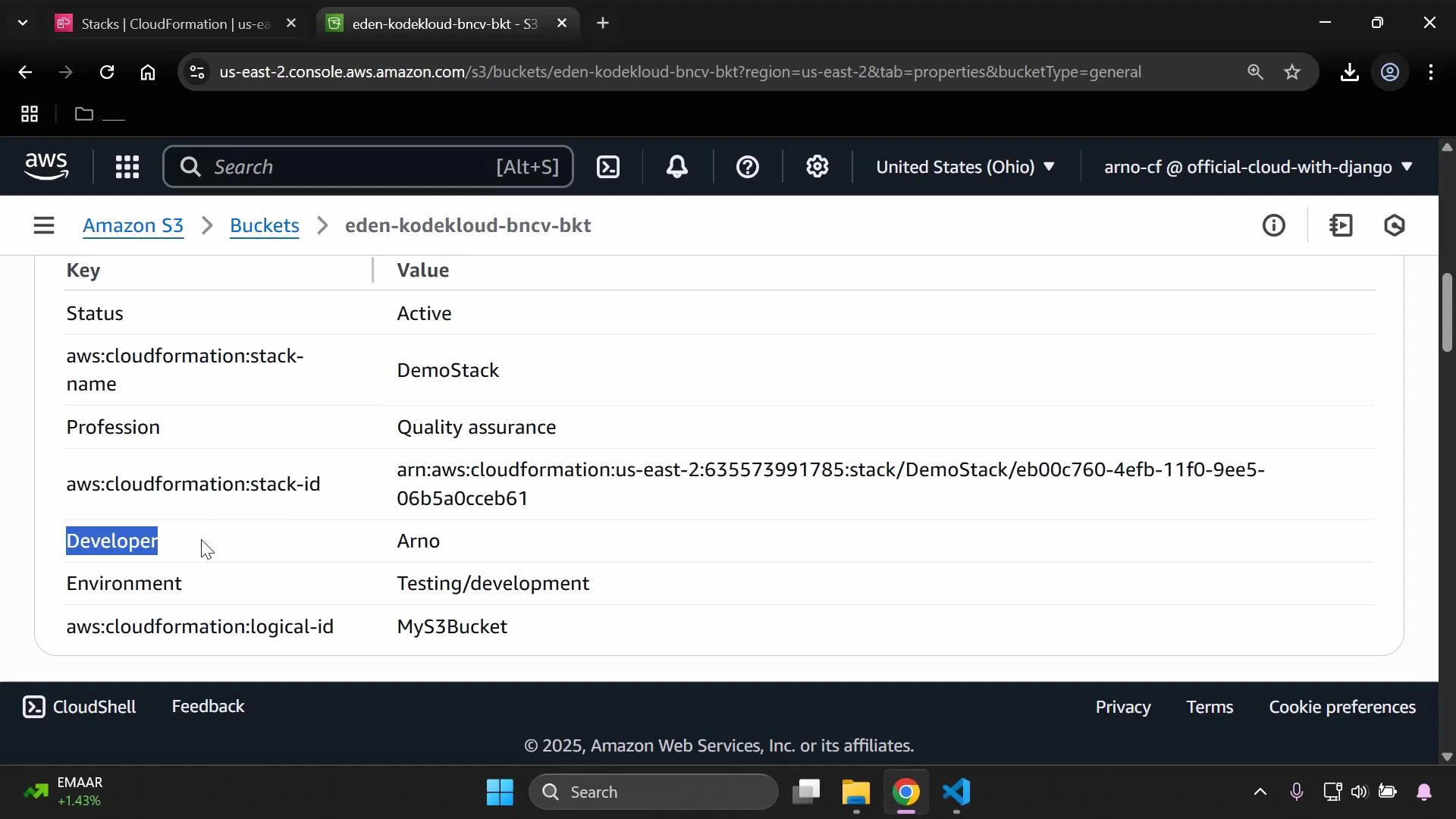
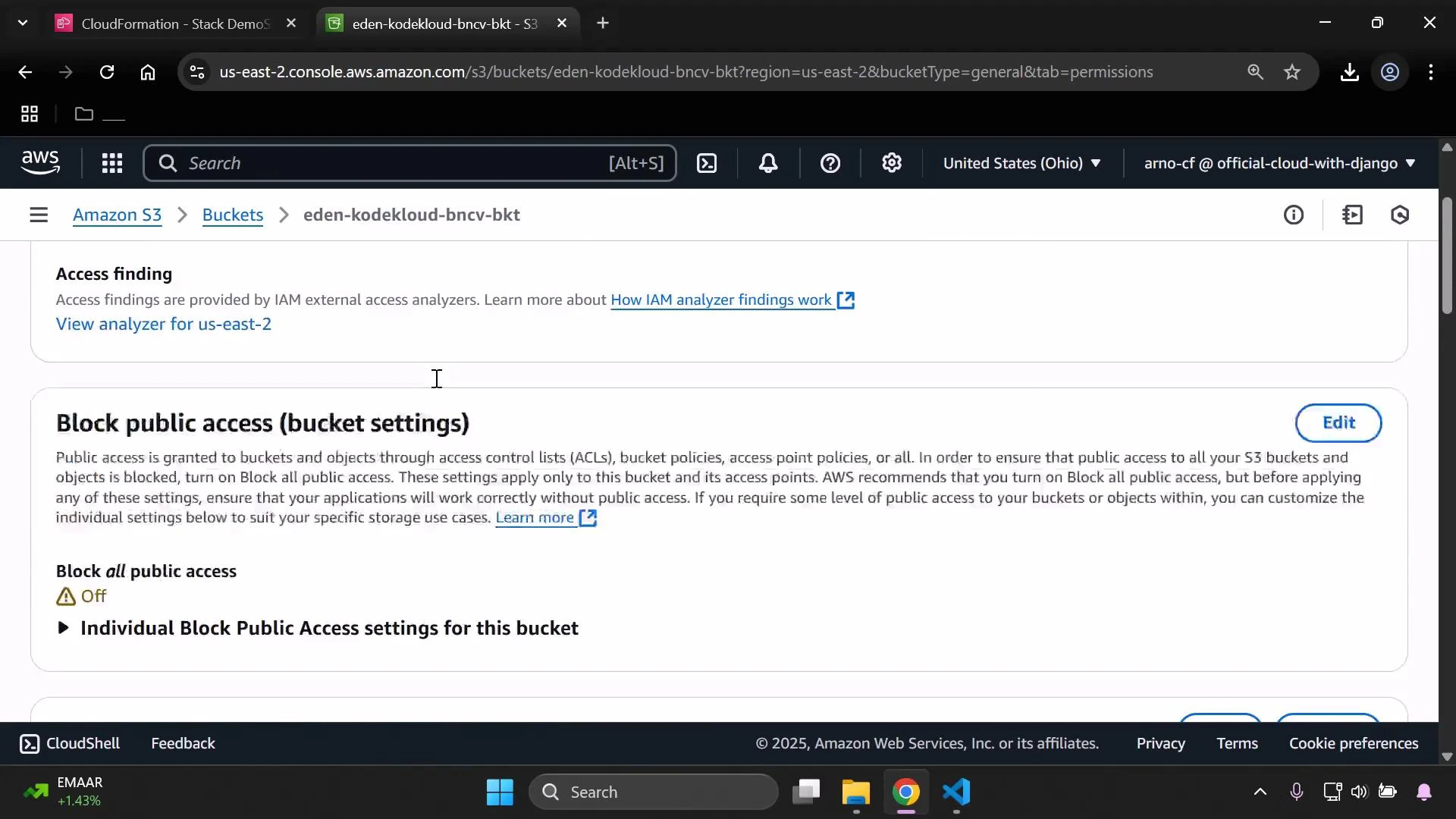
- The PublicAccessBlockConfiguration used the non-production branch (blocking public access).
- The bucket policy that would allow anonymous GetObject was not created (it is gated by the production Condition).
Conditions — detect production vs non-production
The template defines a Condition to check whether the mapped environment equals “Production”:IsProd) becomes the switch that drives resource property selection and conditional resource creation.
Conditional resource properties — S3 bucket configuration
The S3 bucket resource sets tags from the mapping and uses!If to choose between production and non-production values for PublicAccessBlockConfiguration. When IsProd is true, public-access-block flags are set to false to allow public access. When false, the flags are set to true to block public access.
IsProd effect:
Conditional resource creation — bucket policy
The bucket policy that allows public reads is created only whenIsProd is true. This is implemented using the Condition attribute on the BucketPolicy resource:
The Condition attribute prevents the BucketPolicy resource from being created when
IsProd is false. The !If intrinsic function is used to select the appropriate PublicAccessBlockConfiguration object for production and non-production branches.Demonstration: switching the developer parameter
-
With InputDeveloperName = Arno:
IsProd= false- The template applies the branch that blocks public access
- The public-read bucket policy is not created
-
After updating the stack with InputDeveloperName = Alice:
IsProd= true (Alice maps to Production)PublicAccessBlockConfigurationflags are set to false (Block all public access = Off)MyPublicReadPolicyis created and attaches a public-read policy to the bucket
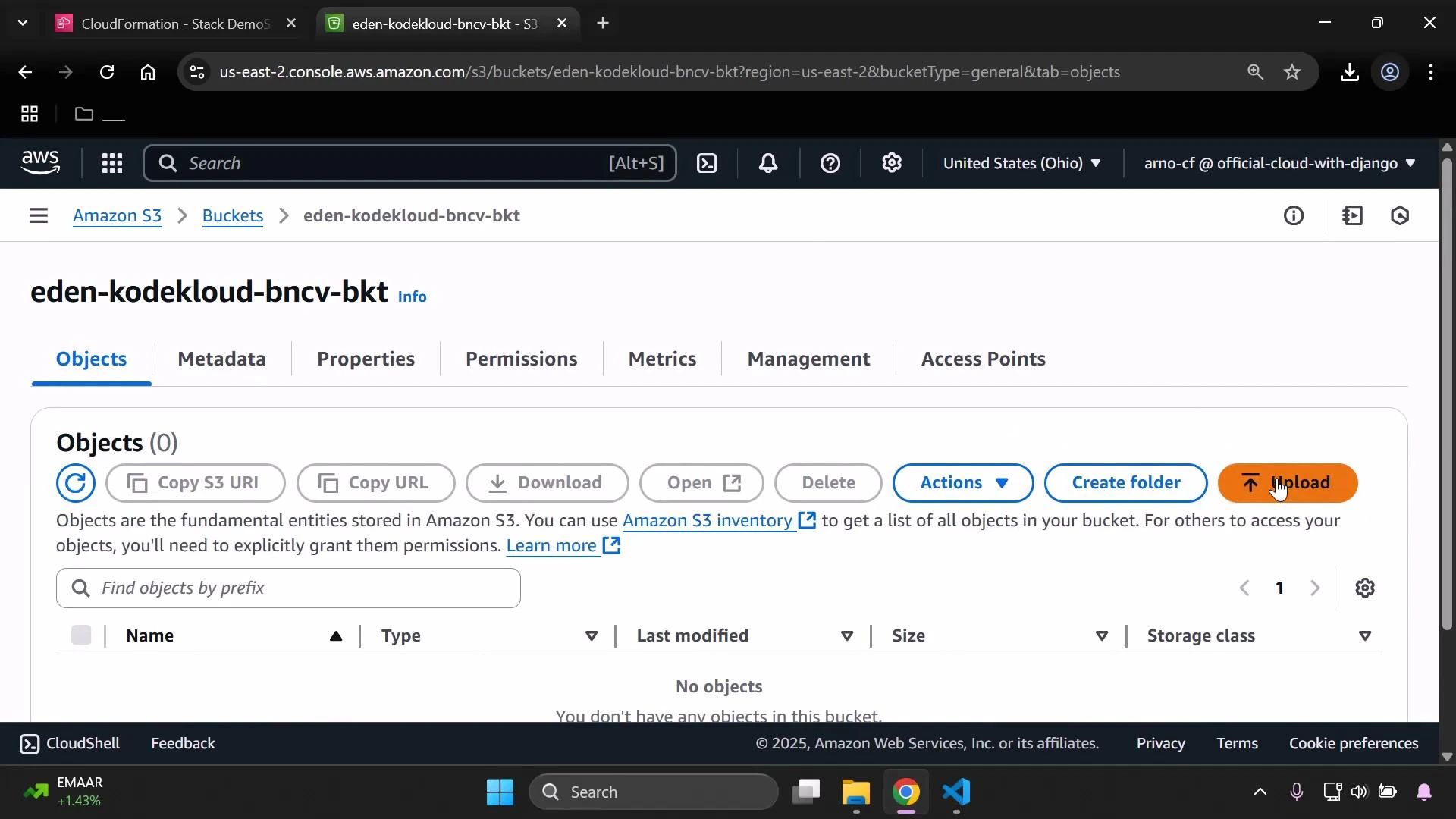
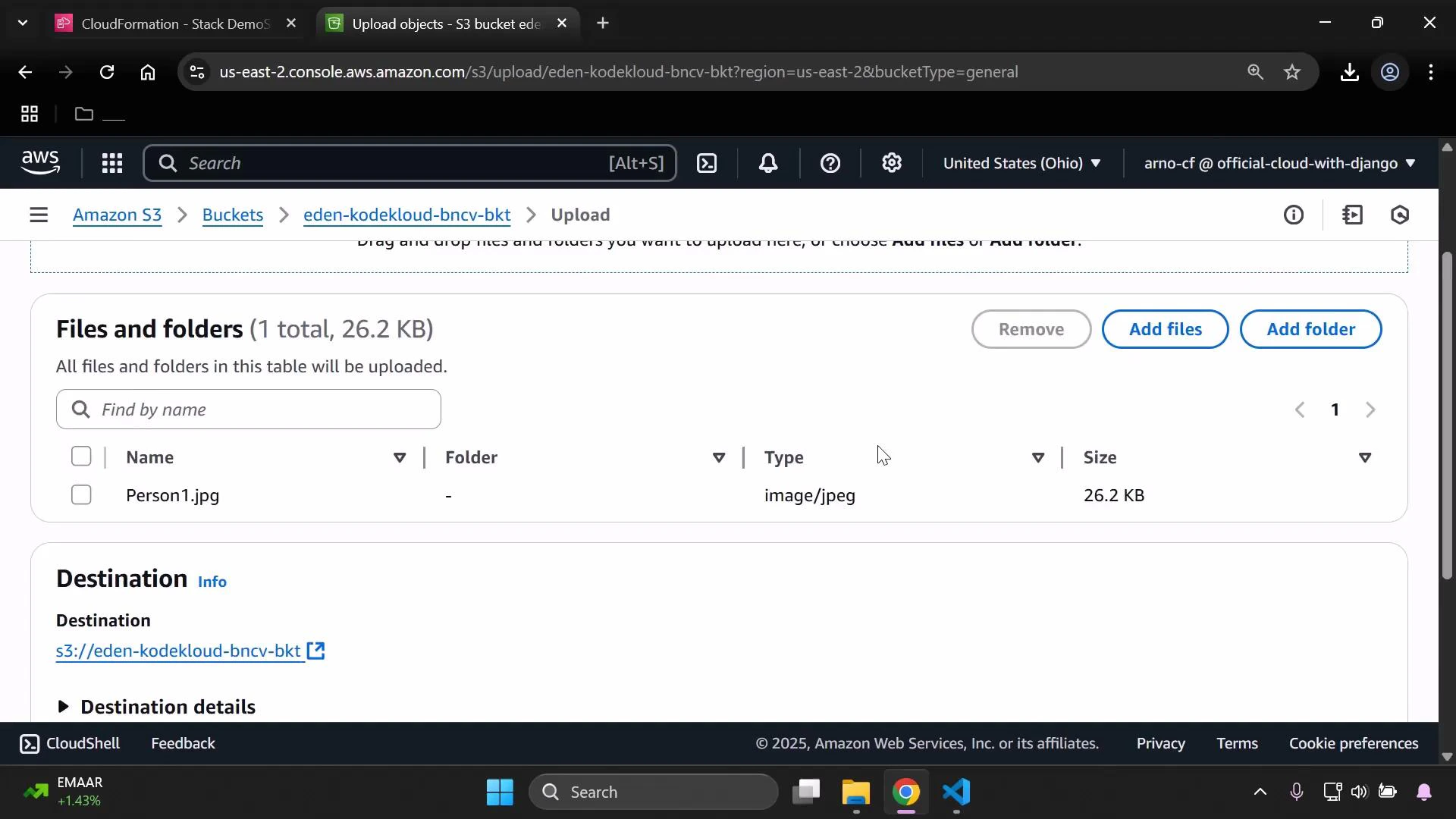
!Sub to reference the bucket name and allows s3:GetObject for all principals when IsProd is true:
Validation and deployment tips
- Always lint and validate your CloudFormation template before updating stacks. A quick lint step:
Validate templates and test different parameter combinations in a non-production account to ensure Conditions and !If branches behave as expected. Use the AWS CloudFormation documentation for intrinsic function details: https://docs.aws.amazon.com/AWSCloudFormation/latest/UserGuide/intrinsic-function-reference.html
- In the AWS Console to update the stack:
- Select the stack → Update stack
- Replace current template → Upload template file → Next
- Provide new parameter values (for example, set InputDeveloperName = Alice) → Update
Summary
This example demonstrates how to:- Use Mappings and Parameters to drive deployment-time decisions
- Define Conditions with
!FindInMapand!Equals - Use
!Ifto select resource property values - Use the
Conditionresource attribute to create resources only for specific environments