

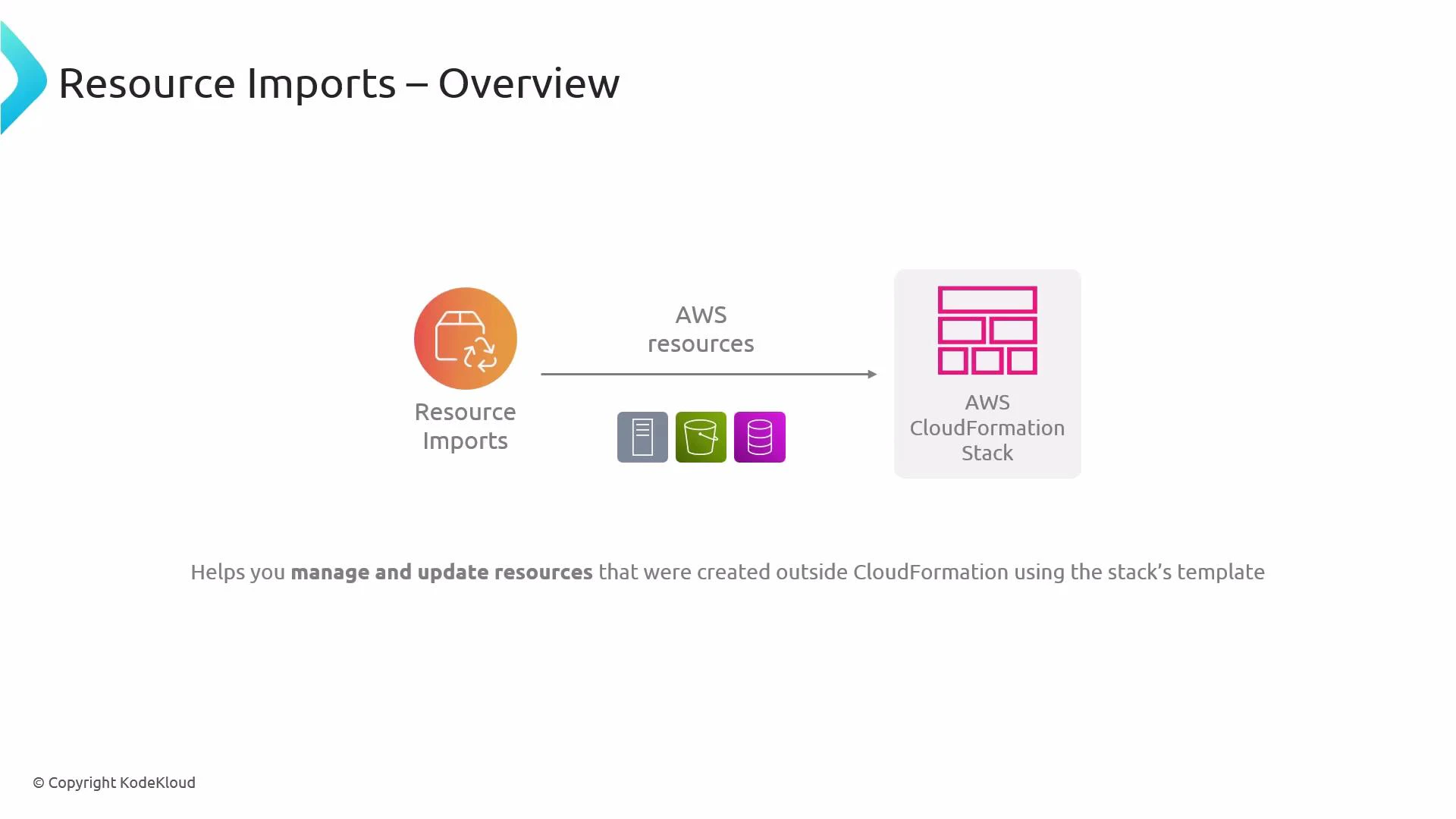
- Identify the resource(s) you want to adopt into CloudFormation (for example, an S3 bucket, RDS instance, or EC2 instance).
- Update your CloudFormation template to include a resource declaration with the correct AWS::ResourceType and any properties CloudFormation requires for import.
- Create a change set (or use the CloudFormation console import workflow) and map each template resource to the existing physical resource by providing its identifier (for example, an S3 bucket name or an RDS DBInstanceIdentifier).
- Execute the change set to complete the import. CloudFormation will adopt the resources into the stack without replacing them.
When preparing your template, ensure each resource’s logical ID and resource type match what you intend to manage, and include all properties CloudFormation requires to track the resource after import (for example, a bucket’s name or an RDS instance identifier).
Test imports in a non-production environment before importing production resources. Incorrect templates, missing required properties, or mismatched identifiers can cause import failures that require manual remediation.
- Validate templates before creating a change set. Use the CloudFormation template linter and the
aws cloudformation validate-templateAPI. - Confirm the required importable properties for your resource type in the CloudFormation documentation:
- AWS CloudFormation Importing Resources
- Resource-specific docs (e.g., AWS::S3::Bucket)
- Use change sets to preview the import and confirm that only the adoption occurs (no unintended replacements).
- If a resource is in use by other systems, schedule imports during a maintenance window to reduce risk.
- AWS CloudFormation import resources guide: https://docs.aws.amazon.com/AWSCloudFormation/latest/UserGuide/resource-import.html
- AWS CloudFormation User Guide: https://docs.aws.amazon.com/AWSCloudFormation/latest/UserGuide/Welcome.html