

What is linting?
- Linting scans code or templates for errors, bad practices, and formatting issues — think of it as a spell-checker for CloudFormation.
- It improves readability, enforces consistency, and reduces the chance of deployment-time failures.
What is validation?
- Validation checks that a template follows AWS rules: correct structure, required fields, and correct value types.
- CloudFormation performs server-side validation when you upload a template, but that only happens at deployment time.
- Use local validation and linting (cfn-lint) to find issues earlier — before uploading or deploying.
About cfn-lint
- cfn-lint is an AWS-supported linter for CloudFormation templates (YAML and JSON).
- It runs spec-driven checks against current AWS resource specifications and provides more extensive validation and best-practice rules than CloudFormation’s server-side checks.
- Project and docs: https://github.com/aws-cloudformation/cfn-lint
Key advantages
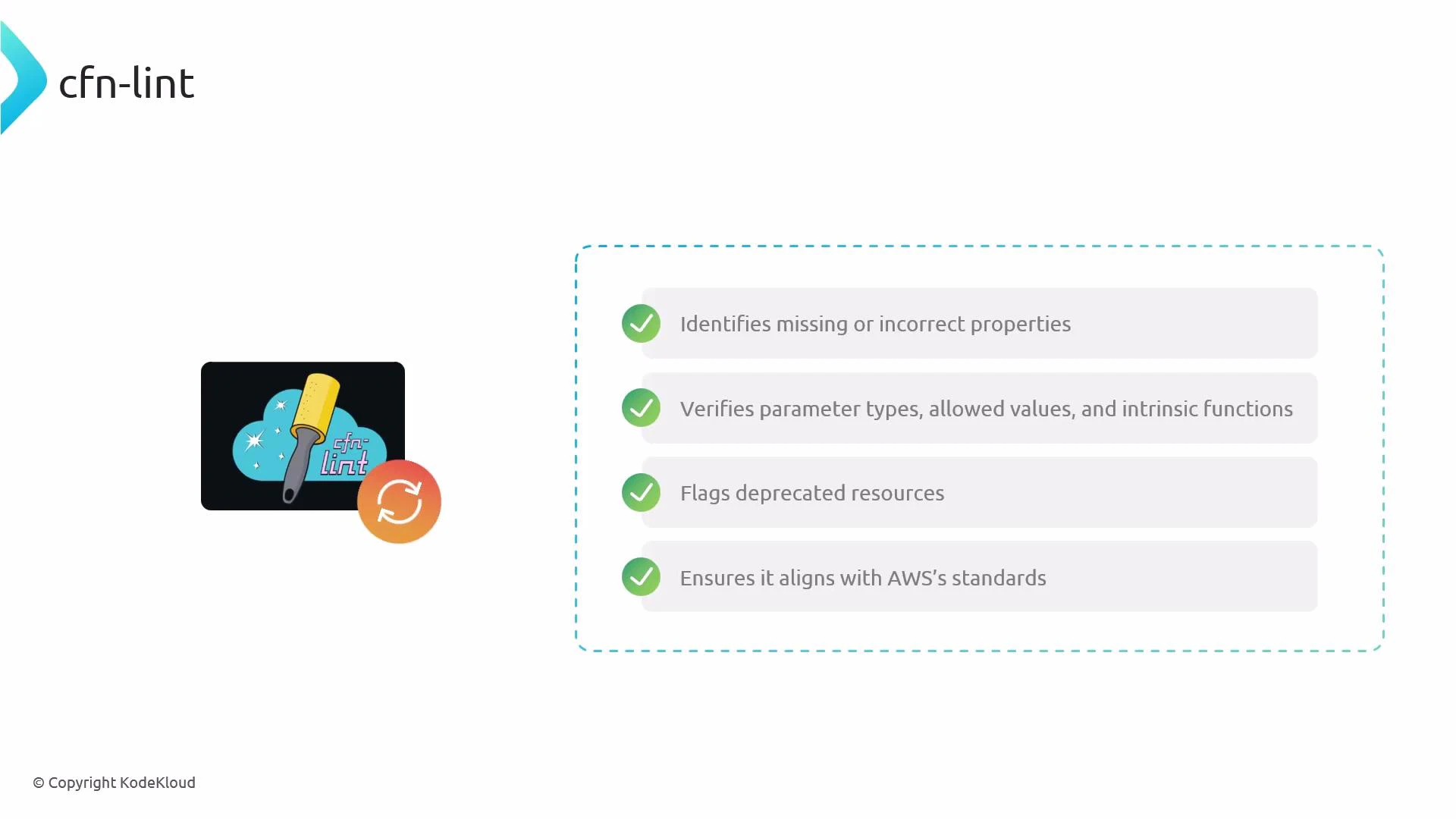
Install cfn-lint
Recommended installation via pip:Update AWS resource specifications
cfn-lint stores local copies of AWS resource specs. Update periodically to get the latest checks:Basic usage examples
Lint individual files, directories, or multiple inputs:
You can also customize rules via configuration files (.cfnlintrc) and ignore specific rule IDs when necessary.
What to expect from cfn-lint output
- Output typically includes: filename, line/column (when available), severity (ERROR/WARN), and a descriptive message.
- Example scenarios: misspelled property names, invalid property values, wrong parameter types, deprecated resource usage.
- cfn-lint reports an error pointing to the misspelled property and explains that the property is not valid for AWS::S3::Bucket. The error includes file and line information to help you correct the template quickly.
Integration tips (editors, pre-commit, CI)
- Visual Studio Code: install the “AWS CloudFormation Linter (cfn-lint)” extension for inline diagnostics while you edit templates.
- Pre-commit: add cfn-lint to pre-commit hooks so templates are validated before commits.
- CI/CD: run cfn-lint as an early pipeline stage to block invalid templates from progressing toward deployment.
- Local practice: run cfn-lint before attempting to deploy CloudFormation stacks to catch issues early.
Run cfn-lint regularly (locally, in editors, and in CI) to catch syntax, property, and best-practice issues before deploying templates to AWS.
Validation vs. linting — a quick comparison
- CloudFormation server-side validation: ensures templates are syntactically valid and meet service constraints at deployment time.
- cfn-lint: augments that validation with local, spec-driven checks and best-practice rules so you can detect and fix issues before deployment.
Next steps
- Install the VS Code extension and test cfn-lint on real templates.
- Add cfn-lint to your pre-commit configuration and CI pipelines.
- Explore customizing rules and creating project-specific ignore lists or rules configurations.
Links and references
- cfn-lint (GitHub): https://github.com/aws-cloudformation/cfn-lint
- CloudFormation concepts: https://docs.aws.amazon.com/AWSCloudFormation/latest/UserGuide/Welcome.html
- VS Code extension: search for “AWS CloudFormation Linter” in the Visual Studio Marketplace
- Pre-commit framework: https://pre-commit.com/