Hi everyone — welcome to this lesson on using AWS CodePipeline (CI/CD Pipeline) together with AWS CloudFormation to implement continuous delivery for infrastructure. Below we explain what CodePipeline does, how it integrates with CloudFormation, and best practices for automating safe, auditable stack deployments. AWS CodePipeline (CI/CD Pipeline) is a managed CI/CD service that models your release process as a sequence of stages (source → build/test → deploy). By automating each stage, CodePipeline helps you deliver infrastructure and application changes more quickly and reliably. CodePipeline integrates with many tools and services: GitHub or CodeCommit for source, AWS CodeBuild for build/validation, and AWS CloudFormation (or CodeDeploy, Lambda, etc.) for deployment. This lets you build a pipeline that validates CloudFormation templates, runs tests, and then creates or updates stacks automatically.
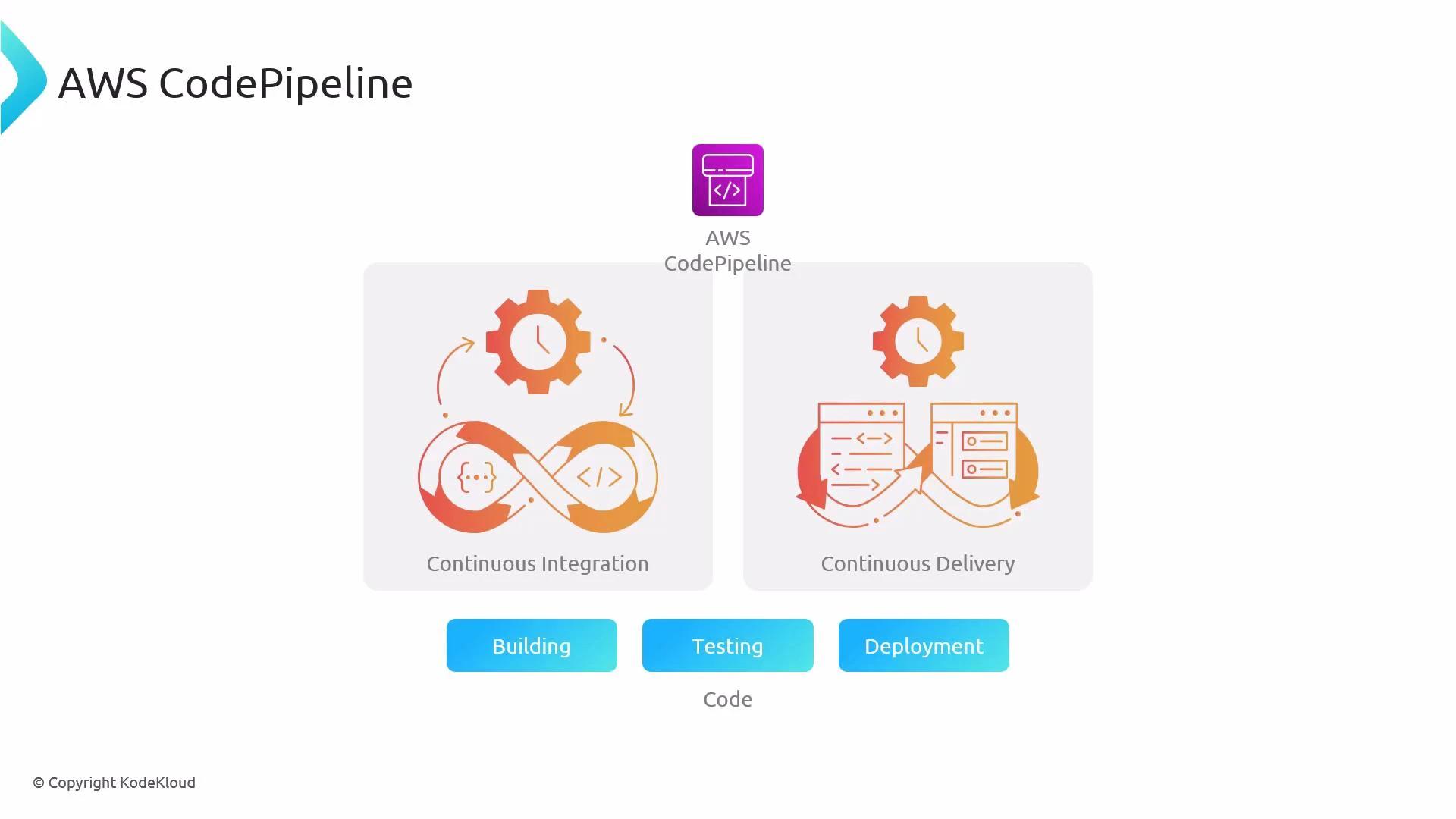
A diagram for AWS CodePipeline illustrating Continuous Integration and Continuous Delivery with linked gear and infinity-loop icons. Below it are buttons labeled Building, Testing, and Deployment to show pipeline stages.
What you automate with CodePipeline + CloudFormation
  • Source control of templates and application code.
  • Template validation and automated testing prior to deployment.
  • Creation or update of CloudFormation stacks, optionally using change sets for controlled deployments.
  • Auditable, repeatable deployments with manual approvals where needed.
Typical manual lifecycle, and how CodePipeline automates it:
  1. Write or change a CloudFormation template.
  2. Push changes to your source repository.
  3. The pipeline pulls the change, validates/test the template, then triggers CloudFormation to create/update the stack.
  4. Application runs inside the provisioned resources; pipeline records artifacts and results.
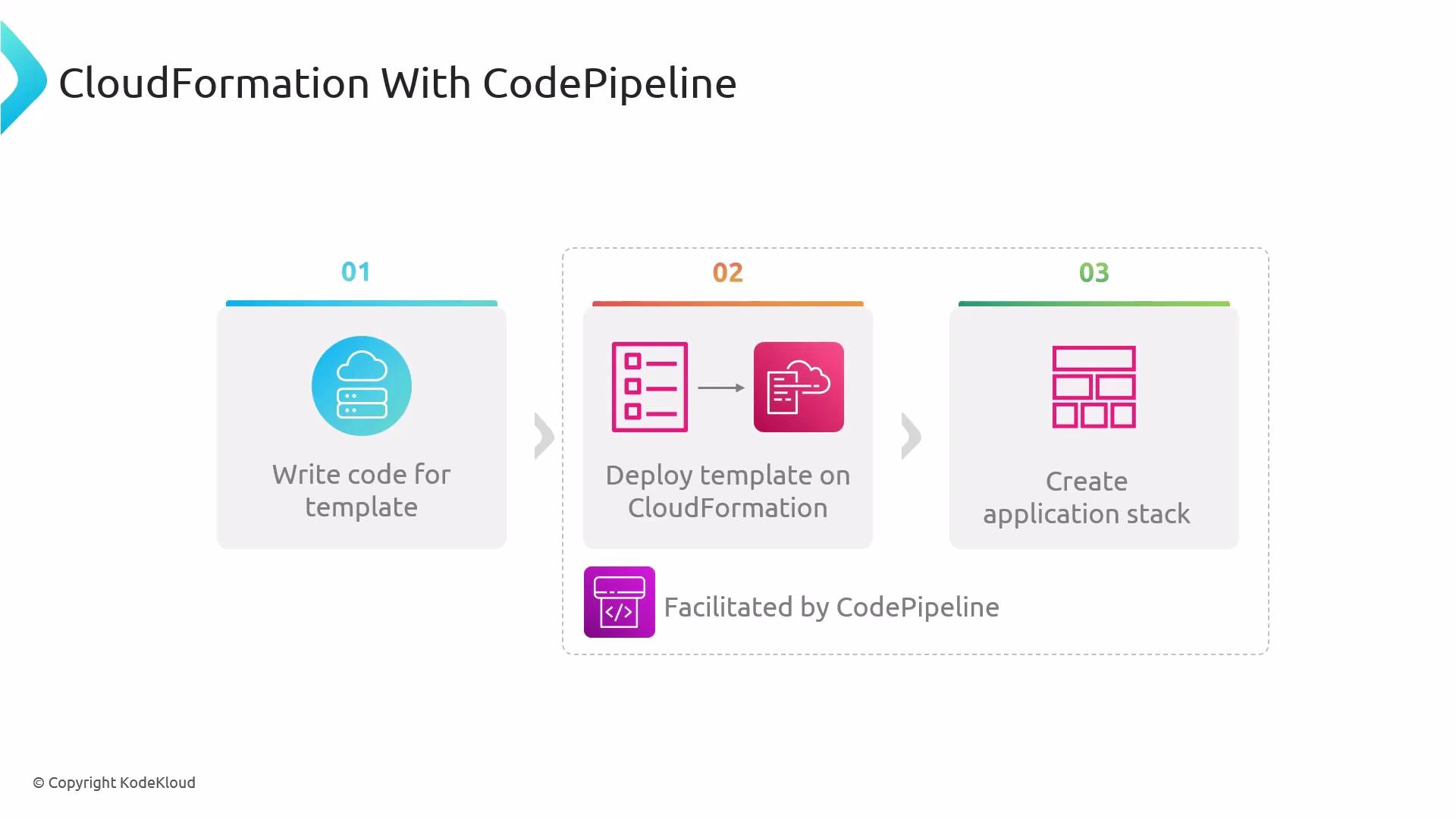
A three-step diagram titled "CloudFormation With CodePipeline" showing: 1) write code for a CloudFormation template, 2) deploy the template on CloudFormation (facilitated by CodePipeline), and 3) create the application stack.
Pipeline stages for CloudFormation deployments
StagePurposeTypical Tools / Actions
SourceRetrieve templates and application codeGitHub, CodeCommit, S3
Build / ValidateLint templates, unit tests, produce artifactsCodeBuild (cfn-lint, unit tests), CloudFormation validate-template
Change-set / ApprovalsPrepare safe changes and pause for reviewsCloudFormation CreateChangeSet, Manual approval actions
DeployExecute change sets or create/update stacksCloudFormation Action, CodeBuild/Lambda calling CloudFormation API
Post-deployIntegration tests, monitoring, rollback-checksCodeBuild tests, CloudWatch alarms, automated rollback logic
Build/validate examples
  • Validate templates and run cfn-lint (in CodeBuild or locally):
# Validate CloudFormation template
aws cloudformation validate-template --template-body file://template.yaml

# Run cfn-lint
cfn-lint template.yaml
Deploy examples (using change sets)
  • Create a change set:
aws cloudformation create-change-set \
  --stack-name my-stack \
  --change-set-name pipeline-change-set \
  --template-body file://template.yaml \
  --parameters ParameterKey=Env,ParameterValue=prod
  • Execute the change set after review:
aws cloudformation execute-change-set \
  --change-set-name pipeline-change-set \
  --stack-name my-stack
CodePipeline supports native AWS CloudFormation actions such as “Create/Update Stack” and “Create Change Set”. For advanced validation or parameter generation you can add CodeBuild or Lambda steps that call the CloudFormation API before applying changes.
Key benefits of combining CodePipeline with CloudFormation
  • Automated, auditable deployments of infrastructure changes with versioned artifacts.
  • Validation and test stages to catch errors before infrastructure is modified.
  • Safe deployment patterns using change sets and manual approvals to reduce risk.
  • Integration with IAM and CloudWatch for secure, monitored operations and safe rollbacks.
Best practices and recommended patterns
  • Use change sets in pipelines to preview and review resource changes before execution.
  • Keep templates modular (nested stacks or modules) and store artifacts in S3 with unique versions.
  • Run cfn-lint and unit tests in a build stage (CodeBuild) to catch syntactic and semantic issues early.
  • Add a manual approval stage for production deployments and use separate pipelines/environments for dev/staging/prod.
  • Restrict pipeline service roles with least privilege to limit the blast radius of a compromised pipeline.
Ensure pipeline roles and CloudFormation execution roles have least-privilege IAM policies. Incorrect permissions can cause failed deployments or unintended privilege escalation. Also plan artifact retention and S3 bucket encryption to meet compliance requirements.
References and further reading This lesson covered how to model a CodePipeline that validates and deploys CloudFormation templates, along with practical tips: use change sets, store artifacts safely, add validation stages, and restrict IAM permissions to maintain secure, auditable continuous delivery.

Watch Video