Welcome to the AWS CloudFormation course by KodeKloud. I’m Arno Pretorius, and I’ll guide you through Infrastructure as Code (IaC) using AWS CloudFormation. This course is designed for cloud engineers, DevOps practitioners, and anyone expanding their AWS skill set. You’ll gain hands-on experience defining, deploying, and maintaining cloud infrastructure using CloudFormation templates. Understanding CloudFormation is essential for automating scalable, secure, and repeatable deployments. Organizations such as Netflix and Samsung rely on CloudFormation to manage large-scale, complex infrastructure reliably. In this lesson you’ll learn what CloudFormation is, how it works, and how to start using its documentation, features, and best practices.
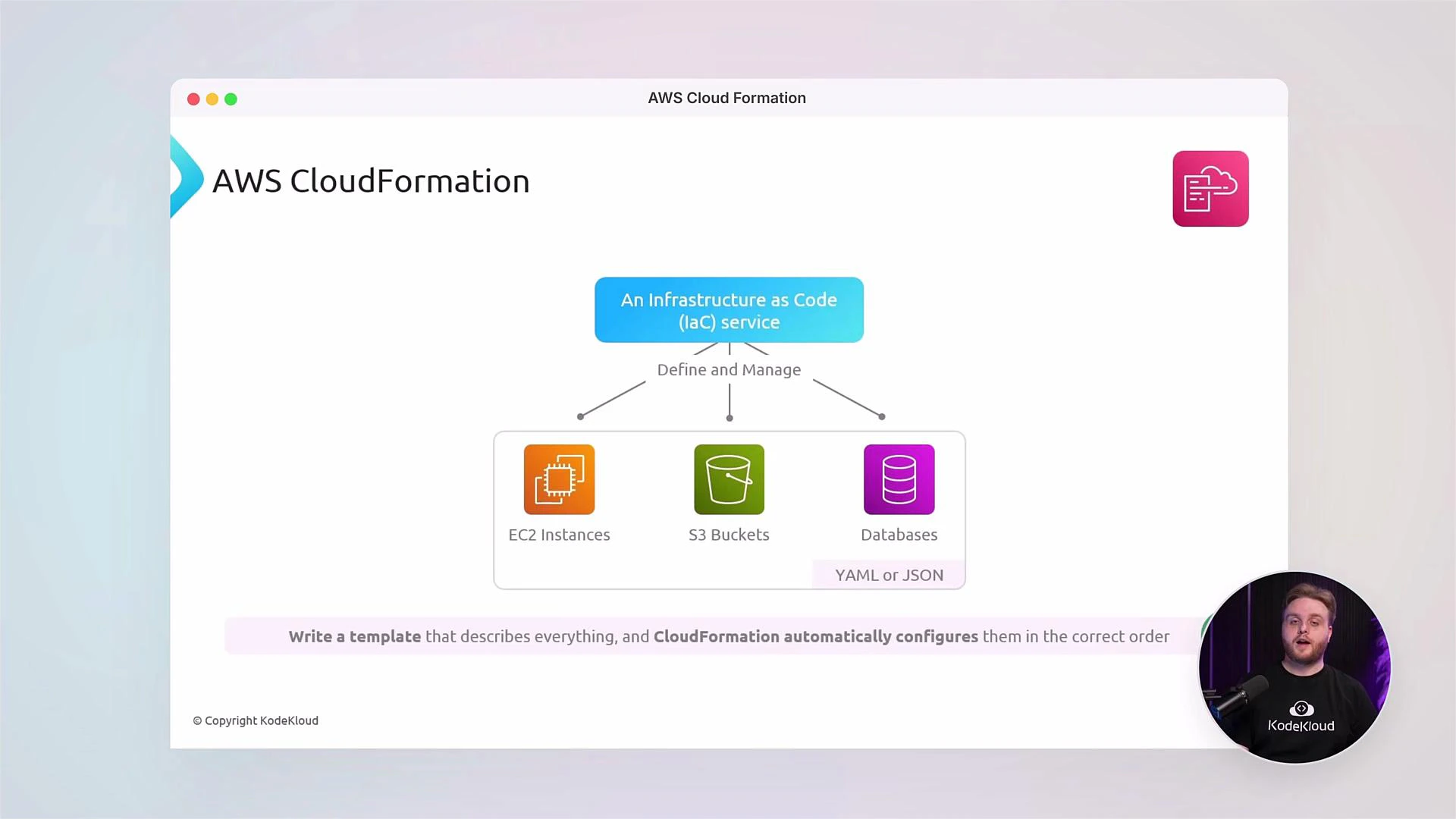
A presentation slide titled "AWS CloudFormation" showing a diagram that describes CloudFormation as an Infrastructure-as-Code service that defines and manages EC2 instances, S3 buckets, and databases (YAML/JSON). A small circular video of a presenter appears in the bottom-right.
CloudFormation templates can be authored in JSON or YAML. Throughout this course we’ll use YAML for readability, conciseness, and easier maintenance of complex templates.
What you will learn in this course:
  • Core CloudFormation concepts: templates, stacks, change sets, and StackSets.
  • How to author resources, metadata, parameters, mappings, conditions, and outputs in YAML templates.
  • Policies and drift detection to manage stack lifecycle and configuration integrity.
  • Best practices for modular templates (nested stacks), cross-stack references, and multi-account deployments.
Why CloudFormation?
  • Declarative IaC: Describe the desired state, and CloudFormation provisions resources.
  • Repeatability: Recreate environments consistently across regions and accounts.
  • Integration: Works with IAM, AWS Organizations, CI/CD pipelines, and other AWS services.
  • Auditable change control: Use change sets and drift detection to track modifications.
Getting started: a minimal resource Below is a simple CloudFormation resource that creates an S3 bucket. Use this as a base to learn template structure and resource declaration.
Resources:
  MyS3Bucket:
    Type: AWS::S3::Bucket
    Properties:
      BucketName: my-kodekloud-demo-bucket
Practical tips:
  • Keep templates modular and use logical names for resources.
  • Validate templates with tools like cfn-lint and the CloudFormation validate-template API.
  • Use Change Sets before applying updates to production stacks.
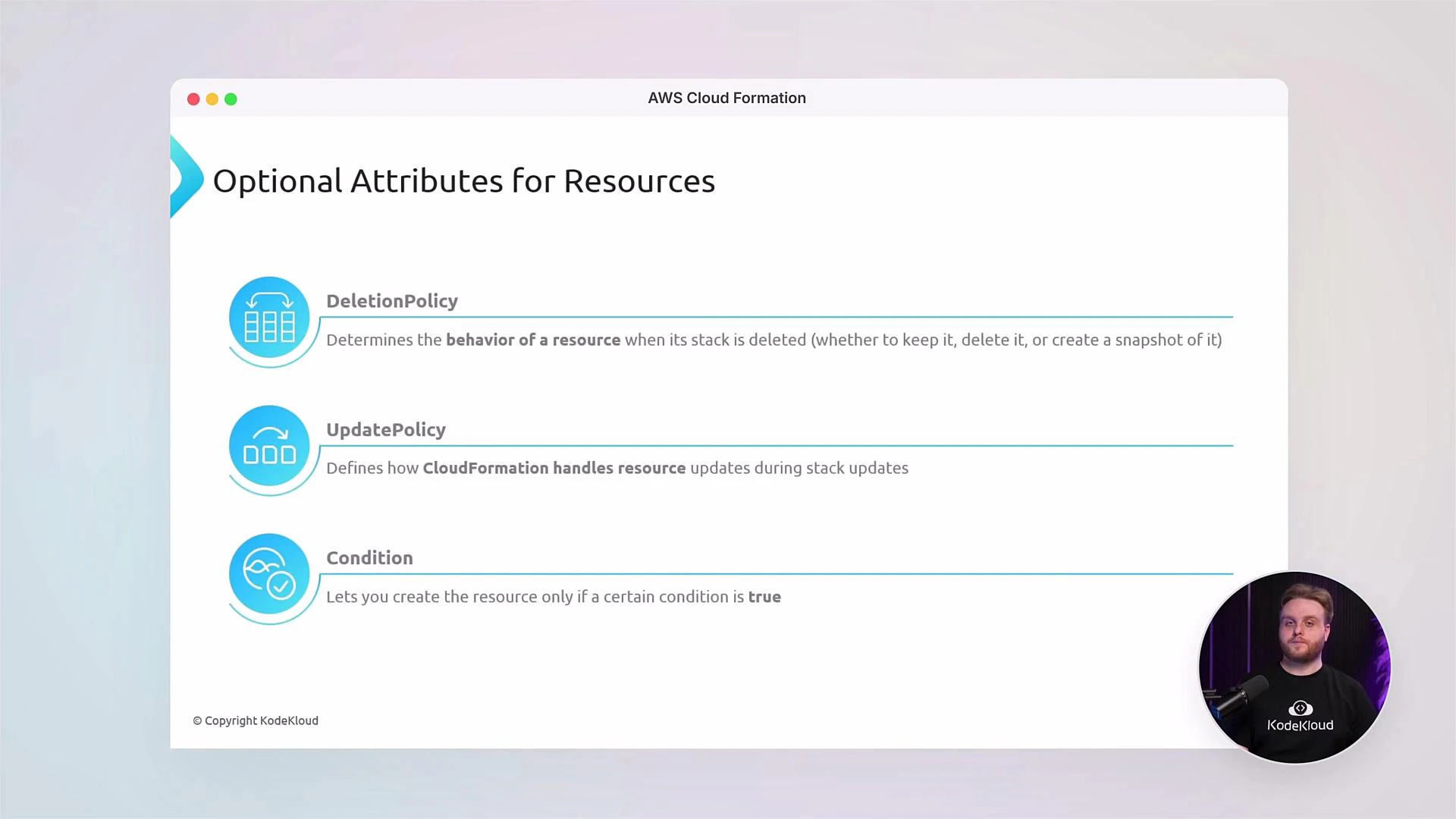
A presentation slide titled "Optional Attributes for Resources" for AWS CloudFormation listing DeletionPolicy, UpdatePolicy, and Condition with short explanations. A small circular video overlay in the bottom-right shows a presenter.
Enhancing templates with Metadata, Tags, and Intrinsic Functions Use Metadata and Tags to make templates informative and to add operational context. Intrinsic functions such as !Ref and !Sub enable dynamic references and string interpolation. Example S3 bucket with Metadata and Tags:
Resources:
  MyS3Bucket:
    Type: AWS::S3::Bucket
    Properties:
      BucketName: eden-kodekloud-xcvt-bkt
      Tags:
        - Key: Environment
          Value: Production
        - Key: Owner
          Value: JohnDoe
    Metadata:
      Purpose: "Creating an S3 bucket"
      Reviewed: "02-07-2025"
      Owner: "John Doe"
      Contact: "johndoe@mail.com"
S3 bucket names must be globally unique across all AWS accounts and regions. Avoid hardcoding names in production templates unless you control the naming scheme. Consider using parameters or generated names instead.
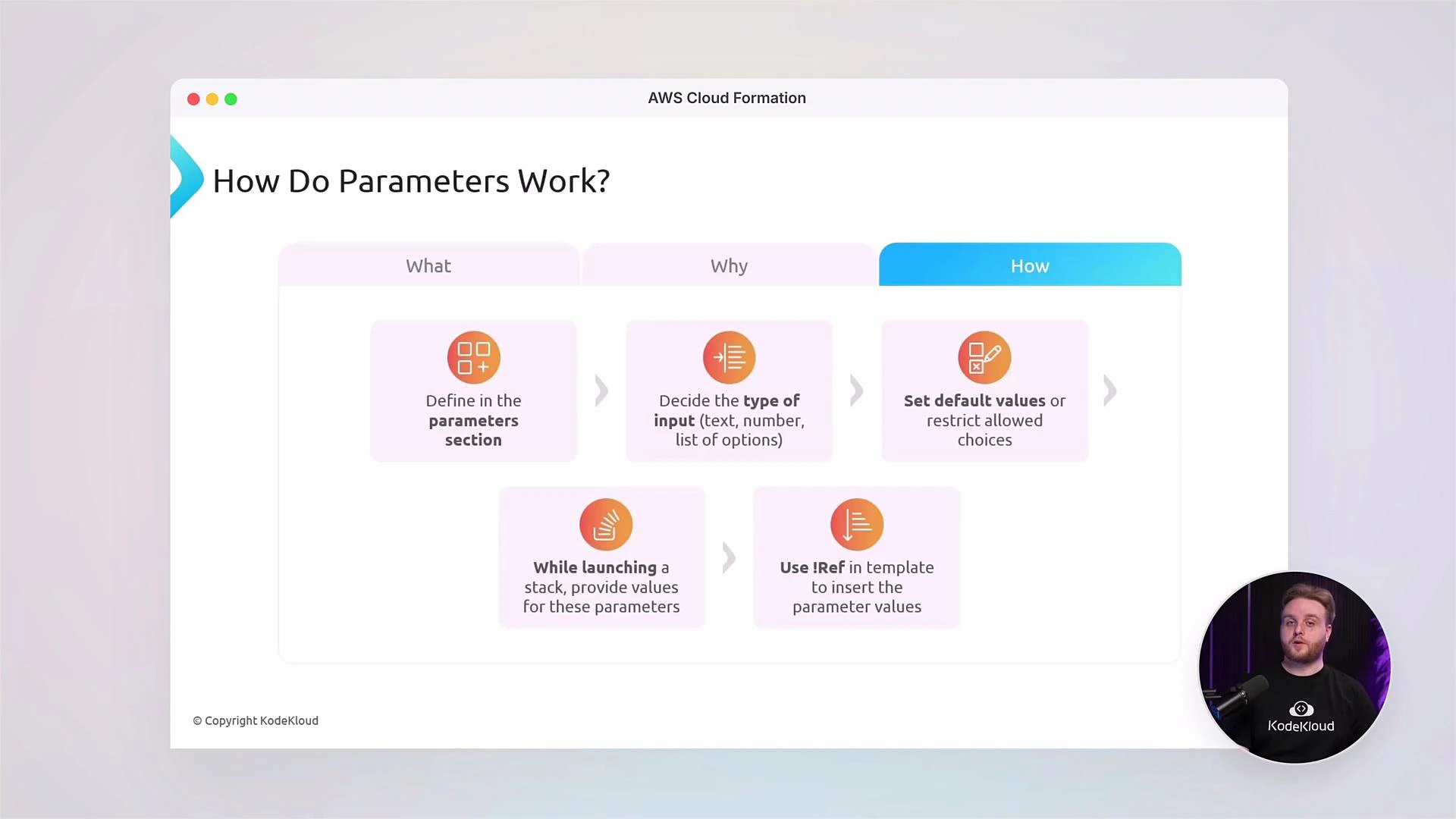
Parameters: reusable and flexible templates Parameters allow templates to accept inputs at stack creation time, making templates reusable across environments (dev, staging, prod). Parameters support types, defaults, allowed values, and validation rules.
A presentation slide titled "How Do Parameters Work?" showing a flowchart of AWS CloudFormation parameter steps (define parameters, choose input type, set defaults, supply values at launch, and use !Ref). A circular video inset of the presenter appears in the bottom-right.
Example: parameterized bucket name:
Parameters:
  InputBucketName:
    Type: String
    Description: Enter the name of your S3 bucket
    Default: kodekloud-bkt

Resources:
  MyFirstS3Bucket:
    Type: AWS::S3::Bucket
    Properties:
      BucketName: !Ref InputBucketName
      Tags:
        - Key: Environment
          Value: Lab
        - Key: Owner
          Value: KodeKloud
    Metadata:
      Purpose: Demo S3 bucket for training
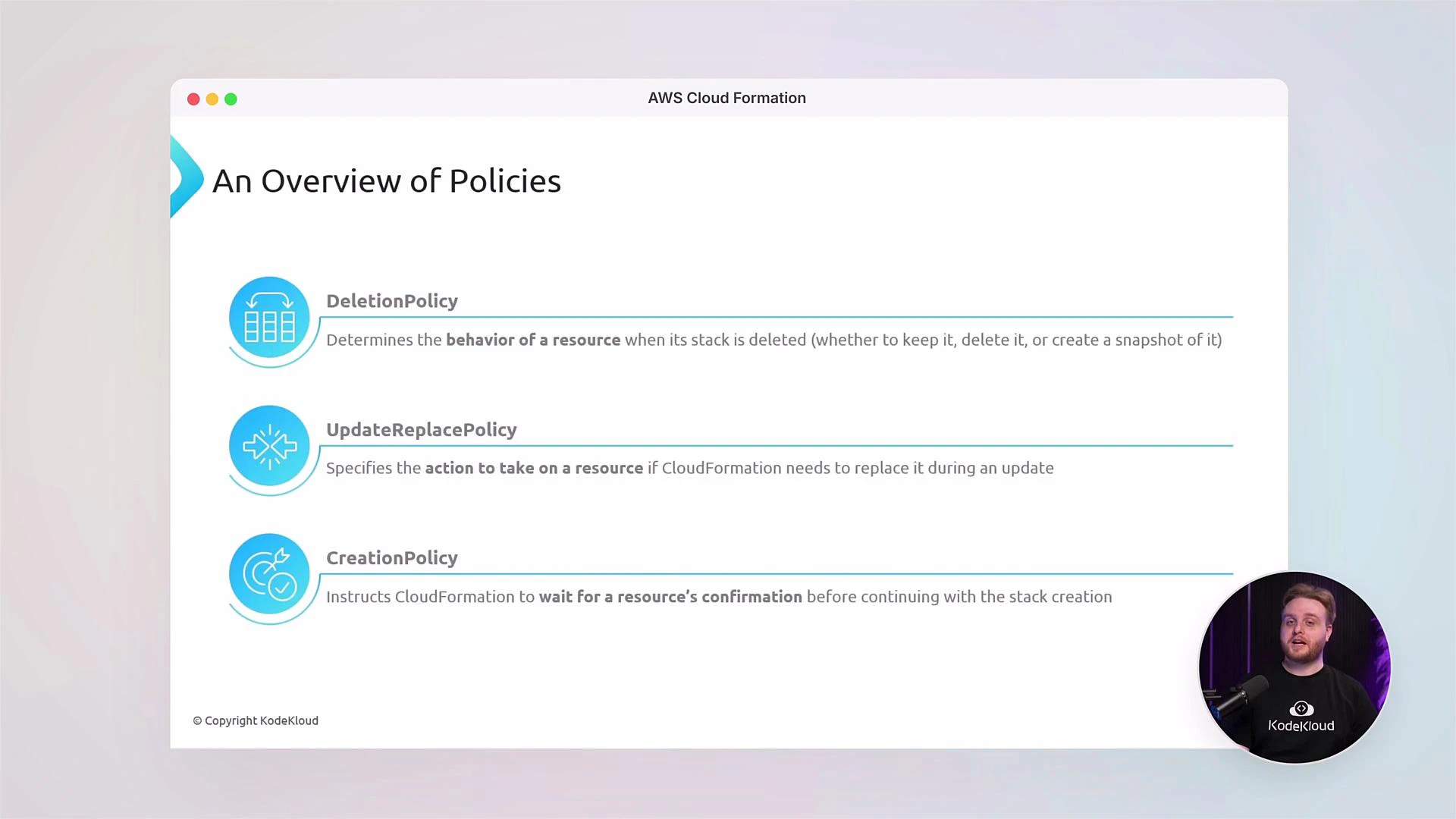
Conditions and lifecycle policies Conditions let you control when resources are created. Policies manage resource lifecycle and update behaviors. These attributes help you craft safe update strategies and protect critical resources during stack changes.
A presentation slide titled "An Overview of Policies" listing AWS CloudFormation policies — DeletionPolicy, UpdateReplacePolicy, and CreationPolicy — with brief descriptions of each. A presenter thumbnail (KodeKloud) appears in the lower-right corner.
Table: Common CloudFormation policy attributes
Policy AttributePurposeExample use case
DeletionPolicyRetain or snapshot resource on stack deletionKeep S3 buckets or DB snapshots when stacks are deleted
UpdateReplacePolicyControl replacement behavior during updatesPrevent accidental data loss on resource replacement
CreationPolicyDelay stack completion until resource signals successWait for EC2 instances to finish bootstrapping
Outputs, Exports, and cross-stack communication Use Outputs to publish values from a stack (ARNs, endpoints, resource names). Outputs can be exported and imported by other stacks, enabling modular, composable infrastructure. Access control and Drift Detection
  • IAM integration: Attach fine-grained IAM policies to CloudFormation execution role for secure deployments.
  • Custom IAM policies: Define least-privilege roles to limit stack actions.
  • Drift Detection: Use drift detection to identify resources that diverged from the template and remediate drift through updates and change sets.
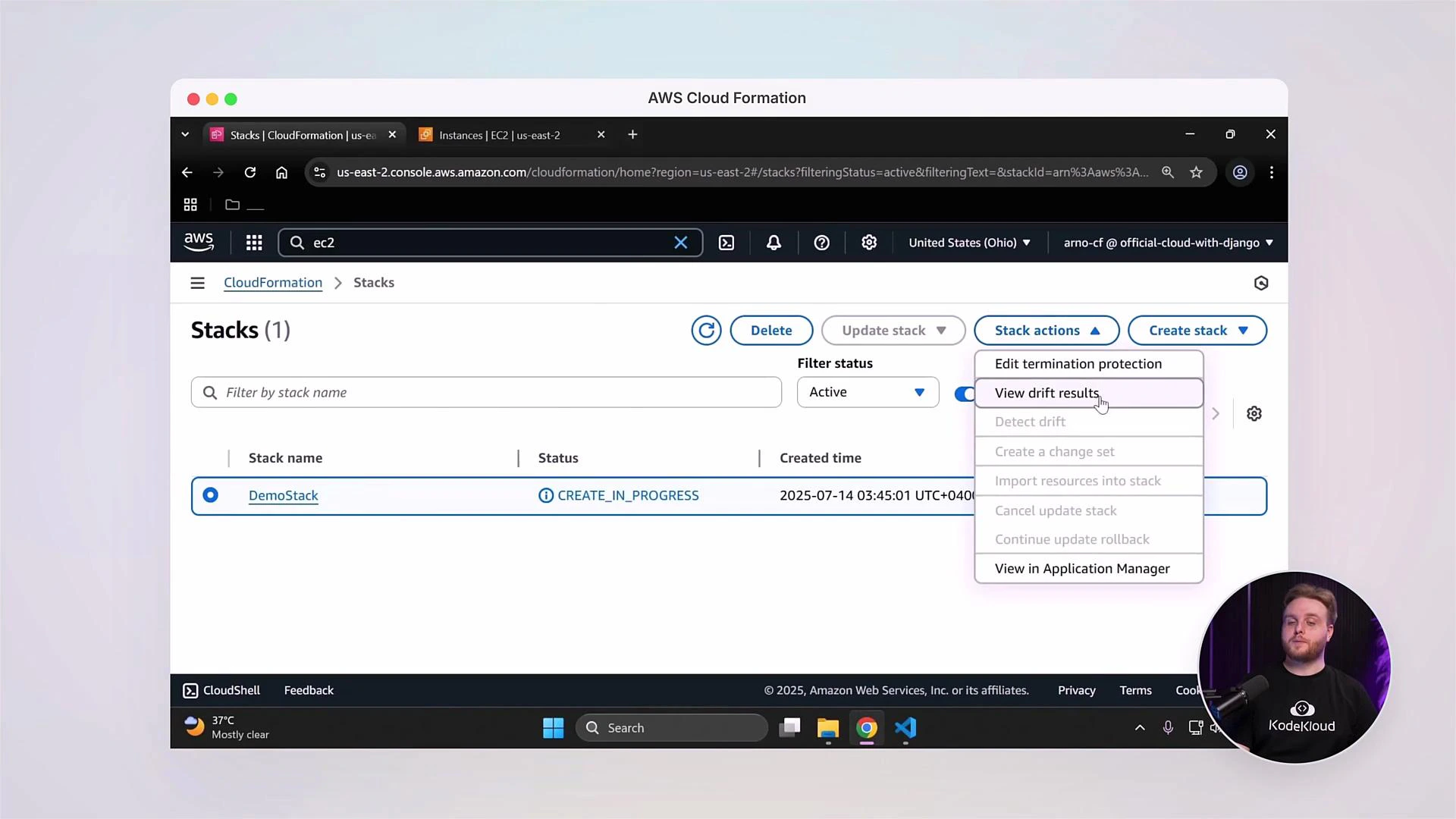
A screenshot of the AWS CloudFormation console showing a stack named "DemoStack" with status CREATE_IN_PROGRESS and the "Stack actions" menu open. A small circular video overlay of a presenter appears in the bottom-right.
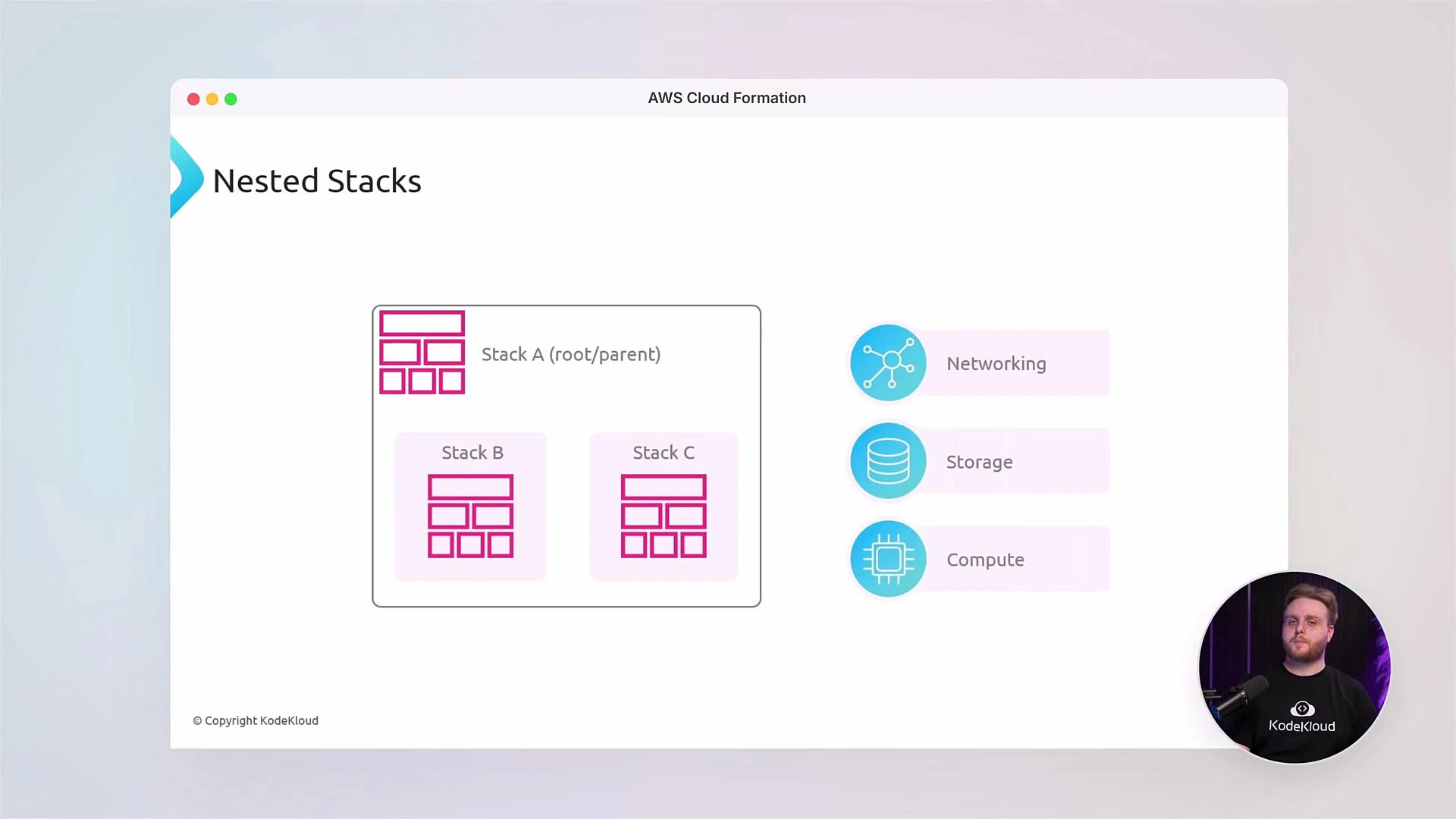
Nested stacks and modular templates Nested stacks let you break large templates into smaller, maintainable components. Compose a root template that references smaller templates for networking, storage, or compute modules.
A slide titled "Nested Stacks" showing a diagram of a root Stack A containing Stack B and Stack C, with icons labeled Networking, Storage, and Compute on the right. A small circular webcam inset in the lower-right shows a person.
StackSets: multi-account and multi-region deployments StackSets provide a way to deploy and manage identical stacks across multiple AWS accounts and regions. This is essential for enterprise-scale infrastructure and standardized environment deployment. Tools, validation, and CI/CD integration
  • Template validation: Use aws cloudformation validate-template and cfn-lint for syntax and best-practice checks.
  • Automation: Integrate CloudFormation with CI/CD pipelines (AWS CodePipeline, GitHub Actions, Jenkins).
  • Local testing: Combine SAM for serverless resources and LocalStack for local testing when appropriate.
Recommended tools and links Hands-on labs and community This course includes labs, demos, and real-world scenarios so you can apply concepts and build job-ready skills. Engage with the KodeKloud community to ask questions, share solutions, and collaborate with other learners. Let’s begin the journey and unlock the full potential of AWS CloudFormation.

Watch Video